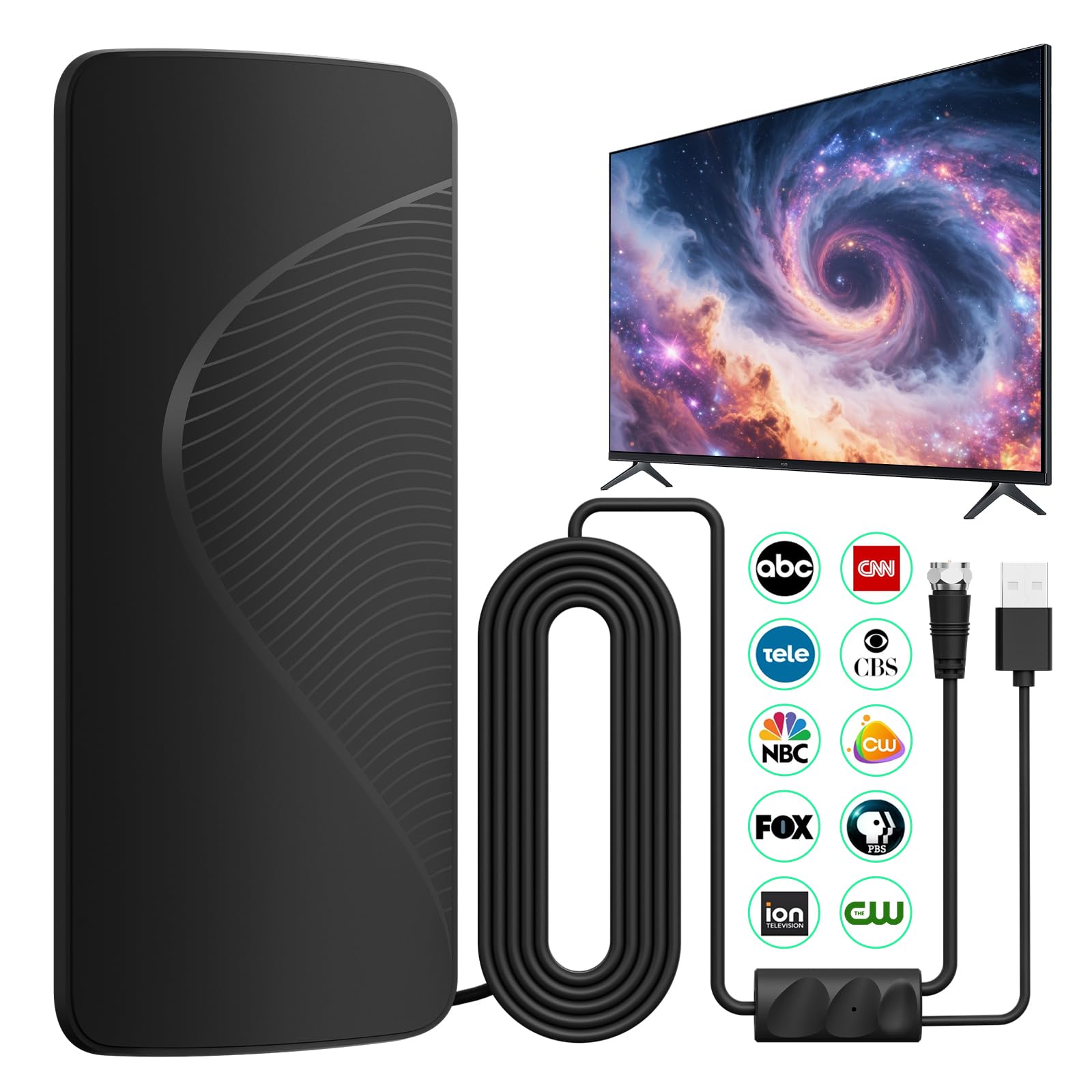
Accessing local television programming in the Denver metropolitan area through an over-the-air (OTA) antenna provides a reliable, high-definition viewing experience without the recurring monthly costs of cable or satellite subscriptions. By capturing broadcast signals from towers located primarily on Lookout Mountain and surrounding broadcast centers, residents can receive a diverse array of channels, including major networks like NBC, ABC, CBS, Fox, and PBS, along with specialized subchannels.
Understanding the Denver Broadcast Landscape
The Denver market, officially known by the Federal Communications Commission (FCC) as the Denver Designated Market Area (DMA), benefits from a unique geographical broadcast layout. Most of the primary television transmitters are situated on Lookout Mountain, west of the city. Because these towers are clustered in a relatively centralized location, residents of Denver and its immediate suburbs often have a significant advantage when aiming their antennas.
However, the mountainous terrain of Colorado creates "shadows" where signals may be blocked. Whether you live in an apartment in Capitol Hill, a home in Aurora, or a property in the foothills of the Front Range, your signal reception depends heavily on your physical orientation toward Lookout Mountain. Unlike cable, which delivers a uniform stream regardless of geography, OTA television is subject to the physics of line-of-sight signal propagation.
Prerequisites for Successful OTA Reception
Before consulting a TV guide, you must ensure your hardware is capable of capturing the signals. Over-the-air reception relies on three fundamental components: the antenna, the tuner, and the cabling.
1. Choosing the Right Antenna
Antennas are generally categorized as indoor, attic, or outdoor units. In the Denver metro area, distance is rarely the primary challenge; rather, signal interference and building materials are.
- Indoor Antennas: Suitable for those within 15–20 miles of Lookout Mountain with a clear view through a window. These are typically flat, amplified panels.
- Outdoor/Attic Antennas: Recommended for those in suburbs further from the city center or those living in buildings with high-density materials like stucco, brick, or low-E glass, which can degrade digital signals.
2. The Integrated Tuner
Modern television sets manufactured after 2009 contain an Advanced Television Systems Committee (ATSC) tuner, which is the standard for digital OTA broadcasts. If you are using an older monitor or projector, you will need a separate digital converter box to bridge the signal to your display.
3. Positioning and Alignment
Because most Denver channels originate from the same transmitter site, you do not need a rotator for your antenna. A static "fixed" position pointing toward Lookout Mountain (roughly west/northwest of the Denver city center) is usually sufficient to capture the entire spectrum of channels available in the market.
How to Access a Current TV Guide for Denver
Once your hardware is installed, you need a reliable way to view the programming schedule. Because broadcast television schedules change frequently, physical newspapers are rarely the best source.
Digital Program Guides (EPG)
Most modern televisions include an Electronic Program Guide (EPG). When you perform a "channel scan" through your TV’s setup menu, the antenna pulls in the Program and System Information Protocol (PSIP) data along with the video signal. This allows you to press an "Info" or "Guide" button on your remote to see a live list of current and upcoming programs.
Web-Based TV Schedules
If you prefer a more robust view of the week’s programming, several online services aggregate listings specifically for the Denver area. Reputable options include:
- Titantv.com: A long-standing service that allows you to enter your zip code and receive a customized schedule based on the channels you are actually able to receive.
- Zap2it.com: Provides a comprehensive grid view that is easy to navigate on mobile devices or computers.
- Official Network Sites: Sites for major local affiliates, such as 9News (KUSA), CBS Colorado (KCNC), and Fox 31 (KDVR), provide detailed schedules for their specific subchannels.
Comparing Denver Broadcast Options
The following table summarizes common network channels typically available in the Denver market via OTA antenna. Note that signal strength may vary by exact location.
| Network | Call Sign | Typical Subchannels | Note |
|---|---|---|---|
| NBC | KUSA | 9.1, 9.2 (MyNetworkTV), 9.3 (Circle) | Primary Denver affiliate |
| CBS | KCNC | 4.1, 4.2 (Start TV), 4.3 (Dabl) | High signal strength |
| ABC | KMGH | 7.1, 7.2 (Laff), 7.3 (Grit) | Primary Denver affiliate |
| FOX | KDVR | 31.1, 31.2 (Antenna TV) | Strong regional presence |
| PBS | KRMA | 6.1 (Main), 6.2 (World), 6.3 (Create) | Public broadcasting |
| CW | KWGN | 2.1 | Often paired with KDVR infrastructure |
Troubleshooting Common Reception Issues
Even with a high-quality antenna, you may encounter issues such as "pixelation" or "channel not found." Follow these steps to resolve them:
- Perform a Rescan: If you add a new channel or notice a channel is missing, you must run a "Channel Scan" or "Auto-Tune" from your TV's settings menu. This tells the internal tuner to search the current frequencies for available broadcasts.
- Avoid Signal Splitters: If you are feeding your antenna signal into multiple TVs, do not use passive splitters. These degrade the signal strength significantly. Use an amplified distribution block instead.
- Minimize Cable Length: Coaxial cable loses signal over distance. Keep the run from your antenna to your TV as short as possible. Use RG6 cable, which is shielded better than the thinner RG59 variety.
- Check for Local Interference: LED light bulbs, smart home devices, and poorly shielded electronics can cause electromagnetic interference. Ensure your antenna cable is not bundled tightly with power cords.
Frequently Asked Questions
Why do I lose my signal during bad weather in Denver?
Digital signals are affected by "rain fade" and severe atmospheric conditions. While OTA digital signals are more resilient than older analog signals, heavy snowstorms—common in the Denver area—can cause signal dispersion. Ensure your antenna is mounted securely to prevent movement during high winds.
Do I need an internet connection to use an antenna?
No. An antenna receives radio frequency (RF) broadcasts directly from the airwaves. You do not need an internet subscription to watch broadcast TV, although many modern "smart" TVs will try to integrate internet-based streaming services into the same guide interface.
Are there any monthly fees for OTA TV?
No. Over-the-air television is a public service provided by local broadcasters. There is no subscription, no recurring fee, and no contract required to access these channels.
Why is my channel guide empty?
If your TV's guide is blank, it is likely because the TV has not yet cached the PSIP data from the broadcast stations. Try leaving the TV on a specific channel for 5–10 minutes; it will often populate the guide data automatically as it receives the stream.
Can I get 4K channels via antenna?
Currently, most local stations broadcast in 1080i or 720p. While the ATSC 3.0 (NextGen TV) standard is being rolled out in the Denver market, which allows for higher resolution and improved mobile reception, you will need a TV with an ATSC 3.0 compatible tuner to take advantage of these specific broadcasts.
Next Steps for Denver Viewers
To get started today, perform a channel scan on your television. If you find you are missing major networks, visit the FCC’s official Reception Maps website, enter your specific Denver address, and review the predicted signal strength. If you are in a "yellow" or "green" zone on their map, a standard amplified indoor antenna should be sufficient. If you are in a "red" or "grey" zone, you will likely need to invest in a roof-mounted directional antenna to pull in the signals from Lookout Mountain.