As of 2026, there is no official, standalone native release of the classic Age of Empires real-time strategy (RTS) series developed by Microsoft or its internal studios for the Android operating system. While various mobile spin-offs and similar strategy titles exist, players seeking the authentic experience of the PC-based franchise on an Android device must rely on cloud streaming services or remote desktop solutions rather than a direct installation from the Google Play Store.
Understanding the Landscape of Age of Empires on Mobile
The Age of Empires franchise, originally developed by Ensemble Studios and currently managed under the Xbox Game Studios banner, has remained a pillar of PC gaming since its 1997 debut. Because the series was architected for keyboard-and-mouse inputs and the high-fidelity processing capabilities of Windows-based hardware, porting these titles to mobile requires significant redesigns.
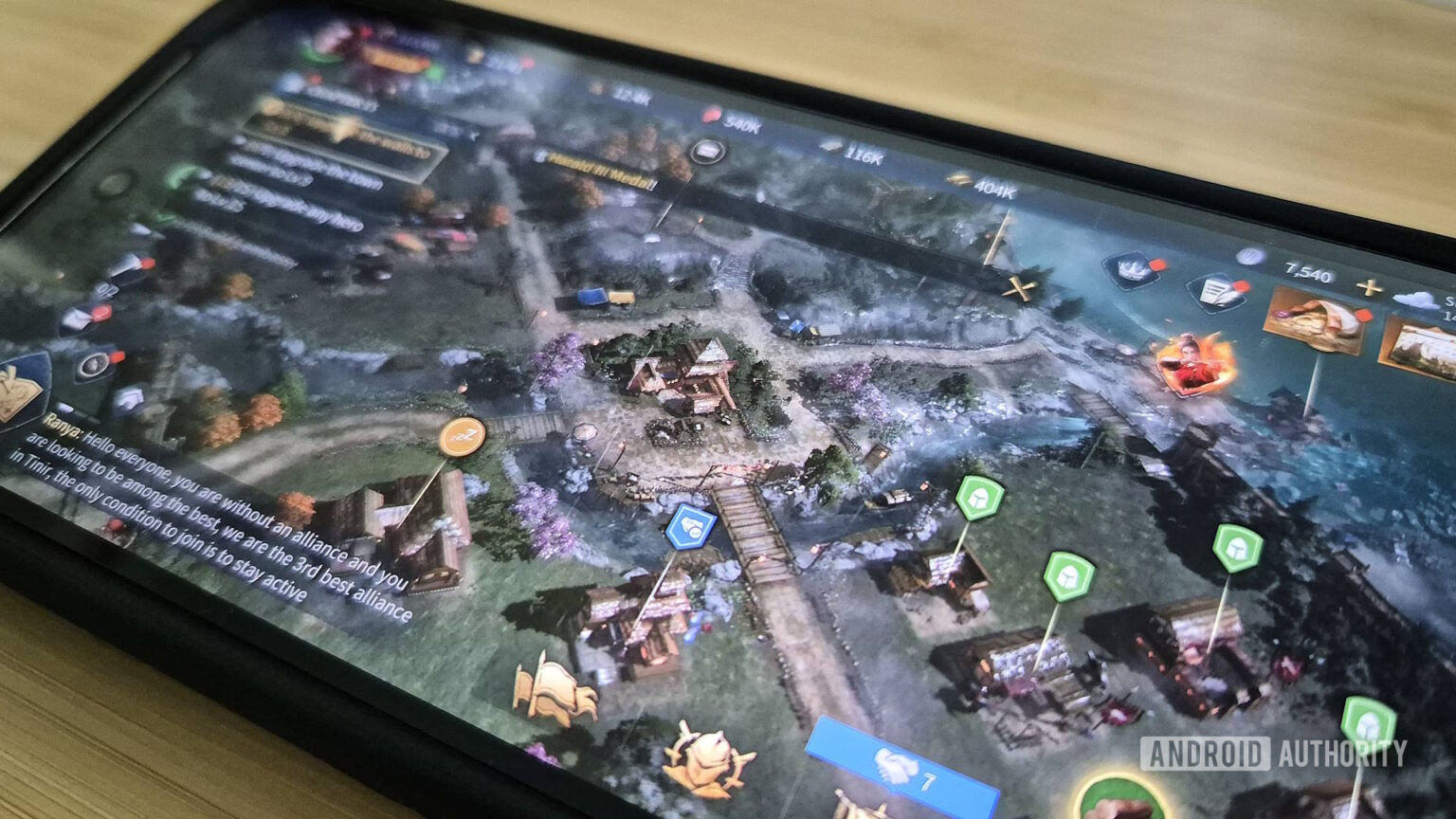
In recent years, Microsoft has focused on bringing the Age of Empires experience to mobile through Age of Empires Mobile, a distinct game developed in collaboration with TiMi Studio Group. It is critical to distinguish this title from the core PC games (Age of Empires I, II, III, and IV). If you are looking for the original desktop gameplay—including traditional base building, complex economic management, and long-form campaign progression—you will not find the identical software environment on mobile. The mobile-specific spin-offs utilize different game engines, economies, and interface designs tailored for touch controls and shorter, mobile-first gaming sessions.
Bridging the Gap: How to Play PC Versions on Android
If your primary goal is to access the original PC versions of the franchise on your smartphone or tablet, direct installation is not an option. Instead, you must leverage technologies that offload the processing to a machine capable of running the game.
1. Cloud Gaming Services
Cloud gaming is currently the most viable pathway for playing Age of Empires II: Definitive Edition or Age of Empires IV on an Android device. Services such as Xbox Cloud Gaming (via Game Pass Ultimate) or NVIDIA GeForce Now allow you to stream the PC version of these games directly to your device.
In this setup, your Android phone acts only as a monitor and input relay. The actual computation occurs on a remote server. This method requires:
- A stable, high-speed internet connection (preferably 5GHz Wi-Fi or 5G).
- A subscription to the respective cloud service.
- A Bluetooth-connected controller or a tablet-friendly peripheral setup, as cloud-streamed versions are designed for PC inputs and may be difficult to navigate via touch alone.
2. Remote Desktop Solutions
Users who already own a powerful Windows PC can stream their personal game library to their Android device using tools like Steam Link, Moonlight, or Parsec.
- Steam Link: If you own the games on Steam, this is the most seamless method. It mirrors your PC screen to your Android device, allowing you to use the touchscreen or a paired controller.
- Moonlight/Parsec: These offer lower latency alternatives for users who prefer custom configuration. They require the game to be running on your local host computer while you are on the same network or connected via a robust external internet connection.
Comparison of Access Methods for Age of Empires
| Method | Fidelity to PC Original | Setup Complexity | Dependency |
|---|---|---|---|
| Official Mobile App | Low (Different Engine) | Minimal | Android Device Only |
| Cloud Gaming | High (Identical) | Moderate | Subscription & Internet |
| Remote Desktop | High (Identical) | High | Host PC & Home Network |
Technical Requirements and Limitations
When attempting to run or stream Age of Empires on an Android device, you must account for hardware and software constraints that differ from the PC experience.
Touch Controls and User Interfaces
The primary challenge in moving an RTS to mobile is the interface density. Age of Empires requires managing multiple hotkeys, unit groups, and complex building menus. When streaming via Remote Desktop, you may find that the default interface is too small for a standard smartphone screen. Utilizing a tablet (10 inches or larger) is highly recommended. Many streaming apps provide overlay controllers, but for a game as precision-heavy as Age of Empires, pairing a physical Bluetooth mouse and keyboard to your Android device via an OTG (On-The-Go) adapter or Bluetooth settings significantly enhances playability.
Network Latency
The RTS genre is sensitive to input lag. In competitive play, even a delay of 200 milliseconds can result in a suboptimal response to enemy raids. When relying on cloud streaming, ensure that you are located geographically close to the provider's server nodes. If you encounter stuttering, verify that your router is using the 5GHz frequency band, as the 2.4GHz band is prone to interference in modern, device-dense homes.
Troubleshooting Common Issues
If you encounter difficulties while accessing the game via these methods, consider the following technical checks:
- Registration and Login Errors: If using a cloud service, ensure your account credentials are valid and that your region supports the service. Microsoft’s regional availability for cloud gaming varies by territory.
- Resolution Scaling: If the game appears pixelated or the text is illegible, check the settings within your streaming app (e.g., Steam Link). You may need to manually override the stream resolution to match your device's native pixel density.
- Input Recognition: If your mouse is not registering clicks correctly while using a remote desktop, verify that the "Mouse Mode" in your remote software is set to "Direct" rather than "Touch Emulation." Touch emulation often misinterprets clicks as right-clicks or ignores double-click commands, which are essential for selecting all units of a certain type in Age of Empires.
Frequently Asked Questions
Can I play Age of Empires II on Android without a PC?
You cannot run the native PC executable file on Android. You must use a cloud-based streaming service. If you do not have a PC or a streaming subscription, you are limited to mobile-exclusive strategy titles that are "inspired by" the genre but are not the original Microsoft game.
Is there an official Age of Empires app on the Google Play Store?
Yes, there are mobile-specific versions of the franchise published by Microsoft’s partners, such as Age of Empires Mobile. These are different games than the PC version, featuring different mechanics, graphics, and monetization models. They are not compatible with save files from the PC versions.
Will my progress on PC carry over to mobile?
Generally, no. Progress between the Definitive Edition PC games and mobile-specific apps is siloed. The only exception is if you are using a remote desktop solution to stream your PC, in which case you are simply accessing the PC game files directly.
Do I need a high-end Android phone to stream the game?
Cloud gaming is less demanding on your phone's processor than it is on your network. A mid-range smartphone from 2023 or newer is typically sufficient, provided it supports the latest versions of the streaming applications and has a stable Wi-Fi connection.
Can I use mods when playing via streaming?
When using Remote Desktop tools like Steam Link, you are accessing your own computer. If you have installed mods on your PC, they will be present when you stream. However, if you are using a cloud-based service like Xbox Cloud Gaming, you are restricted to the base game and official expansions, as you do not have file-level access to the server environment.
Final Recommendation for Players
For the best possible experience, avoid searching for unauthorized "APKs" or third-party installers that promise to bring Age of Empires to Android. These files are often sources of malware, adware, or credential-stealing scripts.
If you want the true PC experience, use a reputable cloud streaming service like Xbox Cloud Gaming if you have a subscription, or use the Steam Link app if you already own the games on PC. These methods ensure that the game remains authentic to the original developer's vision while allowing you the portability of the Android platform. If you prefer a game specifically optimized for touch screens and mobile hardware, look for the official Age of Empires Mobile title, recognizing it as a different, mobile-first iteration of the franchise.