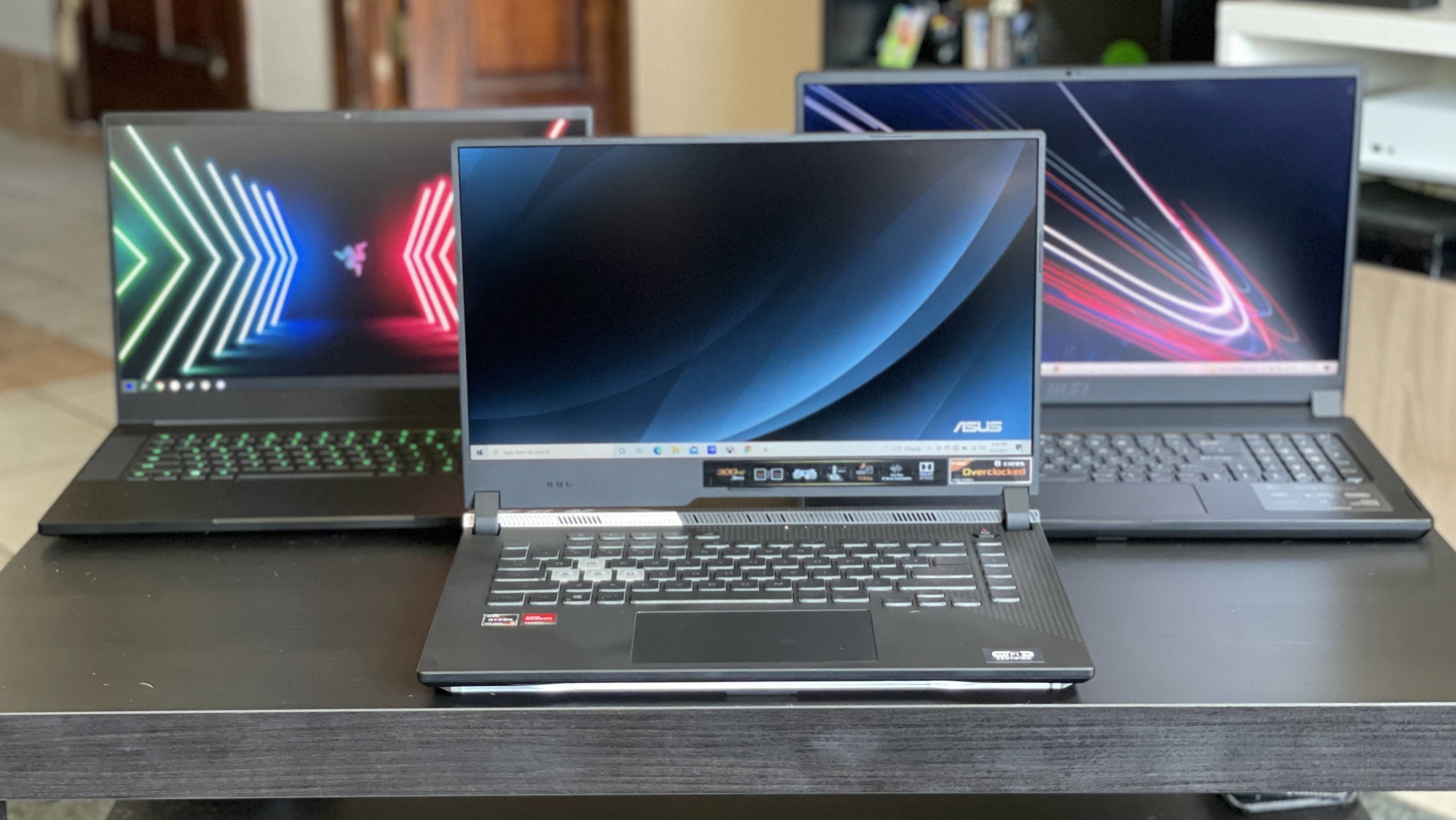
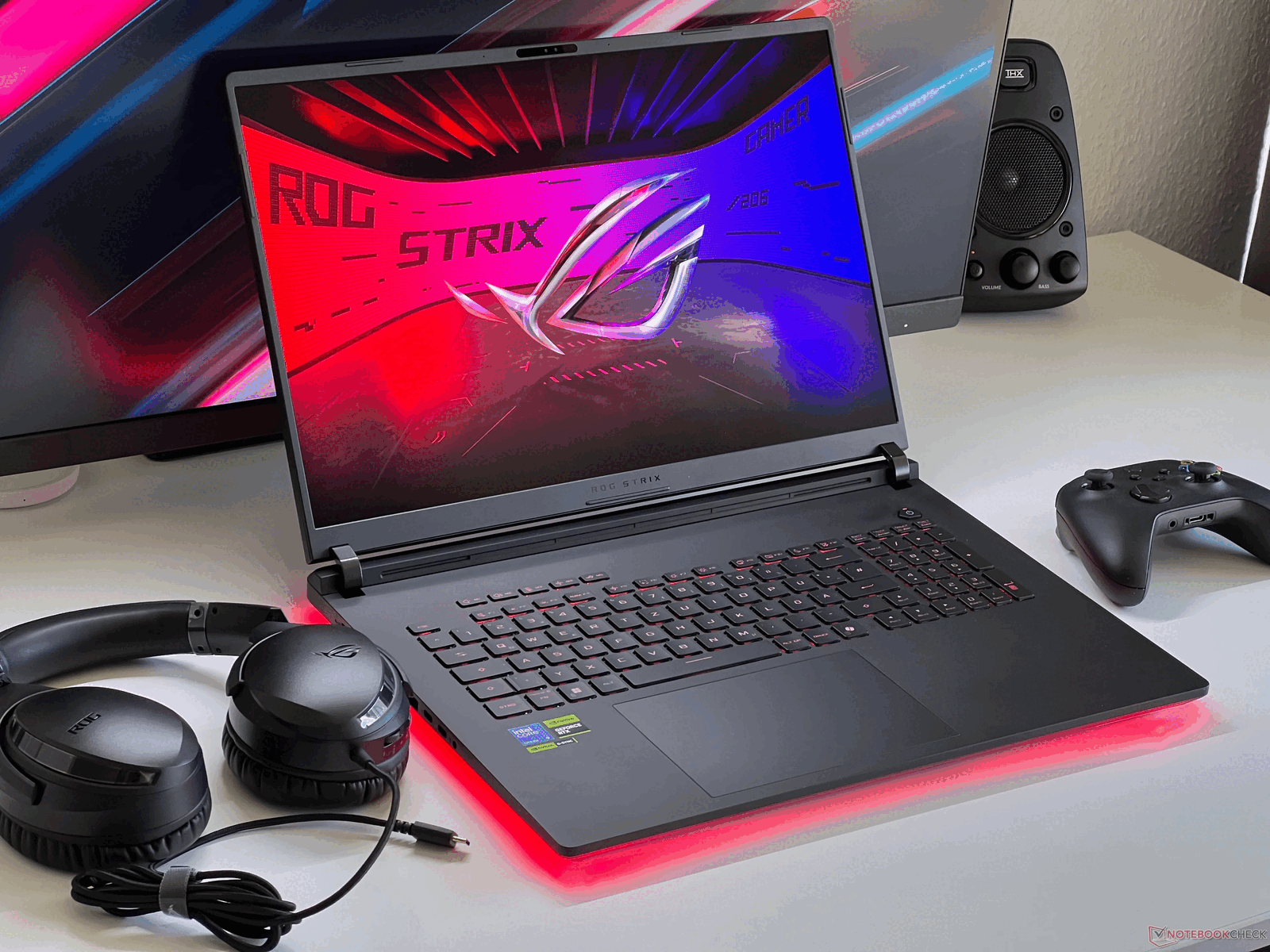
A really good gaming laptop represents a balanced intersection of thermal management, graphical throughput, and display fidelity, rather than just raw component speed. To identify the right model, prioritize sustained performance—the ability of the hardware to maintain high frame rates under prolonged heat—over theoretical peak specifications, ensuring your investment remains relevant for your specific gaming needs.
Understanding the Anatomy of Gaming Performance
The term "gaming laptop" covers a broad spectrum of hardware configurations, ranging from ultra-portable machines for esports titles to massive desktop-replacement units capable of high-fidelity ray tracing. In 2026, the primary challenge for users is no longer finding high-speed components, but rather ensuring those components can actually utilize their power without succumbing to thermal throttling.
Thermal throttling occurs when a laptop’s cooling system cannot move enough heat away from the processor (CPU) or graphics card (GPU). When temperatures reach a safety threshold, the system automatically slows down the clock speed of these components to prevent physical damage. A "really good" gaming laptop is defined by its engineering—how effectively it manages airflow, how efficient its heat pipes are, and how quiet the fans remain during intense load.
The Role of the Graphics Processing Unit (GPU)
The GPU is the single most important factor for gaming performance. In 2026, look for cards that support modern upscaling technologies and frame generation, which extend the useful life of the hardware by intelligently predicting frames rather than rendering every pixel natively. Always verify the Total Graphics Power (TGP) of the GPU. A mid-tier GPU with a high TGP often outperforms a "superior" model that is power-constrained by a small, thin chassis.
The Processor (CPU) Considerations
While the GPU handles visuals, the CPU manages game logic, physics, and input processing. For most gamers, a modern mid-to-high-range processor is sufficient. Avoid overspending on extreme CPU tiers if your primary goal is visual gaming; those resources are better directed toward a larger solid-state drive (SSD) or higher-quality RAM, as these have a more immediate impact on load times and system responsiveness.
Key Hardware Metrics for Comparison
When analyzing technical specifications, focus on the following categories to determine the true value of a device:
| Feature | What to Look For | Impact on Experience |
|---|---|---|
| GPU TGP | Higher Wattage (e.g., 140W+) | Sustained frame rates in AAA titles |
| Display Panel | OLED or High-Refresh IPS | Visual clarity and motion smoothness |
| Cooling System | Liquid metal/Vapor chambers | Prevents thermal throttling |
| RAM | DDR5 (16GB minimum) | Multitasking and asset streaming |
| Storage | PCIe Gen4/Gen5 NVMe | Reduces load times significantly |
Evaluating Display and Build Quality
A powerful engine is useless if the screen cannot accurately render the output. In 2026, the industry standard has shifted toward high-refresh-rate panels (144Hz and above) becoming the norm.
For competitive gaming, prioritize response time—the speed at which a pixel changes color—over pure resolution. A 1080p display with a 1ms response time is often more desirable for professional-level esports than a 4K display with high input lag. Conversely, if you prefer single-player adventure games or creative work, an OLED panel offers superior contrast and color accuracy, making the world-building in modern games much more immersive.
Build quality also dictates longevity. Check for chassis rigidity, particularly around the hinge area. A laptop that flexes significantly under pressure will eventually put stress on the internal components. Premium materials like aluminum or magnesium alloys are preferred for their heat dissipation properties, which assist the cooling fans in maintaining stable operating temperatures.
Common Pitfalls in Purchasing Decisions
One of the most frequent mistakes users make is prioritizing the newest CPU generation while neglecting the cooling solution. Because mobile hardware is power-limited, a laptop with a slightly older CPU but a superior thermal design will almost always provide a better gaming experience than a newer machine that constantly slows down to keep from overheating.
Another common oversight is ignoring the "upgradability" factor. In 2026, many thin-and-light gaming laptops use soldered RAM, meaning you cannot increase your memory later. Always confirm whether the RAM slots are accessible. If you plan on using the device for four or more years, having the ability to upgrade your storage or memory is a critical safeguard against obsolescence.
Finally, consider the power brick. Many high-performance laptops require massive, heavy power adapters. If you intend to carry the device frequently, factor in the weight of the charger, not just the laptop itself. Some modern models support USB-C Power Delivery (PD) for light tasks, which can save weight when you aren't gaming on the go.
Establishing Your Gaming Requirements
Before purchasing, categorize your gaming habits. The requirements for someone playing competitive shooters differ significantly from those playing massive open-world titles.
- Competitive/Esports: Prioritize high refresh rates (240Hz+), low input latency, and a tactile, durable keyboard.
- AAA/Cinematic Gaming: Prioritize GPU performance, screen resolution (1440p or 4K), and HDR (High Dynamic Range) capabilities.
- Content Creation/Gaming Hybrid: Prioritize color-accurate screens (DCI-P3 coverage) and high-speed storage for large project files.
Once you have identified your primary use case, you can disregard marketing fluff and focus on the technical specifications that actually move the needle for your specific needs.
Frequently Asked Questions
Is a 4K resolution screen necessary for a laptop? Generally, no. On a screen size of 15 to 17 inches, the pixel density of 1440p (QHD) is already high enough that 4K provides diminishing returns. Pushing 4K resolution requires significantly more GPU power, which will lower your frame rates and drain your battery much faster.
How much RAM do I actually need in 2026? 16GB is the absolute minimum for modern gaming. However, if you like to keep background applications like browser tabs, messaging apps, or recording software open while you play, 32GB is the recommended standard to avoid system slowdowns and stuttering.
Does an external monitor improve performance? Connecting to an external monitor via a high-bandwidth connection, such as DisplayPort over USB-C or HDMI, can sometimes bypass the internal laptop display's integrated graphics loop. This may result in a minor performance increase (2-5% in some cases) and typically provides a more comfortable viewing experience.
What is a MUX Switch and do I need one? A MUX (Multiplexer) switch allows the laptop to physically disconnect the integrated graphics and route the dedicated GPU signal directly to the internal display. This reduces latency and increases frame rates. A "really good" gaming laptop in 2026 should almost certainly feature a MUX switch or advanced hybrid graphics technology.
How often should I clean the fans? Depending on your environment, you should use compressed air to clear the intake and exhaust vents every three to six months. Dust buildup is the primary cause of thermal performance degradation over time; keeping the airflow path clear is the single most effective maintenance task you can perform.
Final Recommendation for Selection
To choose your machine, start by defining your budget, then find the highest TGP (Total Graphics Power) GPU that fits within that price point. Once you have a shortlist of three models, look up reviews specifically focusing on thermal tests and fan noise. If the laptop sustains performance without exceeding 90°C during a standard gaming load, and the build quality matches your portability requirements, you have found a device that will serve you well.