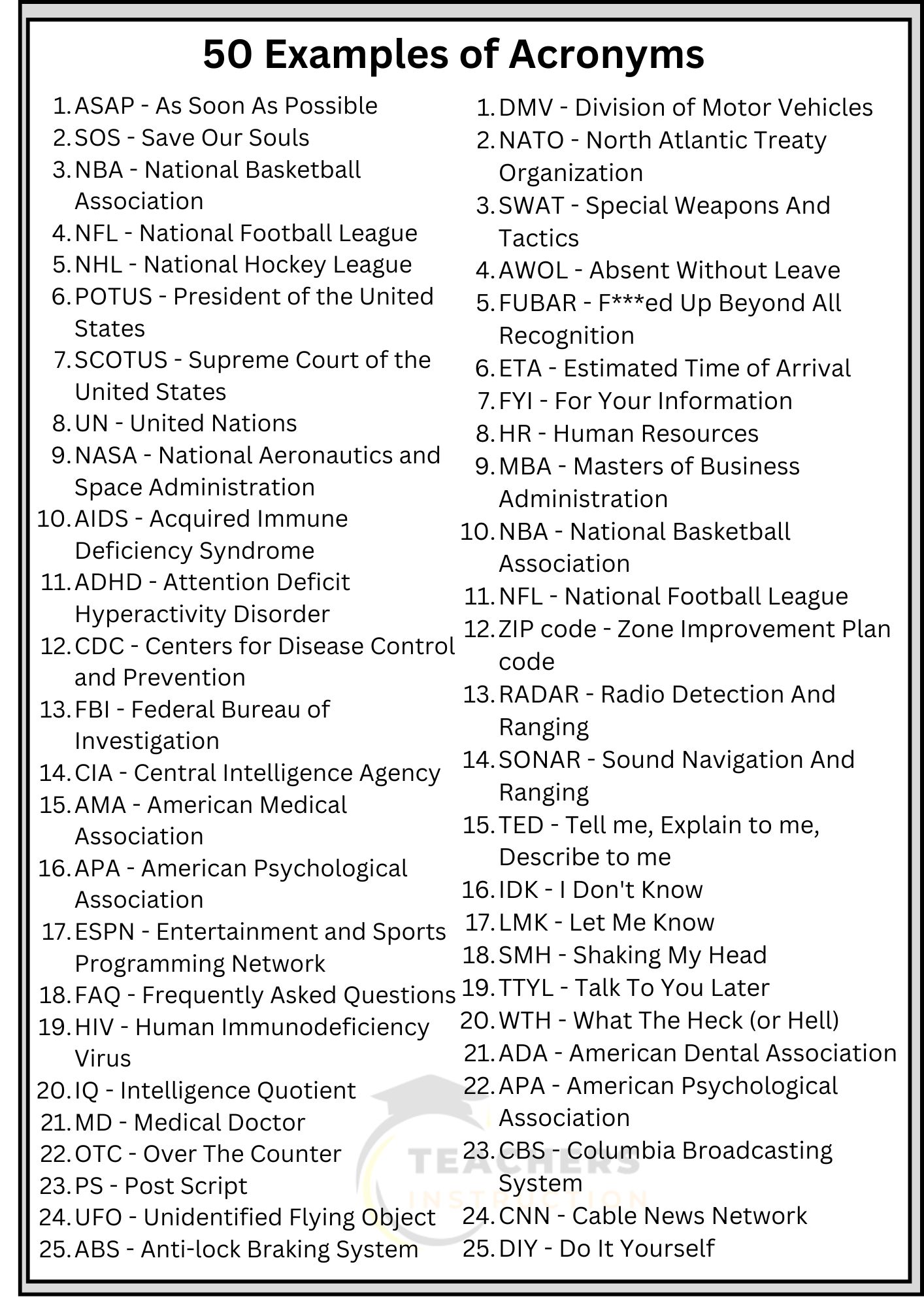
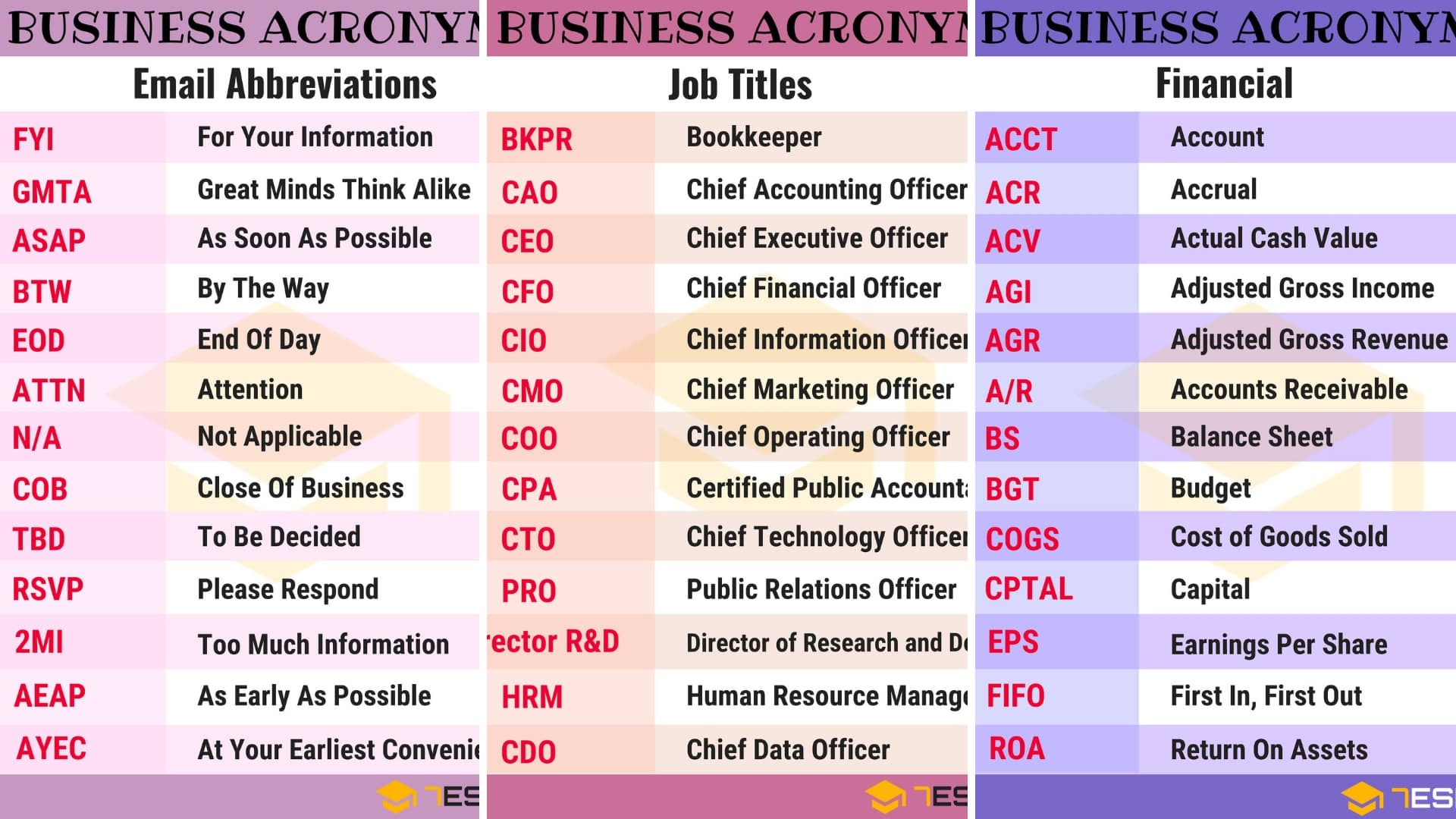
The acronym GIF stands for Graphics Interchange Format. It refers to a bitmap image format that was introduced by CompuServe in 1987 and has since become a ubiquitous standard for web-based short-form animations and static, low-color images. While the acronym is universally recognized, its pronunciation remains a subject of ongoing historical debate among developers and the general public.
Defining the Graphics Interchange Format
At its core, the Graphics Interchange Format is a digital file format designed for images, utilizing the Lempel-Ziv-Welch (LZW) lossless data compression technique. This compression method allows images to maintain their visual integrity while significantly reducing file sizes, making them ideal for the early days of the internet when bandwidth was extremely limited.
The "Graphics" in the name refers to the format's ability to store image data, while "Interchange" highlights its original purpose: to provide a standardized, platform-independent way to transfer graphical data between different computer systems. Because the format was designed to be hardware-agnostic, it quickly gained popularity across various operating systems, including Commodore 64, Apple II, and early Windows environments.
Historical Context and Technical Origins
The GIF format was developed by a team at CompuServe, a major American online service provider at the time, led by computer scientist Steve Wilhite. The team sought a way to distribute high-quality, color-rich images on their service, which was primarily text-based. In June 1987, the 87a version of the format was released, followed by the 89a version in 1989. The 89a update was particularly significant because it introduced support for animation, transparent backgrounds, and metadata storage (like comments or application-specific data).
The format relies on a palette-based color system. Unlike JPEGs, which can display millions of colors, a standard GIF is limited to a maximum of 256 colors per frame. This limitation is why the format is rarely used for high-fidelity photography and is instead favored for logos, simple illustrations, and short, looping animations where color depth is less critical than file size efficiency.
The Great Pronunciation Debate
Perhaps the most famous aspect of the acronym GIF is the pronunciation controversy: should it be pronounced with a "hard G" (as in "gift") or a "soft G" (as in "jiffy")?
The creator of the format, Steve Wilhite, famously stated in interviews—most notably when he received a Webby Award in 2013—that the intended pronunciation is with a soft "G," mimicking the peanut butter brand Jif. Despite this, the "hard G" pronunciation has remained dominant in popular culture and among the broader computing community. Linguistically, those who use the hard "G" argue that "Graphics" begins with a hard sound, which should carry over to the acronym. Conversely, proponents of the soft "G" follow Wilhite’s specific directive regarding the name’s origin. In the current digital landscape of 2026, both pronunciations are widely understood, though neither is considered objectively "incorrect" in conversational English.
Technical Anatomy of a GIF File
To understand why the acronym GIF became the industry standard, one must look at the file structure. A GIF file is comprised of several distinct blocks:
- Header: Identifies the file as a GIF and specifies the version (87a or 89a).
- Logical Screen Descriptor: Defines the dimensions of the entire image canvas.
- Global Color Table: A list of colors used within the image, which can contain up to 256 entries.
- Graphic Control Extension: Contains animation instructions, such as how long to display a frame and how to handle transparency.
- Image Descriptor: Defines the position and size of an individual image frame within the canvas.
- Local Color Table: An optional, frame-specific color palette that can override the global table.
- Raster Data: The actual compressed image information.
This modular structure allows for the creation of animations by stacking multiple frames, each with its own timing settings, into a single file. This is why a GIF file can loop indefinitely without the need for an external video player or complex streaming infrastructure.
Comparison of Popular Image Formats
In modern web development, GIFs are often compared to other formats that serve similar or more advanced purposes. The following table illustrates how GIF compares to contemporary standards.
| Format | Transparency | Animation | Color Depth | Primary Use Case |
|---|---|---|---|---|
| GIF | Yes (1-bit) | Yes | 8-bit (256 colors) | Simple animations, web icons |
| PNG | Yes (Alpha) | No | 24-bit (Millions) | High-quality static images |
| WebP | Yes | Yes | 24-bit | Modern web performance |
| JPEG | No | No | 24-bit | Photography and web images |
While PNG offers superior transparency and color depth, it lacks native support for animation. WebP, developed by Google, provides both animation and transparency with better compression than GIF, yet GIF remains the enduring "lingua franca" of internet meme culture due to its universal compatibility and legacy status.
Common Misconceptions and Technical Limitations
One persistent misconception is that GIFs are inherently high-quality video files. They are not. Because they are limited to 256 colors, converting a modern, high-definition video into a GIF often results in "dithering"—a process where dots of available colors are mixed to simulate a greater color range. This often leads to grainy or "noisy" visuals.
Another limitation is the lack of audio support. By design, the GIF specification does not include a track for sound. Any "GIF" found on social media platforms that contains audio is technically a video file (such as an MP4 or WebM) that has been programmed to loop and autoplay to simulate the experience of a GIF.
Troubleshooting Performance Issues
For developers or content creators in 2026, dealing with "heavy" GIFs is a frequent task. Large, high-frame-rate GIFs can significantly slow down website loading times. To optimize them:
- Reduce Dimensions: Shrinking the pixel width and height significantly decreases file size.
- Decrease Frame Rate: Removing every second or third frame can often maintain the illusion of motion while cutting the file size nearly in half.
- Limit the Palette: Using a smaller global color table (e.g., 64 or 128 colors instead of 256) reduces the memory footprint of the file.
- Convert to Modern Formats: For production websites, consider converting GIFs to WebP or MP4 to take advantage of modern codec efficiencies while retaining the looping visual effect.
Frequently Asked Questions
Is it ever correct to pronounce GIF with a hard G? Yes. While the creator intended a soft "G," language is determined by usage. Because the "hard G" pronunciation has become the standard for a large portion of the population, it is considered a valid linguistic variant.
Why are some GIFs so large in file size? The format is inefficient by modern standards. Because each frame may contain its own color table and the compression algorithm is dated, high-resolution, long-duration animations result in extremely large files compared to modern video containers.
Can I convert a GIF back into a video file? Yes. You can use standard video editing software or command-line tools like FFmpeg to convert a GIF into an MP4 or other video formats, often resulting in a significantly smaller file size with better visual quality.
Does the 89a version change how the acronym is spelled? No. Both the 87a and 89a versions are referred to as GIF, standing for Graphics Interchange Format. The versioning simply denotes the technical capabilities of the file, such as the addition of animation support in 89a.
Are there legal restrictions on using the GIF format? Historically, there were patent disputes regarding the LZW compression used in GIFs, specifically involving Unisys. However, these patents expired globally in the early 2000s, and the format is now free and open for public use.
Practical Recommendation
If you are using GIFs for professional web design, verify if your target platform supports modern alternatives like WebP or AVIF for static images, and MP4 for animated content. These formats offer significantly better compression and quality. Save the use of actual .gif files for legacy compatibility or when you specifically require a simple, looping, soundless graphic that must render in environments lacking a full video playback engine.