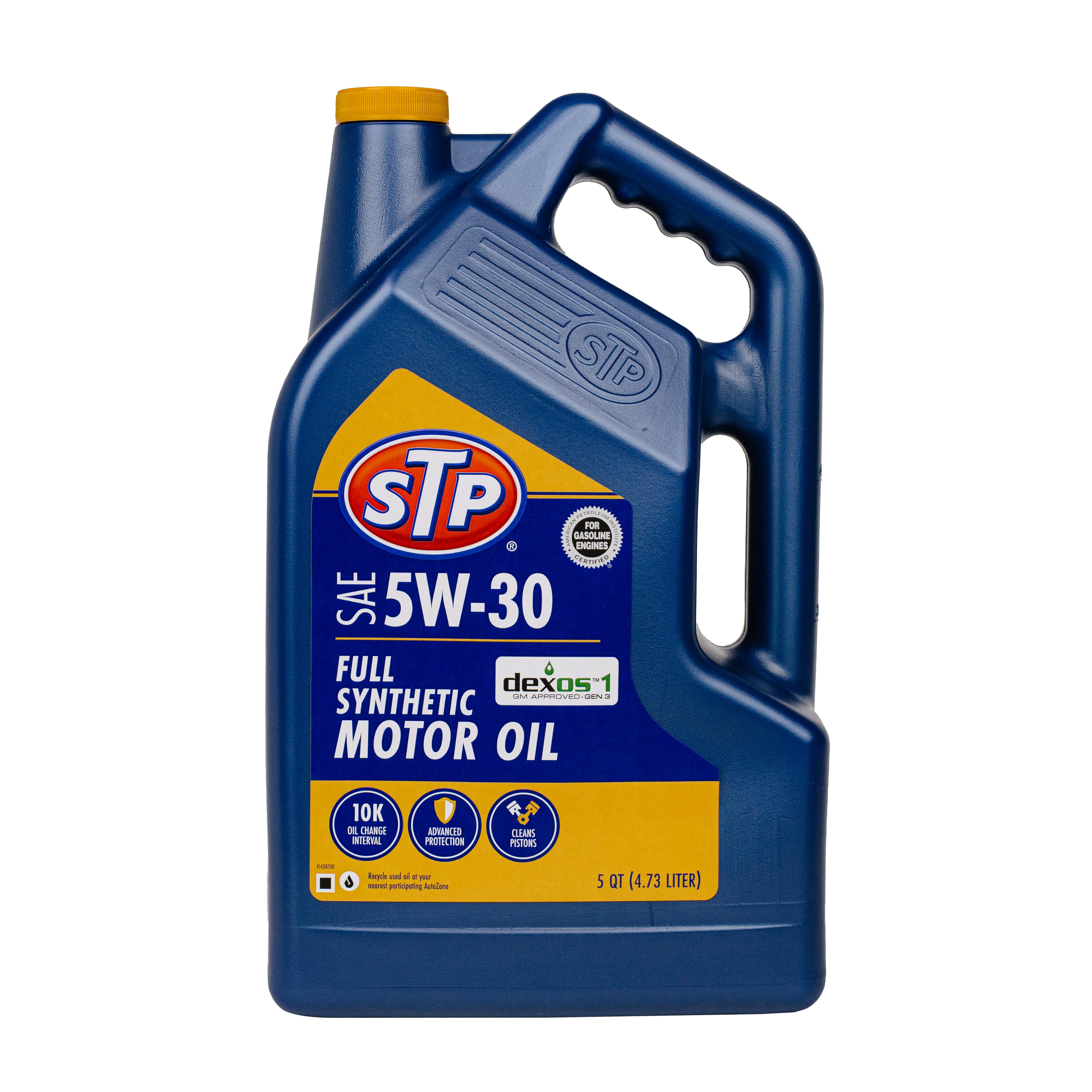
Resetting the oil maintenance light on a 2018 Mitsubishi Outlander is a straightforward procedure that involves navigating the Multi-Information Display (MID) located on your instrument cluster. By utilizing the "INFO" button, you can access the service menu to clear the reminder after performing an oil change, ensuring your vehicle's tracking system accurately reflects the next maintenance interval.
Understanding the Oil Maintenance System
The maintenance reminder system in the 2018 Mitsubishi Outlander is designed to alert drivers when the vehicle has reached a pre-set mileage or time interval for its next scheduled service. Unlike modern vehicle diagnostics that may use advanced oil quality sensors, the Outlander system typically relies on a countdown timer and odometer logic set by the dealership or technician.
When the "Wrench" icon appears or you receive a "Service Required" message on the dashboard, it is a programmed notification. While it is vital to perform the actual physical maintenance—draining the old oil, replacing the filter, and adding the manufacturer-recommended lubricant—the vehicle does not automatically detect the presence of new oil. Therefore, a manual reset is required to clear the light and recalibrate the system to start the new countdown cycle. Failure to reset this light can lead to confusion during subsequent service intervals, making it difficult to keep track of when your next oil change is actually due.
Prerequisites for Performing the Reset
Before you begin the reset process, ensure you have successfully completed the oil change. Never reset the indicator without performing the maintenance, as this compromises the service history and reliability of your vehicle’s engine health tracking.
Essential Tools and Preparations:
- Park the Vehicle: Ensure the vehicle is parked on a flat, level surface and the ignition is off.
- Safety First: If the engine has been running, let it cool for a few minutes to prevent any accidental contact with hot components if you were working under the hood.
- Keys: You will need your key fob or physical ignition key nearby.
- Electronics: Ensure your Multi-Information Display is clear of other urgent warning lights. If there are other system errors (such as tire pressure or engine check lights), resolve those through standard troubleshooting first, as they may override the ability to navigate the maintenance menu.
Step-by-Step Reset Procedure
The 2018 Mitsubishi Outlander uses the "INFO" button, usually located on the dashboard to the left of the steering column or integrated into the instrument cluster controls, to navigate the display menus.
- Ignition Status: With the engine off, press the ignition button twice (or turn the key to the "ON" position without starting the engine).
- Access the Information Menu: Use the "INFO" button on your dashboard to scroll through the different screens on the Multi-Information Display (the screen located between your speedometer and tachometer).
- Locate the Service Menu: Keep pressing the "INFO" button until you see the "Service Required" screen appear. This screen displays a wrench icon.
- Enter Selection Mode: Once the "Service Required" screen is visible, press and hold the "INFO" button for several seconds.
- Trigger the Reset: When the wrench icon starts to flash, release the "INFO" button. While the icon is flashing, press the "INFO" button once more quickly.
- Confirmation: The display should change to show the "Clear" or "Reset" confirmation message, and the mileage interval will reset to the default value. If it does not, turn the ignition off and repeat the process.
Troubleshooting the Reset
If the light refuses to reset, ensure you are pressing the button firmly and following the timing correctly. A common mistake is waiting too long between the initial press and the follow-up press; the system expects the second input while the icon is still in the active "flashing" state. If the display remains on "Service Required" after three attempts, verify that there are no active service fault codes that the computer is trying to highlight.
Importance of Regular Oil Maintenance
Adhering to the oil change schedule is the most significant factor in extending the lifespan of your 2018 Mitsubishi Outlander’s engine. Engine oil serves several critical functions: it lubricates moving parts, reduces friction, prevents overheating, and cleans the engine by carrying away sludge and debris.
Over time, oil breaks down due to heat and mechanical shear. When the oil loses its viscosity, it cannot effectively coat the internal components, leading to accelerated wear on the cylinder walls, pistons, and bearings. By resetting the maintenance light accurately, you maintain a disciplined schedule that prevents "oil neglect," a condition where engine internal surfaces suffer permanent damage due to oxidized, contaminated lubricant.
| Maintenance Factor | Recommended Action | Importance |
|---|---|---|
| Oil Change Interval | Every 5,000–7,500 miles | Prevents internal sludge buildup |
| Filter Replacement | Every oil change | Ensures clean oil circulation |
| Reset Indicator | Immediately after service | Keeps maintenance tracking accurate |
| Inspection | Check fluid levels/belts | Identifies wear before failure |
Frequently Asked Questions
Can I ignore the oil maintenance light if I just changed the oil?
While the engine will continue to run if you ignore the light, it is highly discouraged. The light serves as a reminder for your next interval. If it stays on, you lose the ability to use that visual cue, and you may forget when your next service is due, potentially leading to missed intervals.
Will the reset procedure clear my check engine light?
No. The oil maintenance reset specifically addresses the oil life and service reminder. If your "Check Engine" light is illuminated, this indicates a problem within the emissions or engine control system that requires an OBD-II diagnostic scanner to read and resolve.
How often should I change the oil on a 2018 Outlander?
Most manufacturers recommend an oil change every 5,000 to 7,500 miles, depending on driving conditions. If you frequently drive in stop-and-go city traffic, tow heavy loads, or drive in extreme temperatures, you should lean toward the 5,000-mile interval to protect the engine components.
What if I cannot find the "Service Required" screen?
The menu is cyclical. If you pass it, continue pressing the "INFO" button slowly. Ensure the ignition is in the "ON" position; some menu options remain hidden if the vehicle is in "ACC" (Accessory) mode only.
Does the reset procedure affect my warranty?
Resetting the light does not void your warranty. However, keeping records of your oil changes—including receipts for the oil and filter—is essential. If a major engine issue arises, the manufacturer may require proof that regular maintenance was performed regardless of the digital light status.
Professional Advice and Next Steps
While resetting the oil light is a simple DIY task, it should always be accompanied by a comprehensive inspection of the vehicle. When performing the oil change, take the time to check other critical fluids, such as brake fluid, coolant, and transmission fluid. Additionally, inspect your tire pressure and tread depth.
If you are uncomfortable performing the oil change yourself, or if you encounter any difficulties resetting the system, visit a certified service center. Professional technicians have the tools to verify that the reset has been successful and can perform a multi-point inspection to ensure your 2018 Mitsubishi Outlander remains safe for the road in 2026 and beyond. If the vehicle is still covered by any extended service contracts, ensure your maintenance is documented by a professional to avoid potential disputes regarding coverage eligibility.