Resetting the maintenance light on your 2011 Toyota Highlander involves using the odometer trip button to toggle to "Trip A," turning the ignition to the off position, then holding the trip button while turning the ignition back to the "On" position until the display clears. This procedure informs the vehicle’s onboard computer that the engine oil and filter have been changed, effectively restarting the internal maintenance interval timer.
Understanding the Maintenance Reminder System
The 2011 Toyota Highlander is equipped with a Maintenance Required light. This system is not a sensor-based monitor that detects the chemical degradation of your oil; rather, it is a simple mileage-based counter. Toyota engineers programmed the vehicle to illuminate the "MAINT REQD" light every 5,000 miles. This interval is designed to align with standard Toyota service recommendations for oil changes, tire rotations, and general inspections.
When the light turns on, it is merely a reminder that the vehicle has traveled 5,000 miles since the last time the system was reset. If you perform an oil change but fail to reset this counter, the light will remain illuminated on your dashboard, potentially masking legitimate diagnostic trouble codes that might arise later. Therefore, it is standard practice to reset this system immediately following every oil change.
Prerequisites for the Reset Procedure
Before attempting to reset the maintenance light, ensure that you have actually performed the oil change or that you are within an acceptable range for service. Resetting the light without performing the necessary maintenance can lead to engine neglect, as you will lose the visual reminder of your service intervals.
There are no special tools, OBD-II scanners, or computer software required to perform this reset. The process is entirely mechanical and utilizes the existing instrument cluster controls. You do not need to disconnect the battery or perform any complex maneuvers under the hood. However, you should ensure that your vehicle is parked on level ground, the parking brake is engaged, and you are in a position where you can comfortably reach both the ignition switch and the instrument cluster's trip meter button simultaneously.
Step-by-Step Reset Procedure
Follow these steps precisely to clear the "MAINT REQD" indicator on your 2011 Highlander.
- Power Off: Ensure the engine is turned off and the ignition key is in the "Off" or "Lock" position.
- Access Odometer: Turn the ignition key to the "On" position (the second notch, where the dashboard lights illuminate, but do not start the engine).
- Select Trip A: Press the "Trip/Odometer" button on the instrument cluster repeatedly until you see "Trip A" displayed on the multi-information display. It is critical that you are specifically on "Trip A" and not the standard odometer or "Trip B," as the system is hardcoded to look for the "Trip A" setting during the reset sequence.
- Power Down Again: Turn the ignition key back to the "Off" position.
- Engage Reset: Press and hold the "Trip/Odometer" button firmly. Keep it pressed down.
- Activate On Position: While continuing to hold the "Trip/Odometer" button, turn the ignition key back to the "On" position without starting the engine.
- Complete the Reset: Continue holding the button until the maintenance light stops flashing or the display shows a series of dashes that eventually clear to zero. You will see the display blink or count down until the indicator is extinguished.
- Verify: Release the button, start the engine, and confirm that the "MAINT REQD" light has turned off.
Troubleshooting the Reset
If the light does not turn off, the most common reason is a timing error during the button-holding sequence. The system is sensitive to the order of operations. If you release the "Trip/Odometer" button even for a fraction of a second while turning the key to the "On" position, the command may not register.
Another common issue involves the vehicle's state. If you accidentally start the engine during the process, the computer will often override the reset command to focus on engine management tasks. Ensure the engine remains off throughout the entirety of the "On" position step. If the light persists after three failed attempts, turn the vehicle off, wait 30 seconds to allow the instrument cluster capacitors to discharge, and begin the process from Step 1.
Maintenance Considerations for the 2011 Highlander
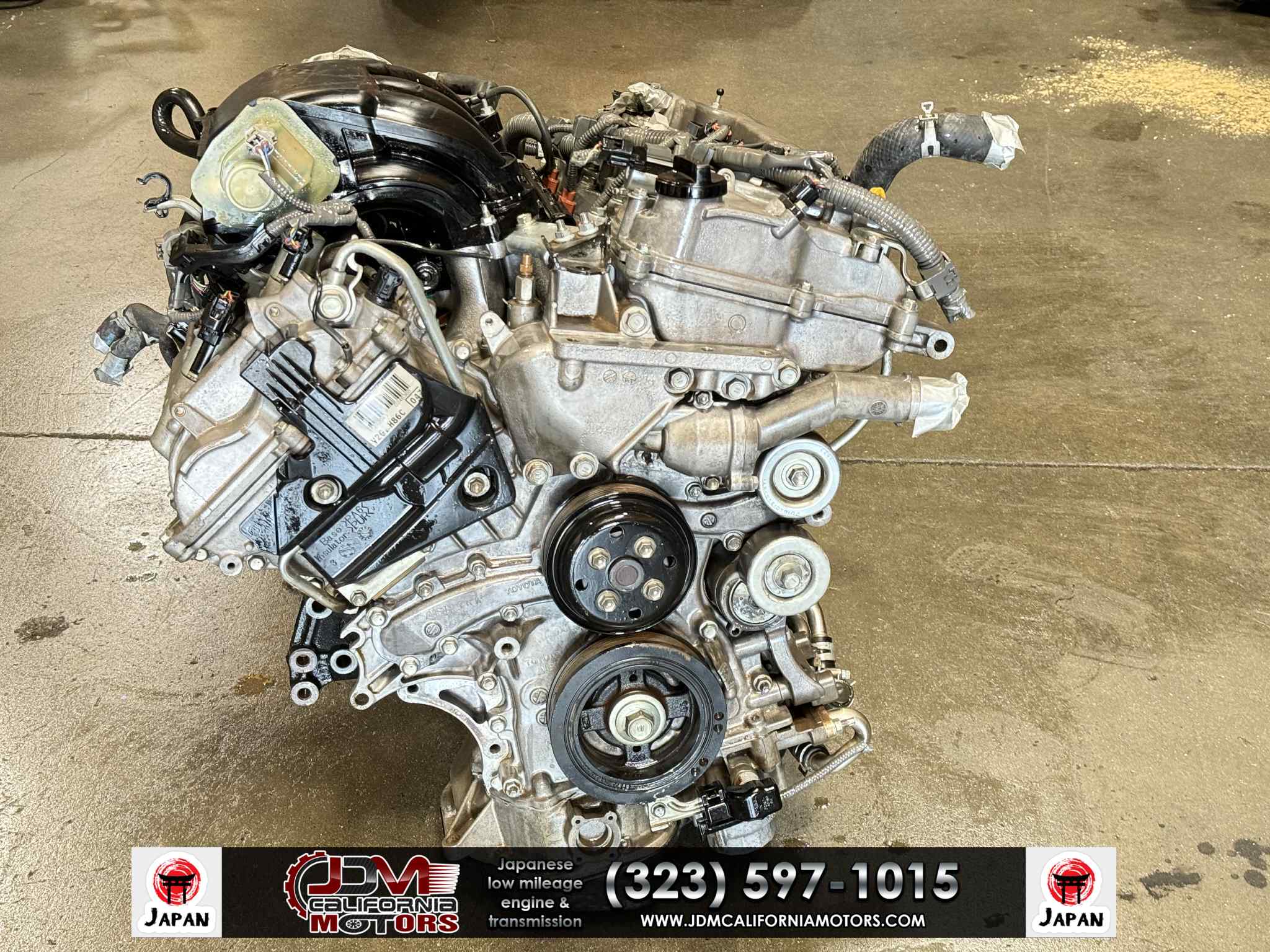
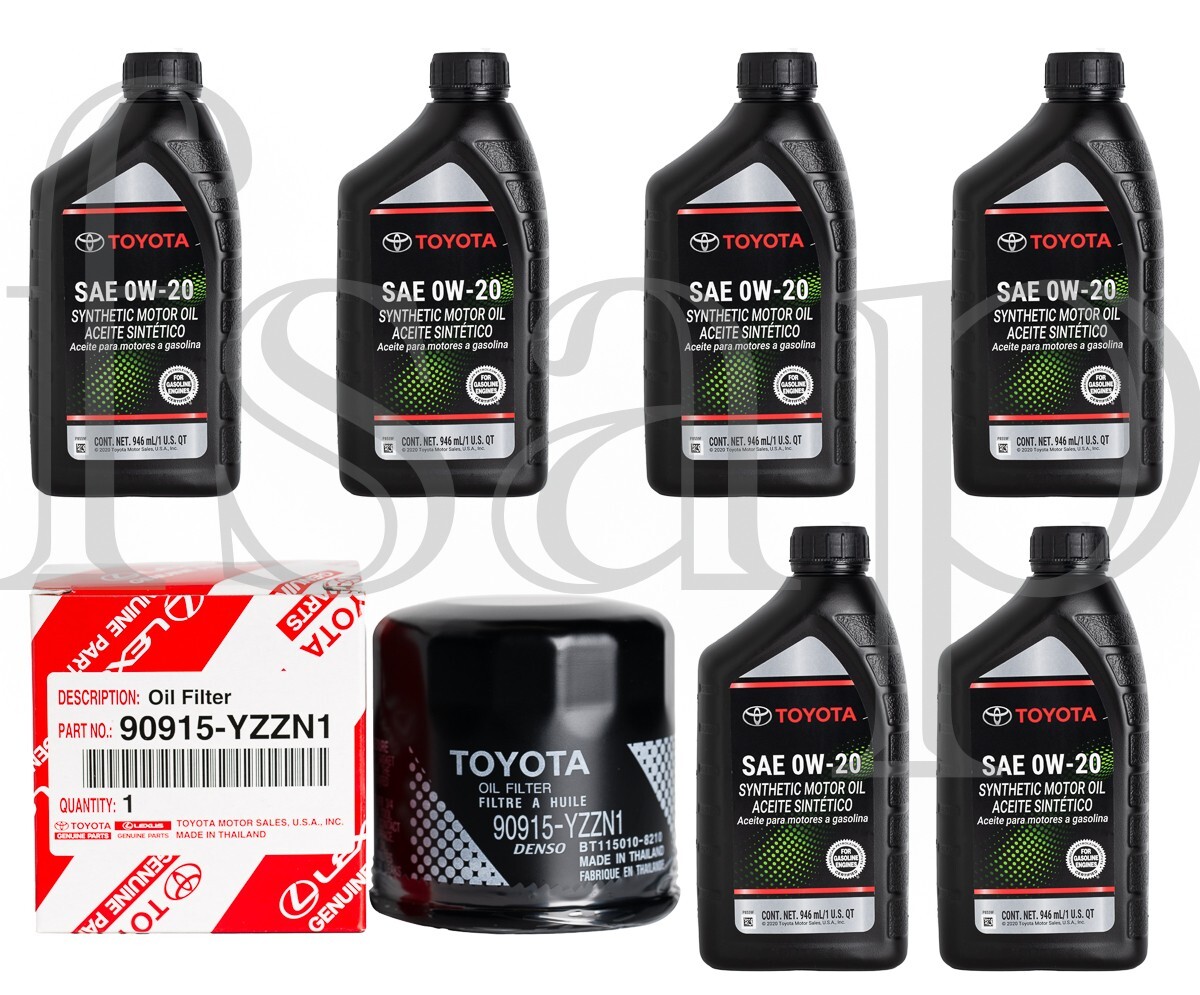
The 2011 Highlander features either a 2.7L 4-cylinder engine or a 3.5L V6 engine. Regardless of the powertrain, Toyota specifies the use of 0W-20 synthetic oil for these models to ensure optimal fuel economy and internal engine protection.
| Feature | Specification/Requirement |
|---|---|
| Reset Method | Odometer Trip Button sequence |
| Oil Viscosity | 0W-20 Synthetic |
| Service Interval | Every 5,000 miles |
| Tool Requirement | None |
| System Type | Mileage-based timer |
It is important to remember that the 5,000-mile interval is the maximum recommended distance. If you frequently drive in "severe" conditions—such as short trips in extreme cold, heavy stop-and-go city traffic, or frequent towing—you may want to change your oil more frequently than the light suggests. The reset procedure remains the same regardless of your chosen service interval.
Frequently Asked Questions
Does the maintenance light indicate an engine failure? No. The "MAINT REQD" light on a 2011 Highlander is strictly a mileage-based reminder for routine maintenance. If your "Check Engine" light or a symbol resembling an engine block illuminates, this indicates a problem detected by the onboard diagnostic system that requires immediate attention from a professional mechanic.
Will I lose my vehicle settings if I reset the light? No. The reset procedure only affects the maintenance interval counter. It does not erase your radio presets, clock settings, or personal configurations stored in the vehicle's body control module.
Can I reset the light if it hasn't come on yet? Yes. If you decide to change your oil early, you can perform this procedure at any time. The system will simply restart the 5,000-mile countdown from the moment you perform the reset.
Is it safe to ignore the maintenance light? Ignoring the light is not recommended. While the vehicle will continue to function normally immediately after the light appears, ignoring it means you are not tracking your oil life accurately. Driving past the recommended service interval can lead to oil sludge buildup, increased engine wear, and potential loss of warranty coverage if the vehicle were still under any factory protection.
What if the light blinks for a few seconds when I start the car? If the light blinks briefly upon startup and then turns off, this is often a notification that you are approaching your 5,000-mile service limit. It acts as a "pre-warning" before the light stays on permanently.
Professional Recommendations
If you are performing your own oil changes, keep a log of your mileage and the date of service. While the vehicle’s internal system is helpful, a manual log in your glove box is the gold standard for tracking service history. This is particularly valuable when it comes time to sell or trade in the vehicle, as it provides documented proof of consistent maintenance. When changing the oil, always use an OEM-equivalent oil filter to ensure proper flow and filtration characteristics, as non-OEM filters can sometimes cause issues with oil pressure regulation in Toyota engines.