If your Apple Watch is stuck on a screen displaying a red lightning bolt, it indicates that the battery has reached a critically low level and currently lacks the power required to boot the operating system. To resolve this, connect the watch to its official magnetic charger and allow it to charge uninterrupted for at least 30 to 60 minutes.
The Apple Watch is a sophisticated piece of wearable technology, but its reliance on high-performance lithium-ion batteries means that power management is a constant priority for the device's firmware. When you see the red lightning bolt icon, your watch is essentially in a "pre-boot" state. It recognizes that it is connected to a power source (or needs to be), but the internal voltage is too low to safely power the processor, display, and sensors simultaneously. In this guide, we will explore the technical reasons behind this screen, the differences between various charging icons, and the specific steps you can take in 2026 to revive a stubborn device.
Decoding the Symbols: Red vs. Green Lightning Bolts
Before attempting a fix, it is essential to understand exactly what the screen is telling you. Apple utilizes specific iconography to communicate the state of the battery without needing to load the full watchOS interface.
The Red Lightning Bolt
When you see the red lightning bolt, the battery is below the threshold required to turn the device on. If the bolt is surrounded by a circular progress ring, it typically means the watch is currently receiving power but hasn't reached the "minimum viable charge" (usually around 10%) to start the boot sequence. If you see the red lightning bolt along with a graphic of the magnetic charging cable, it means the watch is critically low and is not currently sensing a charge.
The Green Lightning Bolt
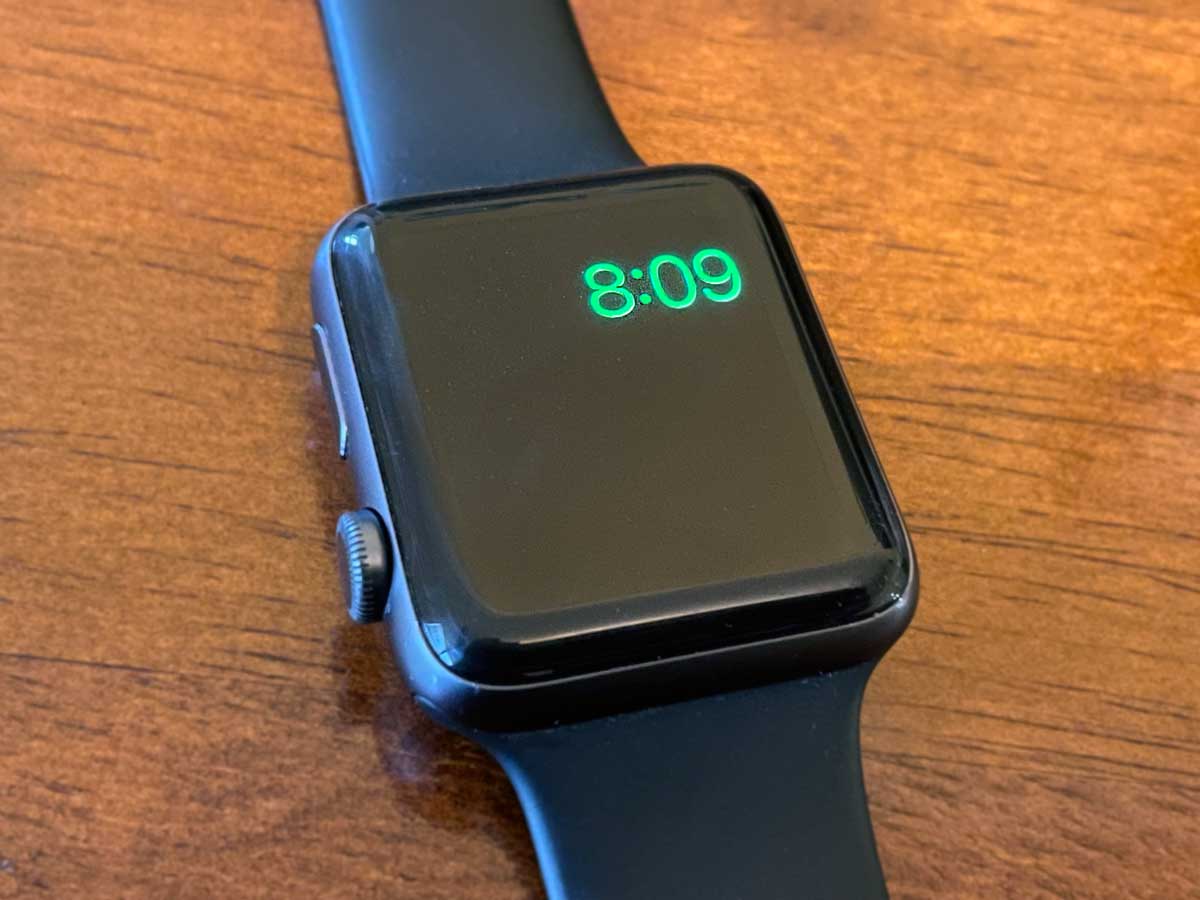
A green lightning bolt signifies that the watch is successfully charging and has enough power to theoretically operate, though it may still be in a low-power state. In most modern versions of watchOS, including those running on the Apple Watch Series 11 or Ultra 3 in 2026, the green bolt appears when you tap the screen while the device is on the charger.
The Absence of Symbols
If your screen remains entirely black even when placed on a charger, the battery may be "deep-discharged," or there may be a hardware failure in the charging coil or the power management integrated circuit (PMU).
Primary Causes of the Red Lightning Bolt Loop
Understanding why your watch entered this state can help prevent it from happening again. Most users encounter this issue after leaving their watch unused for several weeks or if the charger itself has become faulty.
Deep Discharge Cycles
Lithium-ion batteries naturally lose charge over time through a process called self-discharge. If an Apple Watch is left at 0% for an extended period, the battery voltage can drop below the safe "cut-off" point. When this happens, the protection circuit within the battery may prevent the device from drawing a standard fast-charge current to avoid thermal runaway or chemical instability. The red lightning bolt is the visual manifestation of the watch slowly "trickle-charging" back to a safe voltage.
Charger and Cable Incompatibility
With the transition to USB-C across the entire Apple ecosystem by 2026, many users mix and match power bricks. If you are using a low-wattage third-party adapter or a damaged cable, the watch may not receive the specific voltage required to "kickstart" a deeply depleted battery. The Apple Watch requires a consistent magnetic connection; even a slight misalignment or a protective case that lifts the watch slightly off the puck can cause the red bolt to persist.
Environmental Temperature Factors
Apple Watches are designed to operate and charge within a specific temperature range (32° to 95° F or 0° to 35° C). If your charging environment is too cold, the chemical reactions inside the battery slow down significantly, leading to the red bolt screen. Conversely, if the watch is too hot, the PMU will throttle or halt charging entirely to protect the hardware.
Comprehensive Troubleshooting Steps
If your Apple Watch has been on the charger for more than 30 minutes and is still stuck on the red lightning bolt, follow these technical interventions in order.
1. The Extended Charge Test
The most common mistake users make is assuming the watch is broken after only 10 or 15 minutes of charging. A deeply discharged Apple Watch can take up to two or three hours to move from the red bolt to the Apple logo.
- Ensure the magnetic charger is clean and free of debris.
- Plug the USB-C end of the cable into a high-quality 20W power adapter (like the one used for an iPhone or iPad).
- Leave the watch entirely alone. Do not tap the screen or press buttons, as this consumes the tiny amount of power the battery is trying to accumulate.
2. Inspecting the Charging Hardware
The red lightning bolt with a cable graphic is a direct signal that the watch does not "see" the charger.
- Remove Plastic Wrappers: If the charger is new, ensure the thin plastic film on the concave surface of the puck has been removed.
- Check the Back of the Watch: Skin oils, lotion, and sweat can create a film on the ceramic or sapphire crystal back of the watch. Clean it with a damp microfiber cloth and dry it thoroughly.
- Test the Power Brick: Plug another device into the same wall outlet and adapter to verify that the power source is active.
3. Performing a Force Restart
Sometimes, the watchOS kernel or the Power Management Unit (PMU) hangs in a state where it fails to recognize the battery's recovery. A force restart can reset these controllers.
- While the watch is still on the charger, press and hold both the Digital Crown and the Side Button simultaneously.
- Hold them for at least 15 to 20 seconds.
- If the Apple logo appears, release the buttons and let the watch boot. If the red bolt reappears, the battery still lacks sufficient voltage and needs more time.
4. Thermal Management
If the watch feels warm to the touch while displaying the red bolt, it may be stuck in a thermal protection loop.
- Remove the watch from the charger and let it sit in a cool, shaded area for 15 minutes.
- Once cool, place it back on the charger.
- Avoid charging in direct sunlight or near heat-generating appliances.
Technical Comparison of Charging States
| Icon Displayed | Internal Power Status | Action Required |
|---|---|---|
| Red Bolt (No Ring) | Battery < 2%; Not Charging | Check cable connection and power source. |
| Red Bolt (With Ring) | Battery < 5%; Charging | Wait 30–60 minutes for the boot threshold. |
| Green Bolt | Battery > 10%; Charging | Device should boot automatically; tap to check progress. |
| Apple Logo (Flashing) | Booting attempted but failed | Force restart; check for sufficient wattage (20W+). |
| Snake/Cable Graphic | No charger detected | Re-align the magnetic puck or replace the cable. |
Advanced Considerations for Older Devices
As we move into 2026, older models like the Apple Watch Series 6 or Series 7 may begin to experience physical battery degradation. Lithium-ion batteries are consumable components with a limited lifespan, typically measured in 500 to 1,000 full charge cycles.
Battery Health and Capacity
If your watch frequently gets stuck on the red bolt, check its battery health once you successfully boot it. Navigate to Settings > Battery > Battery Health. If the "Maximum Capacity" is below 80%, the battery may no longer be able to maintain the peak voltage necessary for a reliable boot sequence. In such cases, the red bolt is a symptom of a chemically aged battery that requires professional replacement.
The Impact of watchOS Updates
Newer versions of watchOS introduced "Optimized Charge Limit" and "Low Power Mode." While these features help preserve battery longevity, they can occasionally lead to confusion if the watch enters a deep sleep state to protect its remaining 1-2% of charge. If you recently updated your software, the power management algorithms might be recalibrating, which can temporarily extend the time the red bolt is displayed.
When to Seek Professional Service
If you have followed all the steps above—including a three-hour charge with a known-working 20W USB-C adapter and a force restart—and the red bolt persists, you are likely facing a hardware issue.
- Swollen Battery: If you notice the screen slightly lifting away from the watch body or a gap appearing in the adhesive, stop charging immediately. This indicates a swollen battery, which is a safety hazard.
- Broken Charging Coils: If the watch charges intermittently or only when the cable is held at a specific angle, the internal induction coils or the magnetic cable's wiring may be frayed.
- Component Failure: In rare cases, the PMU on the logic board can fail, preventing any power from reaching the battery. This requires a full unit replacement or professional repair through AppleCare+.
Frequently Asked Questions
How long can an Apple Watch stay on the red lightning bolt screen?
A healthy Apple Watch should transition from the red bolt to the Apple logo within 30 to 60 minutes. However, if the battery is deeply discharged, it can stay on this screen for up to 4 hours. If it remains stuck after 4 hours of uninterrupted charging with official accessories, the battery or charger is likely defective.
Can I use a Mac or PC to charge a watch stuck on the red bolt?
While you can plug the charging cable into a computer, it is not recommended for a watch stuck on the red bolt. Computer USB ports often provide lower amperage (500mA to 900mA) compared to a dedicated wall adapter. To "wake up" a depleted battery, a 20W or higher USB-C wall brick is far more effective.
Does the red lightning bolt mean my data is lost?
No. The red lightning bolt is a power-related status icon and does not indicate data corruption. Your apps, settings, and health data are stored on non-volatile flash memory, which does not require power to maintain. Once the device receives enough charge to boot, your data will be exactly where you left it.
Why does the red bolt reappear immediately after the Apple logo shows?
This is known as a "boot loop." The watch gains just enough power to start the boot process, but as the processor ramps up its power draw to load watchOS, the voltage drops, and the watch shuts down, returning to the red bolt. This confirms that your power source is working, but the battery hasn't reached a stable enough level to finish booting. Continue charging for another hour.
Is it safe to leave the watch on the red bolt screen overnight?
Yes, it is safe. Apple Watches have built-in circuits to prevent overcharging. If your watch is struggling to get past the red bolt, leaving it on a charger overnight is often the best way to ensure the battery reaches the required voltage to restart.
Final Recommendation
To resolve the red lightning bolt issue, prioritize using a genuine Apple USB-C Magnetic Fast Charger paired with a 20W power adapter. If the device has been inactive for months, give it at least two hours of undisturbed charging. If the screen remains unchanged, perform a force restart by holding the Side Button and Digital Crown for 20 seconds while the device is still connected to power. For watches older than three years, consider a battery health check as the physical capacity may be the underlying cause.