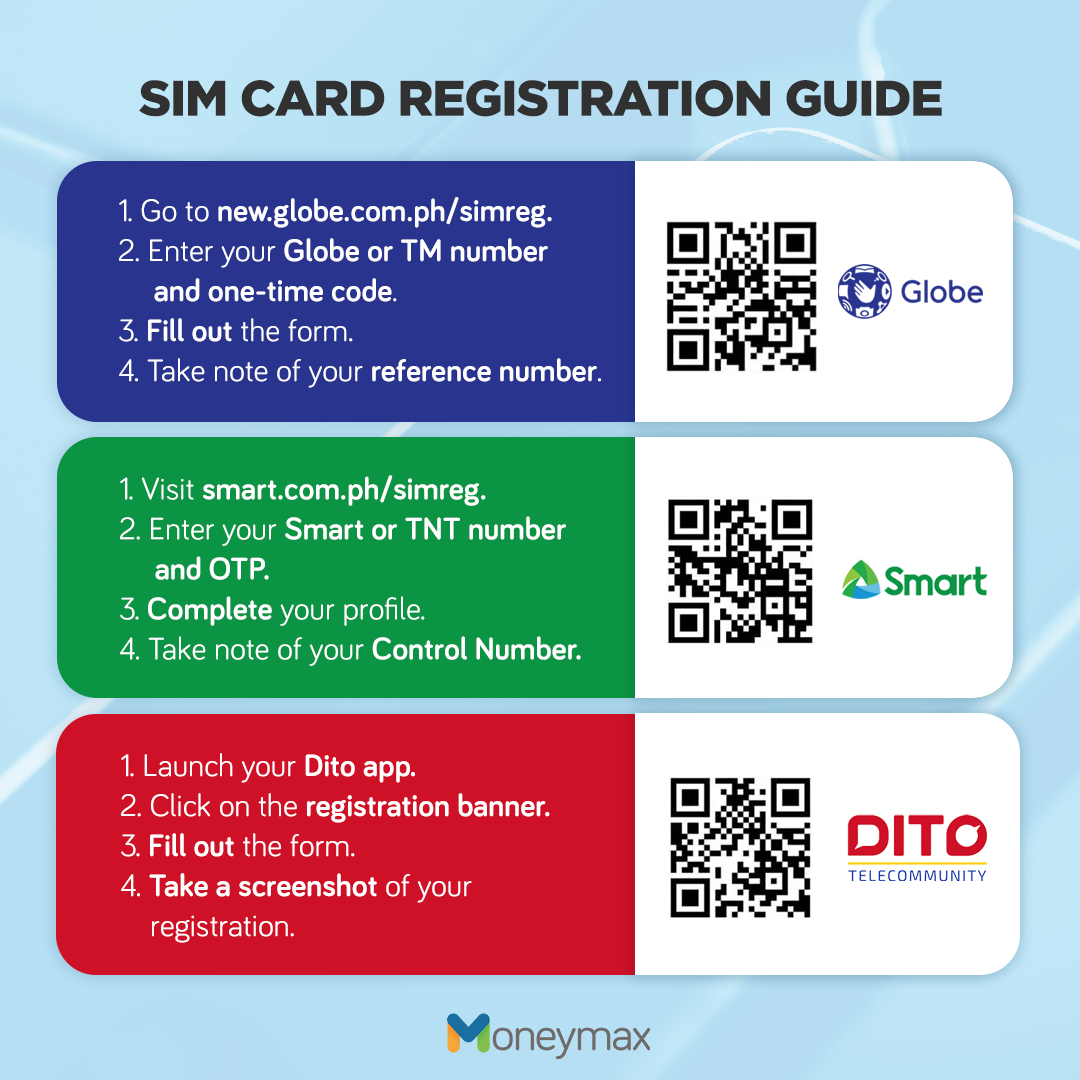
Activating a SIM card online involves visiting your carrier’s official activation portal or mobile app and entering your SIM serial number (ICCID) and device ID (IMEI). This digital process registers your hardware with the network, allowing you to access voice, text, and data services immediately without needing to visit a physical retail store or call customer support.
The landscape of mobile connectivity in 2026 has shifted significantly toward digital-first interactions. While physical SIM cards remain a staple for many users, the rise of eSIM (embedded SIM) technology has streamlined the activation process even further. Regardless of whether you are using a traditional plastic card or a digital profile, the core requirement remains the same: you must link your unique hardware identifiers to a service provider’s network. This guide explores the detailed steps, technical prerequisites, and troubleshooting measures necessary to get your mobile device connected via online channels.
Understanding the Prerequisites for Online Activation
Before attempting to activate your SIM card online, you must gather specific pieces of information. Missing even one of these can stall the process, as carrier security protocols are designed to prevent unauthorized account access and "SIM swapping" fraud.
The ICCID (Integrated Circuit Card Identifier)
The ICCID is the unique 19 or 20-digit serial number of your SIM card. For physical SIMs, this is printed directly on the back of the card and often on the larger plastic card from which the SIM was punched. In 2026, most online portals allow you to scan this number using your smartphone camera to avoid manual entry errors. If you are activating an eSIM, the ICCID is typically generated dynamically during the download of the carrier profile or provided via a QR code.
The IMEI (International Mobile Equipment Identity)
The IMEI is a 15-digit number that serves as your phone's unique fingerprint. Carriers use the IMEI to verify that your device is compatible with their network bands and to ensure the device has not been reported stolen. You can find your IMEI by dialing *#06# on your phone’s keypad or by looking in the "About" section of your device settings.
Network Compatibility and Unlocking Status
A common hurdle in online activation is the "carrier lock." If you purchased your phone through a specific provider on a contract, the hardware might be locked to that provider. Even if the online activation portal accepts your SIM information, the device will not catch a signal if it is locked to a different network. Ensure your device is "unlocked" or "SIM-free" before attempting to switch carriers online.
Internet Connectivity (Wi-Fi)
It is a paradox of mobile technology: you need an internet connection to activate the SIM card that provides your internet connection. Always perform an online activation while connected to a stable Wi-Fi network. This is especially critical for eSIM activations, as the device must download a carrier profile (often several megabytes) to the secure element of the phone’s motherboard.
Step-by-Step Instructions for Online Activation
The general workflow for activating a SIM card online is standardized across major global carriers like Verizon, AT&T, T-Mobile, and Vodafone. While the user interface may vary, the logic follows a specific sequence.
Step 1: Access the Official Activation Portal
Navigate to the carrier’s dedicated activation page. Most providers use a URL structure such as carrier.com/activate. Avoid using third-party sites that claim to activate SIM cards for multiple networks; these are often phishing attempts designed to steal your IMEI and personal data.
Step 2: Identify the Transaction Type
You will typically be asked if you are a new customer or an existing one.
- New Customers: You will likely need to select a plan, provide personal identification for a credit check (if postpaid), and set up a new account.
- Existing Customers: You will log in to your dashboard and select "Replace SIM" or "Add a Line."
Step 3: Enter the SIM and Device Details
Enter the ICCID and IMEI numbers when prompted. Many modern portals in 2026 utilize WebRTC technology to access your webcam or phone camera, allowing you to simply point the camera at the SIM card’s barcode. This reduces the high failure rate associated with mistyping long strings of digits.
Step 4: Verify Your Identity (KYC Requirements)
Depending on your jurisdiction, you may need to complete "Know Your Customer" (KYC) verification. In many European and Asian markets, this involves uploading a photo of a government-issued ID or performing a brief video verification. In the United States, this is often handled via a credit check or by providing the last four digits of your Social Security Number.
Step 5: Finalize the Plan and Porting
If you are transferring an existing number from another carrier (porting), you will need your previous account number and a Porting Authorization Code (PAC) or Transfer PIN. Once these are entered, the system will initiate the transfer. If you are getting a new number, the system will assign one based on your zip code.
Comparing Activation Methods: Physical SIM vs. eSIM
In 2026, the choice between a physical SIM and an eSIM affects the speed and complexity of the online activation process.
| Feature | Physical SIM Card | eSIM (Embedded SIM) |
|---|---|---|
| Primary Identifier | ICCID (on card) | EID (on device) |
| Delivery Method | Physical Mail or In-store | Instant Digital Download |
| Activation Speed | 5–15 Minutes | 2–5 Minutes |
| Hardware Required | SIM Ejector Tool | Wi-Fi Connection |
| Main Advantage | Easy to swap between phones | Multiple profiles on one device |
| Common Failure | Faulty gold contacts | Interrupted download/Wi-Fi drop |
Carrier-Specific Online Activation Nuances
While the general steps are similar, major carriers have specific tools and requirements that users should be aware of to ensure a smooth transition.
Verizon Wireless
Verizon utilizes the My Verizon app as the primary vehicle for activation. For 2026, Verizon has integrated an automated network diagnostic tool into the activation flow. If you are moving a physical SIM from an old 4G device to a new 5G or 6G-capable device, the portal will prompt you to update your data plan to ensure compatibility with higher-frequency bands.
T-Mobile
T-Mobile’s online portal is known for its "Bring Your Own Device" (BYOD) checker. Before you even enter the ICCID, T-Mobile requires an IMEI check to verify that your device supports their specific "Extended Range" bands. For eSIM users, T-Mobile often uses a "Push" method where the activation happens via a notification on your device, bypasses the need for a QR code entirely.
AT&T
AT&T requires users to visit att.com/activations. A unique aspect of AT&T's process is the requirement for the "Zip Code of the primary place of use." This is used to assign the correct local taxes and emergency (E911) routing. If this zip code does not match your billing address, the activation may be flagged for manual review.
Troubleshooting Common Online Activation Issues
Even with the advancements of 2026, technical glitches occur. Most issues stem from data mismatches or local network interference.
"Invalid ICCID" Error
This error usually means the SIM card has already been activated or has expired. SIM cards have a shelf life; if a card has sat in a drawer for several years, its ICCID may have been purged from the carrier’s database. If the card is new, double-check that you haven't confused a '0' (zero) with an 'O' (letter).
"No Service" After Successful Activation
If the website says "Success" but your phone shows "No Service" or "SOS Only," the first step is a hard restart. Power the device down completely, wait 30 seconds, and turn it back on. This forces the device to re-scan for local towers and broadcast its new credentials.
APN Settings Mismatch
In some cases, especially with smaller MVNOs (Mobile Virtual Network Operators) like Mint Mobile or Boost Mobile, the online activation handles the account side, but the phone’s internal settings don't update. You may need to manually enter the Access Point Name (APN) settings. These settings tell your phone how to connect to the gateway between the carrier's network and the public internet.
Porting Delays
If you are moving a number from one carrier to another, the online activation of the SIM might be instant, but the number transfer can take anywhere from 10 minutes to 24 hours. During this "mixed service" period, you might be able to make outbound calls, but inbound calls will still go to your old phone/SIM.
Security Considerations During Online Activation
Activating a SIM card is a high-security event. Identity thieves often use SIM swapping to intercept two-factor authentication (2FA) codes for bank accounts.
- Use Official Apps: Whenever possible, use the carrier’s official app from the Apple App Store or Google Play Store rather than a web browser. Apps provide an encrypted environment that is harder to spoof.
- Enable Account PINs: Most carriers now require a 6-digit "Account PIN" or "Transfer PIN" to authorize changes. Never share this PIN with anyone claiming to be "technical support" over the phone; only enter it into the secure online portal.
- Check for Confirmation Emails: After an online activation, carriers send an immediate confirmation email. If you receive an activation notice that you did not initiate, contact the carrier’s fraud department immediately to freeze your account.
Summary of Next Actions
Once the online activation is complete and your device shows signal bars, there are three final steps to ensure your service is fully functional:
- Test the Data Connection: Turn off Wi-Fi and attempt to load a webpage. This confirms your data plan is active and the APN settings are correct.
- Set Up Voicemail: Dialing your own number or holding the "1" key usually triggers the voicemail setup. This is often reset during a new activation.
- Verify 2FA Settings: If you changed your phone number during the activation, remember to update your 2FA settings for banking, email, and social media accounts to ensure you don't get locked out.
Frequently Asked Questions
Can I activate a SIM card online if my phone is still under contract?
Yes, you can activate the SIM card, but if the phone itself is "locked" to the original carrier, it will not recognize the new SIM. You must first contact your current carrier to request an unlock, which usually requires the device to be fully paid off.
How long does it take for a SIM card to activate online?
Most digital activations are processed within 5 to 15 minutes. However, if you are porting a number from another carrier, the process can take longer. Landline-to-mobile ports are the slowest and can take up to three business days, though this is rare in 2026.
Is there a fee for activating a SIM card online?
Many carriers waive activation fees for online transactions to encourage self-service. However, some may still charge a "one-time setup fee" or "connection fee" which appears on your first bill. Always check the terms and conditions on the final checkout screen of the activation portal.
What should I do if my phone doesn't have a SIM tray?
If your phone lacks a physical SIM tray (common in many flagship models by 2026), you must use the eSIM activation path. Instead of inserting a card, you will scan a QR code provided by the online portal or enter an EID number to download your service profile over Wi-Fi.
Can I activate a SIM card while traveling abroad?
You can usually access the activation portal from anywhere in the world via Wi-Fi. However, the SIM may not be able to "grab" a signal until it connects to a local roaming partner or until you return to the home network's coverage area. Some carriers require the first "handshake" to happen on a native tower.
Practical Recommendation: If you are unsure about your device's compatibility, always use the carrier’s "IMEI Check" tool before purchasing a SIM card. Once you have the card, ensure you are on a stable Wi-Fi connection and have your account PIN ready to minimize downtime during the online activation process.