To keep an Instagram story visible for two days, you must use workarounds like Instagram Highlights, scheduled reposting, or paid Story Ads, as the platform maintains a hard 24-hour expiration limit for standard posts. Utilizing the Story Archive to manually resharing content or employing third-party automation tools are also effective strategies for 2026.
The ephemeral nature of Instagram Stories is one of the platform's most defining features. Since its inception, the 24-hour countdown has created a sense of urgency and "FOMO" (fear of missing out) that drives high engagement. However, for creators, businesses, and event organizers in 2026, 24 hours is often insufficient. Whether you are running a weekend-long flash sale, documenting a two-day wedding, or promoting a time-sensitive marketing campaign, the need to extend that visibility to 48 hours is a common technical hurdle.
While Instagram has not introduced a "48-hour story" toggle in the native settings, there are several strategic ways to bypass the standard expiration or ensure your content remains accessible to your audience for the full duration of a two-day window.
Understanding the Instagram Story Lifecycle
Before exploring the methods to extend visibility, it is essential to understand how Instagram handles Story data. When you upload a Story, it is immediately timestamped. After exactly 24 hours, the Story is removed from the active "bubbles" at the top of the follower feed. However, the data is not deleted; it moves to your private Story Archive.
In 2026, the Instagram algorithm prioritizes "freshness." This means that even if you could technically keep a story up longer, its reach might naturally decline as it gets pushed to the end of the horizontal scroll. Therefore, the goal isn't just to keep the file "live" for 48 hours, but to keep it "active" and "seen" during that entire period.
1. Leveraging the Highlights Feature for Extended Reach
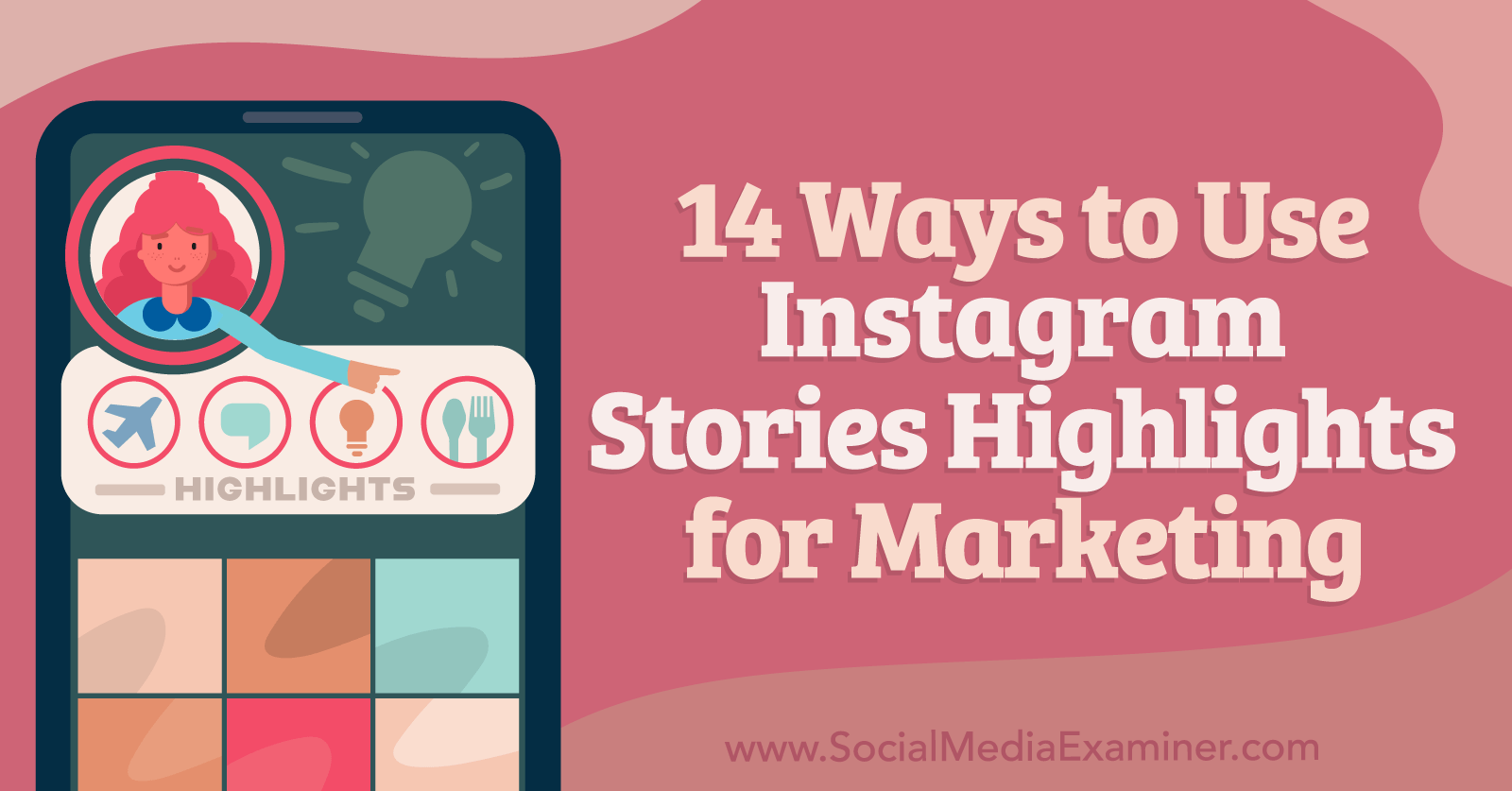
The most reliable and "official" way to keep a Story visible for 48 hours—and beyond—is by using Instagram Highlights. Highlights allow you to bypass the 24-hour expiration by pinning selected Stories to your profile page, just below your bio.
How to Execute This for a 2-Day Window
- Post your Story normally: Upload your content to your main Story feed.
- Add to Highlights immediately: Tap the "Highlight" icon at the bottom of the active Story.
- Create a specific "Temporary" Highlight: Name it something relevant to the 2-day event, such as "Weekend Sale" or "Live Event."
- Promote the Highlight: In your subsequent Stories on Day 1 and Day 2, use a text overlay or a link to direct people to your profile Highlights to see the "full story" or "earlier updates."
- Manual Deletion: Once the 48-hour period is over, you can simply delete the Highlight or remove that specific Story from the group.
The advantage of this method is that it preserves all engagement data, such as link clicks and poll results, which are often lost or split when you post a fresh Story on the second day.
2. Manual Reposting from the Story Archive
If your goal is to have the Story reappear at the front of the follower feed on the second day, manual resharing from the Archive is your best tactical option. This is particularly useful if you want to remind followers who missed the initial 24-hour window.
Steps to Reshare Effectively
- Wait for the 24-hour mark: Let the original Story expire.
- Access the Archive: Navigate to your profile, tap the three lines (hamburger menu), and select "Archive." Ensure the dropdown is set to "Stories Archive."
- Select and Share: Find the Story from yesterday. Tap "Share" at the bottom.
- Add "Day 2" Context: To avoid confusing your audience, add a "Day 2" sticker or a "Back by popular demand" text overlay. This signals to the algorithm and the user that this is a deliberate repost for a multi-day event.
By resharing from the Archive, the Story gets a brand-new 24-hour lease on life, effectively keeping the content active for a total of 48 hours across two distinct posting cycles.
3. Utilizing Third-Party Scheduling Tools
In 2026, social media management platforms like Buffer, Later, and Hootsuite have advanced integration with the Instagram API. While these tools cannot "stop" a story from expiring, they can automate the process of "sequential posting."
Automation Strategy
You can upload a single piece of content and schedule it to post twice: once at the start of your 48-hour window and again exactly 24 hours later.
- Pro: This ensures the Story is live even if you are offline when the first one expires.
- Con: It resets the view count and removes any interactive stickers (like polls or sliders) from the first post, as the second post is technically a "new" upload of the same file.
When using this method, ensure your scheduling tool supports "Direct Posting" to Stories, which is standard for professional accounts in 2026. This eliminates the need for manual approval on your phone at the time of posting.
4. Running a Paid Instagram Story Ad
For businesses and influencers with a marketing budget, the most effective way to ensure a Story stays in front of a specific audience for exactly 48 hours is through Meta Ads Manager.
Unlike organic Stories, Story Ads do not follow the 24-hour expiration rule. When you set up a campaign, you define the "Start Date" and "End Date." If you set these dates to cover a 48-hour span, your Story will remain in the rotation for the entire duration.
Technical Advantages of Story Ads:
- Custom Duration: You can set the timer for exactly 48 hours, down to the minute.
- Guaranteed Reach: Organic Stories only reach a fraction of your followers. Ads allow you to target your existing followers and lookalike audiences.
- Advanced CTA: You can use more robust "Call to Action" buttons than the standard "Link" sticker.
5. The "Part 1 and Part 2" Content Strategy
Sometimes the best way to keep a Story "up" for two days is to split the content into two logical halves. This is a psychological approach rather than a technical bypass.
By posting "Part 1" at 10:00 AM on Saturday and "Part 2" at 10:00 AM on Sunday, you maintain a continuous presence in the Story bar for 48 hours. Followers who see Part 2 will often tap back to see Part 1 (if it hasn't expired yet) or look for it in your Highlights.
Implementation Tip:
Use the "Link" sticker in Part 2 to link back to a post on your grid that contains the full information from Part 1. This creates a "loop" that keeps users engaged with your profile across the entire two-day period.
6. The "Close Friends" Toggle Trick
A more niche method involves the "Close Friends" list. This is useful if you have a specific group of stakeholders or clients who need to see a Story for a prolonged period without it being public for the full 48 hours.
- Post the Story to your Close Friends list on Day 1.
- Before it expires at the 24-hour mark, use the "Save" feature to download the Story with its current annotations.
- On Day 2, post it to your Public Story.
This method allows you to "test" content or keep it semi-private for the first 24 hours before "going wide" for the final 24 hours, totaling a 48-hour lifecycle on the platform.
7. Cross-Platform Mirroring (Instagram to Facebook)
In 2026, the integration between Instagram and Facebook (Meta) remains seamless. By enabling "Share Your Stories to Facebook," you can occasionally benefit from different expiration behaviors or viewing patterns on the Facebook side.
While Facebook Stories also technically last 24 hours, the "Story Archive" and "Featured" sections on Facebook profiles are often more prominent to a different demographic. By sharing to both, you increase the probability of the content being viewed in the latter half of your 48-hour window by users who may not have checked Instagram on Day 1.
Comparison of Methods for 48-Hour Visibility
| Method | Effort Level | Cost | Best For | Engagement Retention |
|---|---|---|---|---|
| Highlights | Low | Free | Long-term visibility | High (Stats stay) |
| Manual Repost | Medium | Free | Refreshing the feed | Low (Stats reset) |
| Scheduling Tools | High (Setup) | Subscription | Consistency/Hands-off | Low (Stats reset) |
| Story Ads | Medium | Paid | Maximum Reach/Sales | Very High |
| Part 1 & 2 | Medium | Free | Storytelling/Vlogs | Medium |
| Archive Share | Low | Free | Quick reminders | Low |
| Close Friends Trick | Medium | Free | Segmented launches | Medium |
Technical Specifications and Requirements
To use these methods effectively in 2026, users must ensure their accounts meet certain technical prerequisites. Instagram's professional suite has become more rigid regarding API access and data privacy.
- Account Type: To use advanced scheduling and Ads Manager, you must have a Professional (Business or Creator) Account. Personal accounts are limited to Highlights and manual reposting.
- Archive Settings: Ensure "Save Story to Archive" is toggled ON in your Privacy settings. If this is off, your stories are deleted permanently after 24 hours, making methods 2 and 5 impossible.
- App Version: Ensure you are using the latest 2026 build of Instagram. Older versions may have bugs with Highlight covers or Archive retrieval.
Common Mistakes to Avoid
When attempting to extend a Story’s life to 2 days, many users fall into traps that can actually hurt their engagement or even trigger spam filters.
Over-Posting the Same File
If you manually repost the exact same video or image every 12 hours to stay at the front of the feed, the Instagram algorithm may flag this as repetitive content. This can lead to "shadow-demotion," where your Stories are pushed to the very end of the follower’s tray. Always add a new sticker, text, or poll to a reposted Story to make it "unique" in the eyes of the AI.
Ignoring the "24-Hour" Context
If your Story mentions "Today only!" or "Ends in 5 hours," and you keep it up for 48 hours via Highlights or reposting, you risk losing trust with your audience. Always update the text overlays to reflect the current time remaining in your 2-day window.
Forgetting the "Link in Bio"
A Story is a gateway. If you want something to last 2 days, the primary information should live on your Grid or in your Link in Bio. The Story should act as the "hook" that lasts 24 hours, which you then refresh for the second 24 hours.
Frequently Asked Questions
Does adding a Story to a Highlight keep it in the top Story bar?
No. Adding a Story to a Highlight ensures it stays on your profile page, but it will still disappear from the round "Story bubbles" at the top of the home feed after 24 hours. To get it back into the bubbles, you must share it again.
Can I change the date or time of a Story to trick the 24-hour clock?
No. Instagram uses server-side timestamps. Changing the time on your local device will not affect when the Story expires on Instagram’s servers.
Will my "View Count" continue to grow in Highlights?
Yes, but only for the first 48 hours. After a Story has been live (either in the main feed or in Highlights) for 48 hours, Instagram 2026 typically stops updating the specific viewer list, though total view counts may still be visible in professional insights.
What is the best time to repost on the second day?
The best time is usually 23 hours after the original post. This ensures that as the first Story is about to expire, the new one appears, creating a seamless transition for anyone viewing your profile.
Do Story Ads look different than regular Stories?
They feature a small "Sponsored" tag. However, if you use the "Boost" feature on an existing Story, it retains the organic look and feel while allowing for the extended 48-hour duration.
Final Recommendation
If you are a business running a 48-hour promotion, the most effective strategy is a hybrid approach. Post your content organically on Day 1 and add it to a dedicated "Sale" Highlight. At the 24-hour mark, reshare the most important slide from your Archive back to your Story with a "Final 24 Hours" sticker. This combination ensures that your profile visitors can always find the info, while your active followers get a fresh notification in their feed for the second day.