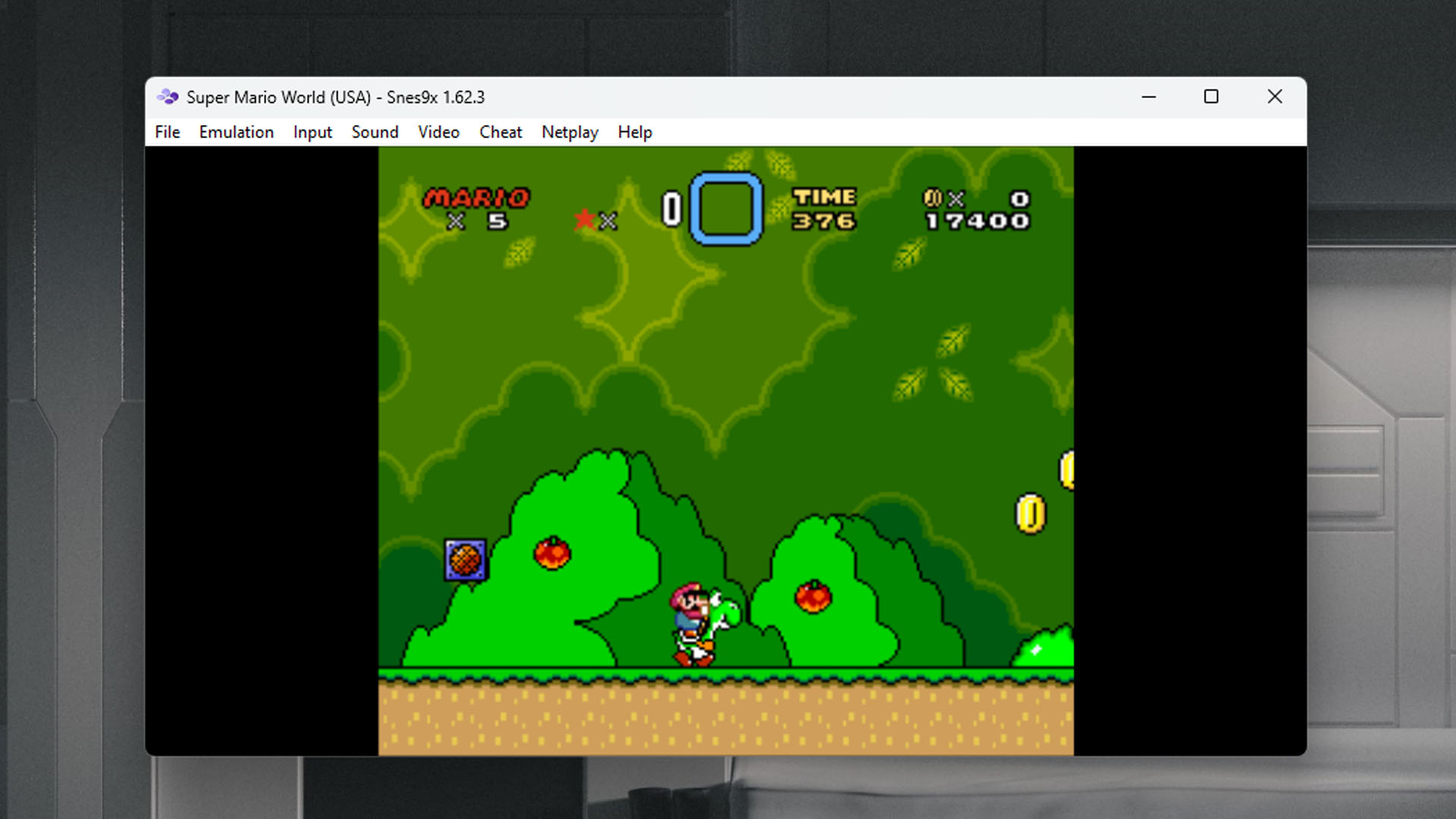
Selecting the right emulator for arcade gaming depends on whether you prioritize absolute historical accuracy, high-speed performance, or modern features like online multiplayer. In 2026, MAME (Multiple Arcade Machine Emulator) remains the definitive winner for its unparalleled library support and commitment to preserving digital history, though FinalBurn Neo and RetroArch offer compelling alternatives for specific performance needs.
Arcade emulation is a unique beast in the world of computing. Unlike home consoles, which usually share a standardized architecture (like a Super Nintendo or a PlayStation), arcade machines were often bespoke "one-offs." A cabinet for Pac-Man shares almost no DNA with a cabinet for Street Fighter II. Consequently, an arcade emulator must act as a massive library of virtualized hardware, capable of mimicking thousands of unique circuit boards, CPUs, and sound chips.
By 2026, the technology has matured significantly. We are no longer struggling to hit full speed on basic 2D titles; instead, the focus has shifted toward reducing input latency, improving shaders to mimic old CRT monitors, and achieving "cycle-accurate" emulation. Here is the definitive breakdown of the best tools for the job.
1. MAME (Multiple Arcade Machine Emulator)
MAME is the undisputed titan of the emulation world. Since its inception in 1997, it has evolved from a simple game player into a massive preservation project. Its goal is not necessarily to provide the "fastest" gaming experience, but to document exactly how the original hardware functioned.
In 2026, MAME supports over 35,000 unique ROM sets. This includes everything from the earliest electro-mechanical games of the 1970s to sophisticated 3D hardware from the early 2000s. The developers' "no hacks" philosophy means they avoid using programming shortcuts to make a game run faster if those shortcuts compromise accuracy.
The downside to MAME is its complexity. Because it recreates hardware so faithfully, it requires more CPU power than its competitors. Furthermore, its user interface (UI) can be intimidating for beginners, as it treats every piece of hardware as a "system" rather than just a "game." However, for those who want the "real" experience—including original boot-up sequences and hardware glitches—MAME is the gold standard.
2. FinalBurn Neo (FBNeo)
If MAME is the encyclopedic documentary, FinalBurn Neo is the high-octane action movie. FBNeo is a fork of the older FinalBurn and FinalBurn Alpha projects. It focuses on a smaller subset of arcade hardware—primarily the "golden age" of fighting games and shoot-'em-ups (shmups) from companies like Capcom, SNK (Neo Geo), and Sega.
FBNeo is significantly more optimized for performance than MAME. It is the preferred choice for users on lower-powered hardware, such as older laptops, handheld retro consoles, or single-board computers like the Raspberry Pi. In 2026, it remains a favorite because it balances accuracy with speed, ensuring that games like Marvel vs. Capcom run at a rock-solid 60 frames per second without requiring a high-end gaming PC.
3. RetroArch (Libretro)
It is important to clarify that RetroArch is not an emulator, but rather a "frontend" or a shell that hosts emulation "cores." It uses the Libretro API to allow users to access MAME, FBNeo, and thousands of other console emulators within a single, unified interface.
RetroArch wins the "Best User Experience" award in 2026. It provides a "PlayStation-style" menu (XMB) that allows you to manage your library, apply sophisticated CRT shaders, and use "Run-Ahead" technology. Run-Ahead is a revolutionary feature that removes inherent input lag by calculating frames before they are even displayed, making games feel even more responsive than they did on original hardware. For the casual user who wants a "plug-and-play" experience with a controller, RetroArch is often the best starting point.
4. Fightcade
For the competitive gaming community, Fightcade is the only choice that matters. Fightcade is a matchmaking platform built on top of the FBNeo and Snes9x cores. It is specifically designed for head-to-head online play in classic arcade games like Street Fighter III: 3rd Strike and The King of Fighters '98.
The secret to Fightcade's success in 2026 is its use of Rollback Netcode (GGPO). Traditional online play often suffers from "input delay" when the connection is poor. Rollback netcode, however, predicts user inputs and corrects them instantly if there is a discrepancy, resulting in a near-lagless experience over long distances. Fightcade also includes features like spectator modes, ranked lobbies, and a built-in chat system, turning arcade emulation into a modern social esport.
5. Model 2 Emulator and Supermodel (Model 3)
While MAME covers almost everything, it often struggles with specific 3D arcade hardware from Sega’s dominant era in the 1990s. This is where specialized emulators like Nebula's Model 2 Emulator and Supermodel (Model 3) come in.
These emulators are dedicated to Sega's groundbreaking 3D boards which powered hits like Daytona USA, Sega Rally Championship, and Star Wars Arcade. Because they are specialized, they can offer features that general-purpose emulators cannot, such as high-definition internal resolution scaling. Playing Daytona USA at 4K resolution with 60 FPS in 2026 is an experience that MAME currently cannot replicate with the same level of polish and speed.
6. Daphne and Singe
Arcade history isn't just about pixels and polygons; it also includes the era of Laserdisc games. Titles like Dragon’s Lair and Space Ace used actual video footage stored on Laserdiscs, triggered by player inputs.
Daphne (and its successor Singe) are specialized emulators designed specifically to handle these large video files and the unique timing required to simulate the Laserdisc hardware. While MAME has made strides in supporting these games, Daphne remains the most stable and feature-rich way to play them, providing a seamless experience that feels exactly like the 1983 arcade sensation.
7. BizHawk
BizHawk is a multi-system emulator designed primarily for Tool-Assisted Speedruns (TAS) and researchers. It focuses on extreme precision and provides tools that allow users to advance the game frame-by-frame, record inputs, and manipulate memory.
While not designed for casual "couch play," BizHawk is essential for the arcade community's technical side. It supports a MAME core but adds a layer of diagnostic tools that make it the best choice for anyone looking to deconstruct how an arcade game works or to push a game to its absolute limit through automation.
Comparison of Top Arcade Emulators
| Emulator | Primary Strength | Library Size | Best Hardware | Online Play |
|---|---|---|---|---|
| MAME | Accuracy / Preservation | 35,000+ | Modern PC (Mid-High) | Limited |
| FBNeo | Performance / Speed | ~6,000 | Low-end / Handhelds | Via RetroArch/Fightcade |
| RetroArch | UI / Shaders / Lag Reduction | Varies (Cores) | Everything | Yes (Netplay) |
| Fightcade | Competitive Multiplayer | Targeted (Fighters) | Any PC | Best-in-class (Rollback) |
| Supermodel | Sega 3D Specialization | Small (Model 3) | Modern PC | No |
| Daphne | Laserdisc Support | Very Small | Any PC | No |
| BizHawk | Research / TAS Tools | Varies | Mid-range PC | No |
The Deep Dive: Why MAME Wins
While the list above features several specialized tools, MAME is the "winner" because it is the foundation upon which the entire arcade emulation scene is built. In 2026, the project has transitioned from a mere hobbyist tool to a vital historical archive.
The "Documentary" Philosophy
MAME's developers view themselves as curators. If a game runs at 57.4 frames per second on the original hardware, MAME will run it at exactly 57.4 FPS, even if that causes screen tearing on a modern 60Hz monitor. This commitment to truth ensures that the gameplay is identical to what a player would have experienced in an arcade in 1985. For anyone serious about the history of the medium, this accuracy is non-negotiable.
The Ecosystem
MAME is more than just software; it is an ecosystem. The "ROMsets" used by MAME are the industry standard. Even when you use other emulators like FBNeo or RetroArch, you are almost always using files that were originally dumped and verified by the MAME team. By supporting MAME, you are supporting the continued discovery and dumping of "lost" arcade boards that are currently rotting in warehouses and garages around the world.
Modern Features in 2026
By 2026, MAME has also overcome its biggest historical weakness: the user interface. Modern versions of MAME feature built-in artwork support, allowing the software to display the original cabinet "bezels" (the art around the screen) and control panel overlays. It also supports "LUA" scripting, which has enabled a new generation of mods, such as high-definition texture replacements and AI-upscaled backgrounds for older titles.
Hardware and Setup Requirements in 2026
To get the most out of these emulators, your hardware configuration matters. Arcade games were designed for 4:3 aspect ratio CRT monitors, which had very specific "scanlines" and phosphor glows.
- CPU over GPU: Most arcade emulators are heavily dependent on single-core CPU performance. A modern 2026 processor with high clock speeds will serve you better than a massive graphics card.
- The Display: If you are playing on a modern OLED or LCD, you should use HLSL (in MAME) or Slang Shaders (in RetroArch). These digital filters simulate the look of a CRT, adding depth and "warmth" to the pixels.
- Controllers: For the authentic experience, an "Arcade Stick" (Fightstick) is highly recommended. Games like Street Fighter or Pac-Man were never intended for a d-pad or an analog stick. In 2026, many sticks use "optical switches" to provide even lower latency than traditional microswitches.
Common Troubleshooting and ROM Management
The biggest hurdle for new users is the concept of the ROMset. Arcade games are not single files; they are "zips" containing multiple chips from the original board.
- Parent and Clone ROMs: Most arcade games have multiple versions (e.g., a US version, a Japanese version, and a 2-player vs. 4-player version). MAME uses a "Parent/Clone" system where the Parent contains the bulk of the data, and the Clones only contain the files that differ.
- BIOS Files: Many arcade systems, such as the Neo Geo or the Capcom Play System, require a separate BIOS file (e.g.,
neogeo.zip) to be present in your ROMs folder for any of the games to boot. - Version Mismatch: This is the #1 cause of "Game Not Found" errors. Your emulator version must match your ROMset version. If you are using MAME 0.280, you need the 0.280 ROMset.
Frequently Asked Questions
Is arcade emulation legal?
Emulation software itself is entirely legal in most jurisdictions. However, downloading "ROMs" (the game data) is a copyright violation unless you own the original arcade board and have the tools to dump the data yourself. Many companies, such as SNK and Capcom, now sell "Arcade Classics" collections on modern platforms that use these same emulation techniques legally.
Why do some games require "CHD" files?
In the mid-to-late 90s, arcade machines began using hard drives or CD-ROMs instead of just memory chips. A "CHD" (Compressed Hunks of Data) is an image of that drive. For games like Killer Instinct or Beatmania, you need both the small .zip file (the program code) and the much larger .chd file (the audio/video data).
Can I play arcade games on my phone?
Yes. RetroArch has a very capable Android and iOS (via sideloading or official stores in some regions) version. However, due to the complexity of MAME, most mobile users prefer the FBNeo core in RetroArch, as it provides better battery life and performance on mobile processors.
What is "Input Lag" and how do I fix it?
Input lag is the delay between pressing a button and seeing the action on screen. In 2026, the best way to fix this is to use RetroArch with Run-Ahead enabled or to use a dedicated arcade OS like Lakka or Batocera, which are optimized to reduce system overhead.
Does MAME support 3D games like Tekken?
Yes, MAME supports many 3D titles from the Namco System 11/12 and Sony ZN-1 hardware. However, for more modern 3D arcade games from the 2010s, you may need specialized emulators like TeknoParrot, which acts as a compatibility layer for PC-based arcade hardware.
Final Recommendation: Where to Start
If you are just beginning your journey into retro arcade gaming in 2026, start with RetroArch and the FinalBurn Neo core. It provides the most user-friendly entry point, excellent controller support, and enough performance to run 99% of the games you remember from your childhood.
Once you find yourself wanting to explore more obscure history—such as non-gaming arcade hardware or perfectly accurate versions of 80s classics—graduate to the standalone version of MAME. It may have a steeper learning curve, but it is the most rewarding way to experience the vast, loud, and neon-soaked history of the arcade.