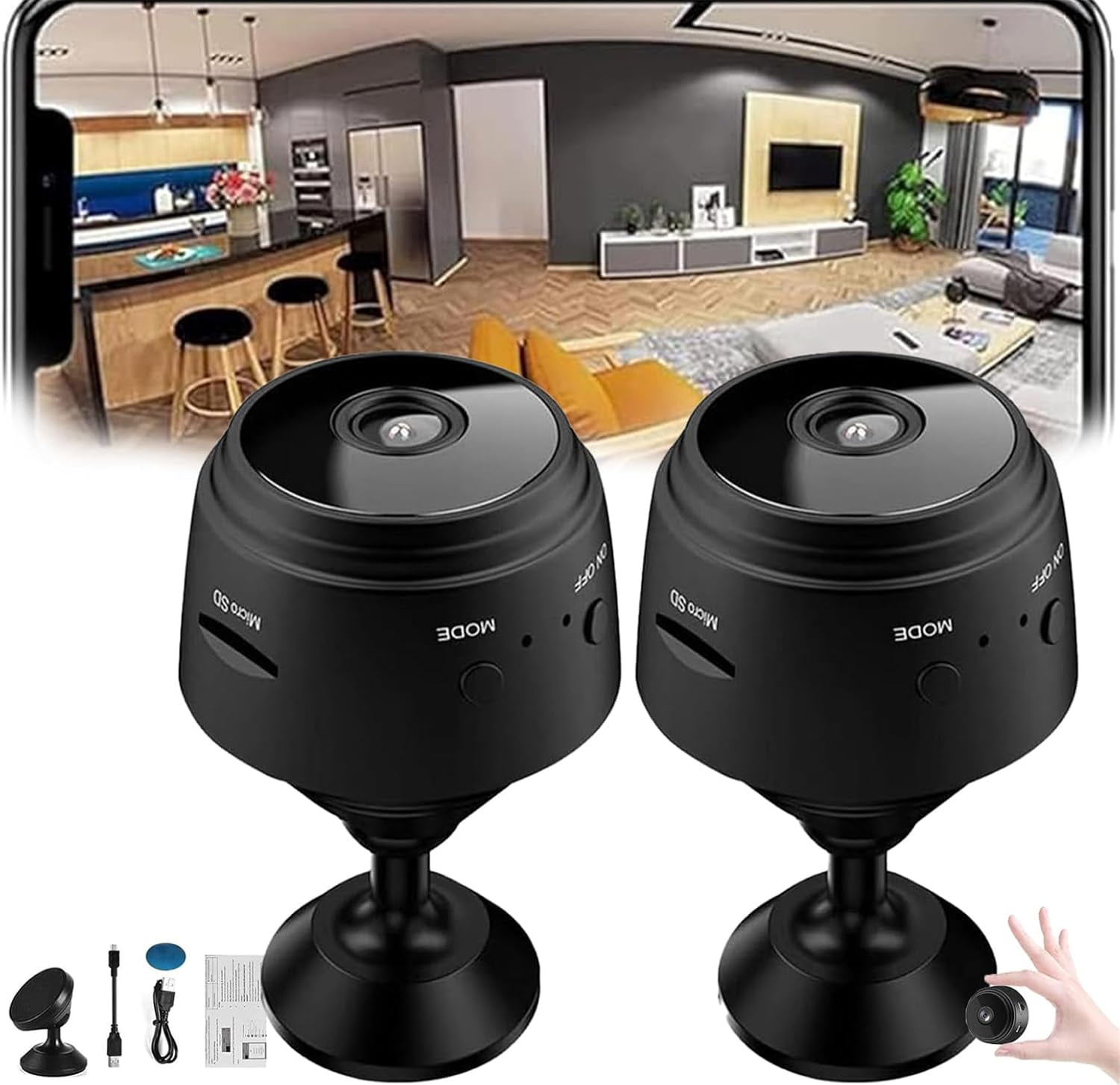
Choosing the right nanny camera involves balancing high-definition video clarity, secure local and cloud storage options, discreet physical designs, and reliable smart home integration. Among the top-rated home monitoring devices available, the Wyze Cam Pan v3 stands out as the best overall choice due to its 360-degree motor rotation, weather-resistant indoor-outdoor build, and exceptional affordability without hidden subscription paywalls.
Monitoring the safety of your children while you are away from home requires hardware you can trust implicitly. Whether you are vetting a new caregiver, checking in on an established nanny, or simply wanting a transparent record of daily household activities, a dedicated nanny camera provides essential peace of mind. However, the market is crowded with countless models offering varying degrees of video resolution, field of view, audio capabilities, and privacy protection.
Navigating these choices demands a careful examination of technical specifications, operational costs, and physical footprints. This guide evaluates five of the best nanny cameras for home use, analyzes their core capabilities, and details precisely why one particular model captures the top spot.
Understanding Nanny Cameras: Prerequisites and Considerations
Before purchasing a monitoring device, homeowners must evaluate several legal, technical, and practical factors. Installing cameras inside a private residence involves navigating state and federal wiretapping and privacy laws. In many jurisdictions, recording audio without the consent of parties involved in the conversation is illegal, whereas video recording in common areas is generally permissible. Parents must research local statutes regarding caregiver notification and consent before activating any recording equipment.
Technically, a reliable nanny camera requires a robust Wi-Fi network with sufficient upload bandwidth. Multiple high-definition video streams can quickly congest a residential router, leading to stuttering feeds or dropped connections. Furthermore, users must decide between local storage—such as onboard MicroSD cards that keep video data private—and cloud storage subscriptions that offer automated backups but introduce recurring monthly fees and potential cybersecurity vulnerabilities.
The Top 5 Nanny Cameras for Home Monitoring
Selecting the right device depends on whether you prioritize stealth, pan-and-tilt tracking, wide-angle room coverage, or advanced artificial intelligence detection. The following five models represent the leading options on the market for residential childcare monitoring.
1. Wyze Cam Pan v3
The Wyze Cam Pan v3 is a versatile, motorized security camera that delivers exceptional performance at a fraction of the cost of competing brands. It features 1080p Full HD video recording, smooth 360-degree horizontal panning, and 180-degree vertical tilting. Unlike its predecessors, the v3 is IP65 weather-resistant, meaning it can transition seamlessly from an indoor nursery to an outdoor porch. It supports continuous recording via a MicroSD card slot and includes motion tracking that automatically follows moving subjects across a room.
2. Google Nest Cam (Indoor, Wired)
For households deeply embedded in the Google Home ecosystem, the wired Google Nest Cam offers intelligent event detection and sleek, modern aesthetics designed to blend into high-end home decors. It records in 1080p HDR with night vision and utilizes onboard machine learning to distinguish between people, animals, and motion. While it requires a Google Home subscription for advanced features like familiar face alerts and extended video history, its build quality and dependable software ecosystem make it a premium choice.
3. Ring Indoor Cam (2nd Generation)
Amazon's Ring Indoor Cam is a compact, plug-and-play device tailored for easy placement on bookshelves, desks, or walls. It features 1080p HD video, two-way talk with noise cancellation, and a manual privacy cover that physically blocks the camera lens and microphone. This physical privacy shutter is a major selling point for parents who want absolute assurance that the camera is inactive when they are home. Its integration with Alexa routines and Echo Show devices simplifies multi-room monitoring.
4. Emo smart Indoor Security Camera (Eufy Solo IndoorCam C22)
Eufy's Solo IndoorCam C22 focuses heavily on local data privacy and AI-driven tracking without mandatory monthly fees. It offers 2K resolution (or 1080p depending on the exact sub-variant), smart AI human detection that filters out false alerts from pets, and instant 360-degree pan-and-tilt capabilities. Crucially, Eufy supports local storage via a MicroSD card up to 128GB and compatibility with HomeKit, Google Assistant, and Amazon Alexa, giving users total control over where their video streams are saved.
5. Arlo Essential Indoor Camera
The Arlo Essential Indoor Camera emphasizes rapid deployment and robust privacy controls. Like the Ring model, it features an automated privacy shield that rolls closed when disarmed, providing a visible indicator that recording has ceased. It delivers 1080p video, night vision, and an integrated siren that can be triggered remotely. Arlo's app interface is intuitive, though utilizing its cloud storage features and advanced person detection requires an Arlo Secure subscription plan.
Comparative Overview of Top Nanny Cameras
| Feature / Model | Resolution | Pan / Tilt Capabilities | Storage Options | Privacy Shutter | Estimated Price Range |
|---|---|---|---|---|---|
| Wyze Cam Pan v3 | 1080p HD | 360° Horizontal / 180° Vertical | MicroSD (up to 256GB) + Cloud | No (Software toggle) | Budget ($35 - $45) |
| Google Nest Cam (Wired) | 1080p HDR | Stationary (Wide 135° FOV) | Cloud (Subscription required) | No | Premium ($90 - $100) |
| Ring Indoor Cam (2nd Gen) | 1080p HD | Stationary (143° Diagonal FOV) | Cloud (Ring Protect) | Yes (Manual physical cover) | Budget ($40 - $60) |
| Eufy Solo IndoorCam C22 | 2K / 1080p | 360° Pan / 96° Tilt | Local MicroSD + Cloud | No | Budget ($40 - $50) |
| Arlo Essential Indoor | 1080p HD | Stationary (130° FOV) | Cloud (Arlo Secure) | Yes (Automated shield) | Mid-Range ($70 - $90) |
Why the Wyze Cam Pan v3 Stands Out as the Best Choice
While all five options offer reliable monitoring, the Wyze Cam Pan v3 stands out as the premier nanny camera for the vast majority of households. Its dominance rests on three core pillars: mechanical flexibility, cost-effective local storage, and unmatched value for money.
Complete Room Coverage Without Blind Spots
Traditional stationary cameras leave significant blind spots, forcing parents to position multiple units in a single room or carefully angle lenses to cover play areas and cribs. The Wyze Cam Pan v3 eliminates this problem entirely through its motorized pan-and-tilt system. Users can swipe across their smartphone screen to rotate the camera fluidly in any direction. Furthermore, the motion-tracking feature automatically follows a nanny and child as they move across the room, ensuring critical activities are never missed.
Freedom From Mandatory Cloud Subscriptions
Many home security brands lock essential features—such as continuous video history, person detection, and motion zones—behind expensive monthly subscription paywalls. Wyze allows users to insert an affordable MicroSD card directly into the camera base for continuous 24/7 local recording. This ensures that parents retain complete ownership of their video data without recurring monthly overhead, while still offering optional cloud storage tiers for users who prefer off-site backups.
Exceptional Versatility and Build Quality
The inclusion of an IP65 weather-resistant rating elevates the Pan v3 beyond a standard indoor camera. While deployed primarily in nurseries or living rooms, its durability means it can easily be repurposed for outdoor patio monitoring or garage security once the childcare years have passed. Combined with silent motor operations that do not disturb sleeping infants, its technical feature set outperforms competitors priced at twice the cost.
Common Mistakes to Avoid When Installing a Nanny Camera
Maximizing the effectiveness of your home monitoring system requires avoiding several common deployment and operational pitfalls:
- Failing to Test Wi-Fi Signal Strength: Placing a camera in a nursery at the furthest corner of the house often results in poor Wi-Fi connectivity. Always verify signal strength before mounting devices permanently.
- Ignoring Cybersecurity Protocols: Using default factory passwords or unsecured home networks leaves camera feeds vulnerable to unauthorized interception. Always enable two-factor authentication and update firmware regularly.
- Overlooking Audio Legalities: Recording audio without adhering to local consent laws can expose homeowners to legal liabilities. Check state or national statutes regarding two-party consent laws before enabling audio collection.
- Improper Camera Placement: Mounting cameras too high limits facial recognition clarity, while placing them too low makes them easily tampered with by curious children or caregivers.
Frequently Asked Questions
Can nanny cameras operate without an internet connection?
Most modern nanny cameras require a Wi-Fi connection for live streaming and push notifications. However, models that support local MicroSD cards—such as the Wyze Cam Pan v3 and Eufy Solo IndoorCam—can continue recording video locally even if the internet drops, provided they retain power.
Is it legal to hide a nanny camera in your home?
Legality varies significantly by jurisdiction. In many regions, hidden cameras are legal in common living areas (like kitchens and living rooms) but illegal in private spaces such as bathrooms or designated guest bedrooms where a live-in nanny might sleep. Audio recording laws are often stricter than video laws. Homeowners should consult local legal counsel or labor boards.
Do I need a monthly subscription to view recorded footage?
No. Cameras that support local MicroSD card storage allow you to review historical footage directly on your smartphone through the manufacturer's app without paying a monthly fee. Subscriptions are typically required only for cloud-based video history backups and advanced AI filtering.
How do I secure my nanny camera against hacking?
Protect your monitoring system by changing default admin passwords, enabling two-factor authentication (2FA) on your mobile app, keeping camera firmware updated to patch security vulnerabilities, and connecting your devices to a secure, password-protected home Wi-Fi network rather than a guest network.
Conclusion and Next Action
Investing in a reliable nanny camera provides essential oversight and reassurance, helping you maintain confidence in your childcare arrangements. Begin by assessing your home layout to determine whether a motorized pan-and-tilt device like the Wyze Cam Pan v3 or a stationary wide-angle model best suits your space. Review local privacy laws regarding audio and video recording, establish a secure home network, and test your chosen hardware thoroughly before leaving your child in a caregiver's charge.