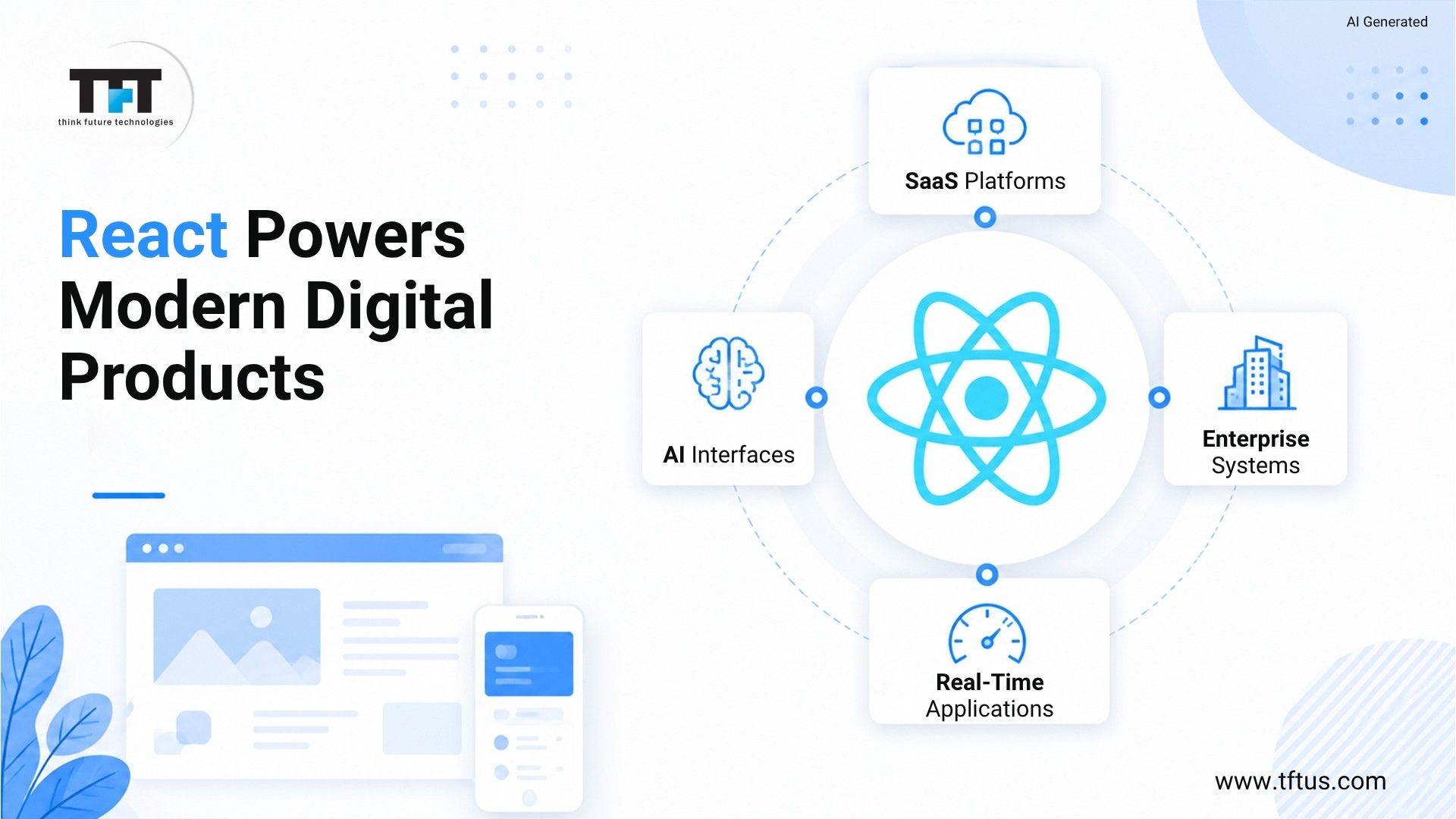
Building a modern web interface with ReactJS requires transitioning from basic component rendering to a structured approach that emphasizes state management, side-effect handling, and responsive design patterns. By utilizing functional components and React hooks, developers can create modular, maintainable user interfaces that efficiently manage data flow while ensuring high performance across various device resolutions.
Understanding the Modern React Architecture
In 2026, React development is characterized by a focus on "thinking in components" and leveraging the power of the Virtual DOM. Unlike legacy approaches that relied heavily on class components and manual lifecycle management, modern React utilizes the Hooks API to encapsulate logic and state within functional units. This architectural shift allows for cleaner code separation, where business logic, data fetching, and UI rendering remain distinct but tightly integrated.
A modern web interface must be performant and accessible. This means utilizing techniques such as code splitting via dynamic imports, memoization of expensive computations to prevent unnecessary re-renders, and implementing an accessible component library that adheres to WCAG standards. Understanding these core pillars—state, effects, and composition—is the prerequisite for building robust, scalable applications.
Core Prerequisites for React Development
Before constructing a practical example, ensure your development environment is configured to meet current standards. A robust setup involves more than just a code editor; it requires a reliable package manager and a build tool that supports modern JavaScript features.
- Node.js and npm/pnpm/yarn: A stable version of Node.js is essential. As of 2026, most production environments utilize LTS versions to ensure security and compatibility.
- Modern Build Tools: Tools like Vite have become the industry standard for initializing React projects due to their rapid hot module replacement (HMR) and optimized build processes.
- State Management Strategy: For small to medium applications, the built-in
useContextanduseReducerhooks are often sufficient. For larger scale systems, libraries like TanStack Query (formerly React Query) are preferred for server-state management. - TypeScript: Type safety is no longer optional in professional environments. Using TypeScript from the outset prevents runtime errors by defining clear shapes for props and state.
Practical Implementation: A User Dashboard Module
To demonstrate these concepts, consider the construction of a user dashboard component. This module requires fetching user data, handling loading states, and displaying information in a responsive grid.
1. Defining the Component Structure
We start by defining a TypeScript interface to describe the data object. This ensures that every part of the application understands the expected structure of a "User."
interface User { id: number; name: string; email: string; role: string; }
2. Fetching and Storing State
Using the useEffect hook, we initiate a data fetch when the component mounts. By separating the loading state, error handling, and the data itself, we create a predictable interface that keeps the user informed during network latency.
const [users, setUsers] = useState([]); const [loading, setLoading] = useState(true); const [error, setError] = useState(null); useEffect(() => { fetch('/api/users') .then(res => res.json()) .then(data => { setUsers(data); setLoading(false); }) .catch(err => { setError(err); setLoading(false); }); }, []);
3. Rendering the User Grid
Modern interfaces rely on CSS Grid or Flexbox for layout. By mapping the user array to individual Card components, we maintain high modularity. If the UI requirements change—such as adding a profile picture or a status indicator—we only need to modify the Card component, not the entire list.
Comparison of React Development Approaches
When selecting the right pattern for your specific web interface, consider the trade-offs between different strategies.
| Feature | Local State (useState) | Context API | External Stores (TanStack/Redux) |
|---|---|---|---|
| Complexity | Low | Medium | High |
| Performance | High (localized) | Moderate (context propagation) | High (optimized selectors) |
| Ideal Use Case | Single component data | Theming, Auth state | Server cache, Global state |
| Setup Overhead | None | Low | High |
Optimizing for Performance and Scalability
A practical React application must do more than just function; it must perform under load. Performance optimization in 2026 centers on reducing the JavaScript payload and minimizing the work the browser performs during paint cycles.
Memoization Techniques
The useMemo and useCallback hooks are powerful tools, but they should be used judiciously. Over-memoizing every value can actually lead to performance degradation due to the overhead of comparing dependencies. Apply them only when the computational cost of a function or component render is significant.
Server-Side Rendering (SSR) and Hydration
Modern frameworks built on top of React, such as Next.js, provide SSR capabilities. By rendering the initial HTML on the server, you significantly improve the First Contentful Paint (FCP) time. This is critical for SEO and user perception. Once the browser receives the static HTML, React "hydrates" the page to enable interactivity.
Common Pitfalls and Troubleshooting
Even experienced developers encounter issues during the development lifecycle. Identifying these early can save significant debugging time.
- Dependency Array Misses: Failing to include all dependencies in a
useEffecthook is a primary source of stale data bugs. Always use the linter rules provided by theeslint-plugin-react-hookspackage to detect these oversights. - Prop Drilling: When state needs to travel through multiple layers of components that do not actually use the data, the code becomes brittle. Utilize the Context API or a state management library to provide a direct "pipe" for data where necessary.
- Memory Leaks: If a component performs an asynchronous operation, ensure it is cleaned up if the component unmounts. Setting state on an unmounted component will trigger warnings in the console and indicates an underlying resource management issue.
Implementing Accessible User Interfaces
Accessibility (a11y) is a fundamental aspect of modern web design. React facilitates accessibility by allowing developers to manage focus dynamically. When a modal opens, for example, the focus must be shifted to the modal container. When it closes, the focus should return to the triggering element. Use native HTML elements (buttons, links, inputs) whenever possible to leverage built-in keyboard navigation support, only falling back to custom components when absolutely necessary and ensuring they are wrapped with appropriate ARIA roles.
Integrating Modern Tooling
To ensure consistent quality, incorporate automated linting and formatting into your CI/CD pipeline. Tools like ESLint and Prettier, when configured to run on every "git commit" via Husky, prevent "style-drift" where different developers write code in varying formats. This maintains a uniform codebase that is easier to onboard new developers into.
Frequently Asked Questions
Why should I use functional components over class components in 2026?
Functional components are more concise, easier to test, and enable the use of Hooks. They simplify the logic by allowing related code to be co-located rather than split across lifecycle methods like componentDidMount and componentWillUnmount.
How do I handle authentication state globally?
The most efficient way to handle auth state is through the Context API. By creating an AuthProvider that wraps your application root, you can expose the user object and authentication methods (login/logout) to any child component without passing props manually.
Is React still the best choice for SEO-heavy websites? While client-side rendered React applications have historically struggled with SEO, modern frameworks such as Next.js or Remix have resolved these issues through Server-Side Rendering and Static Site Generation. These frameworks are fully SEO-compatible.
How do I manage large lists of data efficiently?
For large datasets, use "windowing" or "virtualization" libraries like react-window. These libraries only render the items currently visible in the user's viewport, drastically reducing the DOM node count and memory usage.
What is the best way to style modern React components? The ecosystem offers several paths. CSS Modules remain a reliable, standard choice. However, utility-first frameworks like Tailwind CSS are widely adopted for their speed, while CSS-in-JS libraries like styled-components offer dynamic styling based on component props.
Next Steps for Development
To continue your progress, begin by refactoring an existing project or a small personal module to use TypeScript. Experiment with replacing useEffect for data fetching with a library like TanStack Query to see how much boilerplate code can be eliminated. Once you are comfortable with these patterns, explore advanced state patterns like XState for managing complex, multi-step state machines. Consistency in these practices will ensure your interfaces remain performant, accessible, and maintainable as your project grows in scope.