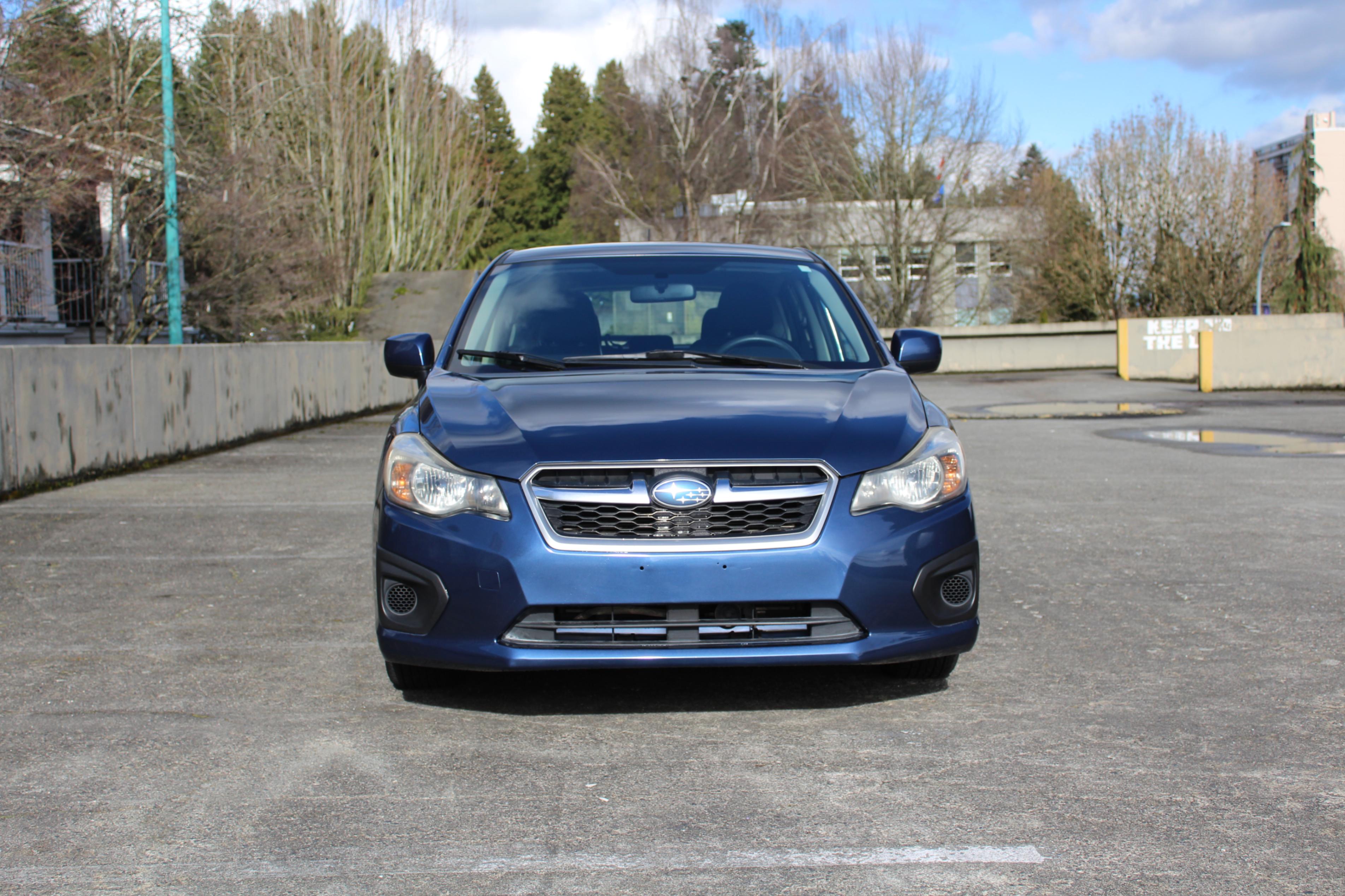
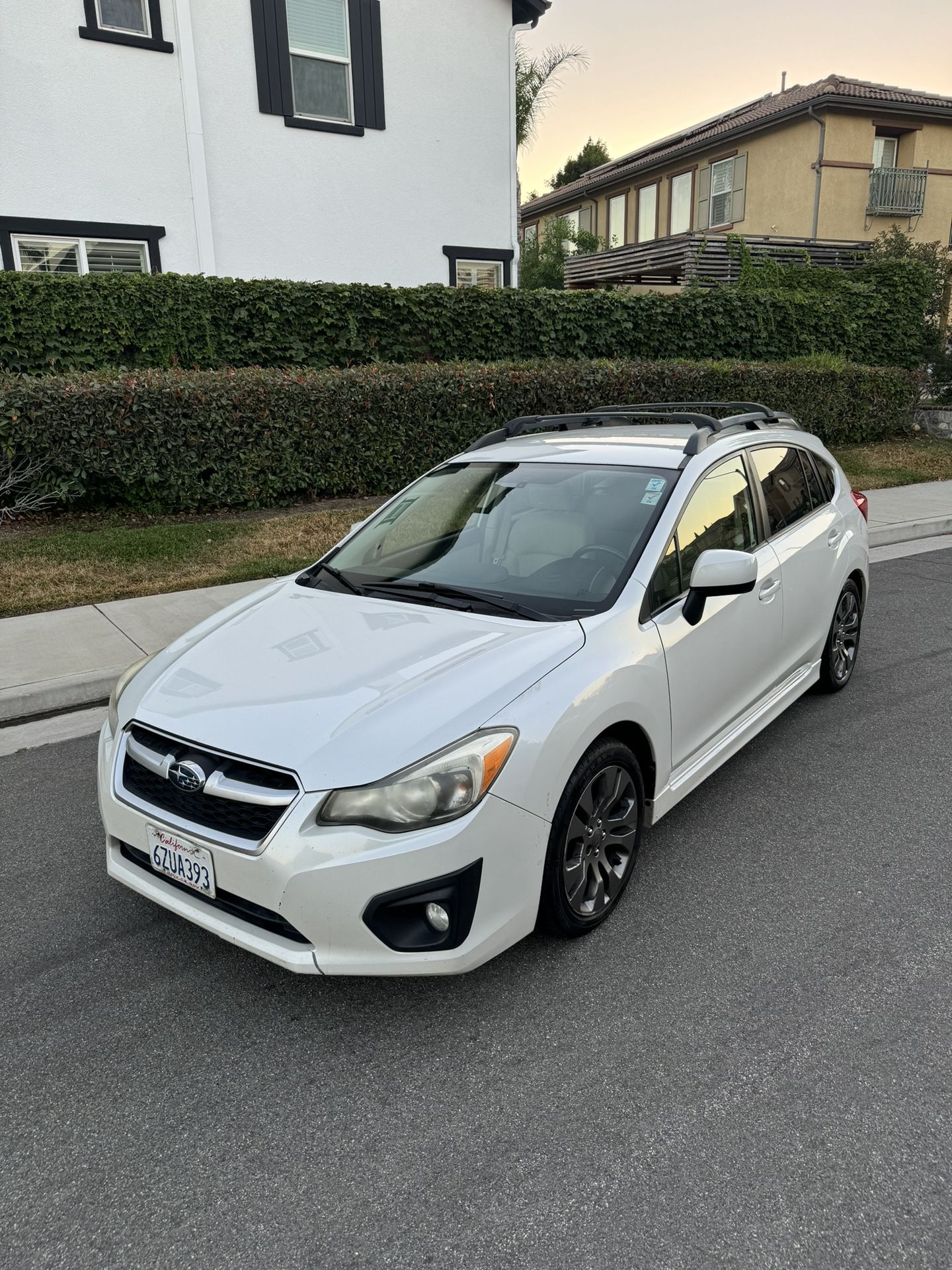
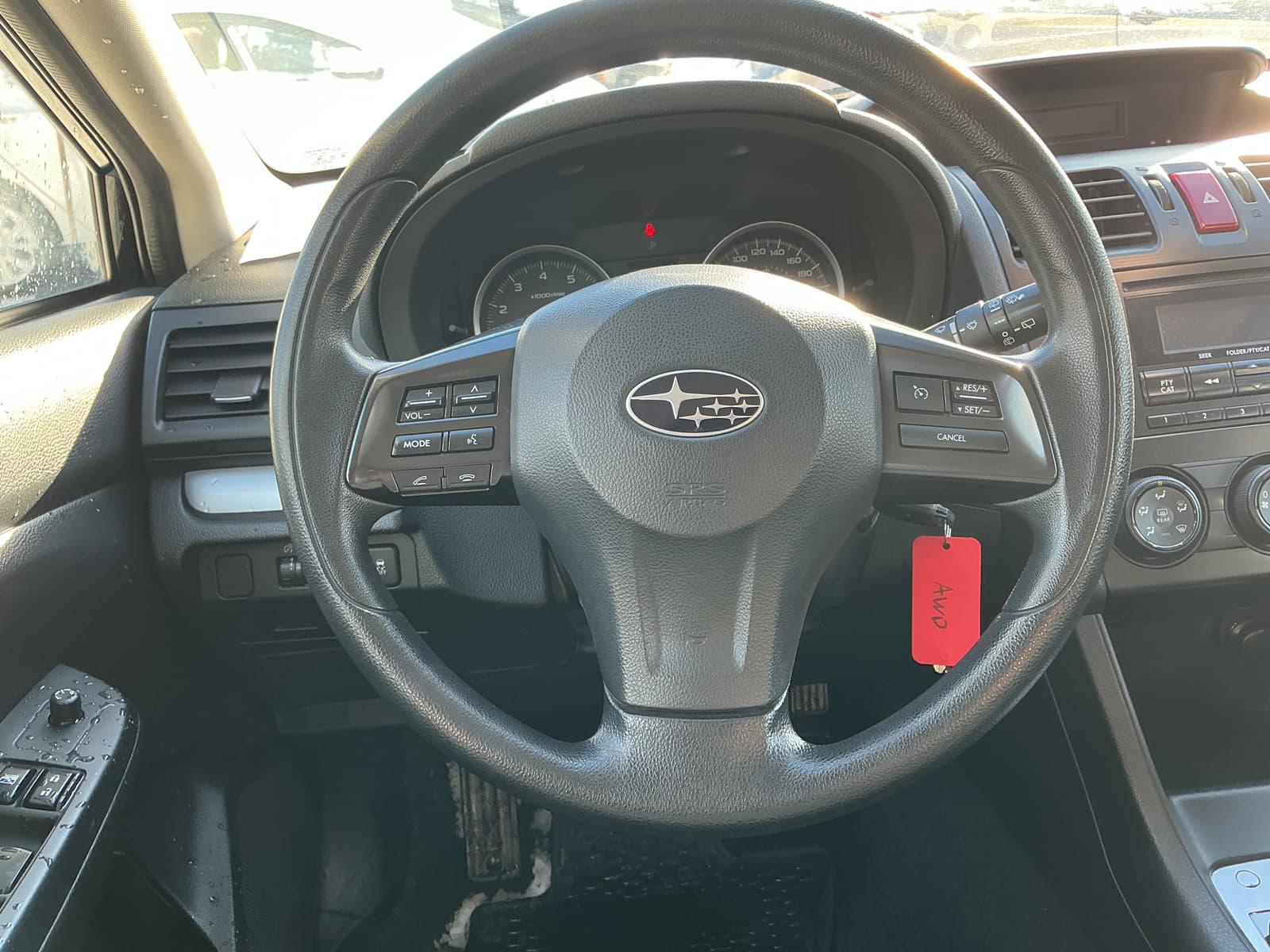
To pair a phone with a 2013 Subaru Impreza, use the steering wheel voice command button and say "Setup," then "Phone Setup," and "Pair Phone." Follow the voice prompts to complete the connection on your device. For models with navigation, use the "Phone" button on the touchscreen to access the pairing menu.
The 2013 Subaru Impreza represents a significant era for the Japanese automaker. As the second model year of the fourth-generation (GP/GJ) platform, it introduced a more fuel-efficient engine and a revised interior. However, its factory infotainment system—specifically the Bluetooth functionality—often serves as a point of frustration for modern users in 2026. Understanding the nuances of this system is essential for maintaining hands-free safety and audio convenience in a vehicle that remains a popular choice for commuters and students due to its reliability and standard all-wheel drive.
Identifying Your 2013 Subaru Impreza Audio System
Before attempting to troubleshoot or pair a device, it is critical to identify which of the three primary head units your 2013 Impreza is equipped with. Subaru utilized different suppliers for these units, and the interface for Bluetooth varies significantly between them.
The Non-Touchscreen Base Radio (Type A)
Found primarily in the 2.0i Base trim, this unit features a simple dot-matrix display, a CD slot at the top, and physical knobs for volume and tuning. It typically does not feature steering wheel audio controls in the absolute base configuration, which makes Bluetooth pairing slightly more difficult as it relies entirely on the tuning knob menu.
The Display Audio/Premium Radio (Type B)
Common in the 2.0i Premium and Sport Premium trims, this unit often includes a larger, high-resolution non-touchscreen display or a basic 4.3-inch screen. These models almost always feature steering wheel controls, including a "talk" button, a "pick-up" button, and a "hang-up" button. This system is the most common and uses a voice-activated menu for Bluetooth initialization.
The Touchscreen Navigation System
The 2.0i Limited and higher-tier Sport Limited trims were often equipped with a Fujitsu Ten-sourced navigation unit. This system features a 6.1-inch resistive touchscreen. While it looks the most "modern" for 2013, the Bluetooth pairing logic is entirely separate from the non-touchscreen units and is handled through the on-screen settings menu rather than voice commands.
Step-by-Step Bluetooth Pairing Procedures
The most common mistake owners make is attempting to pair the phone through the "Audio" menu. In many 2013 Subaru models, pairing through the audio menu only connects the device as a media player, often failing to link the hands-free calling features. To ensure both work, you must pair the device as a "Phone."
For Models with Steering Wheel Controls (Most Common)
- Vehicle State: Ensure the vehicle is in Park (CVT) or the parking brake is engaged (Manual). The engine does not need to be running, but the ignition should be in the "ACC" or "ON" position.
- Initiate Voice Command: Press the Talk button on the steering wheel. Wait for the beep.
- Voice Prompts: Say "Setup." The system will list options.
- Phone Setup: Say "Phone Setup."
- Pairing: Say "Pair Phone."
- Record Name: The system will ask you to record a name for the phone (e.g., "My iPhone"). This is for the car's internal directory.
- Device Search: The car will display a 4-digit passkey (usually 0000 or 1234) and its Bluetooth name (typically "CAR M_MEDIA" or "SUBARU BT").
- Phone Action: Open the Bluetooth settings on your smartphone and select the car's name. Enter the passkey if prompted.
- Confirmation: The car will announce "Pairing successful" or "Connection complete."
For Models Without Steering Wheel Controls (Manual Method)
- Push the Menu or Tune knob to enter the settings.
- Rotate the knob to find "BT SETUP" and press the knob to select it.
- Navigate to "PAIR PHONE."
- The unit will provide a passkey. Follow the same steps on your smartphone to find and connect to the vehicle.
For Touchscreen Navigation Models
- Press the physical Info/Phone button on the side of the unit or the Settings icon on the screen.
- Select the Bluetooth tab on the screen.
- Select Register or Add New Device.
- Ensure Bluetooth is active on your phone and select the vehicle from your list of available devices.
Advanced Connectivity: Bluetooth Audio vs. Hands-Free Calling
In the 2013 Impreza, the system treats "Phone" and "Audio Player" as two distinct profiles. This is a vestige of early 2010s automotive software architecture.
Hands-Free Profile (HFP): This allows you to make and receive calls, access your contact list via voice command, and use the car's microphone and speakers for conversation. Advanced Audio Distribution Profile (A2DP): This allows for wireless music streaming from apps like Spotify or Apple Music.
If you find that you can make calls but cannot play music, it is likely because the phone was paired only through the "Phone" menu and not recognized as an "Audio" device. To fix this, you often have to go back into the "BT Setup" menu using the tuning knob and select "Audio Setup" -> "Register Audio Player." However, the voice command method (Setup -> Phone Setup -> Pair Phone) usually links both profiles simultaneously in the 2013 model year.
Comparison of Factory Audio vs. Modern Upgrades
By 2026, the factory Bluetooth 2.1/3.0 protocols in the 2013 Impreza may struggle with modern smartphone operating systems. The following table compares the original equipment manufacturer (OEM) capabilities with typical 2026-era aftermarket solutions.
| Feature | OEM Non-Touchscreen | OEM Navigation | Aftermarket (e.g., Sony/Pioneer) |
|---|---|---|---|
| Bluetooth Version | 2.1 + EDR | 3.0 | 5.0 or Higher |
| Apple CarPlay | No | No | Yes (Wireless/Wired) |
| Android Auto | No | No | Yes (Wireless/Wired) |
| Display Type | Dot Matrix / LCD | 6.1" Resistive Touch | 7-10" Capacitive Touch |
| Audio Quality | Standard (Compressed) | Standard | High-Resolution / FLAC Support |
| Steering Wheel Integration | Native | Native | Requires Adapter (e.g., iDatalink) |
| Microphone | Built-in (Overhead) | Built-in (Overhead) | External (Better Clarity) |
Troubleshooting Common Bluetooth Issues
Even when following the correct steps, owners of the 2013 Impreza often encounter specific glitches. Most of these stem from the age of the hardware or full memory slots.
The "Memory Full" Error
The 2013 Impreza can typically only store five paired devices. If a previous owner or family members have filled these slots, the "Pair Phone" option may be greyed out or fail immediately.
- Solution: Use the "Delete Phone" or "Delete Device" command in the BT Setup menu to clear out all old profiles before attempting to pair a new one.
Connection Dropping or Stuttering
Bluetooth interference in older units is common. If your music skips or the phone disconnects randomly:
- Clear Cache: On your smartphone, go to Bluetooth settings, "Forget" the Subaru connection, and restart the phone.
- Initialization: Reset the car's head unit by holding the volume/power knob down for 10-15 seconds until the unit restarts.
- Firmware: While Subaru rarely issued firmware updates for these non-connected units, occasionally a dealer-only update exists for the Navigation models to improve compatibility with newer iOS/Android versions.
The "Voice Command Not Recognized" Problem
The microphone in the 2013 Impreza is located in the overhead console near the map lights. It is prone to picking up road noise, which was a known issue in this generation of Impreza due to thinner sound insulation.
- Solution: Close all windows and the sunroof, and turn off the HVAC fan before speaking commands. Speak clearly and wait for the "beep" before talking.
Modernizing the 2013 Impreza Bluetooth Experience
As we reside in 2026, many 2013 Impreza owners find that the factory tech no longer meets their needs. The most effective way to "fix" Bluetooth issues in this vehicle is to replace the head unit.
Double-DIN Aftermarket Units
The 2013 Impreza uses a standard Double-DIN radio aperture. This makes it incredibly easy to install a modern 7-inch or 9-inch touchscreen. Modern units provide:
- Wireless CarPlay/Android Auto: Eliminates the need to use the car's clunky internal Bluetooth menus entirely.
- Improved DACs: Digital-to-Analog Converters in modern Sony, Alpine, or Kenwood units significantly improve the sound quality of the factory speakers.
- Backup Camera Integration: If your 2013 Impreza didn't come with a backup camera (they weren't mandatory in the US until 2018), an aftermarket screen allows you to easily add one.
Retention of Steering Wheel Controls
When upgrading, it is vital to use a wiring interface like the Axxess ASWC-1 or iDatalink Maestro. These modules translate the Subaru's analog steering wheel signals into digital commands for the new radio, allowing you to keep the volume and track buttons functional.
Frequently Asked Questions
Does the 2013 Subaru Impreza support Bluetooth music streaming (A2DP)? Yes, all 2013 Impreza trims with factory Bluetooth support music streaming. However, on the base and premium non-touchscreen models, you must ensure the phone is paired as an "Audio Player" in the settings, or use the voice command "Setup > Phone Setup > Pair Phone" to link both call and music functions.
Why is my phone connected for calls but not for music in my 2013 Impreza? This usually happens if the device was paired using the "Phone" menu only. The older Subaru software often requires a separate authorization for the media profile. The easiest fix is to delete the device from both the car and the phone and re-pair using the steering wheel voice commands, which typically forces both profiles to connect.
Can I update the Bluetooth software in my 2013 Impreza myself? For the standard non-touchscreen radios, there are no user-accessible software updates. For the Navigation-equipped models, updates were occasionally distributed via SD card or at the dealership. However, by 2026, most of these updates are legacy and have been superseded by the hardware limitations of the unit itself.
Where is the Bluetooth microphone located in the 2013 Impreza? The microphone is integrated into the overhead console, usually located between the map lights. If callers complain they cannot hear you, check to see if the small slotted vent in that area is covered by dust or if the sunroof seal is leaking excessive wind noise.
Is there a way to bypass the voice command system for pairing? On most trims, yes. You can use the "Tune" knob to enter the "BT Setup" menu. However, Subaru's logic for the 2013 model year frequently "hides" the Bluetooth discovery mode unless it is initiated via the voice command system, leading many to believe the voice method is the only way.
Final Recommendation for 2013 Impreza Owners
If you are currently driving a 2013 Subaru Impreza in 2026, the factory Bluetooth system is likely nearing the end of its functional life regarding compatibility with modern devices. For the best experience, attempt the voice-activated pairing method (Talk Button > "Setup" > "Phone Setup" > "Pair Phone") as it remains the most reliable way to sync both hands-free calling and audio streaming.
If you find that the connection remains unstable or the audio quality is insufficient for your needs, the 2013 Impreza is one of the most "upgrade-friendly" vehicles ever made. Investing in a modern head unit with wireless smartphone integration will not only resolve your Bluetooth frustrations but also add modern safety features like integrated navigation and a backup camera, significantly extending the relevant lifespan of your vehicle.