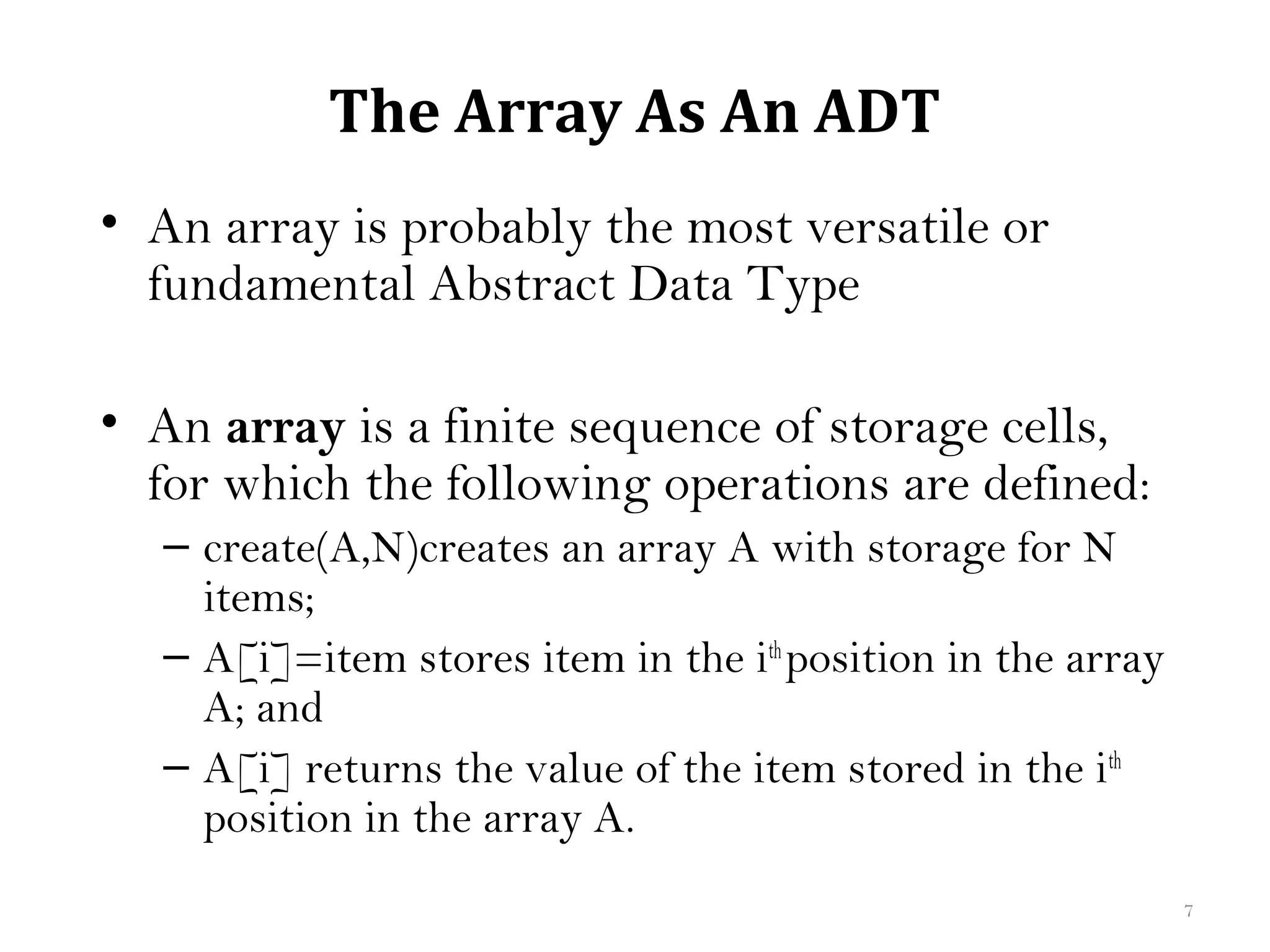
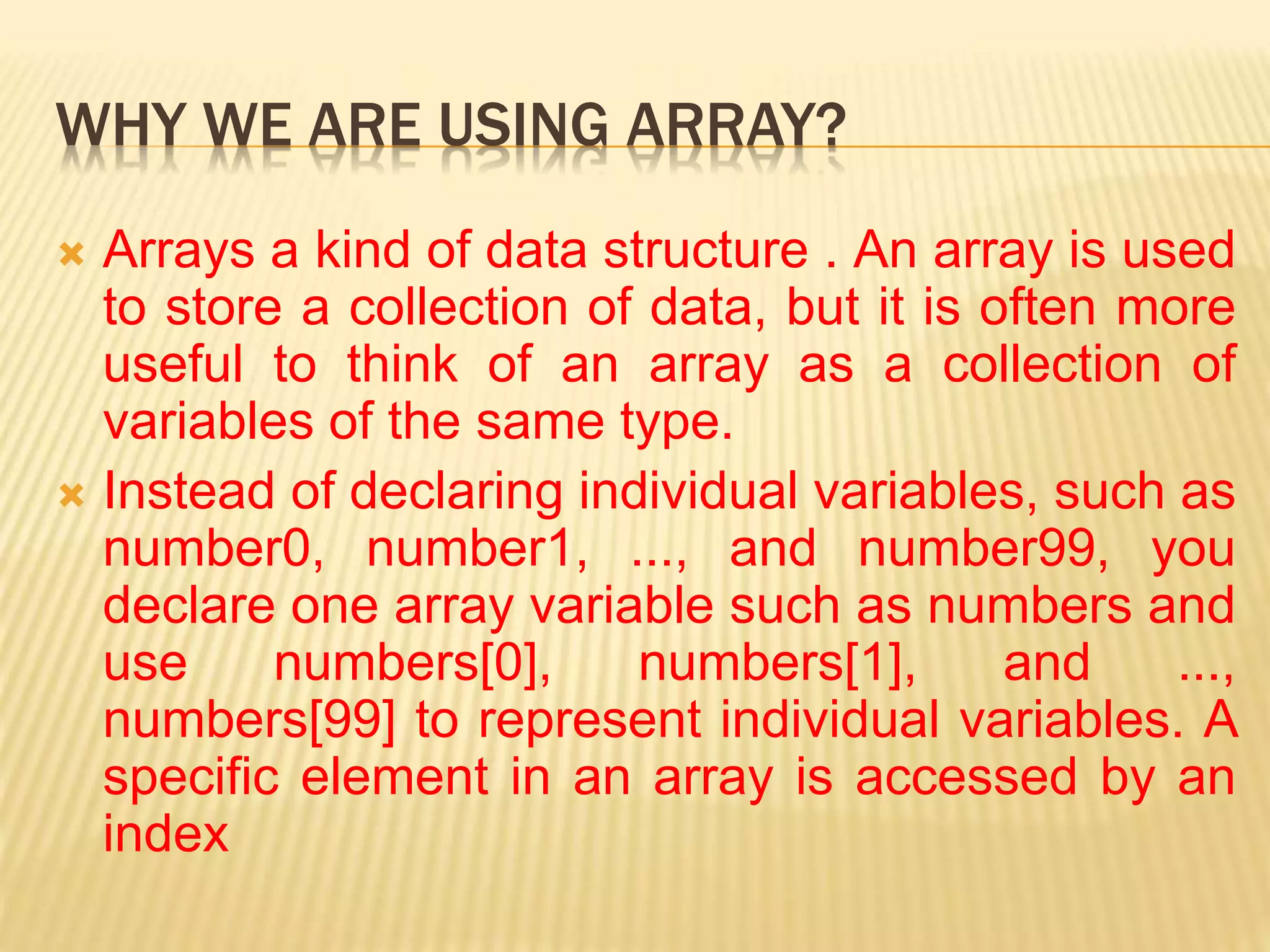
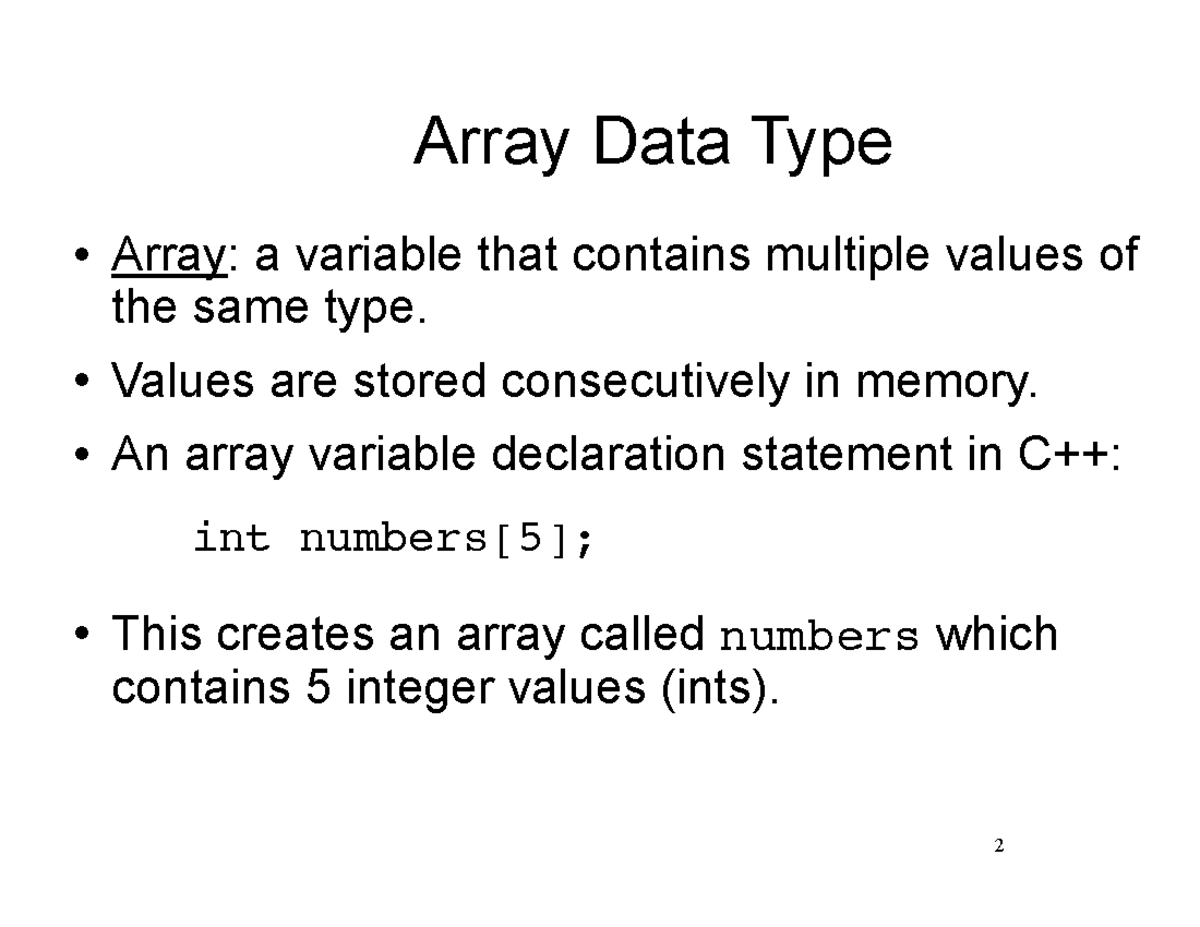
An array data type is a fundamental structure in computer science that stores a collection of elements, typically of the same data type, in contiguous memory locations. By utilizing an index-based system, arrays allow for high-speed, direct access to data, making them the essential building block for complex algorithms and modern software development as of 2026.
The Architecture of Array Data Types
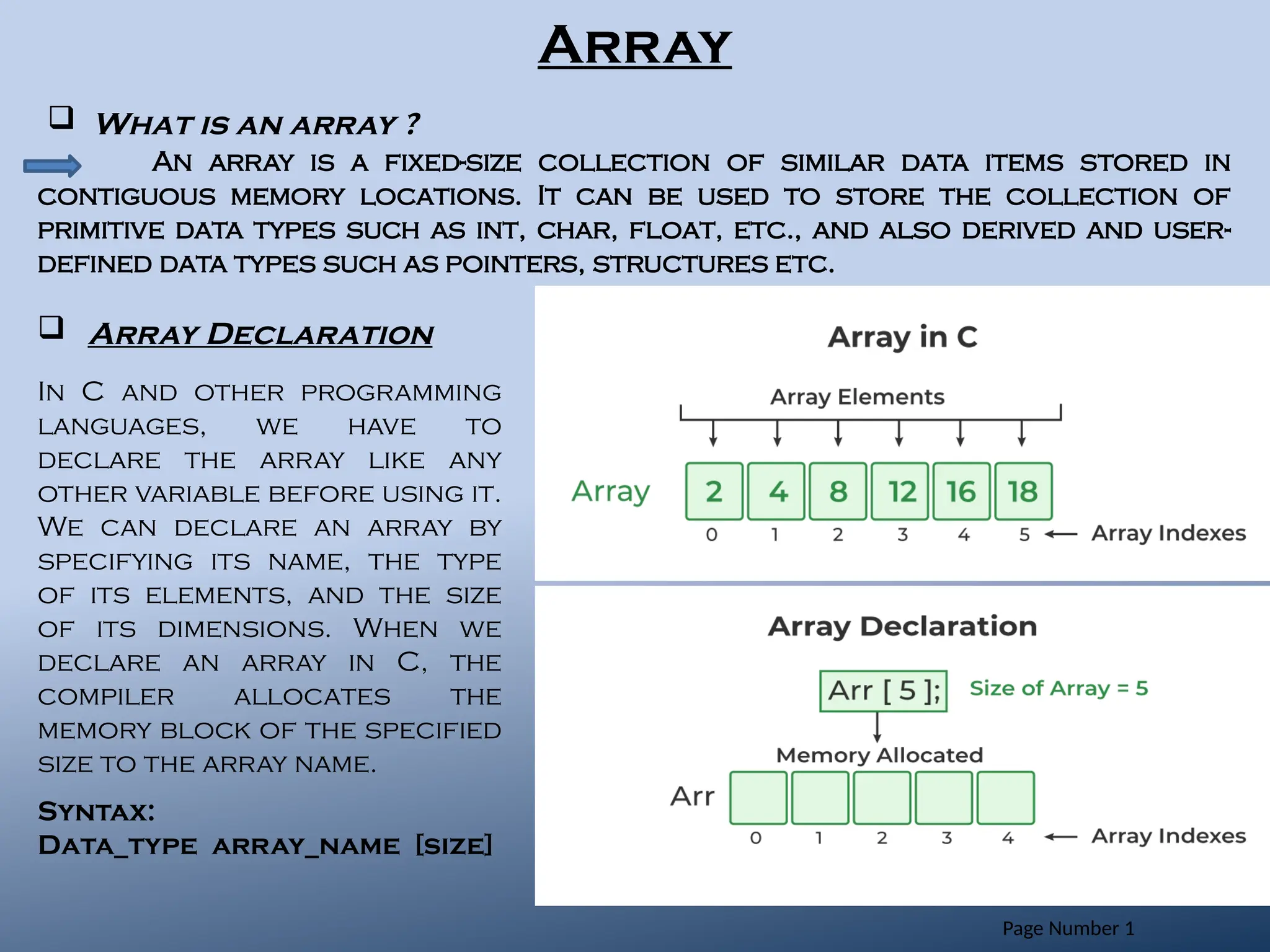
To understand array data types, one must first understand how a computer organizes information. At its core, an array is a sequence of memory slots. When a programmer declares an array, the operating system allocates a continuous block of memory. This physical proximity of data is not merely an organizational choice; it is a performance optimization. Because the elements are next to each other, the CPU can calculate the exact memory address of any element using a simple mathematical formula: Address = Base Address + (Index × Element Size).
This formula is the reason why arrays offer O(1) time complexity for data access. Whether the array contains ten items or ten million, the time it takes to retrieve the value at index 500 is identical to the time it takes to retrieve the value at index zero. In the landscape of 2026 software engineering, where data throughput is paramount, this predictability remains the primary reason arrays are preferred over more flexible but slower structures like linked lists.
Homogeneity and Heterogeneity
Traditionally, array data types are homogeneous, meaning every element must be of the same type (e.g., all integers or all floating-point numbers). This requirement ensures that every "slot" in the memory block is the exact same size, allowing the address calculation formula to function correctly.
However, many high-level languages now support heterogeneous arrays (often called lists). In these cases, the array does not store the actual data objects directly. Instead, it stores a series of pointers—memory addresses—that point to the actual data located elsewhere. Because these pointers are all of a uniform size, the array maintains its structural integrity while appearing to hold different types of information.
Static vs. Dynamic Array Allocation
One of the most critical distinctions in array data types is how memory is managed during the lifecycle of a program.
Static Arrays
Static arrays have a fixed size determined at the time of compilation. Once the size is set, it cannot be changed. This is common in low-level languages like C or embedded systems programming. The advantage of static arrays is efficiency; because the memory is allocated on the "stack," there is almost zero overhead. The disadvantage is rigidity. If you define an array for 100 users and a 101st user signs up, the program will crash or require a complete restart with a larger allocation.
Dynamic Arrays
Dynamic arrays, such as the ArrayList in Java or the vector in C++, can grow or shrink during runtime. In 2026, dynamic arrays are the standard for most application-level development. When a dynamic array reaches its capacity, the system typically performs the following steps:
- Allocates a new, larger block of memory (usually double the original size).
- Copies all elements from the old block to the new block.
- Deletes the old memory block.
- Updates the array reference to point to the new location.
While this resizing process is an O(n) operation, it happens infrequently enough that the "amortized" cost of adding an element remains very low.
Dimensions: From Lists to Hypercubes
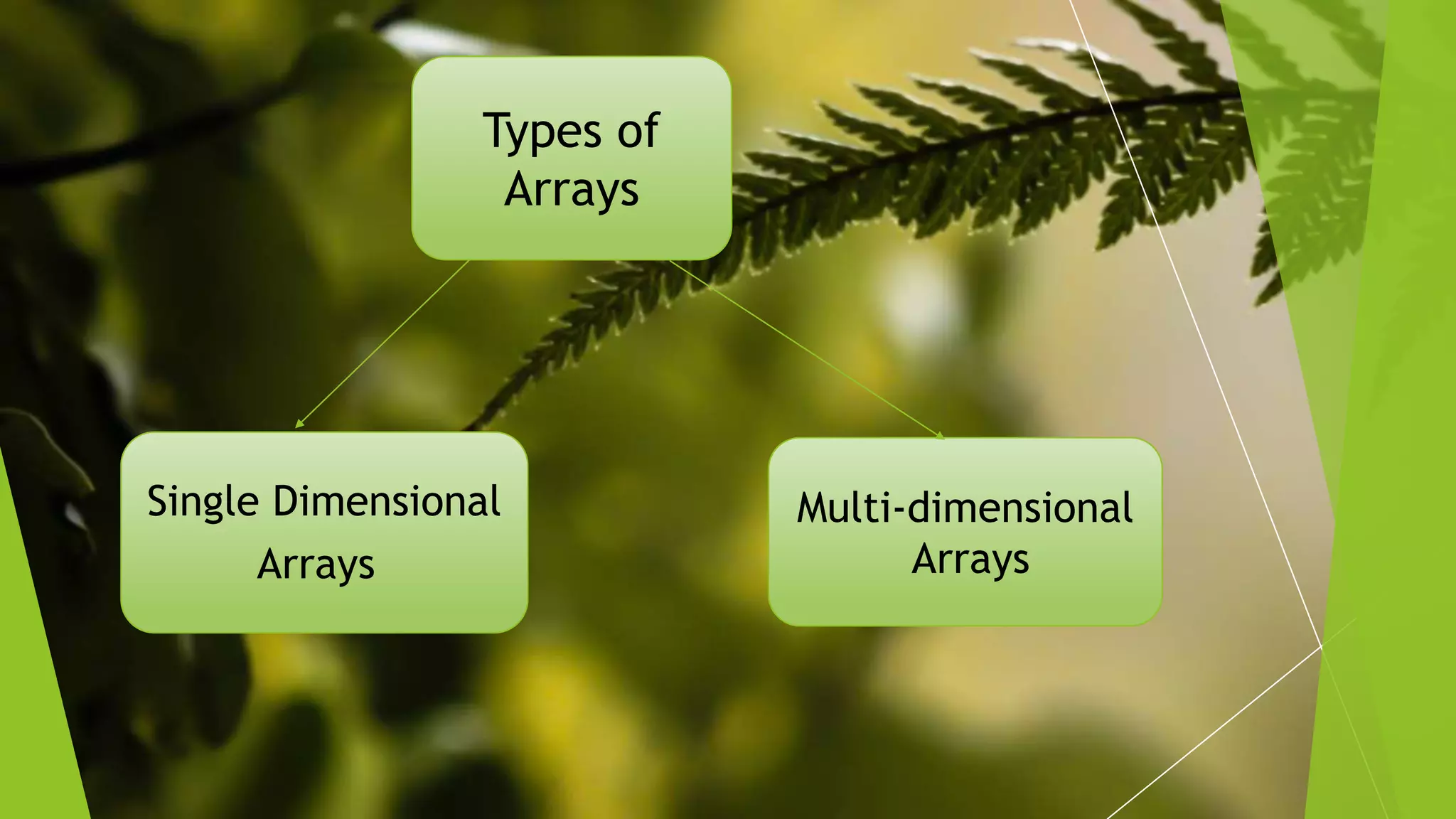
Array data types are defined by their dimensionality, which determines how data is indexed and visualized.
- One-Dimensional (1D) Arrays: The simplest form, representing a single line of data. Common uses include simple lists of names, temperatures, or scores.
- Two-Dimensional (2D) Arrays: Often visualized as a grid or matrix with rows and columns. These are vital for representing game boards (like chess), spreadsheets, or image pixel data.
- Multi-Dimensional (ND) Arrays: Arrays can have three or more dimensions. A 3D array might represent data points in a physical space (X, Y, Z coordinates). In the current era of machine learning, high-dimensional arrays—often called Tensors—are the standard format for processing complex neural network data.
Comparative Implementation Across Languages
While the concept of an array is universal, the implementation details vary significantly between programming languages. The following table compares how major languages handle array data types in 2026.
| Feature | C / C++ (Native) | Java / C# | Python (List) | Rust | JavaScript |
|---|---|---|---|---|---|
| Size Bound | Static (Fixed) | Dynamic (Objects) | Dynamic | Both ([T;N] vs Vec) |
Dynamic |
| Memory Location | Stack or Heap | Heap | Heap | Stack or Heap | Heap |
| Performance | Extremely High | High | Moderate | Extremely High | Moderate/High |
| Bounds Checking | No (Manual) | Yes (Automatic) | Yes (Automatic) | Yes (Compile/Run) | No (Returns undefined) |
| Type Strictness | Strict | Strict | Flexible | Strict | Flexible |
Low-Level Control: C and Rust
In C and Rust, arrays are closely tied to the hardware. Rust, in particular, has gained massive traction by 2026 due to its ability to provide array performance identical to C while preventing common security flaws like buffer overflows. In Rust, the compiler ensures that you never try to access an index that doesn't exist, a protection that has saved billions in potential debugging and security costs.
High-Level Flexibility: Python and JavaScript
Languages like Python and JavaScript treat arrays more like objects. In JavaScript, an array is technically a special type of object where the "keys" are the index numbers. This allows for features like "sparse arrays," where you could have an element at index 0 and index 1,000,000 without necessarily using the memory for everything in between. However, for performance-critical tasks, JavaScript developers now use TypedArrays (like Int32Array) to mimic the behavior and speed of low-level C arrays.
Performance Characteristics and Big O Analysis
When choosing an array data type for a project, understanding its performance profile is non-negotiable.
Access: O(1)
The primary strength of the array. Direct access via an index is instantaneous relative to the size of the data set.
Search: O(n) or O(log n)
Searching for a specific value in an unsorted array requires checking every element (Linear Search), which takes O(n) time. However, if the array is sorted, developers can use Binary Search, reducing the time complexity to O(log n), which is significantly faster for large datasets.
Insertion and Deletion: O(n)
This is the primary weakness of arrays. If you wish to insert a value at the beginning of an array, every other element must be shifted one position to the right to make room. Similarly, deleting an element requires shifting everything to the left to fill the gap. In scenarios requiring frequent insertions and deletions, other structures like linked lists or balanced trees are often preferred.
The Role of Memory Cache Locality
A sophisticated reason why array data types remain dominant in 2026 is spatial locality. Modern CPUs do not just fetch one piece of data from memory at a time; they fetch a "cache line"—a small block of data surrounding the requested address.
Because arrays are contiguous, when the CPU fetches the first element, it often inadvertently fetches the next several elements into its high-speed L1 or L2 cache. This makes iterating through an array incredibly fast compared to structures like linked lists, where elements are scattered throughout memory. Even if a linked list and an array have the same theoretical complexity for a task, the array will often be 10 to 50 times faster in practice because of how modern hardware handles sequential memory access.
Common Mistakes and Troubleshooting
Despite their simplicity, arrays are a frequent source of logic errors and system vulnerabilities.
- Off-by-One Errors: This occurs when a programmer mistakenly uses a 1-based counting system for a 0-based array. Accessing index
Nin an array of sizeNwill result in a "Buffer Overflow" or "Index Out of Bounds" error because the valid indices are0throughN-1. - Memory Leaks: In languages with manual memory management (like C++), failing to "free" a dynamic array after use can lead to memory leaks, eventually slowing down or crashing the system.
- Shallow vs. Deep Copies: When copying an array of objects, many languages only copy the references to those objects (shallow copy). Modifying an object in the new array will unintentionally modify it in the original array. A "deep copy" is required to create a truly independent duplicate.
- Inefficient Resizing: In dynamic arrays, adding elements one by one in a loop can cause multiple reallocations. It is a best practice to "pre-allocate" the required capacity if the final size is known in advance.
Advanced Use Cases: Arrays in 2026
As of 2026, array data types have evolved beyond simple lists to support cutting-edge technology:
- SIMD Vectorization: Modern compilers use SIMD (Single Instruction, Multiple Data) to perform operations on entire arrays at once. For example, a single CPU instruction can add four pairs of integers simultaneously if they are stored in an array, providing a 4x speedup for mathematical computations.
- GPU Computing: Graphics Processing Units are essentially massive array processors. Frameworks like CUDA and OpenCL treat data as massive multi-dimensional arrays to perform the parallel calculations necessary for 8K rendering and real-time AI simulations.
- Data Science and Tensors: In Python, libraries such as NumPy and PyTorch treat arrays (Tensors) as the primary unit of work. These libraries use highly optimized C and Fortran backends to perform array operations at speeds far exceeding standard Python lists.
Frequently Asked Questions
Why do most programming languages start array indexing at 0 instead of 1?
Zero-based indexing is rooted in the memory address calculation. The index represents the offset from the base address. The first element is located exactly at the base address, meaning its offset is 0. Starting at 0 simplifies the underlying mathematics for the processor and eliminates an unnecessary subtraction step during every data access.
What is a sparse array, and when should I use one?
A sparse array is an array where most of the elements are empty or set to a default value (like zero). Instead of allocating memory for every slot, a sparse array implementation only stores the indices and values of the "active" elements. You should use a sparse array when dealing with massive datasets where only a tiny fraction of the data is relevant, such as a user-to-user interaction matrix for a social network with billions of nodes.
Can an array hold different types of data like strings and integers together?
In strictly typed languages like Java or C++, a standard array cannot. However, in dynamically typed languages like Python or JavaScript, "lists" or "arrays" can hold multiple types. Internally, these languages are actually creating an array of pointers to different objects, which allows for this flexibility at the cost of some performance and memory overhead.
What is the difference between an array and a linked list?
The primary difference is memory organization. Arrays use contiguous memory, offering fast access (O(1)) but slow insertion/deletion (O(n)). Linked lists use non-contiguous nodes connected by pointers; they offer slow access (O(n)) because you must traverse the list from the start, but they allow for fast insertions and deletions (O(1)) if you already have a pointer to the location.
Is it better to use a static or dynamic array?
If you know the exact number of elements at compile time and that number will never change, a static array is better because it is slightly faster and uses less memory. If the data size is unpredictable or changes based on user input, a dynamic array is the only viable choice. In 2026, the performance gap is so small that dynamic arrays are used by default unless working on highly constrained embedded hardware.
Practical Recommendation
When implementing data structures in 2026, default to arrays (specifically dynamic arrays like std::vector or ArrayList) unless you have a specific, data-driven reason to do otherwise. The cache-friendliness of arrays almost always outweighs the theoretical benefits of more complex structures like linked lists for modern CPU architectures. If you are working with massive numerical datasets, utilize TypedArrays or specialized libraries like NumPy to ensure you are benefiting from hardware-level optimizations like SIMD and proper memory alignment.