Apple Music is a dedicated music streaming service that operates independently of Apple TV+, the company's video streaming platform. While both services are accessible through the Apple ecosystem and can be bundled via Apple One, a subscription to Apple Music does not include access to the Apple TV app’s premium video content. Similarly, having access to the Apple TV application as a software interface does not grant you a subscription to the Apple TV+ video service or an Apple Music library.
Understanding how these services interact—and how they are distinct—is essential for managing your digital subscriptions effectively in 2026. Many users encounter confusion because the "Apple TV" app acts as a hub for both free content, purchased media, and subscription-based services, leading to the assumption that a single payment covers all digital media offered by the company.
The Architecture of Apple’s Media Ecosystem
To understand why Apple Music does not include Apple TV+, it is helpful to look at how Apple categorizes its digital content. The company separates its offerings into distinct service tiers, each with its own licensing agreements, content libraries, and infrastructure requirements.
Apple Music: The Audio-First Platform
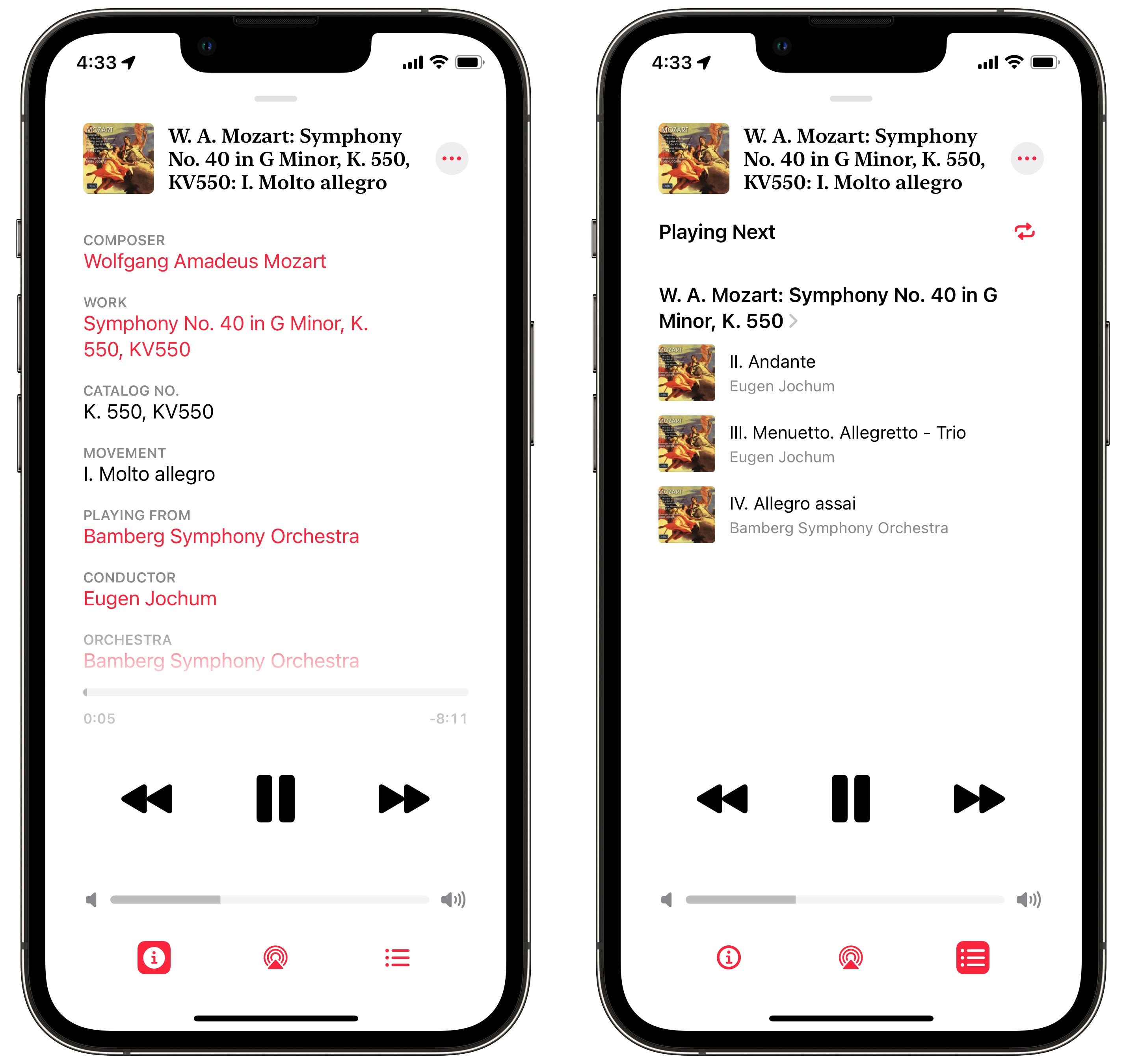
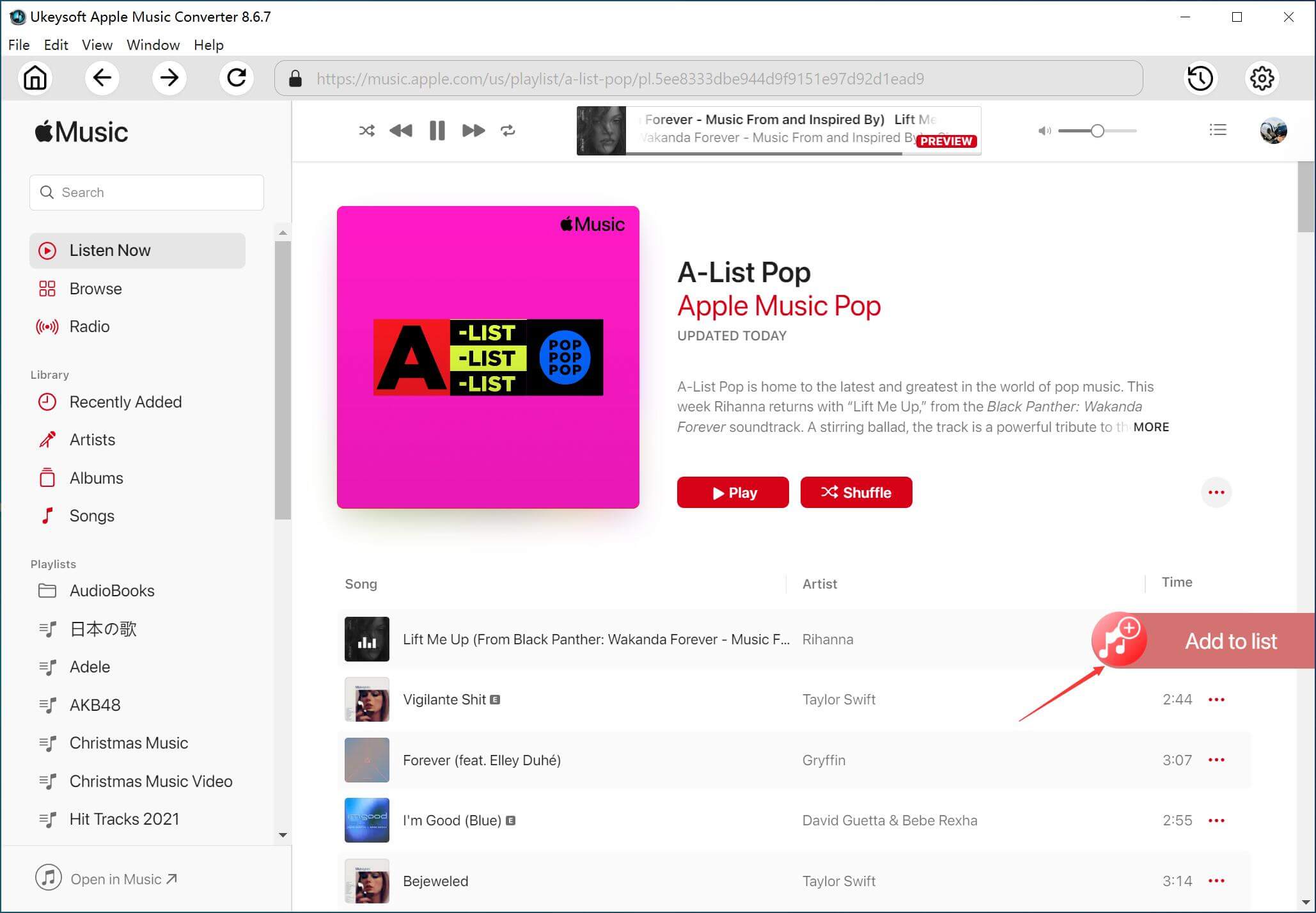
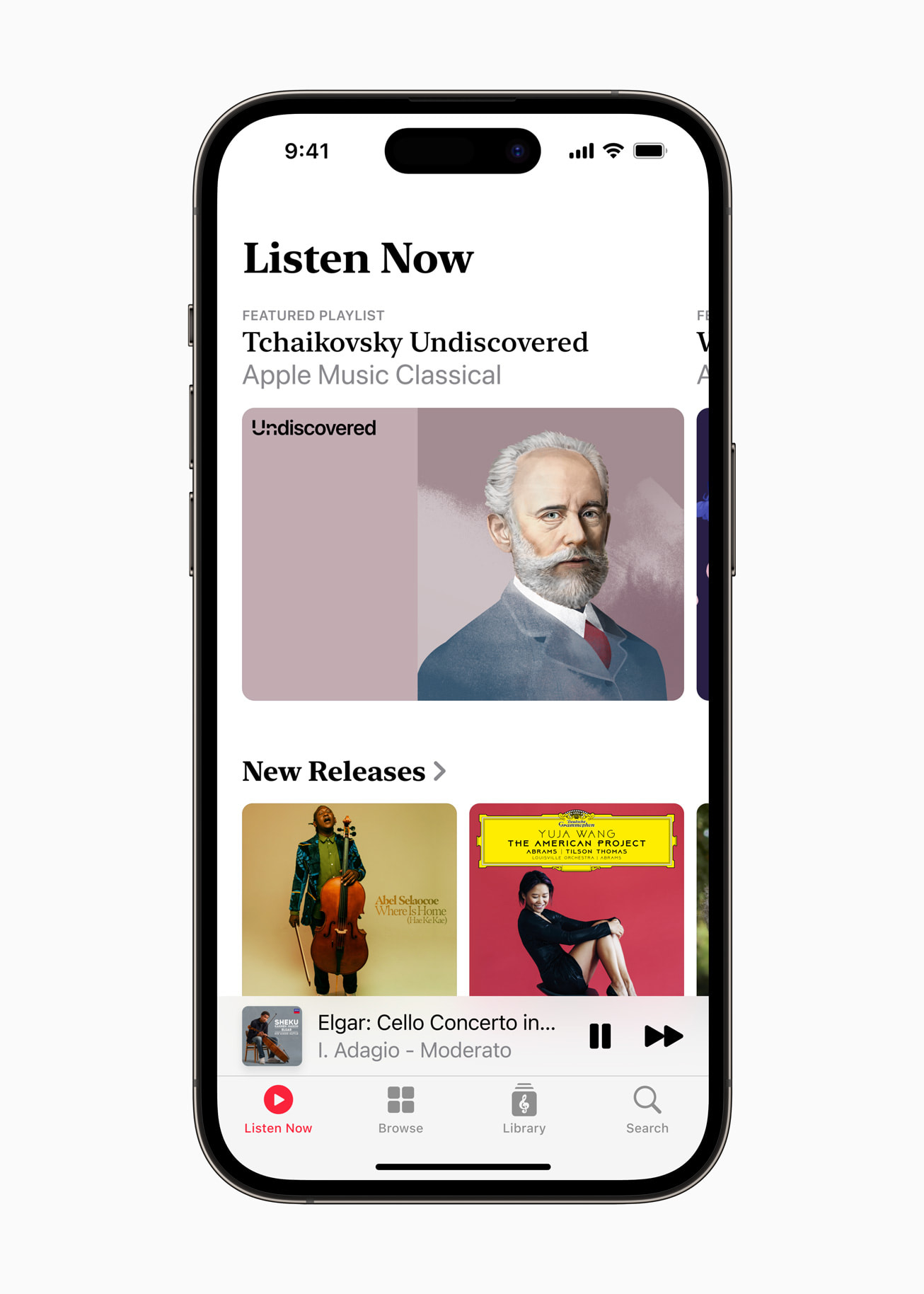
Apple Music is a dedicated streaming service providing access to millions of songs, curated playlists, live radio stations, and high-fidelity audio options. The service is optimized for music playback, featuring specialized tools like synchronized lyrics, artist interviews, and social sharing features for tracks. Because the licensing for music publishing is handled differently than video broadcasting, the costs, royalty structures, and service agreements are entirely separate from video content.
Apple TV and Apple TV+: Distinguishing the Interface from the Service
The terminology surrounding Apple TV is frequently a source of friction for new users. It is important to distinguish between three distinct concepts:
- The Apple TV App: This is a software application that acts as a media aggregator. It allows you to rent or purchase individual movies, access third-party streaming apps, and view your own library of purchased media.
- Apple TV Hardware: This refers to the physical streaming set-top box manufactured by Apple.
- Apple TV+: This is the premium subscription service that provides access to Apple Originals, exclusive films, and documentaries.
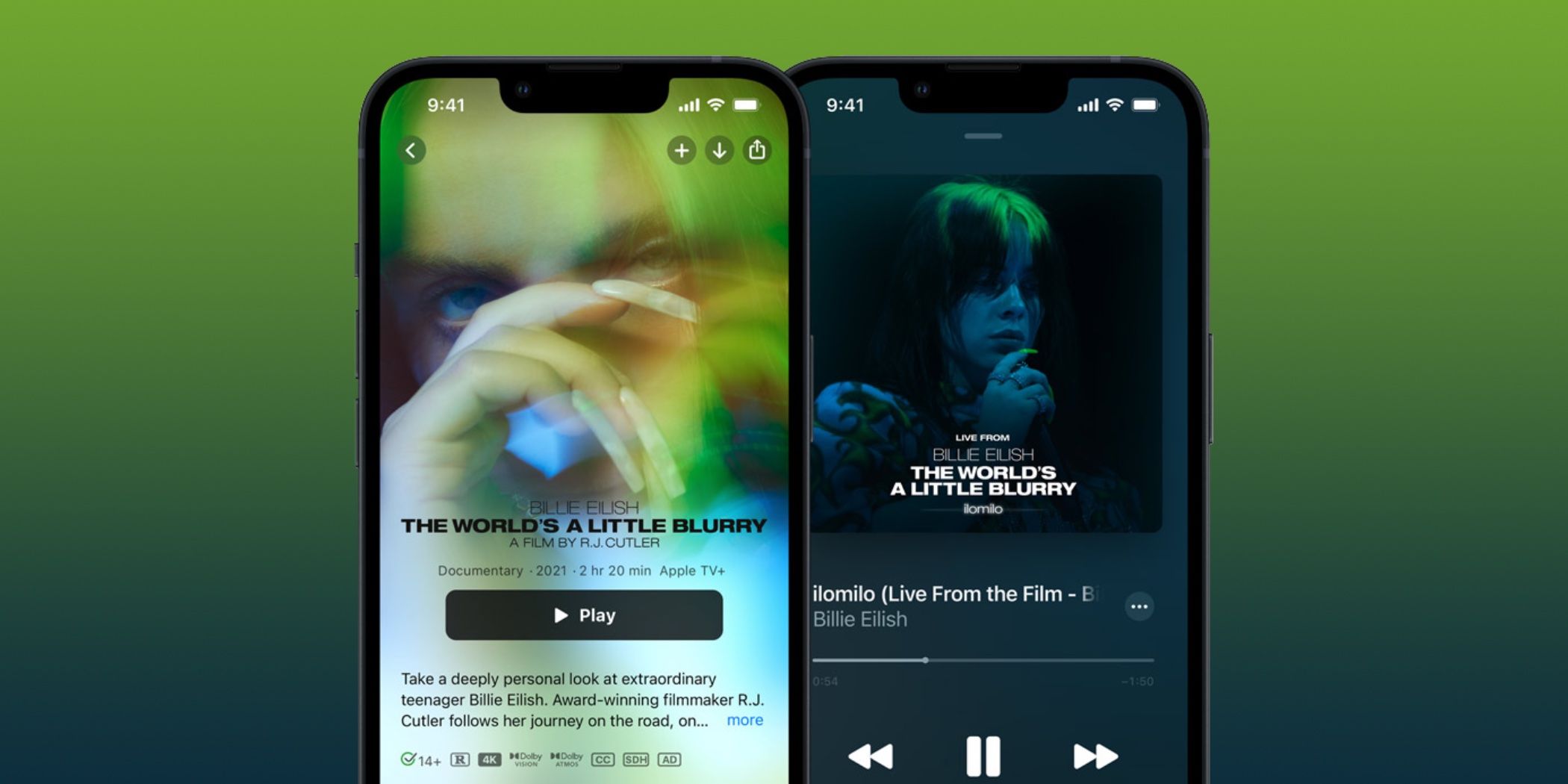
When a user says "Apple TV does not include Apple Music," they are often referring to the fact that their hardware or app interface does not unlock the music service. Conversely, when users ask if Apple Music includes Apple TV, they are usually inquiring about the Apple TV+ subscription service. Neither is inherently bundled with the other unless you specifically opt for a combined plan.
Subscription Options and Bundling
If you want access to both music and video services, you do not need to maintain separate, siloed billing cycles if you prefer the convenience of a unified platform. Apple offers the Apple One subscription bundle, which allows users to combine multiple services under a single monthly fee.
Comparing Individual Subscriptions vs. Apple One
The following table outlines how these services relate to one another regarding subscription coverage and inclusions.
| Service | Included in Apple Music Subscription? | Included in Apple TV+ Subscription? | Included in Apple One? |
|---|---|---|---|
| Apple Music | Yes | No | Yes |
| Apple TV+ | No | Yes | Yes |
| Individual Movie Rentals | No | No | No (Paid separately) |
| Music Purchases | No | No | No (Paid separately) |
Why Bundling is Often Preferred
For most households, the Apple One bundle represents a significant cost efficiency. If you are currently paying for individual subscriptions to Apple Music and Apple TV+, you are likely spending more than the cost of a standard Apple One plan. Beyond just music and video, the bundle often includes additional iCloud+ storage, which serves as a centralized backup for your devices, further distancing the "siloed" nature of individual apps.
Troubleshooting Access and Billing Issues
If you believe you have subscribed to a service but cannot access it, the issue is rarely a lack of inclusion and more often a matter of credential synchronization or account status.
Verifying Your Subscription Status
Before assuming that your Apple Music subscription "should" be working for video content, check your active subscriptions to confirm what you are actually paying for:
- Open the Settings app on your iPhone or iPad.
- Tap your name at the top of the menu.
- Select Subscriptions.
- Review the list to see exactly which services are active. If you see "Apple Music" but do not see "Apple TV+" or "Apple One," your access is restricted to music only.
Handling Shared Accounts
If you are part of a Family Sharing group, the service entitlements are distributed differently. If the organizer of your family group subscribes to Apple Music but not Apple TV+, you will not have access to video content. Ensure that the subscription is shared appropriately if you intend to distribute access across multiple user accounts within your household.
Common Misconceptions About Hardware and Services
A frequent point of confusion arises when users purchase new hardware. For example, when you buy a new Apple TV streaming box, you may receive a trial period for Apple TV+. This trial is specific to the hardware purchase and does not automatically extend to Apple Music. Conversely, if you receive an Apple Music trial via a mobile carrier promotion, it does not include video content.
These promotions are strictly partitioned. Always read the fine print of promotional offers during device setup. In 2026, many retail partnerships still provide 3-month or 6-month trials, but these remain service-specific. Activating one does not trigger the other.
Frequently Asked Questions
Does an Apple Music subscription give me access to the Apple TV app?
Yes, you can use the Apple TV app with an Apple Music subscription, but you will only be able to access the free functions of that app—such as playing back media you have previously purchased or rented. You will not be able to watch Apple TV+ exclusive content unless you also have a subscription to Apple TV+ or the Apple One bundle.
Can I watch music videos on Apple TV if I only have Apple Music?
Apple Music includes a vast library of music videos. These can be streamed through the Apple Music app on various devices. While the Apple TV app acts as a window into your digital life, the Apple Music app is the primary portal for your music-related video content.
If I buy Apple One, can I share both music and TV with my family?
Yes, the Apple One plan includes Family Sharing by default. Once the subscription is active, you can invite up to five other people to join your group. Each member will have their own personalized library and recommendations for both Apple Music and Apple TV+, while the billing remains consolidated on the organizer’s account.
Why am I being asked to pay for a movie when I have an Apple Music subscription?
This happens because the movie is not part of the Apple TV+ subscription library, or because you do not have an active Apple TV+ subscription at all. The Apple TV app serves as both a subscription gateway (Apple TV+) and a digital storefront (iTunes). If a film is not marked with the "Apple TV+" logo, it must be rented or purchased individually, regardless of your music subscription status.
Can I downgrade from Apple One to just Apple Music?
Yes, you can modify your subscription at any time through the App Store settings. If you determine that you only use the music portion of your bundle, you can switch to an individual or family Apple Music plan, which will result in the loss of access to Apple TV+ and the associated iCloud storage tier provided by the bundle.
Recommendations for Managing Your Media Services
If you find yourself frequently switching between music and video services, evaluate your usage patterns every six months. If you are consistently paying for individual services, use the subscription management tool in your settings to compare the total cost against the current pricing for the Apple One bundle.
For most users in 2026, the primary goal is to minimize friction. If you frequently use both services, upgrading to a bundle is the most effective way to eliminate the frustration of "paywalls" that appear when trying to navigate between your favorite artists and your favorite shows. Always check your subscription status directly within the OS settings to ensure you are paying for exactly what you use, and avoid manual renewals where an automated bundle provides better value.