Apple Cash is unavailable in Canada because its underlying banking infrastructure, provided by U.S.-based Green Dot Bank, operates strictly within United States financial regulatory frameworks. Setting up Apple Cash requires a verified U.S. Social Security Number (SSN) or Individual Taxpayer Identification Number (ITIN), a U.S. residential address, and a U.S. debit card. Although Apple Pay functions seamlessly across Canada using Canadian bank cards, peer-to-peer (P2P) transfers through Apple Cash remain exclusive to the United States. Canadian residents seeking to send or receive funds digitally on their iPhones must rely on native alternatives such as Interac e-Transfer, Wealthsimple Cash, or international transfer services like Wise.
Understanding the Distinction: Apple Pay vs. Apple Cash
A frequent source of confusion among iPhone users in Canada is the operational difference between Apple Pay and Apple Cash. While these features coexist within the Apple Wallet app on iOS devices, they serve fundamentally different technical and financial purposes.
- Apple Wallet (iOS)
- Apple Pay
- Card Tokenization
- NFC Point-of-Sale
- Global Availability
- Works in Canada
- Apple Cash
- Stored-Value Account
- iMessage P2P Sender
- Issued by Green Dot
- US-Only (SSN/ITIN)
- Apple Pay
What Is Apple Pay?
Apple Pay is a payment tokenization interface. It acts as a secure digital bridge between your existing physical payment cards (debit or credit) and payment terminals or online checkout forms. When you add a Canadian Visa, Mastercard, American Express, or Interac debit card to Apple Wallet, Apple Pay encrypts the card details into a Device Account Number.
Apple Pay has been fully operational in Canada since its phased rollout between 2015 and 2016. It is supported by nearly every major Canadian financial institution, including Royal Bank of Canada (RBC), Toronto-Dominion Bank (TD), Bank of Nova Scotia (Scotiabank), Bank of Montreal (BMO), Canadian Imperial Bank of Commerce (CIBC), National Bank, Desjardins, and dozens of credit unions. When you tap your iPhone or Apple Watch at a Canadian store, you are using Apple Pay to charge your linked Canadian bank account or credit card line.
What Is Apple Cash?
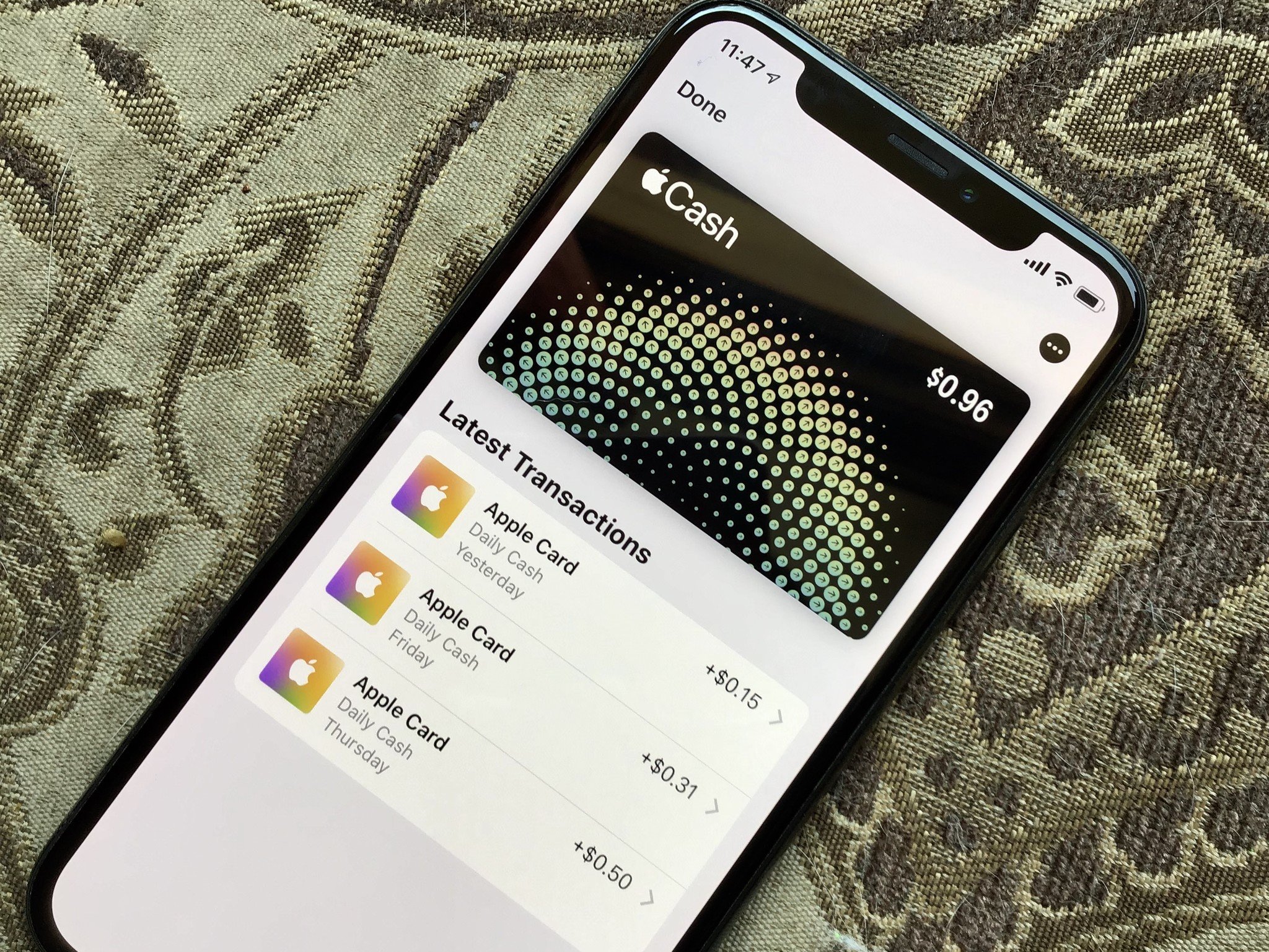
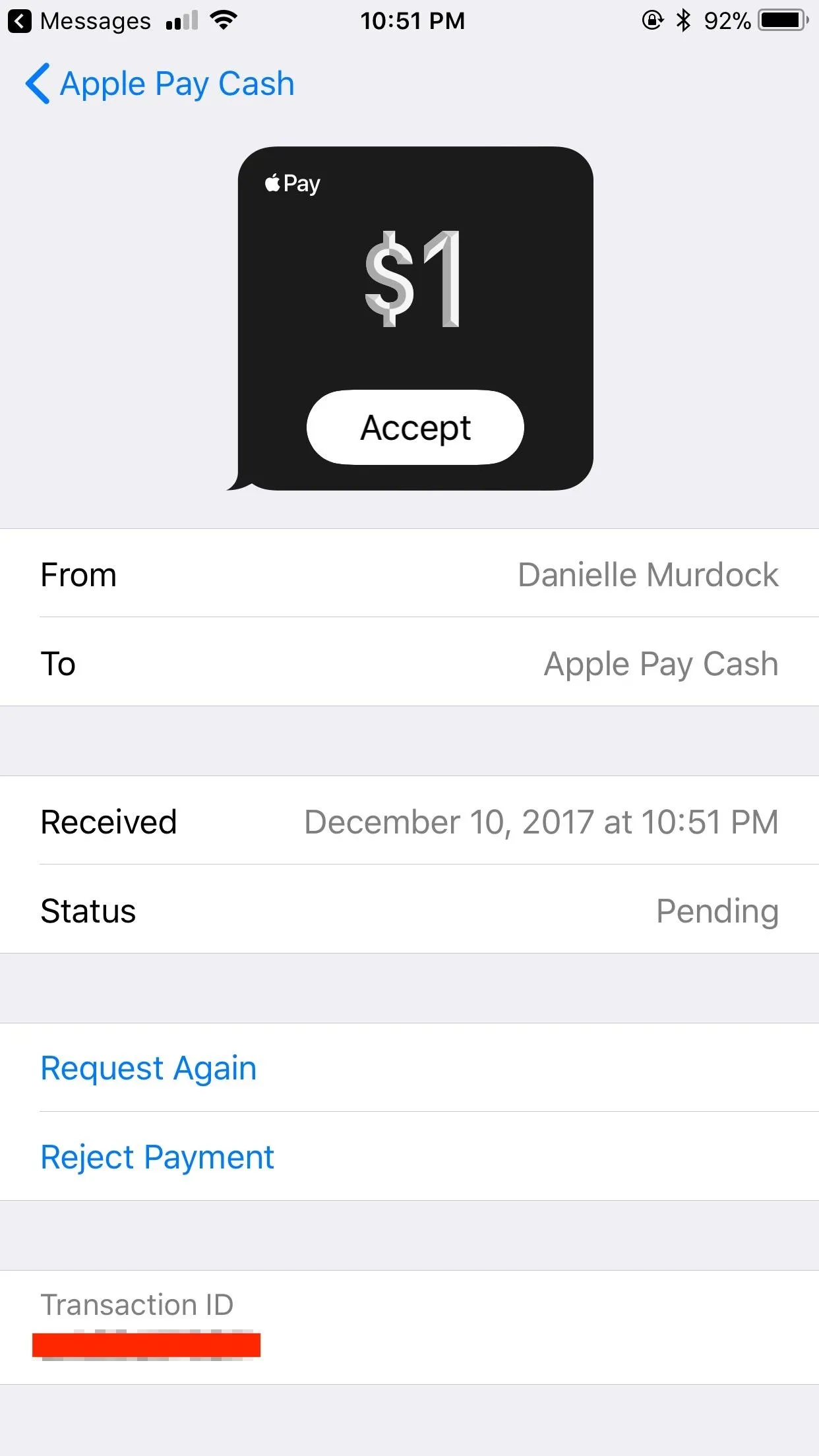
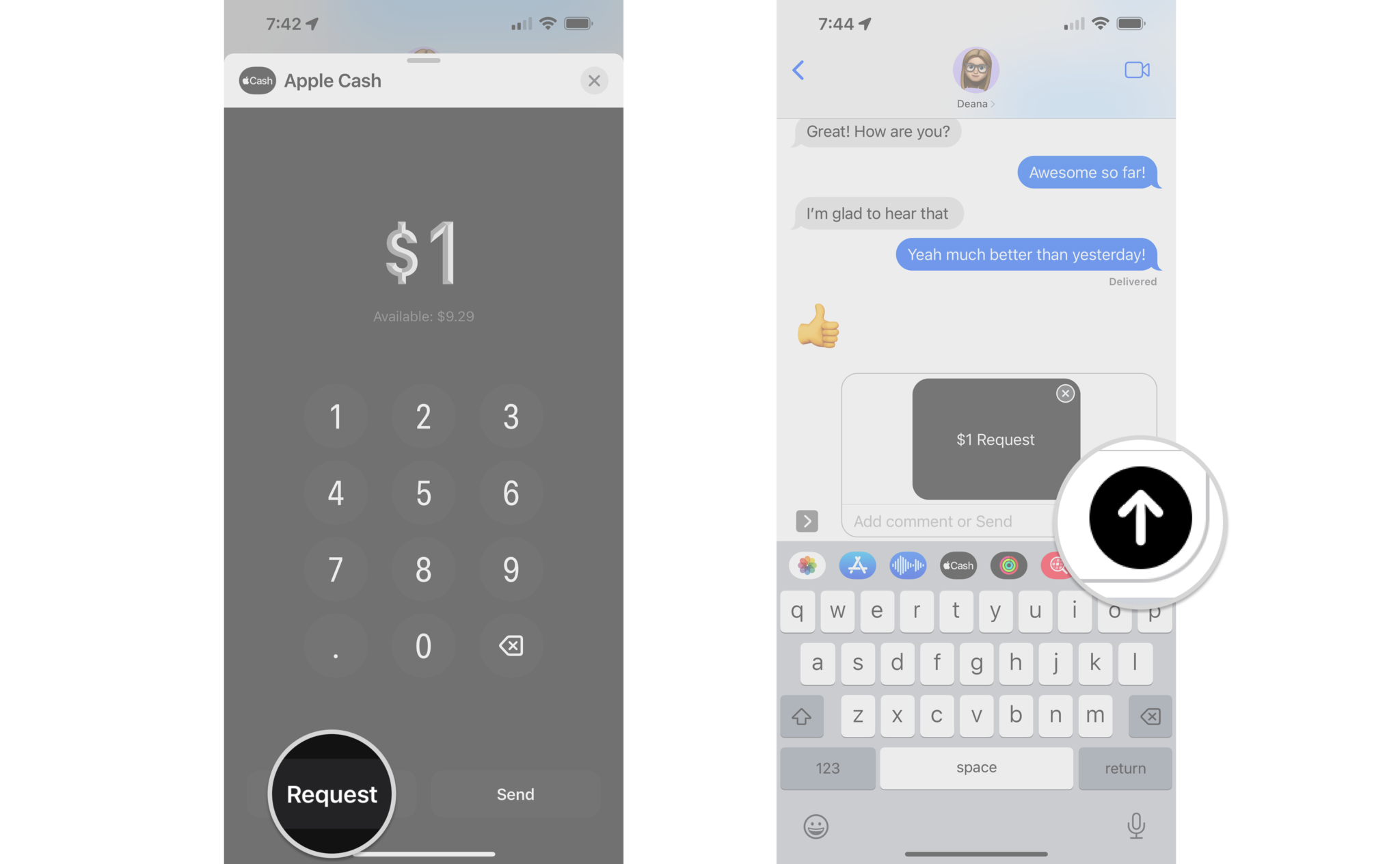
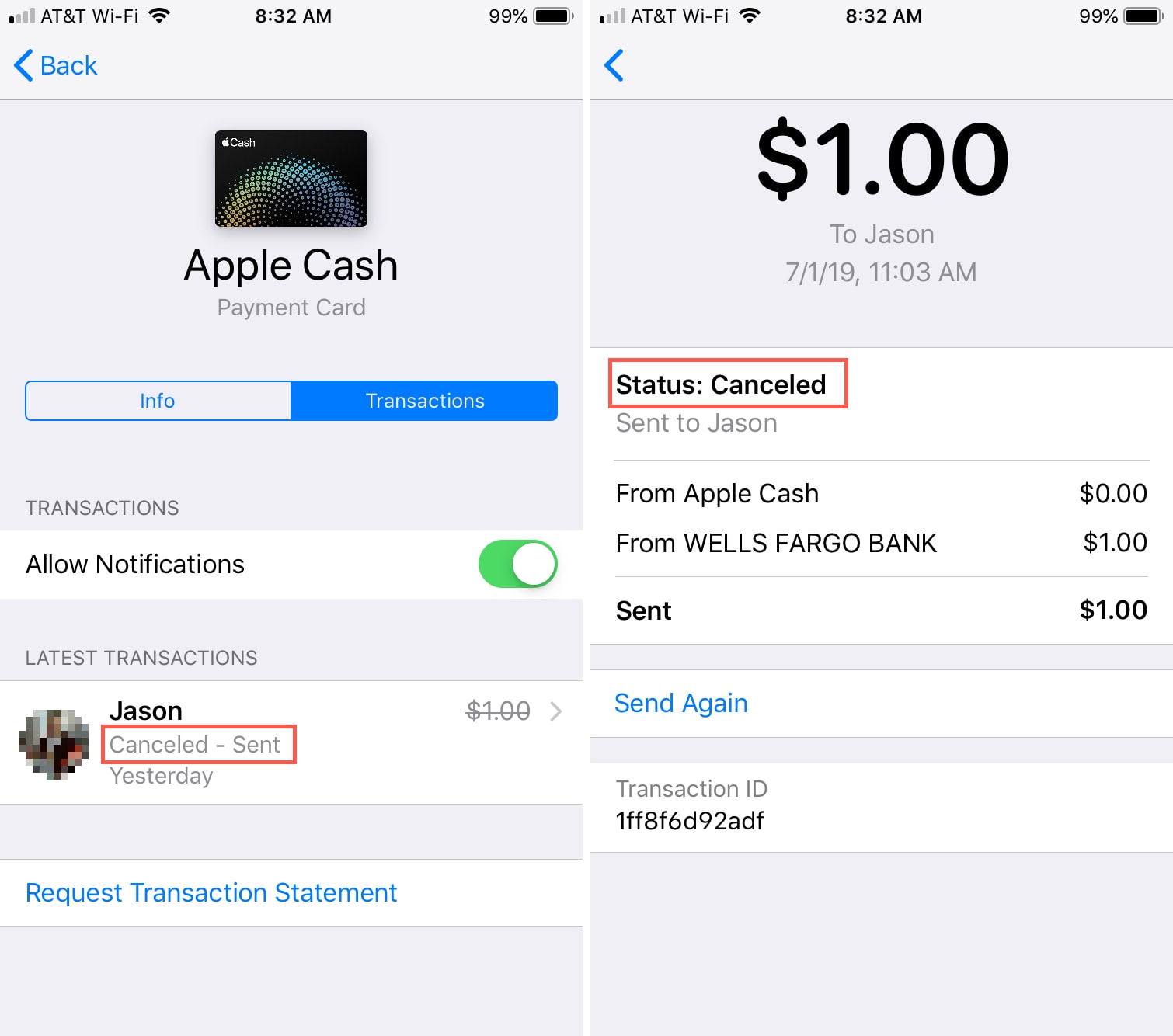
Apple Cash (originally launched as Apple Pay Cash) is a digital stored-value card and peer-to-peer payment service embedded inside Messages and Wallet on iOS. It functions similarly to a digital checking account or prepaid payment card. Users can send funds directly to friends or family via iMessage, receive funds into their Apple Cash digital wallet, spend those funds using contactless Apple Pay at retail merchants, or transfer the balance out to an external U.S. bank account.
Because Apple Cash is an actual financial product—not merely a transaction pass-through technology—it requires a regulated banking partner to hold deposit balances, clear funds, perform identity verification, and enforce anti-money laundering regulations. That partner is Green Dot Bank, a U.S. FDIC-insured institution.
Why Apple Cash Is Not Available in Canada
The unavailability of Apple Cash in Canada stems from structural banking laws, regulatory compliance burdens, cross-border financial restrictions, and the existing dominance of Canada's domestic payment systems.
1. Banking Charter Restrictions and Partner Licensing
Apple does not hold a commercial banking license in Canada or the United States. To offer stored-value accounts and money movement services, Apple relies on licensed banking partners. In the U.S., Apple partners with Green Dot Bank for Apple Cash and Goldman Sachs (transitioning to other partners) for Apple Card.
Green Dot Bank operates under a U.S. state and federal banking charter. It is not licensed as a Schedule I, Schedule II, or Schedule III bank under Canada's Bank Act. For Apple Cash to launch natively in Canada, Apple would need to either obtain a Canadian financial institution charter or establish a partnership with a Canadian Schedule I bank (such as RBC, TD, or BMO) willing to white-label a real-time ledger platform within iOS.
2. Strict Know Your Customer (KYC) and Anti-Money Laundering (AML) Rules
Financial technology platforms offering digital balances must comply with stringent identity verification standards set by regulators. Under Apple Support documentation for Apple Cash, identity verification requires:
- A valid U.S. residential address.
- A U.S. Social Security Number (SSN) or Individual Taxpayer Identification Number (ITIN).
- Verification of a U.S. government-issued photo ID (in most setup flows).
- A U.S.-issued debit card or U.S. bank account for funding and withdrawals.
Canadian citizens and residents without U.S. tax identification numbers cannot pass Green Dot Bank's mandatory KYC identity checks. Even if an iPhone's device region is manually set to "United States," the setup wizard will fail as soon as the user is asked to submit a U.S. SSN or U.S. debit card.
3. Regulatory Oversight by the FCAC and Bank of Canada
Payment service providers (PSPs) operating in Canada fall under the oversight of the Financial Consumer Agency of Canada (FCAC) and the Retail Payment Activities Act (RPAA), administered by the Bank of Canada. The RPAA mandates strict operational risk management, consumer fund safeguarding requirements, and registration processes for any entity performing retail payment functions for Canadian residents. Establishing local compliance for an iOS-exclusive payment card involves significant legal and technical overhead for Apple in a market of roughly 40 million people.
4. The Dominance of Interac e-Transfer
Canada already possesses a universally adopted, highly efficient peer-to-peer payment network: Interac e-Transfer. Unlike the United States, where the banking landscape historically fractured across disjointed P2P services (such as Venmo, Cash App, Zelle, and Apple Cash), Canada unified its electronic funds transfer system decades ago under Interac Corp.
Because virtually every Canadian with a bank account already has free, instant access to Interac e-Transfer inside their existing mobile banking application, consumer demand for a proprietary, OS-restricted payment network like Apple Cash is lower in Canada than in markets lacking a unified national infrastructure.
Can Canadians or Cross-Border Residents Access Apple Cash?
While Apple Cash is unavailable to typical Canadian residents, certain dual citizens, cross-border workers, and snowbirds may wonder if they can use the service while physically located in Canada.
Scenario A: Canadian Resident with Only Canadian Credentials
- Can you set up Apple Cash? No.
- Why? Without a U.S. SSN/ITIN and a U.S. bank-issued debit card, Green Dot Bank cannot verify your identity or fund the account.
Scenario B: U.S. Expat, Dual Citizen, or Cross-Border Worker with U.S. Credentials
- Can you set up Apple Cash? Yes.
- Requirements: If you maintain a legal U.S. residential address, a valid U.S. SSN or ITIN, a U.S. phone number capable of receiving SMS codes, and a U.S. debit card issued by a U.S. bank, you can activate Apple Cash on your iPhone.
- Usage in Canada: Once activated, a verified Apple Cash card can be used to make purchases at Canadian merchants that accept contactless Apple Pay. However, because Apple Cash balances are denominated in U.S. Dollars (USD), transactions conducted in Canadian Dollars (CAD) will incur foreign exchange conversion rates applied at the point of sale.
Scenario C: Receiving Apple Cash from a U.S. Contact While in Canada
If a U.S. friend or family member attempts to send you money via iMessage using Apple Cash:
- If your Apple ID is associated with a Canadian region and lacks Apple Cash activation, the message will fail to deliver the funds to a wallet, or you will receive a prompt indicating that your device/account cannot accept Apple Cash.
- The funds will remain with the sender or be returned automatically after an uncollected period.
Top Canadian Alternatives for Peer-to-Peer (P2P) Payments
Although Apple Cash is not natively available in Canada, Canadian iOS users have access to several secure, low-cost, and instant alternatives for transferring money between individuals.
- Canadian P2P Payment Landscape
- Interac e-Transfer
- Universal Bank Access
- Autodeposit Support
- High Security Standard
- Wealthsimple Cash
- Instant $Handle Send
- Integrated Spend Account
- Bill Payments & Cash
- Wise (Cross-Border)
- Real Mid-Market FX
- CAD <-> USD Transfers
- Multi-Currency Debit
- Interac e-Transfer
1. Interac e-Transfer (The National Standard)
Interac e-Transfer is the primary peer-to-peer funds transfer mechanism in Canada. Integrated directly into the mobile banking apps of more than 250 financial institutions, it allows anyone with a Canadian bank account to send funds to anyone else using an email address or Canadian mobile phone number.
- Speed: Transfers are generally completed within seconds to a few minutes.
- Autodeposit Feature: Users can register their email address for Interac Autodeposit. When someone sends money to that email, the funds deposit automatically into the recipient’s chosen Canadian bank account without requiring security questions or passwords.
- Cost: Free for personal accounts at almost all major Canadian banks and credit unions.
- Limits: Transaction limits typically range from $3,000 CAD per 24 hours up to $10,000 CAD per week/month, depending on your bank's tier and account security profile.
2. Wealthsimple Cash
Wealthsimple Cash is a popular mobile spending and P2P transfer platform operated by Canadian fintech firm Wealthsimple. It functions very similarly to U.S. services like Cash App or Venmo.
- Unique Handles ($dollar-tags): Users choose a custom handle (e.g.,
$alex) to send and receive funds instantly without sharing bank account numbers, email addresses, or phone numbers. - Card Integration: Comes with a physical and digital prepaid Mastercard that can be added directly to Apple Pay on iOS devices for tap-to-pay purchases.
- Interest & Rewards: Balances earn competitive interest rates and offer cash-back rewards on eligible spend.
- Limits: Allows instant fee-free P2P transfers within Canada up to designated daily limits.
3. Wise (Best for CAD to USD Cross-Border Transfers)
For Canadians who frequently transfer funds to or from contacts in the United States, Wise (formerly TransferWise) bridges the gap left by the absence of Apple Cash cross-border interoperability.
- Real Mid-Market Exchange Rates: Wise converts money between CAD and USD using the mid-market exchange rate with low, transparent fees, making it significantly cheaper than traditional bank wire transfers or credit card forex markups.
- Multi-Currency Account: Users can open a multi-currency account that provides U.S. routing and account numbers alongside Canadian account details.
- Apple Pay Compatibility: The Wise digital debit card can be added to Apple Wallet in Canada, allowing users to hold USD and spend it via Apple Pay when traveling in the U.S.
4. PayPal
PayPal remains a universally accessible option in Canada for digital transfers. While its user interface is independent of Apple Messages, PayPal accounts linked to Canadian bank accounts or cards permit peer-to-peer payments domestically and internationally.
- Fees: Free for domestic CAD transfers using a linked bank balance or PayPal balance. Cards incur transaction fees.
- Cross-Border: Permits transfers to U.S. recipients, though currency conversion markups apply.
Detailed Comparison: Apple Cash vs. Canadian Solutions
The following matrix compares Apple Cash with the leading P2P and payment solutions available to Canadian iPhone users.
| Feature / Metric | Apple Cash | Interac e-Transfer | Wealthsimple Cash | Wise (Multi-Currency) | PayPal Canada |
|---|---|---|---|---|---|
| Available to Canadian Residents? | ❌ No | ✅ Yes | ✅ Yes | ✅ Yes | ✅ Yes |
| Primary Markets | United States | Canada | Canada | Global (160+ countries) | Global |
| Primary Account Currency | USD | CAD | CAD | Multi-Currency (CAD, USD, EUR, etc.) | Multi-Currency |
| iOS / Apple Wallet Integration | Native iMessage & Wallet Card | Banking App (Siri Shortcuts supported) | Prepaid Card in Apple Wallet | Prepaid Card in Apple Wallet | Standalone App |
| SSN / ITIN Required? | Yes (U.S.) | No (Canadian Bank Account) | No (Canadian SIN for interest/tax) | No (Standard ID Verification) | No |
| Peer-to-Peer Identifiers | iMessage / Phone / Email | Email Address / Phone Number | Unique $Handle / Contacts | Email / Account Details | Email / Username / Phone |
| Standard Domestic P2P Fee | Free (Debit/Balance) | Free (Most Accounts) | Free | Free (Within Wise Balance) | Free (Bank/Balance) |
| Instant Bank Withdrawal Fee | 1.5% (Min $0.25, Max $15 USD) | Instant (Autodeposit) | Instant to linked account | Variable (Low transfer fee) | 1% (Max cap applies) |
How to Send Money on an iPhone in Canada Without Apple Cash
Although you cannot click the plus icon in iMessage to send Apple Cash using a Canadian bank account, iOS provides streamlined alternative methods to transfer money quickly.
Method 1: Using Interac e-Transfer with Siri and Banking Apps
Most major Canadian bank apps (e.g., RBC Mobile, TD Canada, Scotiabank, CIBC Mobile, BMO Digital) support iOS system integrations.
- Set Up Autodeposit: Log into your primary Canadian banking app, navigate to Interac e-Transfer settings, and register your primary email address. This eliminates the step where recipients must answer security questions.
- Use Siri Shortcuts: Many Canadian banking apps allow you to create Siri Shortcuts for Interac e-Transfers. You can configure commands such as "Hey Siri, send money with TD" to open the transfer window directly.
- Share Payment Links: Some Canadian financial apps let you generate a secure payment request link that can be pasted directly into an iMessage conversation, allowing your contact to tap the link and complete the payment through their own bank.
Method 2: Using Wealthsimple Cash for Handle-Based Payments
If you prefer a payment experience identical to Cash App or Venmo:
- Download Wealthsimple from the Canadian App Store.
- Complete account registration and select a unique handle (e.g.,
$name). - Add your Wealthsimple digital card to Apple Wallet by opening Wallet, tapping the + button, and following the on-screen provisioning steps.
- Open the Wealthsimple app to send funds to any contact using their handle or phone number. Funds transfer instantly and can be spent immediately using your Wealthsimple card via Apple Pay.
Troubleshooting Common iOS Wallet Errors in Canada
When Canadian users attempt to interact with Apple Cash settings on their devices, they often encounter technical errors. Here is how to interpret and resolve them.
Error 1: "Apple Cash is Not Available in Your Region"
- Why it happens: This message appears when your Apple ID or device region is set to Canada, or when the device detects a non-U.S. SIM card/IP address during setup.
- Resolution: You cannot resolve this error to activate Apple Cash unless you possess genuine U.S. identity credentials (SSN/ITIN, U.S. address, and U.S. debit card). Changing your iPhone's region setting under Settings > General > Language & Region to "United States" may display the Apple Cash toggle, but identity verification will fail at the bank provisioning step.
Error 2: Cannot Add Canadian Debit Card to Apple Cash
- Why it happens: Apple Cash can only be funded by U.S. debit cards issued by U.S. banking institutions.
- Resolution: Canadian Interac debit cards or Canadian-issued Visa/Mastercard debit cards cannot be used to load funds into Apple Cash. To use Apple Pay at merchant checkout counters in Canada, add your Canadian debit card directly to Apple Wallet as a standard payment card rather than attempting to link it to Apple Cash.
Error 3: "Services Not Available" When Tapping an iMessage Payment Prompt
- Why it happens: A contact in the U.S. sent an Apple Cash request or transfer via iMessage.
- Resolution: Inform the sender that Apple Cash operates exclusively within the U.S. Request that they resend the payment using an international money transfer service such as Wise, PayPal, or a direct cross-border bank transfer.
Frequently Asked Questions
Will Apple Cash ever launch in Canada?
Apple has not officially announced plans to launch Apple Cash in Canada. Bringing Apple Cash to Canada would require Apple to partner with a Canadian Schedule I bank or register as a retail payment service provider under the Bank of Canada's regulatory framework. Until such regulatory infrastructure and banking partnerships are established, Apple Cash remains restricted to the U.S.
Can I send money through iMessage in Canada?
You cannot send money natively through iMessage using Apple Cash with a Canadian bank account. However, you can paste Interac e-Transfer request links, PayPal.Me links, or Wealthsimple payment links directly into iMessage conversations to allow recipients to send money with a single tap.
Is Venmo or Cash App available in Canada?
No. Like Apple Cash, both Venmo and Cash App are unavailable in Canada due to licensing and regulatory restrictions. Cash App formerly operated a limited service in the UK before shutting down international operations, and Venmo remains strictly U.S.-only. Canadians use Interac e-Transfer and Wealthsimple Cash for equivalent P2P functionality.
Does Apple Pay work in Canada without Apple Cash?
Yes. Apple Pay works extensively throughout Canada. You can add supported credit and debit cards from major Canadian banks to Apple Wallet and tap your iPhone or Apple Watch to pay at retail stores, restaurants, and online merchants. Apple Pay operates independently of Apple Cash.
How can cross-border snowbirds send money between Canada and the U.S.?
Cross-border travelers and snowbirds can manage CAD-to-USD transfers by opening cross-border banking bundles (offered by Canadian banks with U.S. subsidiaries, such as RBC Bank U.S., TD Bank N.A., BMO Bank N.A., or CIBC Bank USA) or by using specialized money transfer services like Wise. Once funds reside in a U.S. bank account, the user can link that U.S. account to Apple Cash if they hold a valid U.S. SSN or ITIN.
Summary and Recommended Next Steps
While Apple Cash remains unavailable in Canada due to U.S.-specific banking charters and strict identity verification requirements, Canadian iPhone users have access to reliable domestic and cross-border payment tools.
- For everyday domestic P2P transfers: Use Interac e-Transfer. Ensure you register for Autodeposit inside your Canadian banking app to enable instant, password-free deposits.
- For a modern digital wallet experience with cash-back: Use Wealthsimple Cash, select a handle, and add the virtual card to Apple Wallet for Apple Pay integration.
- For sending money to contacts in the United States: Open a Wise multi-currency account to convert CAD to USD at real exchange rates, avoiding high bank fees.
By leveraging Canada's robust banking infrastructure alongside native iOS features, you can achieve secure, fast, and low-cost digital money transfers without requiring Apple Cash.