AccuFind is a specialized software solution designed to streamline legal research workflows by integrating advanced indexing, document retrieval, and data synthesis capabilities. It assists legal professionals in navigating vast repositories of case law, statutes, and internal documentation, reducing the time required to identify relevant precedents while ensuring accuracy in the discovery process.
Understanding the Legal Research Landscape in 2026
Modern legal practice demands an unprecedented level of efficiency. As the volume of digital case law, regulatory filings, and internal institutional knowledge grows, the traditional "manual search" approach has become insufficient. Legal professionals—ranging from solo practitioners to associates at large firms—are increasingly looking for tools that do more than provide basic keyword-matching results.
The primary problem facing attorneys is not a lack of information, but the overabundance of it. Legal research tools, of which AccuFind is a recent entrant, aim to solve this by moving toward contextual understanding. Instead of returning thousands of documents based on a string of keywords, these tools attempt to categorize information based on legal principles, procedural history, and jurisdictional relevance.
Core Features of AccuFind
AccuFind distinguishes itself through a multi-layered approach to document management and discovery. While many legacy systems rely on Boolean operators—forcing users to carefully construct complex queries—AccuFind leverages indexed databases that prioritize semantic relevance.
Advanced Indexing and Search
At its core, AccuFind utilizes a proprietary indexing engine that categorizes documents not just by text content, but by legal metadata. This includes court level, judge, presiding authority, and filing date. By indexing these attributes, the tool allows users to apply filters that dramatically narrow the scope of a search before the query is even processed.
Document Synthesis
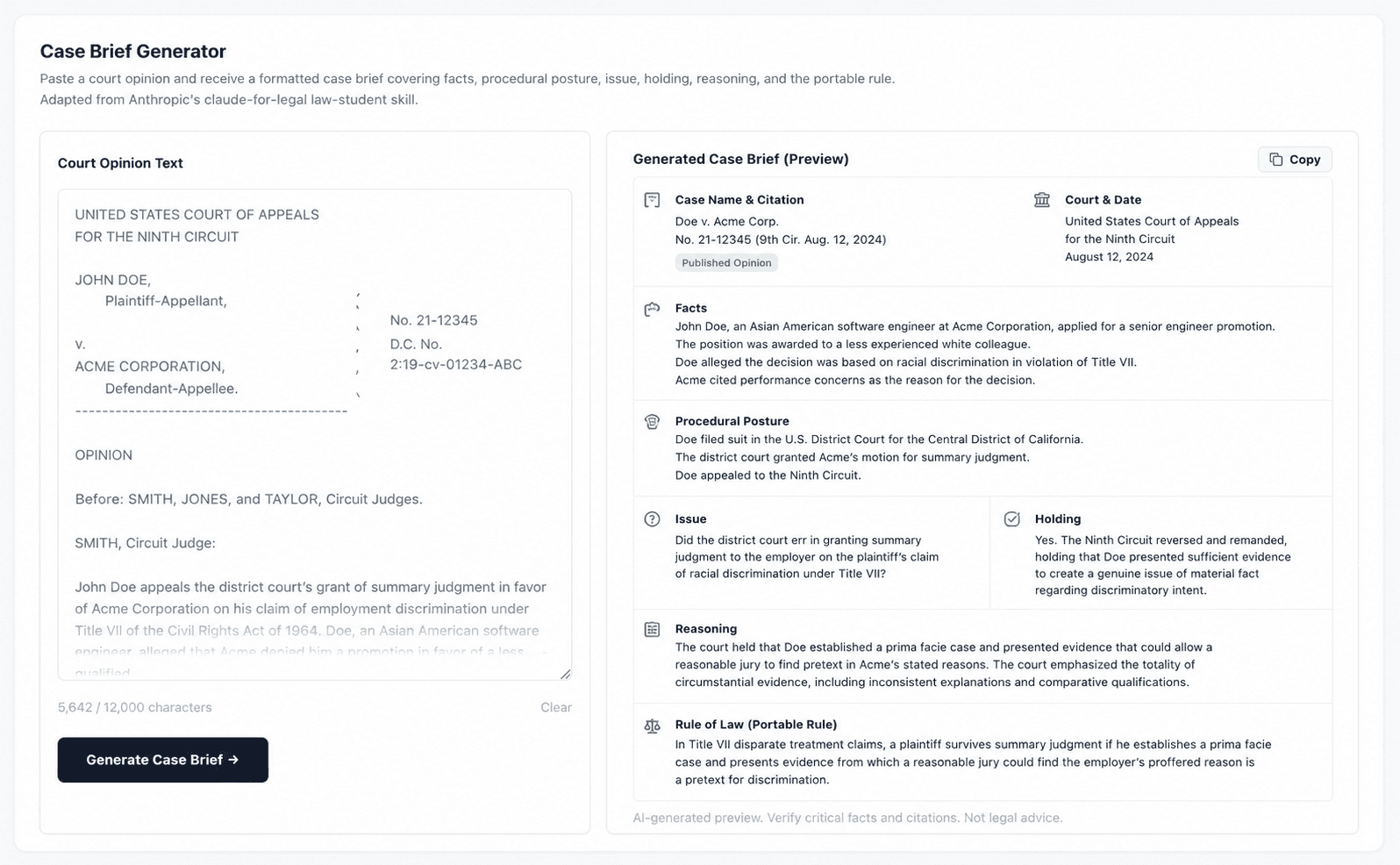
A significant challenge in legal research is the need to read entire opinions to find a specific holding. AccuFind includes features designed to identify key portions of a document—such as the procedural posture, the statement of facts, and the court’s ultimate ruling—and flag them for the researcher. This allows practitioners to preview the "gist" of a case without opening every document in the results list.
Institutional Knowledge Management
Unlike public legal databases that focus solely on case law, AccuFind is often utilized as a private intranet tool for law firms. It allows firms to ingest their own work product—previous memos, briefs, and research notes—into a searchable index. This ensures that when a researcher looks for a specific legal issue, they are presented with both primary law (cases and statutes) and their firm’s internal expert analysis simultaneously.
Deployment and Integration Prerequisites
Adopting a tool like AccuFind requires a clear understanding of the technical and procedural environment of the law firm. Unlike web-based consumer search engines, AccuFind requires an implementation phase to ensure data security and compliance with privilege requirements.
Technical Requirements
- Database Integration: The tool must be mapped to existing Document Management Systems (DMS). Integration often involves syncing with industry-standard platforms to ensure that document permissions remain consistent.
- Security Protocols: Because legal data contains sensitive client information, AccuFind requires a secure, encrypted connection. Most deployments in 2026 utilize local or private-cloud hosting to maintain chain-of-custody over internal sensitive filings.
- User Authentication: Firm-wide access requires integration with existing identity management systems (such as Single Sign-On, or SSO) to maintain strict control over which attorneys can access which documents.
Training and Workflow Adaptation
Implementing AccuFind is not merely a software installation task; it is a change-management exercise. Attorneys must be trained on how to adjust their search queries to move away from legacy Boolean logic toward the system’s natural-language or metadata-heavy interface.
Comparative Overview: AccuFind vs. Legacy Systems
To evaluate whether AccuFind is the right fit, it is helpful to compare it against established industry standards. The following table illustrates the conceptual differences between a metadata-driven tool like AccuFind and traditional, text-based legal research repositories.
| Feature | Legacy Legal Research Databases | AccuFind Model |
|---|---|---|
| Search Logic | Primarily Boolean (Keywords) | Semantic and Metadata-focused |
| Data Scope | Public Cases and Statutes only | Internal Firm Data + Public Law |
| Output Type | Raw document lists | Summarized and contextualized results |
| Primary Goal | Finding sources | Finding answers and firm precedents |
| Maintenance | Managed by provider | Managed by firm integration |
Common Challenges and Troubleshooting
No software is without operational friction. Users of AccuFind frequently encounter hurdles during the onboarding phase, particularly regarding the quality of the ingested data.
Addressing Incomplete Metadata
The effectiveness of AccuFind is directly proportional to the quality of the data it contains. If a firm’s internal files are uploaded without proper tagging or with ambiguous titles, the search utility drops significantly. The primary solution for this is implementing strict "naming conventions" and metadata entry requirements for all documents created within the firm.
Handling Jurisdictional Drift
Legal standards evolve constantly. A common mistake is assuming that a tool will automatically update every internal memo to reflect a recent change in statute. AccuFind acts as a retrieval tool, not a legislative monitor. Users should always cross-reference retrieved internal documents against current statutes to ensure that the firm's historical work product remains accurate in the present year.
Ensuring Accuracy: The Attorney's Responsibility
It is essential to state that tools like AccuFind are assistive, not authoritative. The practice of law requires the exercise of professional judgment that cannot be replicated by software.
- Verification of Citations: Even when a search tool identifies a case, the lawyer is responsible for verifying the current standing of that authority.
- Privilege Protection: When using tools that synthesize data, lawyers must ensure that they do not accidentally expose privileged client information by uploading documents to a system that lacks appropriate access controls.
- Independence of Research: Reliance on a single source of truth can lead to confirmation bias. Even when using AccuFind, practitioners are encouraged to use multiple search tools to verify findings, particularly in high-stakes litigation.
FAQ: Frequently Asked Questions
1. Does AccuFind replace my current legal research subscription? AccuFind is generally designed to complement, not replace, major public legal research platforms. While it may reduce the time spent searching, you will likely still require access to official court archives and statutes.
2. Can AccuFind be accessed from mobile devices? Most implementations allow for secure remote access. However, because of the sensitivity of legal documents, access is typically restricted to firm-issued devices protected by multifactor authentication.
3. Is the data stored on AccuFind’s servers or the firm's servers? This depends on the service level agreement. In 2026, most mid-to-large size firms opt for on-premises or private-cloud hosting to ensure they retain full ownership and security control over their document index.
4. How does AccuFind ensure the privacy of client communications? The system uses tiered permission levels. An attorney can only see documents they are authorized to access, ensuring that internal walls between different practice groups or cases are maintained.
5. What happens if the software fails to retrieve a document I know exists? This usually indicates an indexing error or a permission constraint. Troubleshooting steps include checking if the document meets the criteria for inclusion in the search index and confirming the user has the necessary security credentials.
Recommendation for Implementation
For firms considering AccuFind, the first step is to conduct a "data audit." Before purchasing or deploying the software, identify the specific types of documents that consume the most billable time during research. Prioritize these documents for indexing.
Do not attempt to digitize and index an entire historical library at once. Instead, start with a pilot project focused on a single practice area. Evaluate the tool’s effectiveness over a 90-day period, focusing on key performance indicators like "Time to First Relevant Hit" and "Research Hours per Brief." By measuring the utility in a controlled, specific environment, your firm can determine if the return on investment justifies a full-scale deployment.