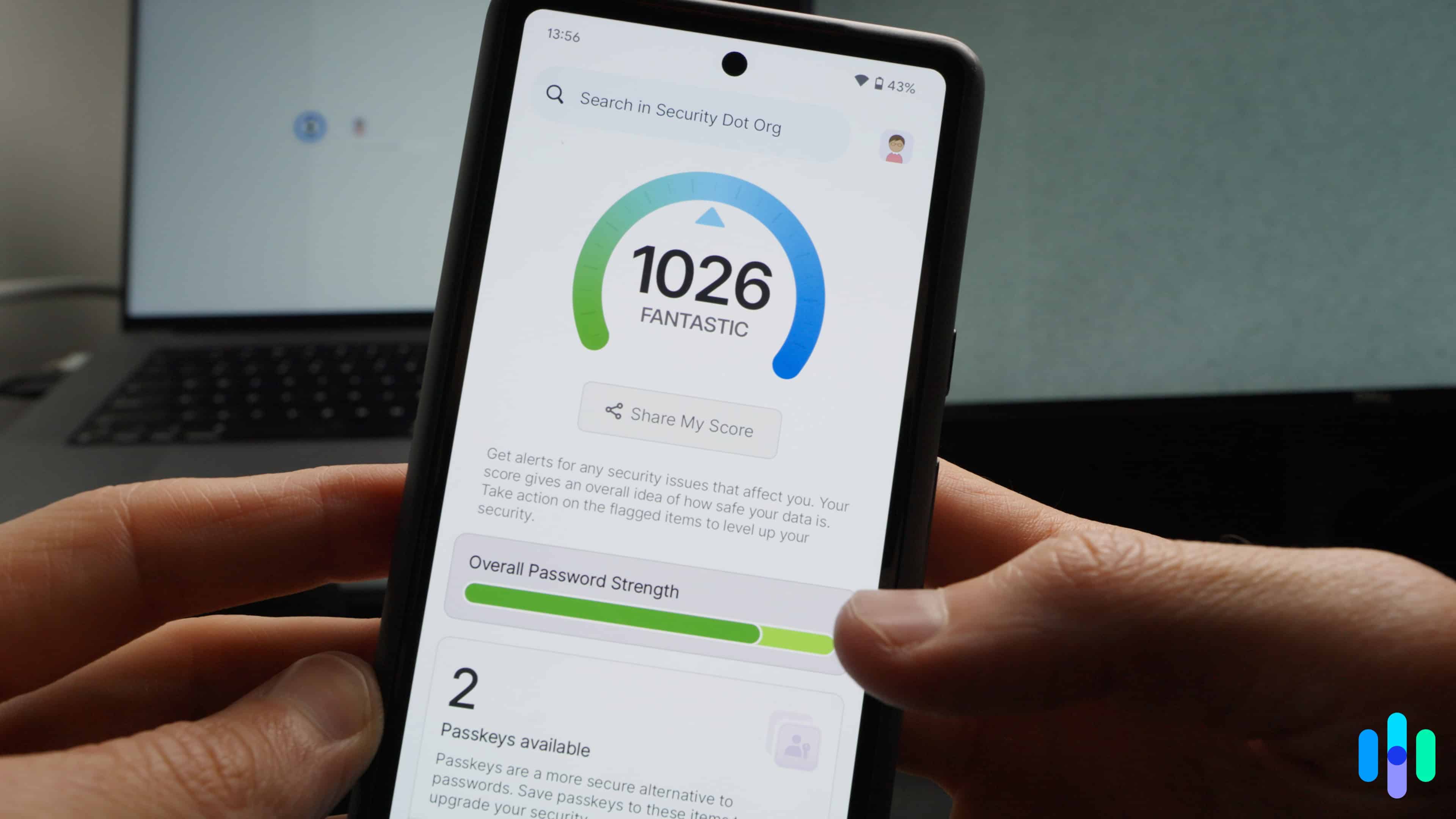
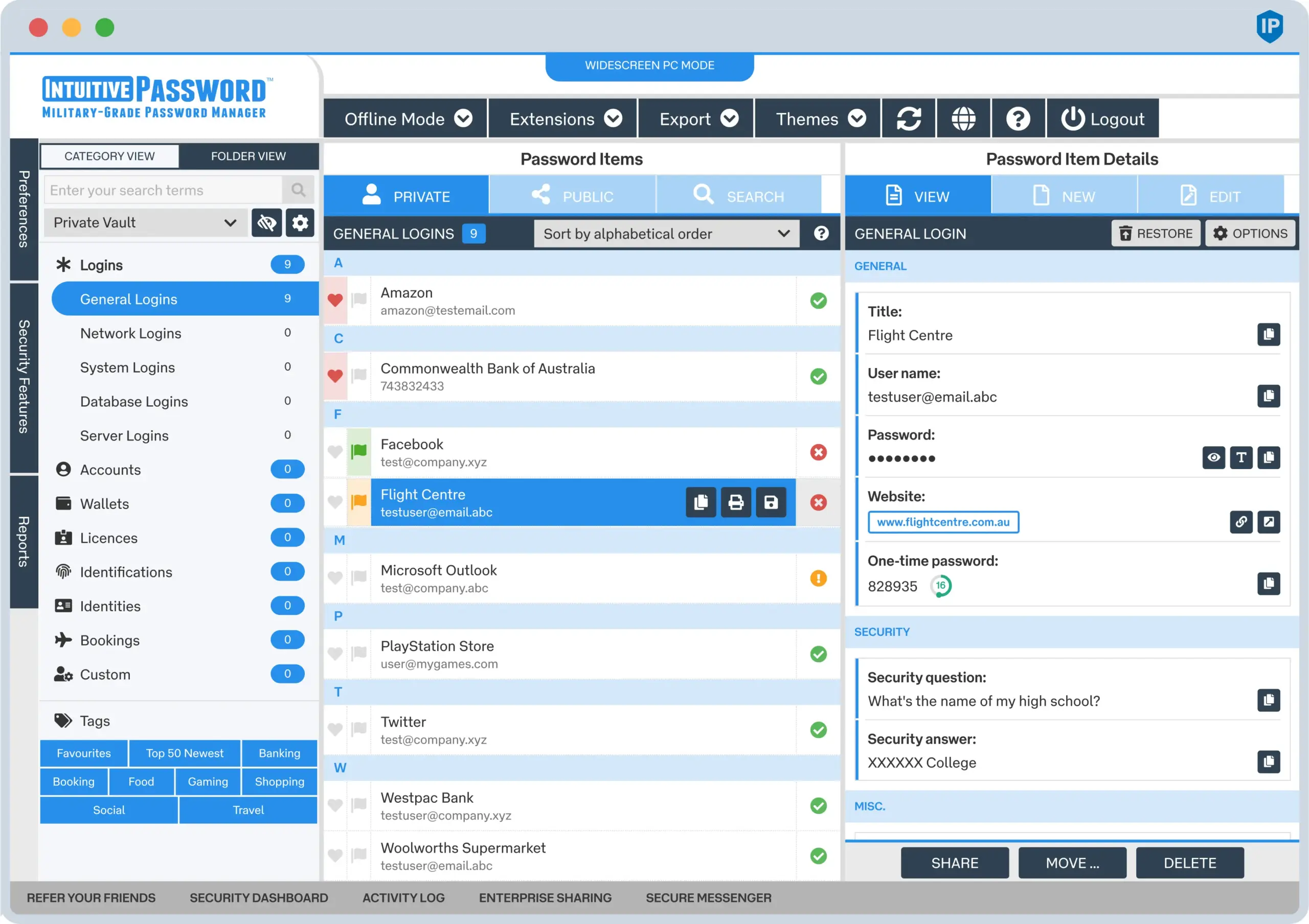
Choosing the right password manager requires balancing core security architecture, cross-device synchronization, ease of use, and pricing tiers to ensure your sensitive credentials remain protected against evolving cyber threats.
In the modern digital landscape, remembering complex, unique passwords for dozens of online accounts is an impossible task. Relying on memory or writing credentials down on paper creates severe security vulnerabilities, while reusing passwords across multiple services exposes users to credential-stuffing attacks. Dedicated password managers solve this dilemma by generating, storing, and auto-filling high-entropy credentials inside an encrypted local vault protected by a single master password.
However, the market contains numerous competing options, each utilizing different encryption protocols, synchronization methods, and feature sets. This comprehensive showdown examines the leading password management tools available, analyzing their underlying security models, user experiences, and overall value to help you determine which digital vault best suits your operational requirements.
Understanding the Core Architecture of Modern Password Managers
Before evaluating specific software solutions, it is essential to understand how modern password managers protect user data. At the foundation of every reputable password manager is a zero-knowledge architecture. This security model ensures that the provider has no knowledge of your master password, your encryption keys, or the plaintext data stored within your vault.
Encryption occurs entirely client-side on your device before any data travels to the cloud servers. When you create an account, your master password is combined with a randomly generated cryptographic salt via a key derivation function—such as Argon2 or PBKDF2—to generate your unique master key. This master key decrypts your local database. When data syncs across devices, it remains encrypted ciphertext that the company's servers cannot read, even if compromised in a data breach.
Another critical architectural distinction involves local-first versus cloud-first synchronization. Cloud-first providers automatically sync your encrypted vault across their servers, allowing seamless access on smartphones, tablets, and desktop computers. Local-first providers store the database directly on your hardware, utilizing local Wi-Fi, encrypted USB drives, or third-party cloud storage (such as iCloud or Dropbox) to move data between devices. While cloud-first services offer unmatched convenience, local-first alternatives appeal to privacy purists who prefer not to rely on third-party infrastructure.
Key Evaluation Criteria for Selecting a Password Manager
When conducting a password manager showdown, several objective performance indicators determine how well a service functions in daily use. Reviewing these criteria ensures that your chosen platform delivers both ironclad security and frictionless usability.
1. Cryptographic Standards and Security Audits
A secure password manager must employ robust encryption standards, typically Advanced Encryption Standard (AES) with 256-bit keys. Additionally, transparent third-party security audits and open-source codebases allow independent cryptographic researchers to verify that no backdoors or implementation flaws exist within the software.
2. Multi-Factor Authentication (MFA) Support
The master password is the single gatekeeper to your vault. To prevent unauthorized access if a master password is compromised via a keylogger or phishing attack, the password manager must support advanced multi-factor authentication methods. This includes hardware security keys (FIDO2/WebAuthn standards like YubiKey), time-based one-time passwords (TOTP), and biometric authentication (Face ID, Touch ID, Windows Hello).
3. Cross-Platform Synchronization and Browser Integration
A great password manager must integrate smoothly into your daily workflow. This requires reliable browser extensions for Chrome, Firefox, Safari, Edge, and native mobile applications for iOS and Android. Auto-fill accuracy, biometric unlock capabilities on mobile devices, and secure sharing features for families or enterprise teams heavily influence the overall user experience.
4. Emergency Access and Account Recovery
Because zero-knowledge architectures mean that companies cannot reset your master password, losing it results in permanent data loss unless recovery mechanisms are established. Reliable password managers offer emergency access features, allowing trusted contacts to request vault access after a specified waiting period, or recovery codes generated during initial setup.
Head-to-Head Comparison of Industry-Leading Password Managers
To provide a clear, practical evaluation, we examine four prominent contenders in the password manager space: 1Password, Bitwarden, Dashlane, and KeePassXC. Each represents a distinct philosophy regarding cloud integration, pricing, and open-source accessibility.
| Feature / Metric | 1Password | Bitwarden | Dashlane | KeePassXC |
|---|---|---|---|---|
| Core Architecture | Cloud-based (Zero-Knowledge) | Cloud-based (Zero-Knowledge) | Cloud-based (Zero-Knowledge) | Local-first (Open Source) |
| Open Source Status | Proprietary (Routinely Audited) | Open Source (AGPL / Client) | Proprietary | Open Source (GPL v2/v3) |
| Free Tier Available | No (14-day trial) | Yes (Generous feature set) | Yes (Limited to 25 items) | Yes (Completely Free) |
| Paid Starting Price | ~$35 per year (Individual) | ~$10 per year | ~$60 per year | Free (Donation-based) |
| Hardware Key Support | Yes (FIDO2, WebAuthn) | Yes (Paid tiers) | Yes (FIDO2, WebAuthn) | Yes (YubiKey challenge-response) |
| Auditing & Vault Health | Watchtower (Breach & Weakness alerts) | Vault Health Reports | Password Health Dashboard | N/A (Manual evaluation) |
1Password: The Gold Standard for User Experience
1Password has long maintained a reputation for polished design, bulletproof security, and reliable performance across macOS, Windows, iOS, Android, and Linux. Rather than relying solely on a master password, 1Password introduced a Secret Key—a lengthy, randomly generated string stored on your emergency kit document—which combines with your master password on new device logins. This prevents brute-force attacks even if an attacker intercepts your master password.
The platform includes Watchtower, a security monitoring tool that scans public data breaches for compromised credentials, flags weak or reused passwords, and alerts users to expiring SSL certificates or two-factor authentication opportunities. While 1Password does not offer a free tier beyond a standard trial period, its family and individual plans provide exceptional value for users seeking zero friction, reliable browser extensions, and travel mode (which temporarily hides designated vaults when crossing international borders).
Bitwarden: The Open-Source Champion
Bitwarden has emerged as the primary rival to proprietary heavyweights, driven by its open-source transparency and a remarkably generous free tier. The core client code is fully open-source and regularly subjected to independent security audits, satisfying privacy advocates who prefer transparent development models.
Bitwarden's free plan allows unlimited password storage across an unlimited number of devices—a limitation imposed by many competitors. Upgrading to the premium tier unlocks advanced features such as hardware security key authentication, encrypted file storage (up to 1GB), and vault health reporting. Furthermore, advanced users can self-host their own Bitwarden synchronization server using Docker, offering absolute control over their encrypted data infrastructure.
Dashlane: Feature-Rich Security with Automated Remediation
Dashlane positions itself as an all-in-one digital security suite, bundling a robust password manager with features like a built-in virtual private network (VPN) on select tiers and dark web monitoring. Its user interface is clean, modern, and highly intuitive.
One of Dashlane's standout features is its automated password changer, which allows users to update vulnerable credentials on supported websites with a single click rather than navigating manual password-reset forms. However, Dashlane's pricing is notably higher than competitors like Bitwarden, and the company transitioned its browser extension architecture to a web extension model, aligning with modern browser standards while altering legacy native features.
KeePassXC: The Local-First Powerhouse
KeePassXC diverges completely from cloud-centric models. It is a community-driven, 100% open-source, local-first password manager. Your entire encrypted database resides as a single file (.kdbx) on your local hard drive. There are no cloud servers involved by default.
This architecture offers supreme privacy: if you do not sync your database to a cloud provider, your data never touches the internet. Synchronization across devices is managed manually or via third-party services like Syncthing, Nextcloud, or Dropbox. While KeePassXC has a steeper learning curve and lacks the effortless multi-device onboarding of cloud-native apps, it is unmatched for technical users who demand absolute data sovereignty.
Common Pitfalls and Security Mistakes to Avoid
Even the most secure password manager cannot protect against poor operational security habits. Avoiding common pitfalls ensures your digital vault remains impenetrable.
- Neglecting Master Password Strength: Your master password is the single point of failure for your entire digital identity. Never use short words, personal information, or passwords recycled from other accounts. Use a long, memorable passphrase consisting of four or more random words.
- Failing to Store Recovery Materials: Zero-knowledge encryption means companies cannot recover lost master passwords. Always print or securely store your emergency kit, recovery codes, and Secret Keys in a physical safe or secure location.
- Disabling Multi-Factor Authentication: Relying solely on a master password leaves your account vulnerable to sophisticated phishing campaigns. Enable hardware-based MFA or robust authenticator apps on your primary password manager account immediately.
- Overlooking Shared Vault Hygiene: When using family or business plans, audit shared items regularly. Remove access for former colleagues or family members promptly to prevent unauthorized exposure of sensitive credentials.
Summary and Final Recommendations
Selecting the right password manager depends entirely on your technical comfort level, budget, and ecosystem preferences.
If you prioritize a polished user interface, excellent cross-platform synchronization, and robust security features without manual configuration, 1Password remains the premier choice for individuals and families. If you desire a transparent, highly customizable, and cost-effective solution with an exceptional free tier or self-hosting capabilities, Bitwarden represents the most versatile option on the market. Users who demand absolute control over their data without third-party cloud involvement should adopt KeePassXC, while those seeking automated remediation and integrated security tools can evaluate Dashlane.
Regardless of which platform you select, migrating your credentials into a dedicated vault is an essential step toward securing your digital footprint against modern cyber threats.