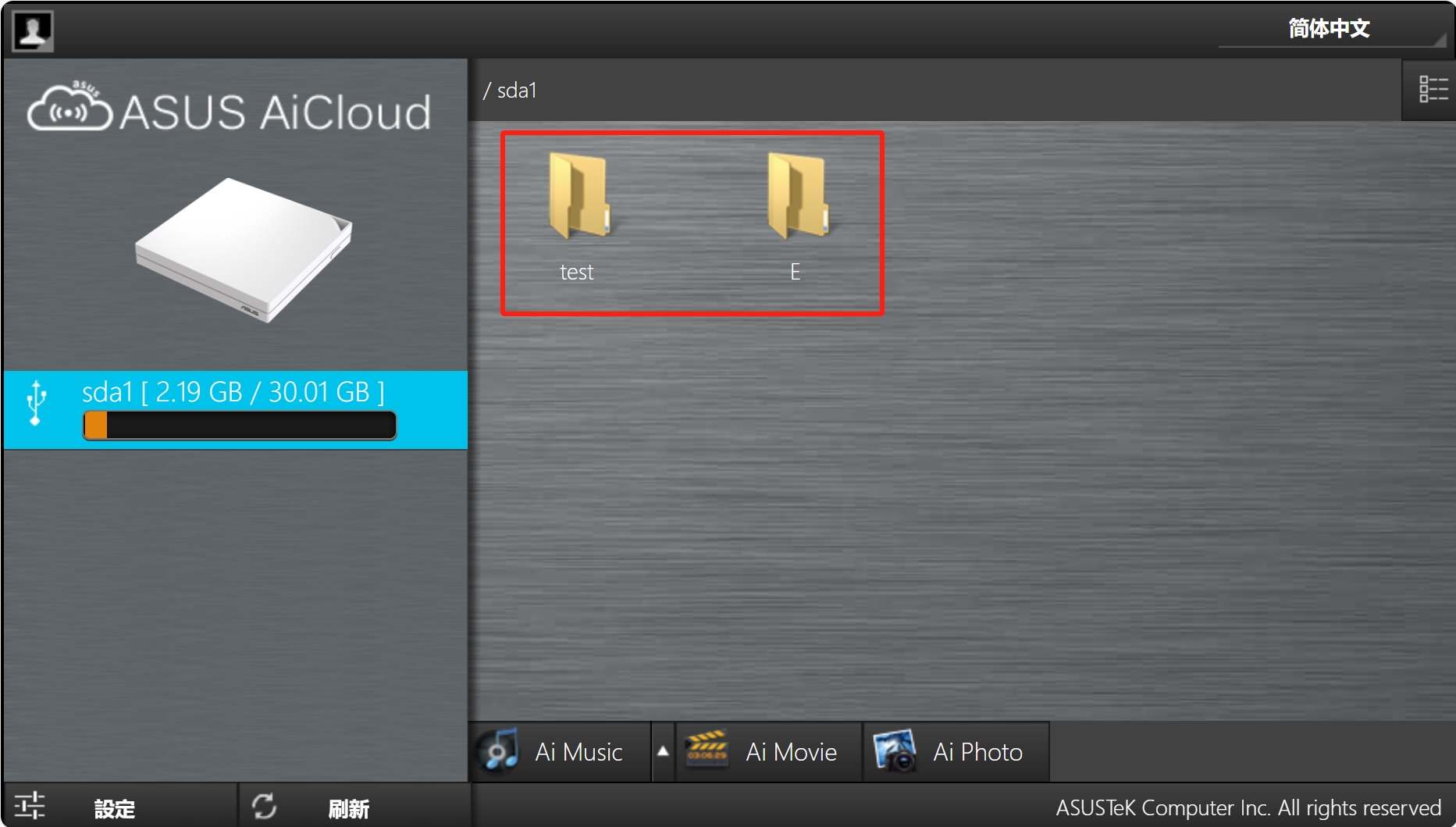
ASUS AiCloud security is a multi-layered defense framework that integrates AiProtection’s AI-powered threat detection with secure encrypted protocols to protect personal data stored on router-connected devices. By leveraging Trend Micro’s cloud-based security database and hardware-level encryption, it ensures that remote access to home files remains shielded from unauthorized intrusions and malware.
In the landscape of 2026, the demand for "personal clouds" has shifted from a luxury to a necessity for privacy-conscious users. ASUS AiCloud 2.0 serves as the bridge between your home network and the outside world, transforming USB-attached storage into a private server. However, exposing home hardware to the internet inherently introduces risks. Understanding the security mechanisms behind ASUS AiCloud is essential for any user looking to maintain data sovereignty without compromising on safety.
The Architecture of ASUS AiCloud Security
To understand how ASUS secures its cloud ecosystem, one must look at the two primary components: the AiCloud 2.0 application and the AiProtection security suite. These two systems work in tandem to create a "secure perimeter" around your data.
AiProtection: The AI-Driven Shield
At the core of ASUS router security is AiProtection, often powered by Trend Micro. As of 2026, this technology has evolved to use advanced machine learning algorithms to identify and block malicious traffic before it reaches your connected storage. AiProtection performs "Deep Packet Inspection" (DPI), which analyzes the data packets entering and leaving the network through the AiCloud ports. If a packet matches a known exploit pattern or originates from a blacklisted IP address known for brute-force attacks, the router terminates the connection instantly.
Encrypted Data Transmission
When you access a file via the AiCloud app on your smartphone or a web browser, the data is not sent in "plain text." ASUS utilizes TLS (Transport Layer Security) encryption—specifically TLS 1.3 in modern firmware—to wrap your data in a secure tunnel. This prevents "Man-in-the-Middle" (MitM) attacks, where a hacker on the same public Wi-Fi network might attempt to intercept your login credentials or view your private documents.
Key Security Features of the ASUS AiCloud Ecosystem
Securing a private cloud requires more than just a password. ASUS has implemented several specialized features to harden the environment against modern cyber threats.
1. Two-Factor Authentication (2FA)
In 2026, reliance on a single password is a critical vulnerability. ASUS routers now support 2FA for AiCloud access. When enabled, logging into your cloud from a new device requires both your master password and a time-sensitive code generated by an authenticator app (like Google Authenticator or Microsoft Authenticator). This ensures that even if your password is leaked in a third-party data breach, your home files remain inaccessible.
2. AiProtection Pro Vulnerability Protection
The "Pro" version of ASUS security includes an Intrusion Prevention System (IPS). This is particularly vital for AiCloud because it monitors the specific ports (usually Port 443 or 8082) used for cloud access. It blocks common web-based attacks such as SQL injection and Cross-Site Scripting (XSS) that might target the router’s web interface.
3. Malicious Site Blocking and Infected Device Isolation
If a device on your network becomes compromised, AiProtection prevents it from communicating with the "command and control" servers of the attacker. For AiCloud users, this means that even if you accidentally download a virus onto your network-attached storage (NAS), the router can prevent that virus from "phoning home" or spreading to other devices connected to the cloud.
4. Let’s Encrypt Integration
For users accessing AiCloud via a web browser, having a valid SSL certificate is mandatory for a secure connection. ASUS routers integrate directly with Let’s Encrypt, allowing users to generate free, automated security certificates for their ASUS DDNS (Dynamic Domain Name System) addresses (e.g., yourname.asuscomm.com). This removes the "Not Secure" warning in browsers and ensures that the connection is fully encrypted.
Prerequisite Configurations for a Secure AiCloud Setup
Before enabling AiCloud, specific settings must be audited to ensure you are not inadvertently creating a security hole. Simply turning the feature "On" without following these steps can expose your router's administration panel to the public internet.
- Firmware Updates: Ensure your router is running the latest firmware version. ASUS frequently releases patches for "CVE" (Common Vulnerabilities and Exposures) that specifically target remote access services.
- Strong Password Policy: Avoid default or simple passwords. A secure AiCloud password should be at least 12 characters, including symbols and numbers.
- Non-Standard Ports: While AiCloud defaults to specific ports, advanced users can change these to non-standard values to avoid "automated bots" that scan the internet for common open ports.
- Account Permissions: ASUS allows you to create specific user accounts for AiCloud. Do not use the main "admin" account for daily cloud access. Create a "limited user" account that only has access to specific folders on the USB drive.
Comparing ASUS AiCloud Security Tiers
Depending on your router model, the level of "AI" security available varies. High-end ROG Rapture and ZenWiFi systems typically feature the full "Pro" suite, while entry-level models use "AiProtection Classic."
| Feature | AiProtection Classic | AiProtection Pro | Best Practice for 2026 |
|---|---|---|---|
| Malicious Site Blocking | Yes | Yes | Always Enable |
| Two-Factor Authentication | Limited | Full Support | Mandatory for Remote Access |
| Intrusion Prevention (IPS) | No | Yes (Two-Way) | Highly Recommended |
| Infected Device Isolation | Yes | Yes | Enable to prevent "Lateral Movement" |
| TLS Encryption Level | TLS 1.2 | TLS 1.3 | Use TLS 1.3 for speed and security |
| Security Signature Updates | Periodic | Real-time | Set to "Automatic" |
Potential Risks and How to Mitigate Them
No system is 100% impenetrable. ASUS AiCloud, like any internet-facing service, has specific risks that users must manage proactively.
Brute-Force Attacks
Hackers use automated scripts to try thousands of password combinations against your DDNS address.
- Mitigation: Enable the "Account Lockout" feature in the router settings. After five failed login attempts, the router should block the offending IP address for a set duration (e.g., 24 hours).
UpnP Vulnerabilities
Universal Plug and Play (UPnP) can sometimes automatically open ports that you didn't intend to share.
- Mitigation: Manually configure your port forwarding for AiCloud and disable UPnP in the WAN settings. This gives you granular control over what enters your network.
Public Wi-Fi Risks
Accessing your AiCloud via an unsecured public hotspot (like at an airport) exposes your device to local snooping.
- Mitigation: Use ASUS Instant Guard. This feature creates a private VPN tunnel from your phone back to your ASUS router. By running AiCloud over an Instant Guard VPN connection, you add an extra layer of AES-256 encryption, making it nearly impossible for anyone on the public Wi-Fi to see your traffic.
Best Practices for Maintaining AI Cloud Security
Maintaining security is a process, not a one-time setup. In 2026, the "set it and forget it" mentality is the greatest threat to home networks.
- Scheduled Security Audits: Use the "Security Scan" feature within the ASUS Router app once a month. This tool checks for weak passwords, open ports, and unpatched vulnerabilities.
- Monitor Connection Logs: Periodically check the "System Log" under the "Remote Access" or "AiCloud" tab. Look for unfamiliar IP addresses or repeated failed login attempts.
- Physical Security: Remember that AiCloud data is stored on a physical USB drive attached to your router. Ensure the router itself is in a secure location where it cannot be physically tampered with or stolen.
- Use WPA3 for Local Access: While AiCloud is a remote tool, your local security matters. Ensure your home Wi-Fi is using WPA3 encryption to prevent local intruders from gaining enough network access to attempt an "internal" attack on your cloud storage.
Troubleshooting Common AiCloud Security Issues
Issue: "Your connection is not private" error when accessing AiCloud via browser.
- Cause: This usually means your SSL certificate has expired or you are using a self-signed certificate rather than one from Let’s Encrypt.
- Solution: Go to the "WAN" -> "DDNS" tab in your router settings. Ensure "Free Certificate from Let's Encrypt" is selected and active. Refresh the certificate if necessary.
Issue: AiCloud app keeps disconnecting or won't log in.
- Cause: This may be due to AiProtection blocking your own IP address if you mistyped your password too many times, or a conflict with a third-party VPN on your phone.
- Solution: Disable any third-party VPNs to test the connection. Check the "AiProtection" logs to see if your mobile device's IP has been temporarily blacklisted.
Issue: Files are missing or folders are inaccessible.
- Cause: This is often a permission issue rather than a security breach.
- Solution: Check the "USB Application" -> "AiCloud 2.0" -> "Settings" tab. Ensure that the specific user account you are using has "Read/Write" permissions for those specific folders.
Frequently Asked Questions
Is ASUS AiCloud more secure than Google Drive or Dropbox?
ASUS AiCloud offers better "Data Sovereignty," meaning your files are stored on your physical hardware, not on a corporate server. While Google and Dropbox have massive security teams, they also have access to your data. AiCloud security is as strong as you make it; with 2FA, TLS 1.3, and AiProtection enabled, it provides a highly secure alternative that keeps your data out of the hands of third-party providers.
Does enabling AiProtection slow down my AiCloud transfer speeds?
In 2026, most ASUS routers (especially those with Quad-core CPUs) handle AiProtection signatures in hardware. While Deep Packet Inspection adds a negligible amount of latency (usually milliseconds), the impact on file transfer speeds is minimal. For most users, the security trade-off is well worth the imperceptible speed difference.
Can I use AiCloud security features on a non-ASUS router?
No, AiCloud and AiProtection are proprietary technologies built into ASUSWRT (the router's operating system). To use these features, you must have an ASUS router. However, you can access an ASUS AiCloud from any device (PC, Mac, Android, iOS) regardless of that device's manufacturer.
What happens to my AiCloud security if the ASUS servers go down?
AiCloud relies on ASUS DDNS to find your router's IP address. If the DDNS server is down, you may have trouble connecting via your URL (e.g., yourname.asuscomm.com). However, the actual security (encryption, 2FA, IPS) is handled locally by your router's hardware. Your data remains protected even if the ASUS external coordination servers are temporarily unavailable.
Is it safe to leave AiCloud enabled all the time?
It is safe as long as you follow the "hardening" steps: use a strong, unique password, enable 2FA, and keep your firmware updated. For maximum security, some users only enable AiCloud when they know they will be traveling and need remote access, turning it off when they are home.
Final Recommendation: Next Steps for Users
For the best balance of usability and high-level security in 2026, your immediate action should be to enable ASUS Instant Guard in conjunction with AiCloud. Using a VPN tunnel is the single most effective way to protect remote data. If your router supports AiProtection Pro, ensure that the "Two-Way IPS" is active, as this specifically monitors for the type of "edge-case" exploits that target cloud storage ports. Finally, perform a firmware audit today to ensure your defense signatures are current against the latest 2026 threat vectors.