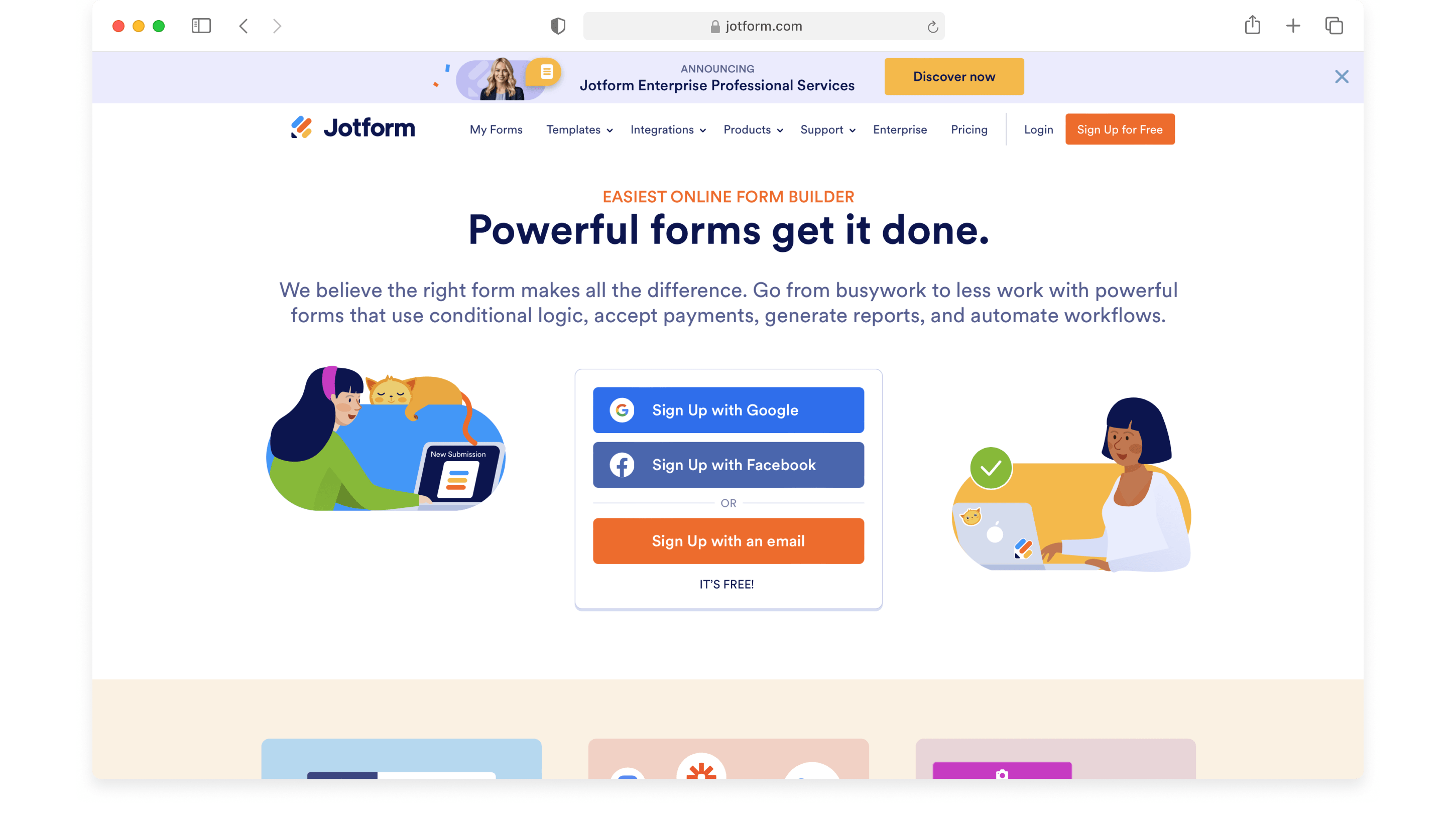
In 2026, the best alternatives to Jotform include Typeform for high-engagement conversational interfaces, Google Forms for cost-effective basic data collection, and Formstack for enterprise-level automation. Tools like Tally and Paperform offer modern, block-based design experiences, while WPForms remains the premier choice for integrated WordPress website management and lead generation.
Choosing an online form builder requires balancing ease of use, data security, and integration capabilities. While Jotform has long been a market leader due to its massive template library and robust feature set, many organizations now seek alternatives that offer more specialized user experiences, cleaner aesthetics, or better value at scale. Whether you are looking for advanced conditional logic, seamless payment processing, or a minimalist interface that does not require a steep learning curve, the current software landscape provides diverse options tailored to specific business needs.
Why Users Seek Alternatives to Jotform
Jotform is a "swiss-army knife" of form builders, but its breadth can sometimes lead to complexity. As of 2026, several factors drive users toward alternative solutions.
Complexity and User Interface
Jotform’s interface, while powerful, can feel cluttered to occasional users. The platform hosts thousands of features, from PDF editors to store builders. For a small business that simply needs a contact form or a basic registration sheet, navigating the dense sidebar of options can be overwhelming. Alternatives like Tally or Google Forms prioritize a "blank canvas" approach that reduces cognitive load.
Pricing Structure and Limits
Jotform’s pricing model is often based on "submission limits" and "view limits." In a high-traffic environment, hitting these caps can lead to service interruptions or sudden price jumps. Many competitors have moved toward "seat-based" pricing or more generous submission tiers, making them more predictable for growing companies.
Design Aesthetics
While Jotform offers themes, its core design language can sometimes feel dated compared to the sleek, modern aesthetic of Typeform or Paperform. In 2026, the "user experience" of a form is as important as the data it collects. High-end brands often prefer tools that allow for deep CSS customization or inherently beautiful, mobile-first designs that match their brand identity without extensive coding.
Typeform: The Leader in Conversational UX
Typeform remains the primary alternative for those who find traditional "long-form" layouts boring or intimidating. By presenting one question at a time, Typeform reduces form abandonment and increases completion rates.
The Conversational Advantage
The "one-at-a-time" approach mimics a real conversation. This is particularly effective for lead generation, customer feedback, and quizzes. In 2026, Typeform has further refined its AI-driven logic, which helps creators suggest the next question based on the user's previous input, creating a truly personalized experience.
Logic Jumps and Branching
Typeform’s logic builder is visual and intuitive. Unlike Jotform’s list-based conditional rules, Typeform uses a flowchart-like interface. This makes it easier to visualize complex paths where a user’s answer to question A determines if they see question B or skip directly to question D.
Limitations to Consider
While Typeform is aesthetically superior, it is generally more expensive than Jotform. Additionally, it is less suited for very long technical forms (like medical history forms or complex tax documents) where users might need to see the entire context of the page to feel comfortable providing information.
Formstack: Enterprise Automation and Security
For organizations in highly regulated industries—such as healthcare, finance, or legal—Formstack is often the preferred choice. It moves beyond simple data collection into the realm of "workflow automation."
Beyond the Form
Formstack is part of a larger ecosystem that includes Formstack Sign (digital signatures) and Formstack Documents (document generation). This allows a business to collect data via a form, automatically populate a legal contract, and send it for a signature—all within one secure environment.
Compliance and Security
Formstack excels in its commitment to compliance. It offers robust HIPAA, SOC2, and GDPR features that are often easier to manage than Jotform’s equivalent settings. For a medical clinic in 2026, the peace of mind provided by Formstack’s dedicated encrypted servers and audit trails often justifies its higher price point.
Technical Depth
Formstack provides a high degree of control over API integrations and webhooks. Developers often prefer its documentation and the stability of its backend when building custom connections to legacy CRM (Customer Relationship Management) systems.
Google Forms: The Ultimate Free Alternative
For individuals, educators, and small non-profits, Google Forms remains the most accessible tool. It is entirely free and integrates perfectly with the Google Workspace ecosystem.
Simplicity and Speed
There is almost no learning curve with Google Forms. If you have a Google account, you can create a functional form in minutes. All data is automatically piped into a Google Sheet, making it the easiest way to perform quick data analysis or share results with a team.
Features Missing in 2026
Despite its utility, Google Forms lacks several professional features found in Jotform:
- Payment Processing: You cannot natively collect payments through Google Forms.
- Complex Logic: It only supports basic "Go to section based on answer" logic.
- File Upload Limits: While it supports file uploads, the storage is tied to your Google Drive limit, which can be a bottleneck.
- Custom Branding: Customization is limited to basic colors and header images.
Tally: The Modern "Notion-Like" Experience
Tally has emerged as a major disruptor in the form-building space. It uses a block-based editor that feels identical to Notion, making it a favorite for startups and digital creators.
The "99% Free" Model
Tally’s most compelling feature is its pricing. It allows for unlimited forms and unlimited submissions for free. It only charges for "Pro" features like custom domains, partial submissions, and team collaboration. This makes it a formidable alternative for those frustrated by Jotform’s submission caps.
User Experience
Building a form in Tally is as simple as typing on a page. You use the "/" command to insert blocks like "Short Answer," "Multiple Choice," or "Payment." This seamless experience removes the traditional "sidebar-to-canvas" drag-and-drop friction.
WPForms: The Best for WordPress Ecosystems
If your primary digital presence is on WordPress, WPForms is the logical choice. Unlike Jotform, which is a standalone SaaS that you embed, WPForms is a plugin that lives directly inside your website’s dashboard.
Native Integration
Because it is built for WordPress, WPForms handles user registrations, post submissions, and local database entries more efficiently than an embedded third-party form. It also includes specific features like "Form Abandonment" (capturing data even if the user doesn't hit submit) and "Offline Forms" (saving data in the browser until a connection is restored).
Speed and Performance
Embedded forms from external providers can sometimes slow down page load times due to heavy JavaScript. WPForms is optimized for WordPress performance, ensuring that your core web vitals remain healthy.
Comprehensive Comparison Table
The following table compares the key characteristics of Jotform and its top 2026 alternatives to help you identify the best fit for your specific requirements.
| Feature / Platform | Jotform | Typeform | Formstack | Tally | Google Forms |
|---|---|---|---|---|---|
| Primary Use Case | All-purpose / Templates | Engagement / UX | Workflow / Enterprise | Minimalist / Startups | Basic / Education |
| Logic Complexity | High | Very High (Visual) | High (Automated) | Medium | Low |
| Pricing Model | Submission-based | Subscription-based | Enterprise / Seat-based | Block-based (Freemium) | Free with Google |
| Native Payments | Yes (Multiple) | Yes (Stripe) | Yes (Multiple) | Yes (Stripe) | No |
| Compliance | HIPAA (Gold/Enterprise) | GDPR | HIPAA / SOC2 | GDPR | Basic |
| Ease of Use | Moderate | High | Moderate | Very High | Very High |
| Design Control | Moderate | Very High (Fixed UX) | Moderate | High (Minimalist) | Low |
Key Factors to Consider When Switching
Before migrating your data from Jotform to an alternative, evaluate these technical and operational criteria to ensure a smooth transition.
Data Portability
Most form builders allow you to export your current Jotform data as a CSV or Excel file. However, your actual "form structures" (the questions, logic, and design) usually cannot be imported directly into a new tool. You will likely need to rebuild the forms manually. Ensure the new tool provides a robust CSV export feature so you aren't "locked in" again in the future.
Integration Ecosystem
Check if the alternative supports your current tech stack. While Zapier and Make can bridge the gap for most tools, native integrations are always faster and more reliable. For example, if you rely heavily on Salesforce, a tool like Formstack or a high-end Typeform plan will offer a more stable connection than a basic tool using webhooks.
Logic and Calculation Capabilities
Jotform is famous for its "Form Calculation" widget, which allows for complex math within the form (e.g., calculating a quote based on dimensions). Not all alternatives handle math equally. If your forms require real-time pricing or scoring, test the calculation engine of the alternative thoroughly before committing.
Mobile Responsiveness
In 2026, over 70% of form submissions occur on mobile devices. While all the listed tools are "responsive," the experience varies. Typeform and Tally generally offer the most modern mobile interfaces, whereas Google Forms can sometimes feel cramped on smaller screens.
Frequently Asked Questions
Is there a truly free alternative to Jotform?
Yes, Google Forms is completely free for individual use without submission limits. Tally is also a significant free alternative, offering unlimited forms and submissions for free, only charging for advanced features like custom domains or removing their branding.
Which alternative is best for HIPAA compliance?
Formstack is widely considered the industry leader for HIPAA-compliant digital forms and document workflows. While Jotform does offer HIPAA compliance on its higher-tier plans, Formstack’s entire ecosystem is designed around secure, regulated data handling.
Can I migrate my Jotform data to Typeform?
While you cannot "import" a Jotform and have it automatically become a Typeform (due to their different structures—traditional vs. conversational), you can export your Jotform submission data as a CSV and upload it to many CRM systems that Typeform also connects to.
Does Google Forms support payments in 2026?
Natively, Google Forms still does not support direct payment processing like Stripe or PayPal. To collect payments through Google Forms, you would typically need to use a third-party add-on or a workaround involving a link to a separate payment processor, which is less secure and less professional than the native integrations found in Jotform, Typeform, or Tally.
Which form builder is easiest for non-technical users?
Tally is currently the easiest for non-technical users because it operates like a standard document editor. If you can type in Word or Notion, you can build a professional-grade form in Tally without learning a complex sidebar of settings.
Final Recommendation
To choose the right alternative, you must identify your primary pain point with Jotform.
- If you find Jotform's engagement rates too low, switch to Typeform for its conversational flow.
- If you are a small business on a budget, move to Tally for its generous free tier and modern UI.
- If you are an enterprise organization needing automated workflows and high security, Formstack is the superior choice.
- For simple, internal data collection without a cost, Google Forms remains the standard.
For most modern businesses looking for a balance of aesthetics, ease of use, and reasonable pricing in 2026, Tally is the most recommended all-around alternative to Jotform.