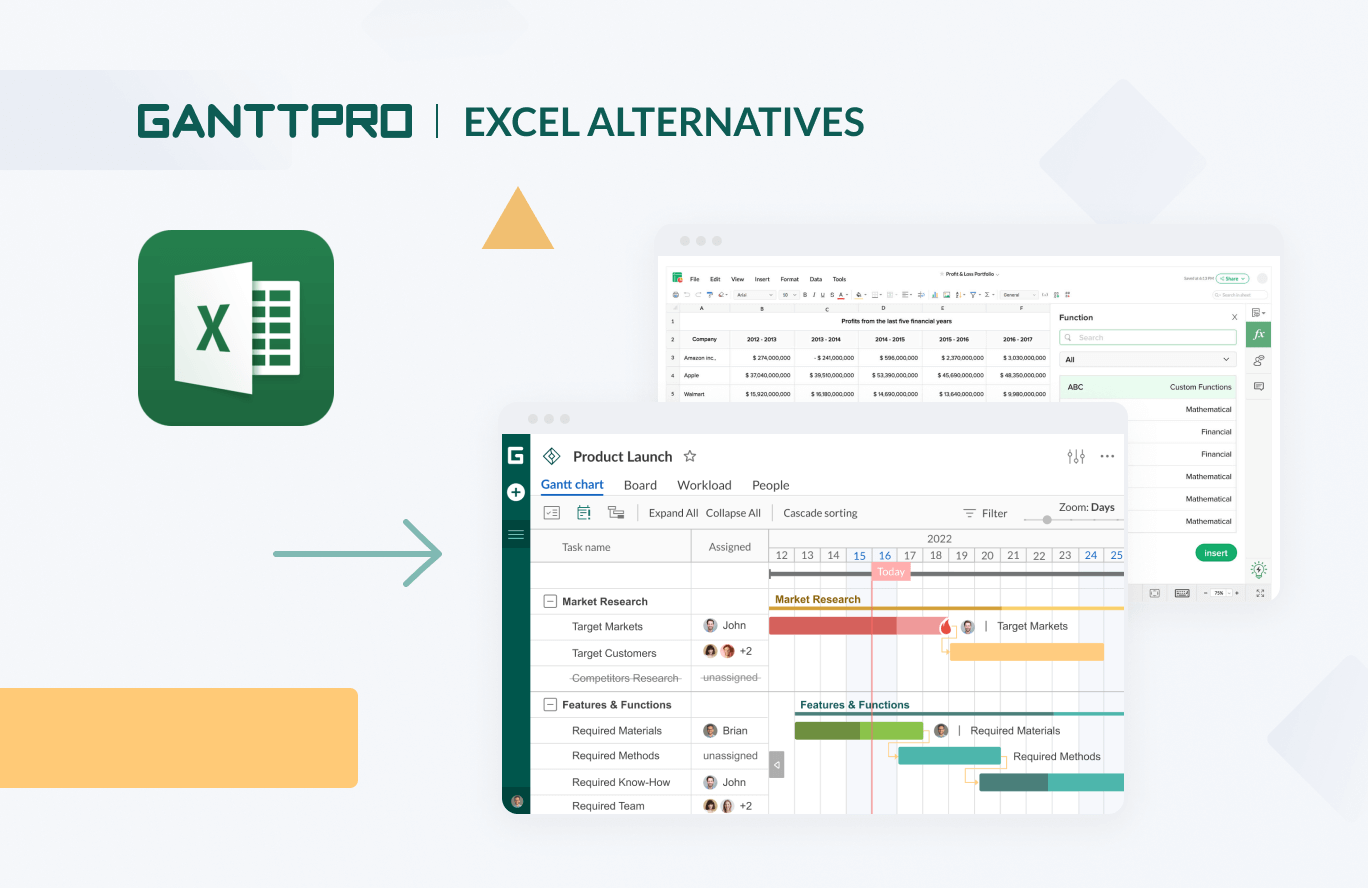
In 2026, the best alternatives to Microsoft Excel include Google Sheets for cloud collaboration, LibreOffice Calc for open-source privacy, and Airtable for relational data management. These platforms offer specialized features like real-time co-authoring, advanced database integration, and no-cost licensing, catering to diverse personal and professional needs beyond the traditional Office ecosystem.
For decades, Microsoft Excel has been the undisputed industry standard for data entry, financial modeling, and statistical analysis. However, the software landscape in 2026 has shifted significantly. High subscription costs for Microsoft 365, the complexity of the Ribbon interface, and a growing demand for cloud-native collaboration have driven users to seek alternatives. Whether you are a small business owner looking to cut costs, a data scientist needing better integration with Python, or a casual user who finds Excel overwhelming, there is a specialized tool designed for your specific workflow.
Why Users Are Moving Away from Microsoft Excel
The shift away from Excel isn't necessarily due to a lack of power; Excel remains one of the most robust calculation engines ever built. Instead, the transition is fueled by the evolution of work environments. In 2026, work is increasingly asynchronous and distributed. While Excel has improved its co-authoring capabilities, it still struggles with version control and simultaneous editing when compared to cloud-first platforms.
Furthermore, the "Everything-as-a-Service" (SaaS) model has led to subscription fatigue. Many individual users and non-profits prefer "one-and-done" software or open-source solutions that do not require monthly fees. Additionally, the rise of "No-Code" platforms has changed expectations. Users no longer just want a grid of cells; they want their spreadsheets to function like relational databases, complete with automated workflows and user-friendly interfaces.
1. Google Sheets: The Leader in Cloud Collaboration
Google Sheets remains the primary competitor to Excel in 2026, particularly for teams that prioritize real-time interaction. It is bundled within Google Workspace but remains free for individual users with a Google account.
Key Features and 2026 Updates
Google Sheets has evolved beyond a simple web-based grid. By 2026, it has deeply integrated AI-driven "Smart Fill" and "Data Cleanup" features that utilize large language models to predict data entry patterns and suggest formula fixes. Its strongest asset is the "Connected Sheets" feature, which allows users to analyze billions of rows of data by connecting directly to BigQuery without needing advanced SQL knowledge.
Advantages of Google Sheets
- Seamless Collaboration: Multiple users can edit the same document simultaneously with virtually zero latency. The chat and commenting systems are built into the workflow, making it superior for project tracking.
- Version History: Google Sheets automatically saves every change. Users can revert to any specific second in the document's history, providing a safety net that local Excel files often lack.
- Apps Script: For developers, Google Sheets uses JavaScript-based Apps Script, which is often considered more modern and accessible than Excel's legacy VBA (Visual Basic for Applications).
Limitations to Consider
The primary drawback of Google Sheets remains its performance with massive datasets. While Excel can handle over a million rows locally, Google Sheets begins to lag once a workbook exceeds 10 million cells. Complex financial modeling that requires iterative calculations or heavy "What-If" analysis is still faster in a desktop environment.
2. LibreOffice Calc: The Open-Source Powerhouse
For users who prioritize privacy and local control, LibreOffice Calc is the gold standard of open-source alternatives. It is part of the LibreOffice suite, maintained by The Document Foundation, and is completely free of charge.
The Standard for Privacy and Ownership
In an era where data harvesting is a concern, LibreOffice Calc runs entirely offline. There are no telemetry requirements or mandatory cloud logins. This makes it the preferred choice for government agencies, legal professionals, and privacy-conscious individuals in 2026.
Technical Depth and Compatibility
Calc uses the OpenDocument Format (ODF) but maintains high compatibility with Excel’s .xlsx files. It includes a "Data Pilot" feature (similar to Pivot Tables) and a comprehensive "Function Wizard" that guides users through complex nested formulas. Unlike many web-based tools, Calc supports legacy features and provides a familiar "classic" interface that many long-time spreadsheet users prefer.
Performance in 2026
By 2026, LibreOffice has improved its multi-threading capabilities, allowing Calc to utilize modern multi-core processors more efficiently for recalculating large sheets. While it lacks the "flashy" AI features of Google or Microsoft, its stability and "no-cost" barrier make it an essential tool for those who want a professional-grade spreadsheet without the corporate oversight.
3. Airtable: Bridging the Gap Between Spreadsheet and Database
Airtable is not a traditional spreadsheet; it is a relational database with a spreadsheet-like interface. It is designed for users who find Excel's grid too limiting for managing projects, inventories, or content calendars.
The Power of Linked Records
In Excel, connecting two different tables usually requires complex VLOOKUP or XLOOKUP functions. In Airtable, you create "Links to another record." This creates a relational link that allows you to click a cell and see all the data associated with that entry in another table. This makes it incredibly powerful for CRM (Customer Relationship Management) and complex project management.
Interface Designer and Automation
Airtable’s "Interface Designer" allows users to build custom dashboards and apps on top of their data. In 2026, this feature is widely used by operations teams to create internal tools without writing a single line of code. Furthermore, its native automation engine can trigger emails, Slack messages, or status updates based on changes in the spreadsheet.
Who Should Use Airtable?
Airtable is the best alternative for teams who need to organize qualitative data rather than just perform quantitative calculations. If your primary goal is to calculate a 20-year mortgage amortization, stick with Calc or Excel. If you are managing a global marketing campaign with hundreds of assets, Airtable is the superior choice.
4. OnlyOffice: The Enterprise Integration Expert
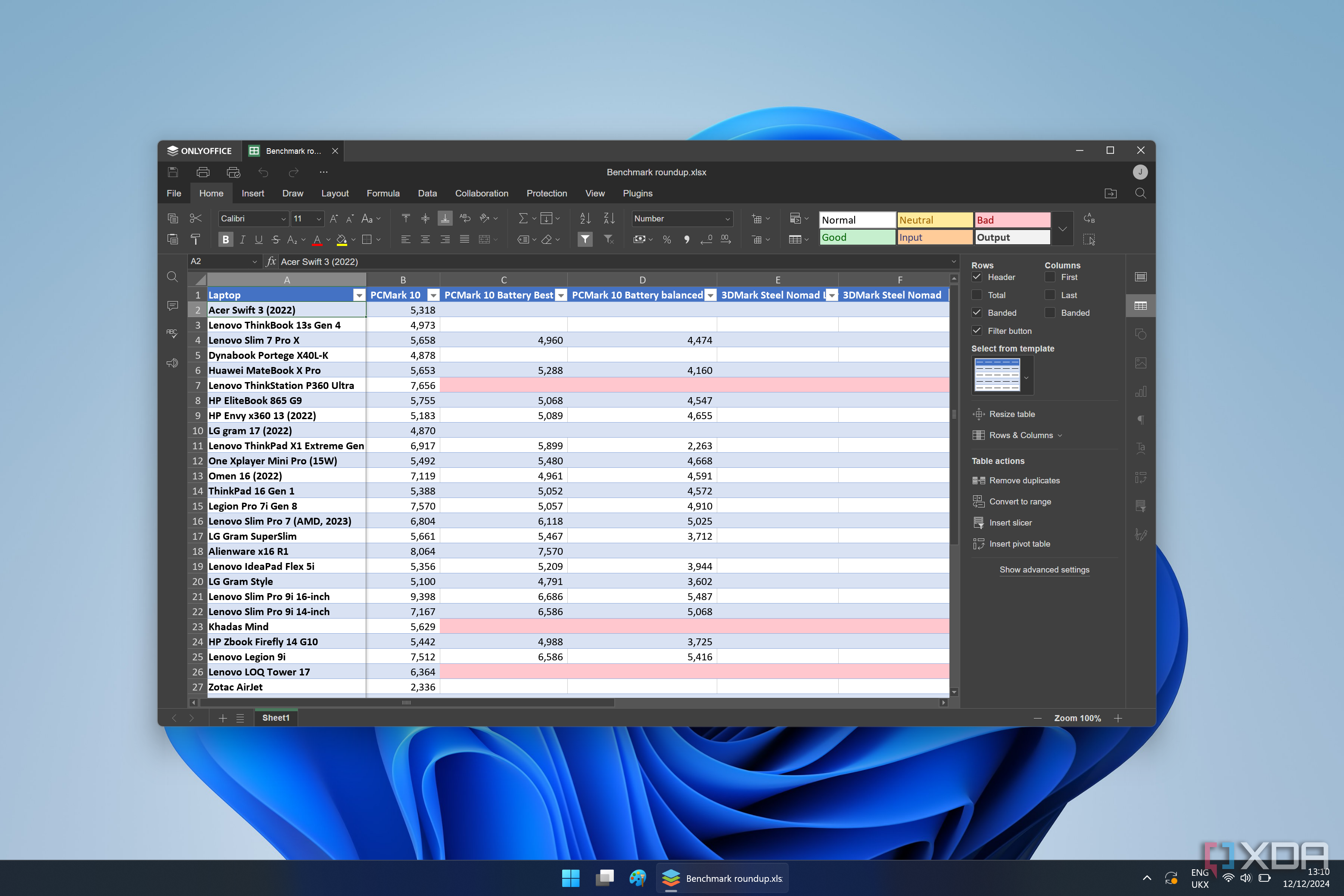
OnlyOffice has gained significant traction by 2026 as a high-compatibility alternative for businesses that want to self-host their office suite. It offers a "Spreadsheet Editor" that is remarkably similar to Excel in terms of UI and functionality.
High Fidelity with .XLSX
One of the biggest frustrations with Excel alternatives is formatting loss. OnlyOffice uses .xlsx as its native format, meaning that files created in OnlyOffice look almost identical when opened in Excel. This is a critical feature for businesses that regularly exchange documents with external partners who use the Microsoft ecosystem.
Self-Hosting for Security
OnlyOffice allows organizations to host the software on their own private servers (using Docker or ownCloud/Nextcloud). This provides the collaborative benefits of Google Sheets with the data security of a private data center. In 2026, this "hybrid" approach is a top priority for IT departments concerned with data sovereignty.
Comparison of Top Excel Alternatives in 2026
The following table compares the key technical and operational specifications of the leading alternatives to help you decide which tool fits your specific requirements.
| Software | Best For | Primary Platform | Pricing (2026) | Offline Access | Relational Data? |
|---|---|---|---|---|---|
| Google Sheets | Real-time collaboration | Web / Cloud | Free / Workspace | Limited | No |
| LibreOffice Calc | Privacy / Open Source | Windows, Mac, Linux | Free | Yes | No |
| Airtable | Project Management | Web / App | Freemium | No | Yes |
| OnlyOffice | Enterprise / Formatting | Web / Self-hosted | Tiered / Free Community | Yes | No |
| Apple Numbers | Visual presentation | macOS / iOS | Free (Apple users) | Yes | No |
| WPS Office | UI Familiarity | Cross-platform | Freemium | Yes | No |
5. Apple Numbers: The Designer’s Choice
For users within the Apple ecosystem, Numbers provides a unique take on the spreadsheet. Rather than starting with an infinite grid, Numbers gives you a blank canvas. You can place multiple tables, images, and charts anywhere on the page.
Visualizing Data
Numbers is widely regarded as the best tool for creating beautiful, "print-ready" reports. The templates are professionally designed, and the chart-making engine produces cleaner visuals than Excel. However, it is not suitable for high-level data analysis, as it lacks many of the advanced statistical functions and the "Power Query" capabilities found in Microsoft's offering.
6. Zoho Sheet: The Business Integration Alternative
Zoho Sheet is part of the extensive Zoho office suite. In 2026, it is a formidable alternative for small-to-medium businesses already using Zoho's CRM or accounting software. It includes "Zia," an AI assistant that can automatically generate charts and identify data anomalies. Zoho Sheet also offers a surprising level of VBA macro support, making it easier for some Excel power users to migrate without losing their custom scripts.
Potential Challenges When Switching
Moving away from Excel is not without its hurdles. Before committing to an alternative, consider these three critical areas:
1. Macro and VBA Support
Most alternatives do not support Excel's VBA macros. If your business relies on legacy automated workbooks, you will likely need to rewrite those scripts in JavaScript (for Google) or Python (which has become the standard for data manipulation in 2026).
2. Advanced Data Features
Excel's Power Query and Power Pivot are incredibly sophisticated. While OnlyOffice and Google Sheets have added similar features, they often lack the "extract, transform, load" (ETL) depth of Microsoft’s Power BI-integrated engine.
3. File Interoperability
While most tools can open .xlsx files, complex formatting, conditional rules, and specific chart types may not translate 100% accurately. Always perform a "test migration" with your most complex sheets before fully switching your workflow.
Frequently Asked Questions
Which Excel alternative is best for financial modeling?
LibreOffice Calc is generally the best free alternative for financial modeling because of its robust offline calculation engine and support for complex nested formulas. However, for collaborative modeling, Google Sheets is often preferred, provided the dataset does not exceed several million cells.
Can I open Excel files in Google Sheets without losing data?
Yes, Google Sheets can open and edit .xlsx files directly. Most data, basic formulas, and formatting will remain intact. However, Excel-specific features like certain Pivot Table styles, Slicers, or VBA macros will not function and may be removed or disabled.
Is there a completely free version of Excel in 2026?
Microsoft offers a "Web" version of Excel for free with a Microsoft account. However, it is significantly stripped down compared to the desktop version. For a full-featured, truly free experience, LibreOffice Calc is the recommended alternative as it has no hidden fees or "premium" locks on features.
Are open-source spreadsheets as secure as Microsoft Excel?
In many cases, open-source spreadsheets like LibreOffice Calc can be more secure because they do not require cloud connectivity and their source code is subject to public audit. However, security also depends on the user’s local machine protections. For enterprise-level cloud security, OnlyOffice (self-hosted) is a strong contender.
Which alternative is best for big data?
For very large datasets, traditional spreadsheets are often the wrong tool. However, within this category, Google Sheets (via BigQuery integration) and Excel (via Power Pivot) are the leaders. If those are not options, migrating to a dedicated database solution like PostgreSQL or a data frame library like Python’s Pandas is the professional recommendation for 2026.
Practical Recommendation: How to Choose
To choose the right alternative to Microsoft Excel in 2026, you must identify your "Primary Constraint."
- If your constraint is Cost, download LibreOffice Calc. It offers 90% of Excel's power for 0% of the price.
- If your constraint is Team Speed, move your workflows to Google Sheets. The collaborative benefits far outweigh the loss of advanced features for most general business tasks.
- If your constraint is Data Organization, switch to Airtable. It will change how you think about "sheets" by turning your data into a searchable, relational application.
- If your constraint is Professional Compatibility, use OnlyOffice. It provides the smoothest transition for users who need to maintain strict .xlsx formatting standards while avoiding the Microsoft 365 subscription.
Before making a final decision, audit your most-used workbooks. If they are primarily lists and simple budgets, any of these tools will suffice. If they are complex, macro-heavy applications, consider a phased migration where you slowly rebuild your automation in the new platform's native language.