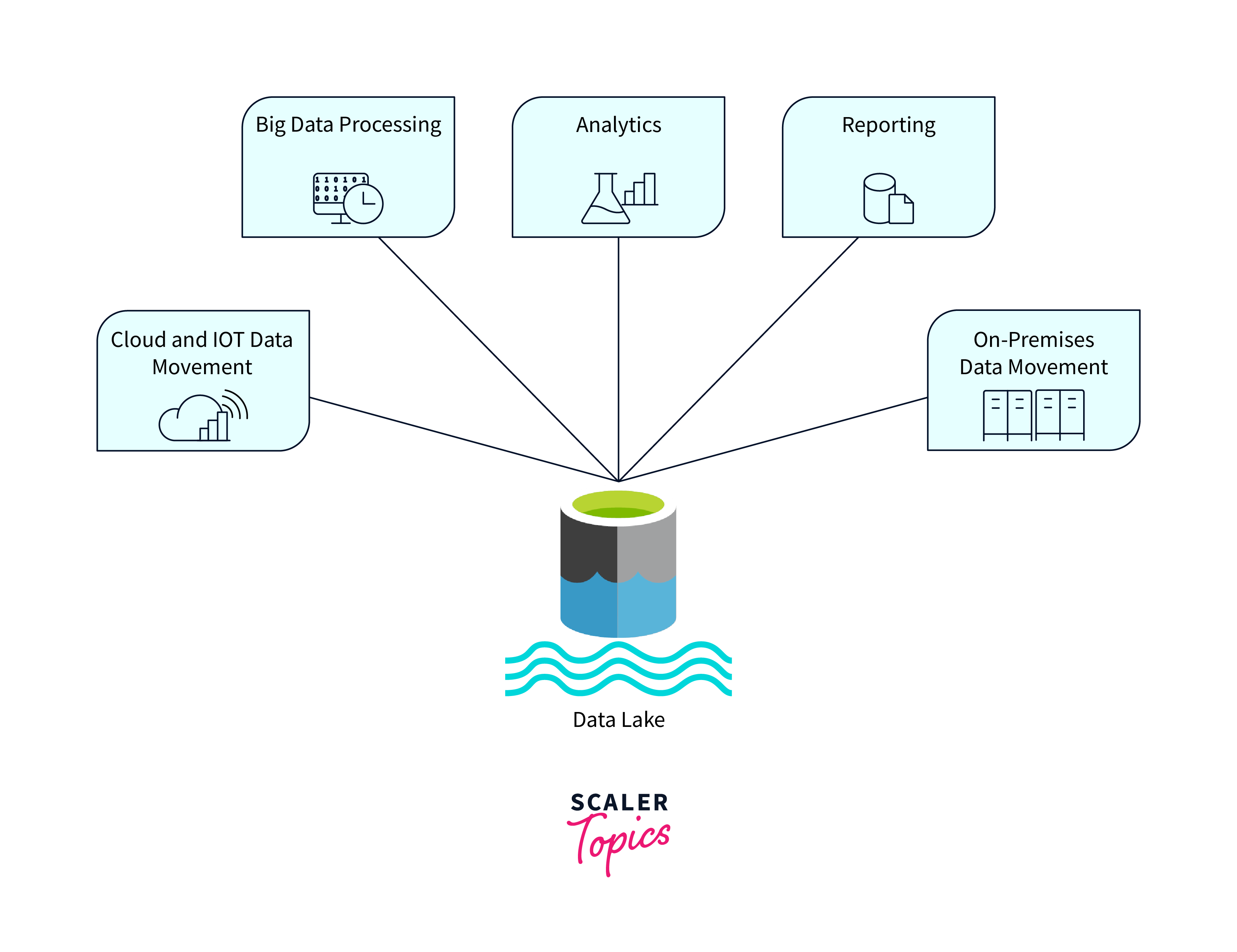
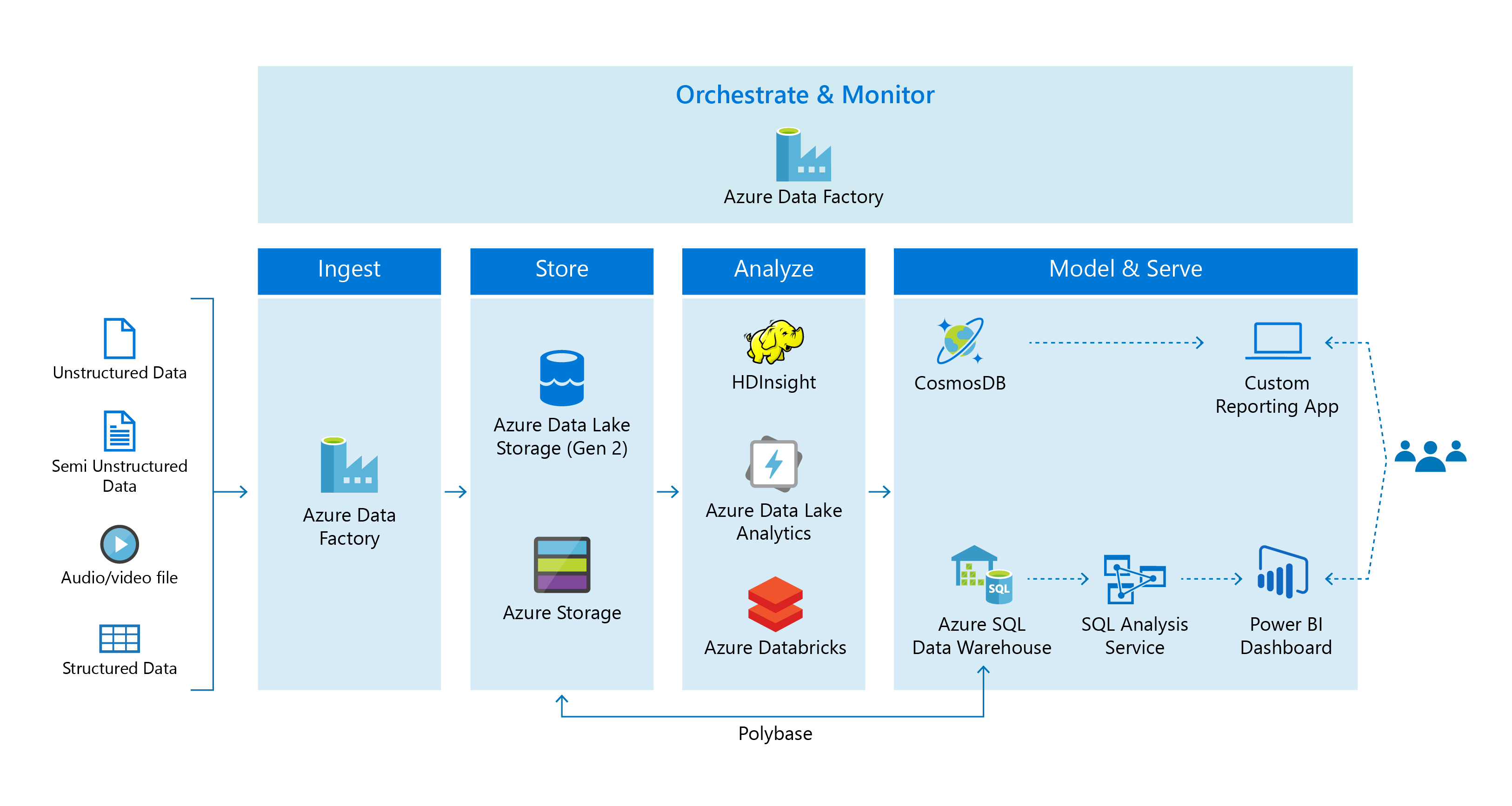
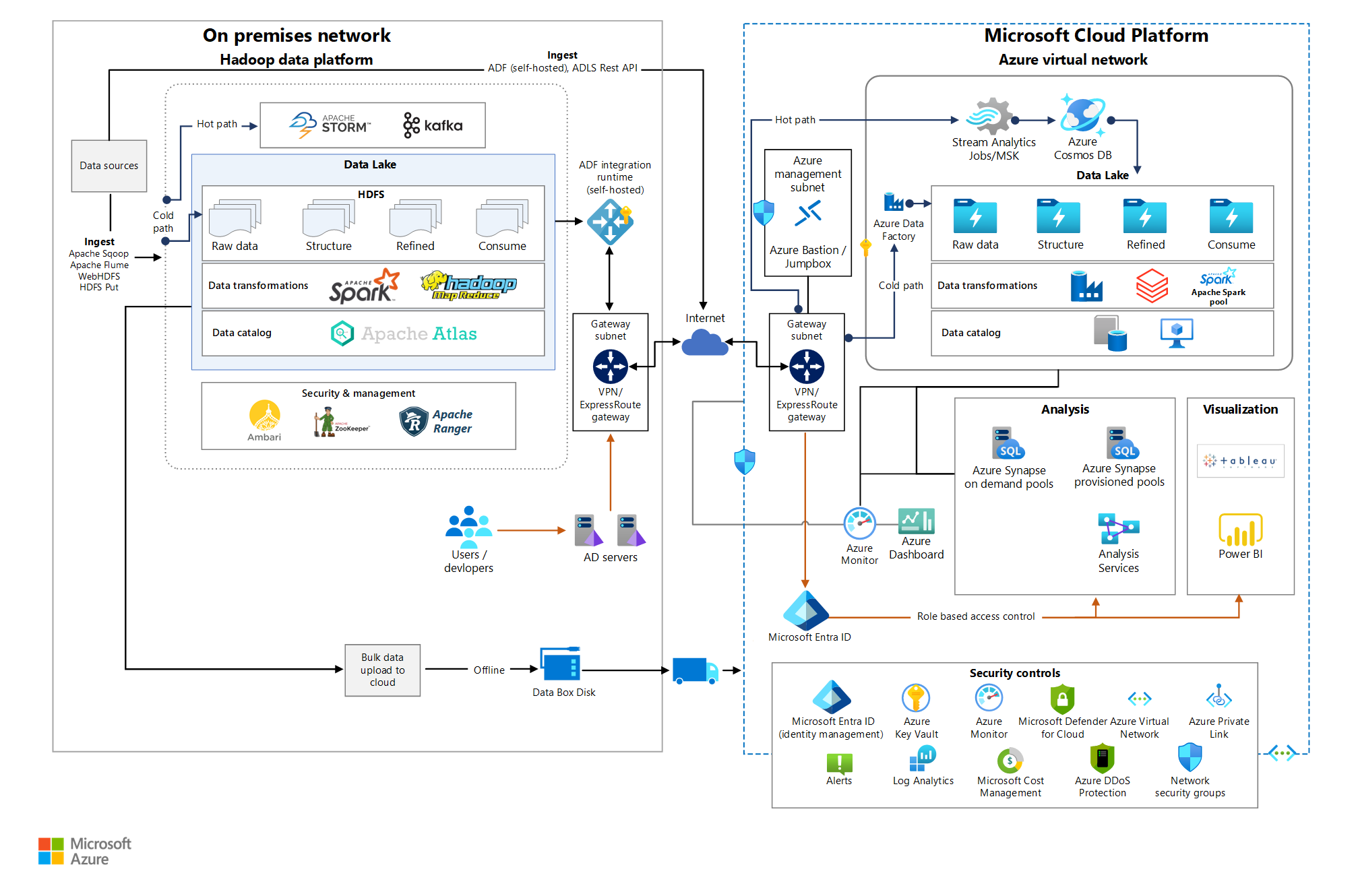
The Azure Blob File System (ABFS) driver is an open-source filesystem connector integrated into Apache Hadoop and Apache Spark that provides high-performance access to Azure Data Lake Storage Gen2 (ADLS Gen2). By communicating directly with Azure’s Data Lake REST APIs using the abfss:// URI scheme, the ABFS driver supports atomic directory operations, POSIX-style access control lists, and optimized parallel read/write throughput for enterprise data analytics pipelines.
What Is the ABFS Driver?
The ABFS (Azure Blob File System) driver is the official filesystem connector provided by Microsoft and the Apache Software Foundation to connect Hadoop-compatible big data processing engines—such as Apache Spark, Apache Hive, Apache Flink, Azure Databricks, and Azure Synapse Analytics—directly to Azure Data Lake Storage Gen2.
Historically, Hadoop ecosystem processing frameworks relied on the legacy WASB (Windows Azure Storage Blob) driver (wasb:// or wasbs://). The WASB driver interacted with standard Azure Blob Storage using traditional object store APIs (blob.core.windows.net). Because standard object stores treat directories as virtual key prefixes, operations such as renaming or deleting a directory required recursively copying or deleting every underlying object.
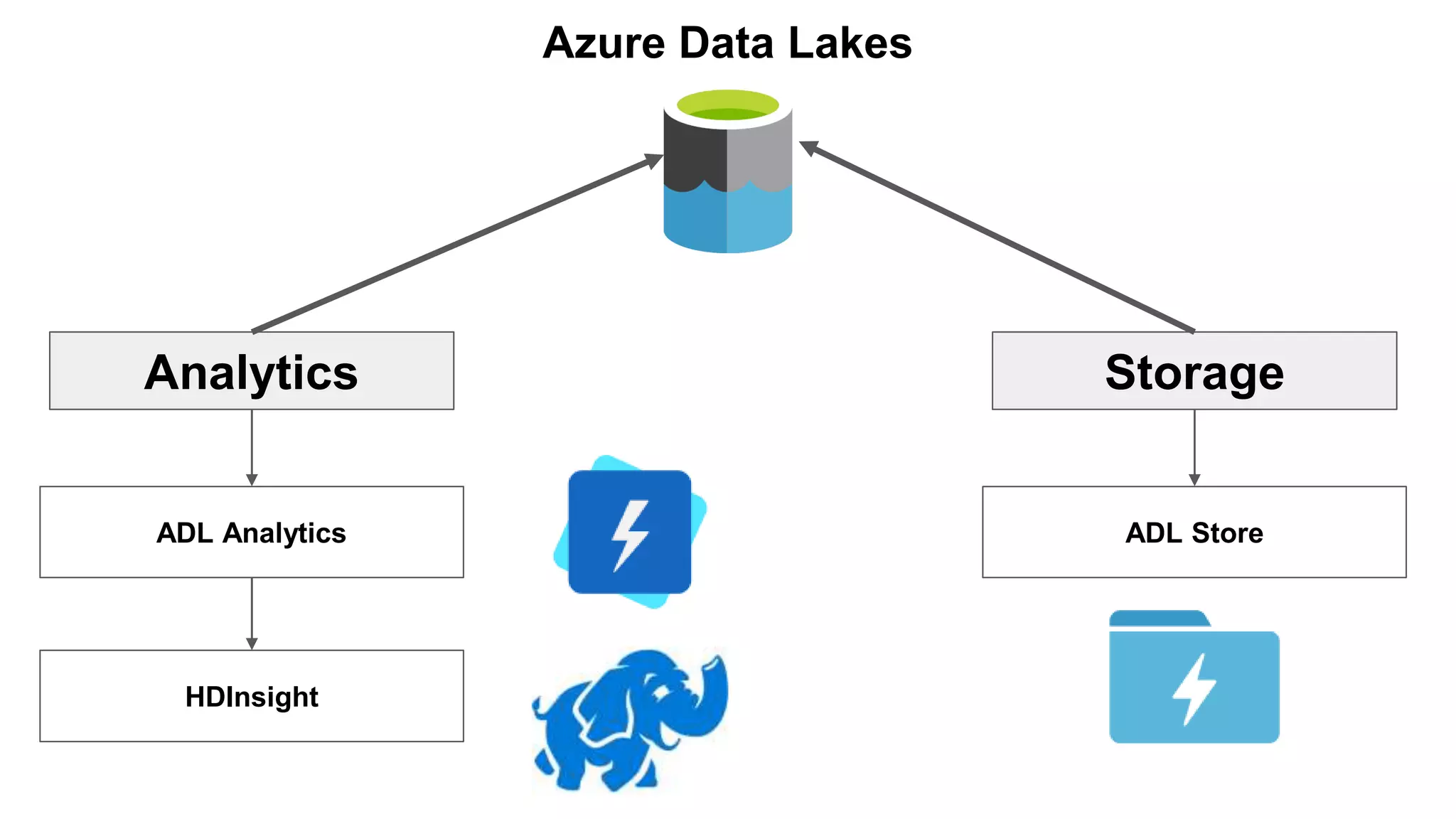
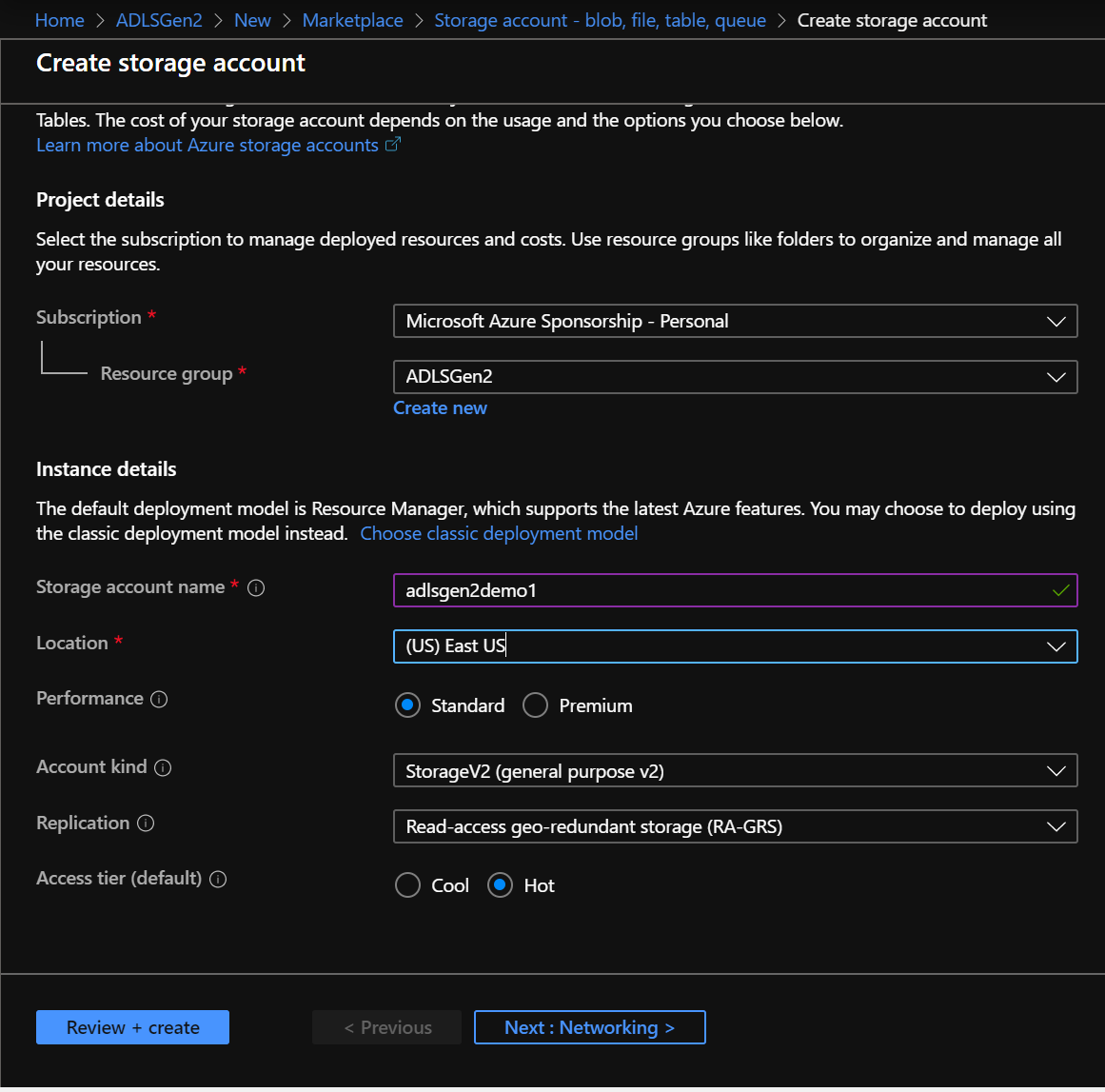
With the introduction of ADLS Gen2, Microsoft combined the low-cost scalability of Azure Blob Storage with a true Hierarchical Namespace (HNS). The ABFS driver was specifically engineered to exploit this hierarchical structure. It communicates directly with the primary Data Lake Storage endpoint (dfs.core.windows.net), allowing analytical workloads to treat cloud storage like a native distributed file system.
URI Schemes: abfs:// vs. abfss://
When addressing data inside ADLS Gen2 using the ABFS driver, access path URIs follow a structured format:
abfss://@.dfs.core.windows.net/
abfss://(Secure): Uses TLS/SSL encryption for all data transit between compute clusters and Azure storage. This is the industry standard for production environments.abfs://(Non-encrypted): Uses unencrypted HTTP transport. Modern security configurations restrict or disable unencrypted traffic entirely.
Key Advantages: ABFS Driver vs. Legacy WASB Driver
Understanding why the ABFS driver superseded the legacy WASB driver requires examining the fundamental architectural changes in ADLS Gen2.
- Apache Spark / Hadoop
- ABFS Driver
- (DFS REST Endpoint) dfs.core.windows.net
- ADLS Gen2 Storage (Hierarchical Namespace)
- WASB Driver (Legacy)
- (Blob REST Endpoint) blob.core.windows.net
- Object Blob Storage (Flat Namespace)
- ABFS Driver
1. Atomic Directory Operations
In a flat namespace (WASB / Blob Storage), renaming a folder containing 100,000 files requires 100,000 individual copy operations followed by 100,000 delete operations. If job failure occurs mid-rename, data corruption or inconsistent directory states result.
Because ADLS Gen2 implements a hierarchical namespace, the ABFS driver performs directory renames and deletes as metadata-only operations. Renaming a multi-terabyte directory takes milliseconds rather than hours, eliminating job delays during Spark commit phases.
2. POSIX-Compliant File Permissions
The ABFS driver supports granular access control lists (ACLs) based on POSIX standards, alongside Azure Role-Based Access Control (Azure RBAC). This allows system administrators to enforce directory-level and file-level permissions directly within the storage tier, mirroring traditional Linux filesystem security profiles.
3. High Throughput and Scaled IO
The ABFS driver includes multi-threaded read-ahead and parallelized write-buffering algorithms optimized for analytical file formats like Parquet, ORC, Delta Lake, and Apache Iceberg. This design minimizes thread contention and optimizes payload packaging for low-latency network transfer.
Technical Comparison: ABFS vs. WASB
| Feature / Dimension | ABFS Driver (abfss://) |
Legacy WASB Driver (wasbs://) |
|---|---|---|
| Storage Architecture | Hierarchical Namespace (HNS enabled) | Flat Object Storage (Virtual folders) |
| Target Endpoint | *.dfs.core.windows.net |
*.blob.core.windows.net |
| Directory Rename | Metadata update (Instant & Atomic) | Copy-and-Delete loop (O(N) operations) |
| Directory Delete | Metadata update (Instant & Atomic) | Recursive file deletion loop |
| Security Model | Azure RBAC + POSIX ACLs + Shared Key | Azure RBAC + SAS + Shared Key |
| Spark Commit Performance | Fast (Supports zero-rename committers) | Slow (Heavy overhead during file moves) |
| Driver Package | hadoop-azure (org.apache.hadoop.fs.azurebfs) |
hadoop-azure (org.apache.hadoop.fs.azure) |
Supported Authentication Modes for ABFS
Securing access to Azure Data Lake Storage Gen2 through the ABFS driver requires configuring authentication parameters in your compute environment (such as Hadoop core-site.xml or Apache Spark configuration options).
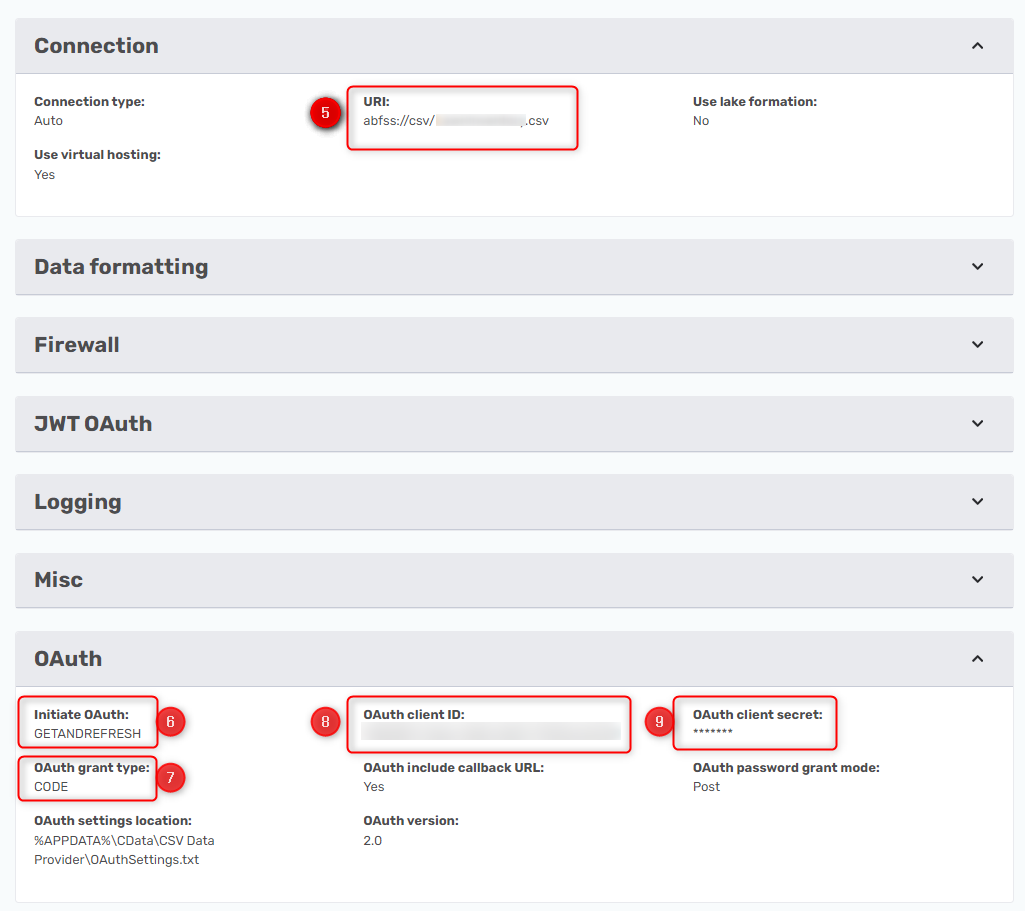
1. Azure Active Directory / Entra ID Service Principal (OAuth 2.0)
The most common enterprise pattern uses an Azure Entra ID Service Principal. The ABFS driver requests OAuth 2.0 tokens from Azure Entra ID to authorize requests.
fs.azure.account.auth.type..dfs.core.windows.net OAuth fs.azure.account.oauth.provider.type..dfs.core.windows.net org.apache.hadoop.fs.azurebfs.oauth2.ClientCredsTokenProvider fs.azure.account.oauth2.client.id..dfs.core.windows.net YOUR-SERVICE-PRINCIPAL-CLIENT-ID fs.azure.account.oauth2.client.secret..dfs.core.windows.net YOUR-SERVICE-PRINCIPAL-SECRET fs.azure.account.oauth2.client.endpoint..dfs.core.windows.net https://login.microsoftonline.com/YOUR-TENANT-ID/oauth2/token
2. Managed Identities for Azure Resources
When running workloads on Azure VMs, Azure Kubernetes Service (AKS), Databricks, or Azure HDInsight, you can eliminate stored credentials by using Managed Identities (System-Assigned or User-Assigned).
fs.azure.account.auth.type..dfs.core.windows.net OAuth fs.azure.account.oauth.provider.type..dfs.core.windows.net org.apache.hadoop.fs.azurebfs.oauth2.MsiTokenProvider fs.azure.account.oauth2.msi.tenant..dfs.core.windows.net YOUR-TENANT-ID fs.azure.account.oauth2.client.id..dfs.core.windows.net YOUR-USER-ASSIGNED-MANAGED-IDENTITY-CLIENT-ID
3. Shared Key (Account Access Key)
Storage account access keys grant full superuser administrative access to the entire storage account. While simple to implement in test setups, Shared Key authentication is discouraged in enterprise production environments due to credential security risks.
fs.azure.account.auth.type..dfs.core.windows.net SharedKey fs.azure.account.key..dfs.core.windows.net YOUR-BASE64-STORAGE-ACCOUNT-KEY
4. Shared Access Signatures (SAS)
Shared Access Signatures provide limited, time-bound access to specific resources without exposing storage keys. The ABFS driver allows custom SAS token providers to dynamically evaluate token lifecycles during long-running Spark jobs.
Configuring the ABFS Driver in Apache Spark
In Apache Spark, you can supply ABFS properties dynamically during submission (spark-submit) or set them directly inside your application code via the SparkConf object.
PySpark Implementation Example
from pyspark.sql import SparkSession storage_account_name = "mystorageaccount" container_name = "data-container" client_id = "00000000-0000-0000-0000-000000000000" client_secret = "YOUR_CLIENT_SECRET" tenant_id = "11111111-1111-1111-1111-111111111111" spark = SparkSession.builder \ .appName("ADLSGen2-ABFS-Read") \ .config(f"fs.azure.account.auth.type.{storage_account_name}.dfs.core.windows.net", "OAuth") \ .config(f"fs.azure.account.oauth.provider.type.{storage_account_name}.dfs.core.windows.net", "org.apache.hadoop.fs.azurebfs.oauth2.ClientCredsTokenProvider") \ .config(f"fs.azure.account.oauth2.client.id.{storage_account_name}.dfs.core.windows.net", client_id) \ .config(f"fs.azure.account.oauth2.client.secret.{storage_account_name}.dfs.core.windows.net", client_secret) \ .config(f"fs.azure.account.oauth2.client.endpoint.{storage_account_name}.dfs.core.windows.net", f"https://login.microsoftonline.com/{tenant_id}/oauth2/token") \ .getOrCreate() # Reading Parquet data using the abfss scheme path = f"abfss://{container_name}@{storage_account_name}.dfs.core.windows.net/sales/2026/data.parquet" df = spark.read.parquet(path) df.show(5)
ABFS Driver Performance Tuning Options
Optimizing data throughput between Apache Spark worker nodes and Azure Data Lake Storage requires adjusting internal ABFS driver parameters based on workload characteristics.
1. Read-Ahead Buffer Tuning
When reading large columnar files (Parquet or ORC), the driver preemptively fetches upcoming data blocks into memory buffers to avoid blocking execution threads.
fs.azure.readahead.range: Configures the block size (in bytes) fetched per read-ahead request. Increasing this value (e.g., to 4 MB or 8 MB) improves sequential scan speed for large Parquet files.fs.azure.read.request.size: Specifies the maximum size of individual HTTP GET requests sent to ADLS.
2. Multi-Threaded Write Buffer Optimization
During heavy write tasks, the ABFS driver buffers incoming bytes in memory before issuing HTTP PUT block uploads to Azure.
fs.azure.write.request.size: Controls the payload size of individual upload blocks (default is typically 8 MB). Increasing this parameter to 16 MB reduces total HTTP request overhead when appending large partitions.fs.azure.write.max.concurrent.requests: Determines how many upload threads can write concurrently per file stream. Setting this higher (e.g., 8 to 16) leverages node network bandwidth more efficiently.
3. Retry and Throttle Handling
Azure Storage enforces ingress and egress throughput limits per storage account. If cluster nodes exceed these thresholds, Azure issues HTTP 429 (Too Many Requests) status codes.
fs.azure.io.retry.max.retries: Increases retry counts for transient errors.fs.azure.io.retry.backoff.interval: Sets the base delay between exponential backoff retries. Adjusting this prevents job failure during temporary storage throttling events.
Common Troubleshooting Scenarios
1. ClassNotFoundException: org.apache.hadoop.fs.azurebfs.AzureBlobFileSystem
Cause: The application classpath is missing the required hadoop-azure driver library or its transitive dependencies (such as azure-storage or wildfly-openssl).
Solution: Ensure the hadoop-azure JAR matches your deployed Hadoop or Spark version. If using Maven/SBT, include org.apache.hadoop:hadoop-azure: in your build file.
2. HTTP 403 Forbidden / Authorization Failure
Cause: The configured Service Principal or Managed Identity lacks the required RBAC permissions on the storage container. Solution: Assign the Service Principal the Storage Blob Data Contributor (for read/write) or Storage Blob Data Reader (for read-only) role in the Azure Portal at the storage account or container scope. Note: The classic "Reader" or "Owner" RBAC roles do not grant data plane access to ADLS Gen2.
3. StorageException: InvalidResourceName / UnknownHostException
Cause: Using .blob.core.windows.net in the ABFS path instead of .dfs.core.windows.net, or misconfiguring the account name.
Solution: Double-check your path syntax. ABFS requires the Data Lake REST endpoint (.dfs.core.windows.net).
Incorrect: abfss://container@account.blob.core.windows.net/file.csv Correct: abfss://container@account.dfs.core.windows.net/file.csv
4. Slow Spark Commit Times (Directory Staging)
Cause: Spark’s default FileOutputCommitter creates temporary directories and relies on file moves during job finalization. Solution: Verify that standard ABFS settings are active, or leverage committed formats like Delta Lake or Apache Iceberg, which bypass traditional directory rename commit strategies altogether.
Frequently Asked Questions
What is the difference between abfs:// and abfss://?
abfs:// uses unencrypted HTTP communication, whereas abfss:// uses Transport Layer Security (TLS/SSL) encryption over HTTPS. You should always use abfss:// in production to protect data in transit.
Can I use the ABFS driver on a storage account without Hierarchical Namespace enabled?
No. The ABFS driver specifically targets the Data Lake Storage Gen2 REST APIs (dfs.core.windows.net), which require the Hierarchical Namespace (HNS) setting to be enabled on the Azure Storage account. For standard blob storage accounts without HNS, use the legacy WASB driver or the Blob FUSE connector.
Does the ABFS driver support Azure Private Endpoints?
Yes. When your Azure Data Lake Storage account is connected to a Private Endpoint within a Virtual Network (VNet), the ABFS driver resolves the storage account's .dfs.core.windows.net DNS name to the internal private IP address of the endpoint, maintaining end-to-end network isolation.
Why do I receive HTTP 429 errors when writing data with ABFS?
HTTP 429 indicates that your compute cluster is exceeding the maximum ingress, egress, or request-per-second limits of the Azure Storage account tier. To resolve this, scale out storage account capacity, partition write operations across multiple storage accounts, or increase the backoff parameters (fs.azure.io.retry.backoff.interval) in your driver configuration.
How do POSIX permissions work alongside Azure RBAC in ABFS?
Azure Storage evaluates both RBAC and POSIX Access Control Lists (ACLs). RBAC roles grant broad administrative permissions across the account or container, taking precedence over ACLs. If an identity is not granted explicit access via RBAC, the system checks the file or directory’s POSIX ACLs to authorize the request.
Recommended Next Steps
- Audit Storage Configurations: Verify that all data processing jobs targeting ADLS Gen2 use the
abfss://scheme instead of legacywasbs://endpoints. - Implement Passwordless Auth: Migrate authentication from static Shared Keys or Client Secrets to Azure Managed Identities or Entra ID Workload Identity to remove hardcoded credentials from codebases.
- Configure Storage Roles: Assign the Storage Blob Data Contributor role to your workload identities at the container level to enforce least-privilege security principles.
- Tune Buffer Sizes: Benchmark your analytical queries with increased read-ahead and write buffer settings (
fs.azure.readahead.rangeandfs.azure.write.request.size) to improve query completion times on large dataset operations.