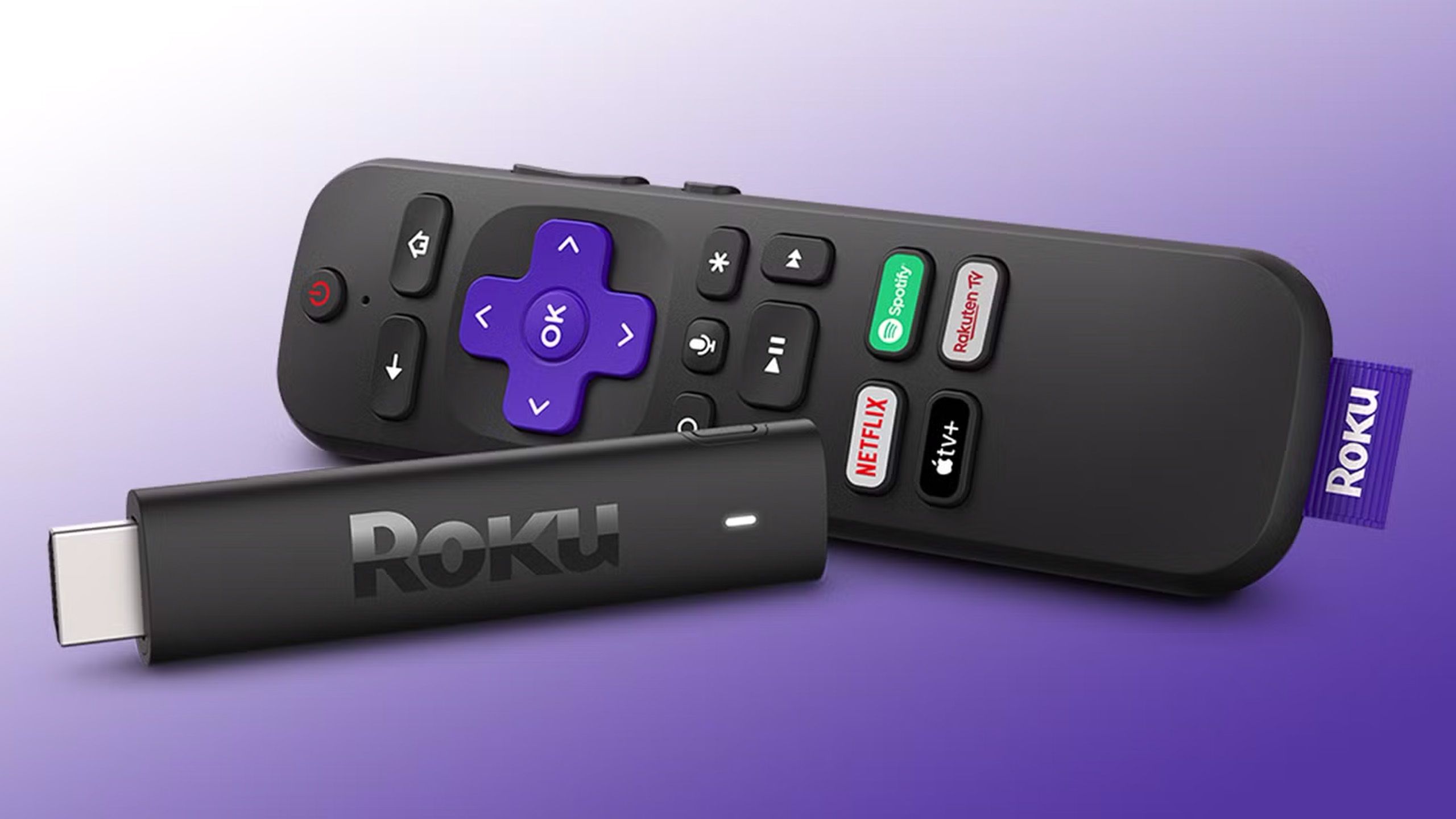
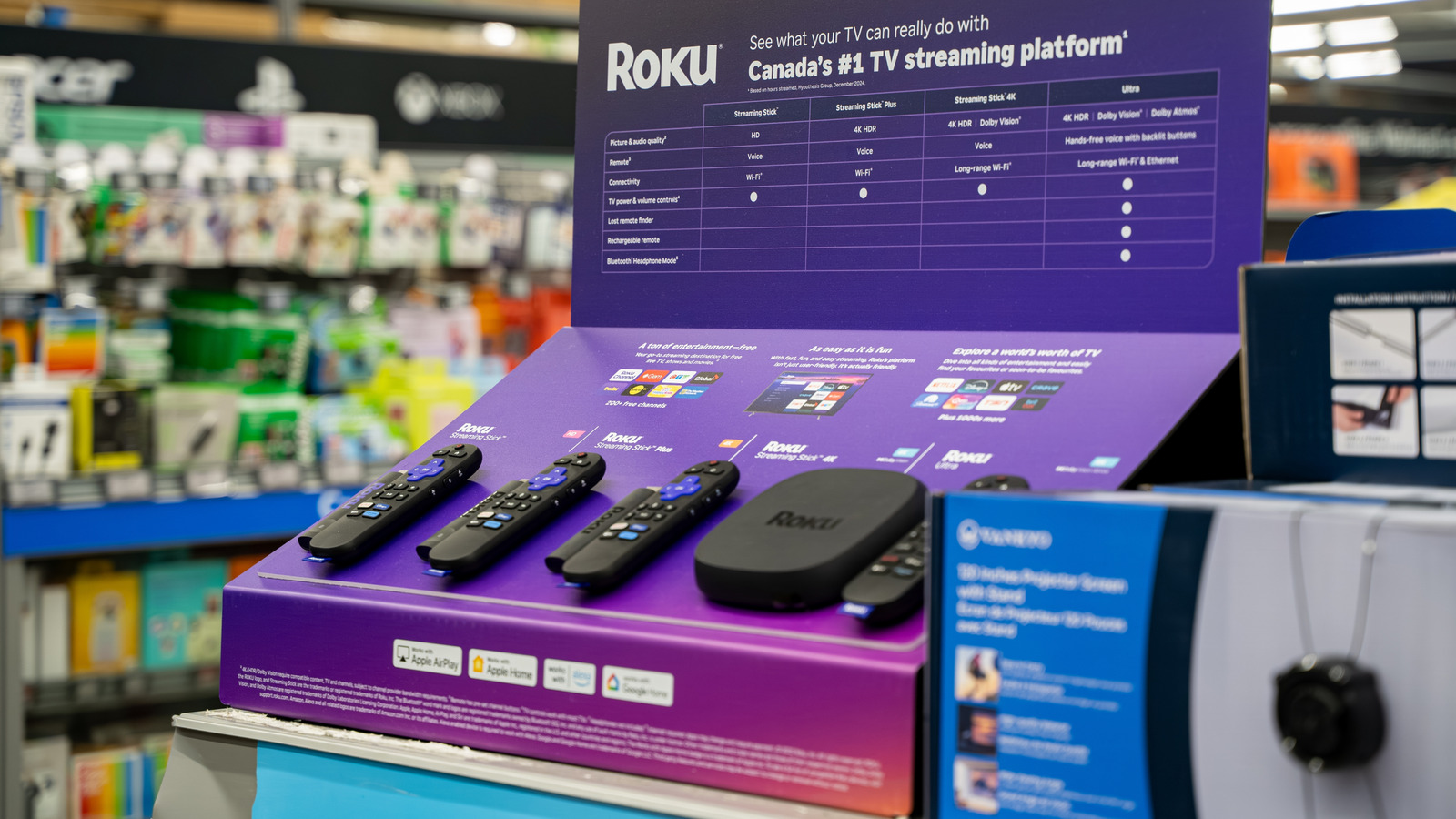
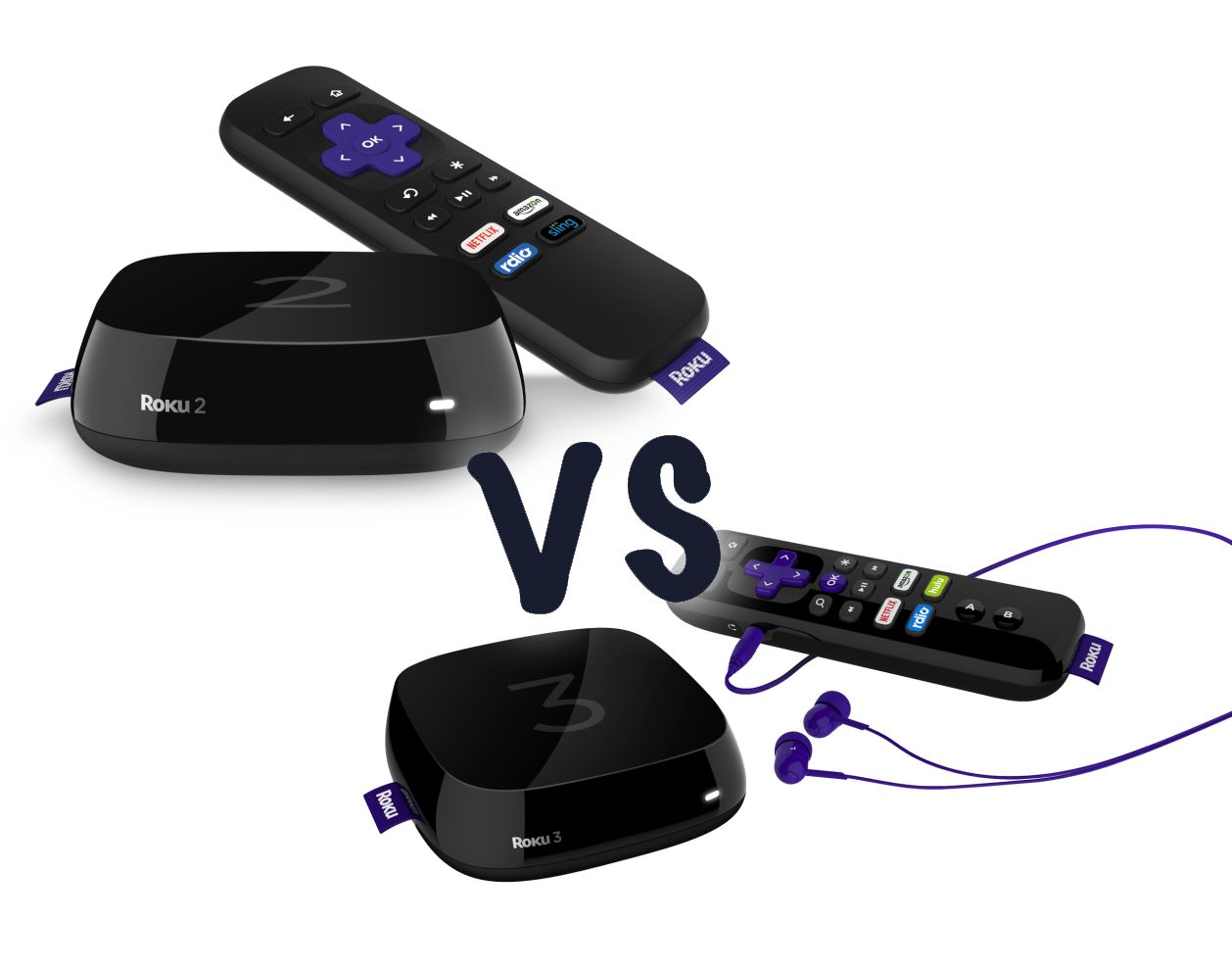
The Roku Streaming Stick 4K is the best overall choice for most users in 2026, offering a perfect balance of performance, portability, and price. It supports 4K resolution, Dolby Vision, and HDR10+, featuring a long-range Wi-Fi receiver that ensures a stable connection even when tucked behind a large television.
For over a decade, Roku has maintained its position as a leader in the streaming hardware market by prioritizing ease of use and a neutral platform that doesn't favor one streaming service over another. As we move through 2026, the hardware landscape has stabilized, but the choice between models remains a critical decision for consumers looking to upgrade their home theater experience or breathe new life into an older smart TV. Selecting the right "stick" involves understanding the nuances of wireless standards, high-dynamic-range (HDR) formats, and the capabilities of the included remote control.
Identifying the Top Contender: The Roku Streaming Stick 4K
When evaluating the best Roku stick, the Roku Streaming Stick 4K stands out as the definitive winner for the average household. Its design is a significant factor in its success. Unlike the "set-top box" style of the Roku Ultra, the Streaming Stick 4K is a small dongle that plugs directly into an HDMI port on the back or side of your television. This makes it invisible once installed, which is a major aesthetic preference for modern minimalist living rooms.
Under the hood, the 2026 iteration of this device is powered by a quad-core processor that handles the latest Roku OS with ease. Navigation is snappy, and app load times are significantly faster than the integrated "smart" software found in many budget-friendly TVs. The support for Dolby Vision and HDR10+ is perhaps its most vital technical feature. These formats allow the device to communicate frame-by-frame brightness and color data to your TV, ensuring that you see the most accurate representation of the filmmaker's intent, with deep blacks and vibrant highlights.
One of the unique engineering solutions in the Streaming Stick 4K is its power cable. Because the stick itself is often shielded by the metal chassis of a large TV, Wi-Fi signals can sometimes be blocked. Roku solved this by embedding a long-range Wi-Fi receiver into the power cable itself, positioned away from the TV's interference. This results in faster speeds and fewer "buffering" interruptions, which is essential for 4K content that requires high bandwidth.
The Luxury Alternative: Roku Streaming Stick 4K+
If you are looking for the absolute best experience within the "stick" form factor, the Roku Streaming Stick 4K+ is the logical upgrade. Internally, the stick itself is identical to the standard 4K model. The "plus" designation refers entirely to the remote control included in the box: the Roku Voice Remote Pro.
As of 2026, the Voice Remote Pro remains one of the best-designed remotes in the industry. It is fully rechargeable via USB-C, eliminating the need for AA or AAA batteries—a win for both convenience and environmental sustainability. However, the standout feature for many users is the "Lost Remote Finder." By simply saying, "Hey Roku, find my remote," the device will emit a clear chiming sound, saving homeowners from the frustration of searching through couch cushions.
Additionally, the Voice Remote Pro offers hands-free voice commands. You don't need to press a button to search for movies or control playback; the remote’s "always-on" microphone (which can be toggled off for privacy) listens for the wake word. It also features a dedicated headphone jack for private listening, allowing you to plug in wired headphones and listen to your TV without disturbing others in the room.
The Value Proposition: Roku Express 4K+
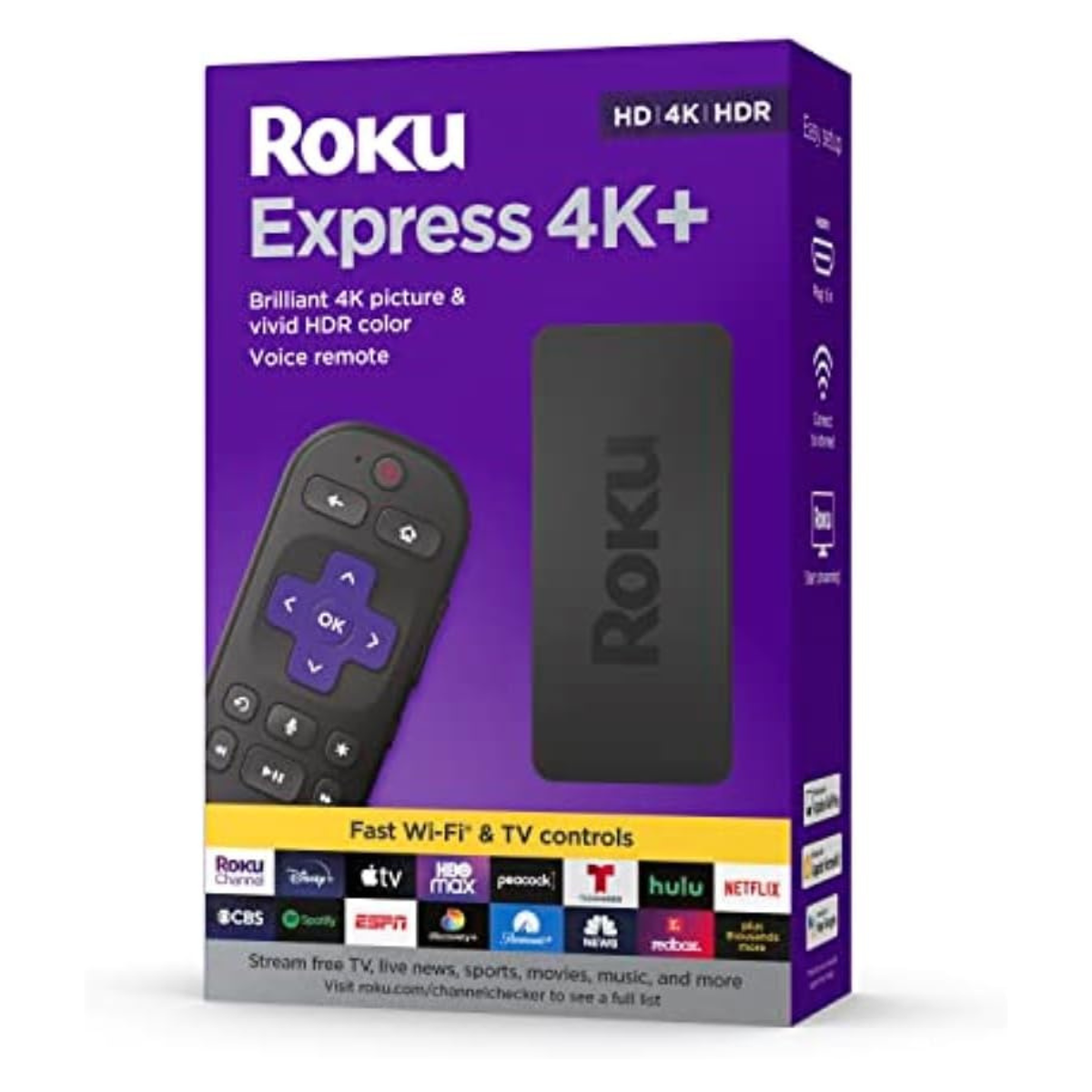
While technically not a "stick" because it is a small external box that sits on your media console, the Roku Express 4K+ is often grouped with sticks due to its price point and similar feature set. It serves as the primary alternative for those who may have limited space behind their TV or those who prefer a line-of-sight connection for the remote.
The Express 4K+ offers the same 4K HDR streaming quality as the sticks but lacks the "long-range" Wi-Fi receiver found in the Streaming Stick 4K’s cable. This makes it better suited for rooms that are closer to the Wi-Fi router. In 2026, it remains the most affordable way to get high-quality 4K streaming and the standard Roku Voice Remote, which can control your TV’s power and volume via CEC (Consumer Electronics Control) or infrared.
Technical Comparison of Roku Devices in 2026
To help you decide which device fits your specific home setup, it is helpful to look at the technical specifications side-by-side. The following table highlights the material differences between the top three "stick-class" Roku devices available.
| Feature | Roku Streaming Stick 4K | Roku Streaming Stick 4K+ | Roku Express 4K+ |
|---|---|---|---|
| Form Factor | Hidden Stick (HDMI) | Hidden Stick (HDMI) | Small Box (Tabletop) |
| Max Resolution | 4K Ultra HD | 4K Ultra HD | 4K Ultra HD |
| HDR Support | HDR10+, Dolby Vision | HDR10+, Dolby Vision | HDR10, HDR10+ |
| Wi-Fi Technology | Long-range 802.11ac | Long-range 802.11ac | Standard 802.11ac |
| Remote Type | Voice Remote | Voice Remote Pro | Voice Remote |
| Rechargeable? | No (AAA Batteries) | Yes (USB-C) | No (AAA Batteries) |
| Lost Remote Finder | No | Yes (Voice-activated) | No |
| Private Listening | Via Mobile App | Via Remote & App | Via Mobile App |
Why "Stick" Format Matters for 2026 Users
The preference for a stick format over a traditional box like the Roku Ultra or an Apple TV 4K often comes down to two factors: aesthetics and travel.
Aesthetic Integration
In 2026, wall-mounted TVs are the standard. Cables are often routed through the wall or hidden behind thin channels. A Roku stick plugs directly into the HDMI port, requiring only a single thin USB power cable. If your TV’s USB port provides enough amperage (usually 1.0A or higher), you can power the stick directly from the TV, meaning zero wires are visible from the front of the screen. This creates a "built-in" look that many users prefer over having a box sitting on a shelf or mantle.
The Ultimate Travel Companion
For frequent travelers, the Roku stick is an essential tool. Hotels and vacation rentals often have smart TVs with limited apps or "guest modes" that are difficult to navigate. Because the Roku stick is roughly the size of a large USB drive, it can be tossed into a backpack or laptop bag. When you arrive at your destination, you simply plug it into the hotel TV and connect to the Wi-Fi. All your logins—Netflix, Disney+, Max, and others—are already there. Roku also includes a "Hotel & Dorm Connect" feature, which makes it easy to bypass the complex login screens often found on public Wi-Fi networks using your smartphone as a bridge.
Understanding HDR Standards: Dolby Vision vs. HDR10+
One of the primary reasons to choose the Streaming Stick 4K over the cheaper Express 4K+ is the inclusion of Dolby Vision. In 2026, the majority of high-end content on platforms like Netflix and Apple TV+ is mastered in Dolby Vision.
Standard HDR (HDR10) sets a single brightness level for an entire movie. If one scene is very bright and the next is very dark, the TV has to find a "middle ground" that might make the dark scene look washed out or the bright scene look muted. Dolby Vision and HDR10+ use "dynamic metadata," which means the brightness and color levels are adjusted for every single frame. This results in a much more lifelike image. While HDR10+ is an open standard favored by Samsung, Dolby Vision is more widely used across the industry. Having a stick that supports both ensures that regardless of which brand of TV you own, you are getting the highest possible image quality.
Setup and Optimization: Getting the Best Experience
To ensure your Roku stick performs at its peak in 2026, follow these optimization steps:
- Check Power Requirements: Many older TVs have USB ports that only output 0.5A of power. While this might boot the Roku, it can lead to crashes or "low power" warnings during intensive 4K streaming. Always use the included wall power adapter if you experience instability.
- Use the HDMI Extender: Roku provides a free HDMI extender cable if you find that the stick is too wide to fit next to other cables or if the TV's frame is blocking the Wi-Fi signal. Even if it fits, using the extender can sometimes improve Wi-Fi reception by moving the stick an inch or two away from the TV's metal backplate.
- Enable HDMI-CEC: Ensure that "AnyNet+" (Samsung), "Bravia Sync" (Sony), or "SimpLink" (LG) is enabled in your TV settings. This allows your Roku remote to control the TV’s power and volume automatically without manual programming.
- Audio Pass-through: If you have a soundbar or home theater receiver, go into the Roku audio settings and ensure it is set to "Auto" or "Passthrough." This ensures that formats like Dolby Atmos are sent directly to your speakers for the best soundstage.
Common Mistakes When Buying a Roku Stick
Even with clear product tiers, consumers often make mistakes that lead to a subpar experience.
- Buying for an Old TV without 4K: Some users assume they should buy the cheapest "HD" Express model if they have a 1080p TV. However, the hardware in the 4K models is much faster. Even on a non-4K TV, the Streaming Stick 4K will feel smoother and stay "current" longer as apps become more demanding.
- Ignoring the Remote: Many people underestimate how much they will use the remote. If you frequently lose your remote or hate changing batteries, the extra cost for the Streaming Stick 4K+ (with the Voice Remote Pro) is well worth the investment over the lifespan of the device.
- Network Congestion: If your Wi-Fi router is in a different room, a stick hidden behind a TV may struggle. In these cases, the Streaming Stick 4K’s external Wi-Fi receiver is not just a "bonus" feature—it is a requirement for a stable 4K stream.
Frequently Asked Questions
Does the Roku Streaming Stick 4K require a monthly subscription?
No, there is no monthly fee to use a Roku device or to maintain a Roku account. You only pay for the individual streaming services you choose to subscribe to, such as Netflix, Hulu, or HBO's Max. Roku also provides a vast library of free, ad-supported content through The Roku Channel, which includes thousands of movies and live TV channels at no cost.
Can I use a Roku stick on a non-smart TV?
Yes, this is one of the most common uses for a Roku stick. As long as your TV has an available HDMI port, the Roku stick will provide all the "smart" features you need. This is often a better solution than using a TV's built-in smart platform, as Roku updates their software more frequently and supports a wider range of apps than many TV manufacturers.
What is the difference between a Roku Stick and the Roku Ultra?
The Roku Ultra is a larger set-top box. While it offers similar streaming quality to the Streaming Stick 4K+, it includes an Ethernet port for a wired internet connection and a USB port for playing local media files from a hard drive. For most users, the stick is sufficient, but the Ultra is the choice for power users with dedicated home theaters who want the stability of a wired connection.
Do I need a 4K TV to use the Roku Streaming Stick 4K?
No. The Roku Streaming Stick 4K is backward compatible with 1080p and 720p televisions. It will automatically detect the resolution of your TV and downscale the image accordingly. Buying the 4K version is actually recommended even for older TVs because the processor is more powerful, leading to a faster user interface and better longevity.
How does the "Private Listening" feature work?
Private listening allows you to listen to your TV's audio through headphones so you don't disturb others. On the Streaming Stick 4K, you do this through the free Roku mobile app on your smartphone; you connect your headphones to your phone, and the audio syncs with the TV. On the Streaming Stick 4K+, you have the additional option of plugging wired headphones directly into the Voice Remote Pro.
Practical Recommendation
For the vast majority of users in 2026, the Roku Streaming Stick 4K is the best purchase. It provides the highest tier of visual fidelity (Dolby Vision/HDR10+) and the most reliable wireless connection in a form factor that remains hidden from view.
However, if your budget allows for an extra $20, the Roku Streaming Stick 4K+ is highly recommended for the convenience of the rechargeable Voice Remote Pro. The ability to find a lost remote by voice and the elimination of disposable batteries provide a quality-of-life improvement that far outweighs the modest price increase. If you are setting up a guest room or a secondary TV where 4K isn't the primary focus, the Roku Express 4K+ remains the best value-oriented alternative.