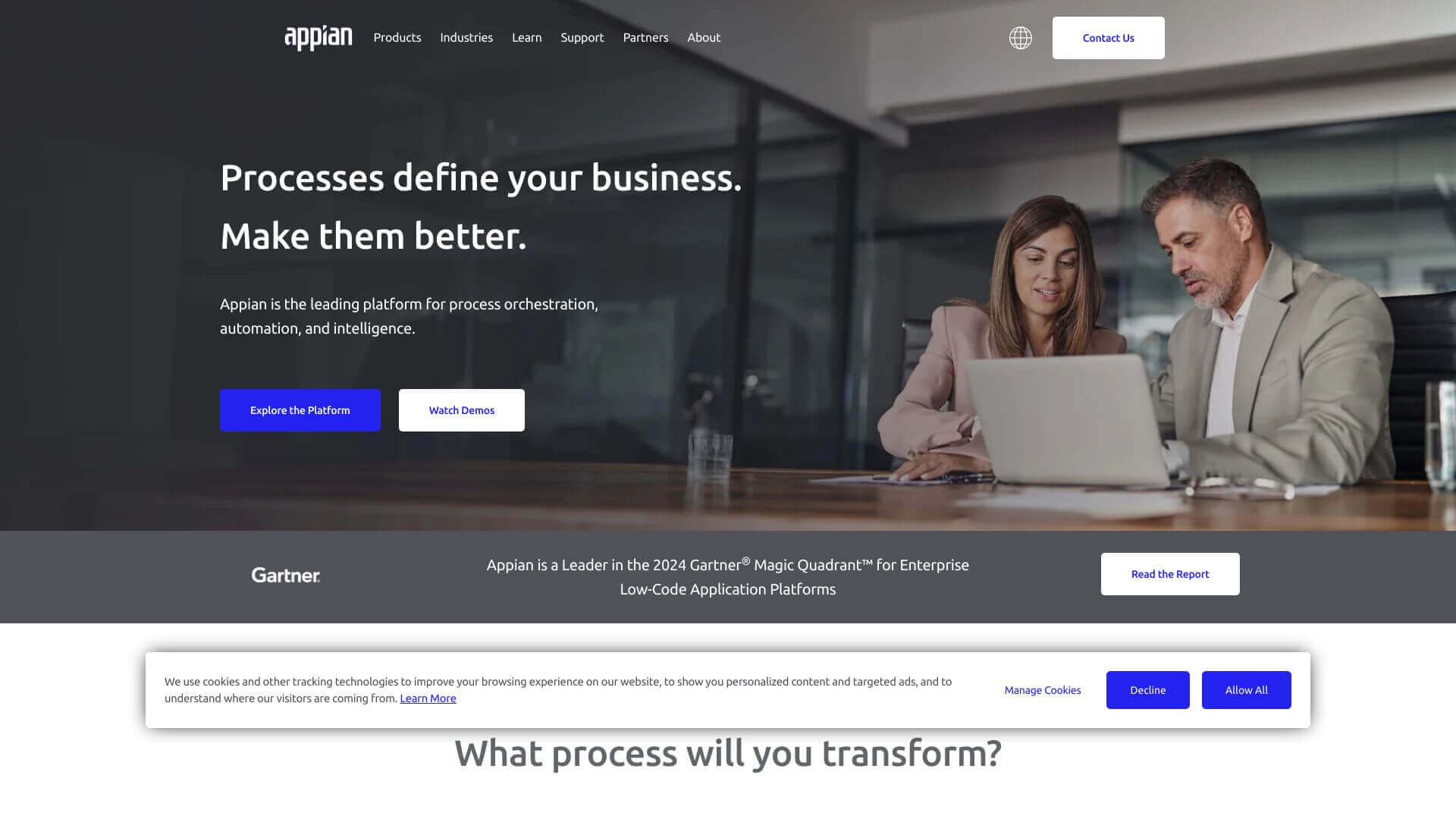
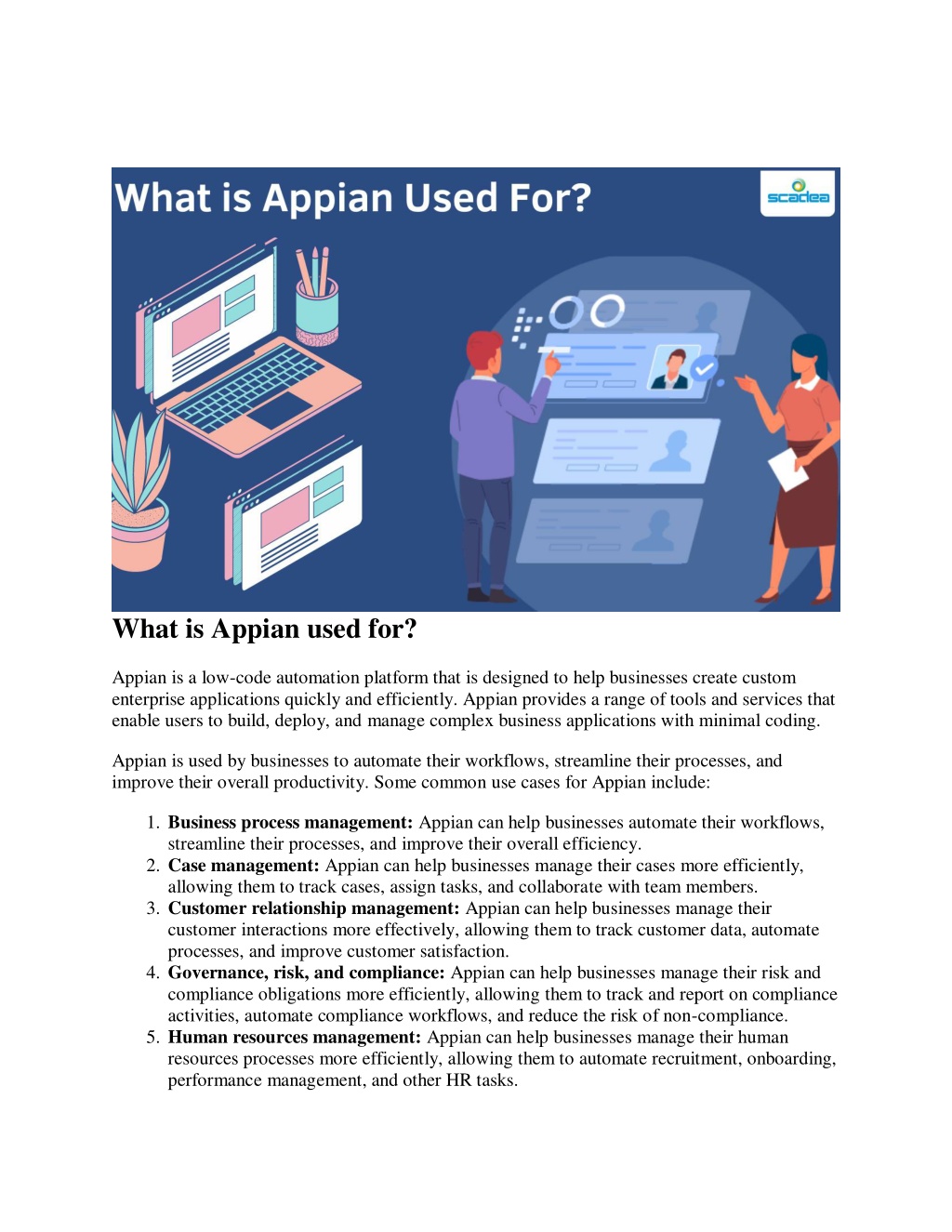
Appian delivers CRM capabilities through its low-code automation platform and Data Fabric architecture rather than a standard off-the-shelf SaaS application. It allows enterprise organizations to orchestrate complex customer lifecycles, automate case management workflows, integrate legacy databases without data movement, and deploy custom customer-facing applications tailored to strict operational and regulatory environments.
Deconstructing Appian’s Paradigm: Low-Code Platform vs. Traditional SaaS CRM
Evaluating Appian within the customer relationship management (CRM) software space requires recognizing a fundamental architectural distinction. Traditional CRM software, such as Salesforce Sales Cloud or HubSpot CRM, is delivered as a turnkey Software-as-a-Service (SaaS) product designed around predefined sales pipelines, contact records, and marketing lists. While highly configurable, these platforms force businesses to map their operations to vendor-defined data models and workflows.
In contrast, Appian approaches CRM as an extended business process management (BPM) and digital process automation task. Appian does not sell a single, rigid "Appian CRM" binary executable. Instead, it provides an enterprise low-code platform alongside pre-packaged solutions (such as Appian Customer Lifecycle Management and Appian Case Management) that empower organizations to build, deploy, and modify custom CRM systems.
For organizations managing high-risk, process-heavy, or heavily regulated customer interactions—such as commercial banking onboarding, insurance claims orchestration, complex B2B account operations, and public sector constituent services—traditional CRMs often prove too rigid or require excessive custom code. Appian bridges this gap by unifying backend core systems, automated business rules, human workflows, and AI capabilities into a tailored agent desktop and customer management system.
- Appian CRM Layer
- Customer Desktop
- Dynamic Case Workflows
- AI Insights
- Appian Data Fabric (Virtual Data Engine: Caching, Security, Virtual Relations)
- Core ERP / EHR
- Legacy RDBMS / SQL
- Cloud SaaS / APIs
Core Architectural Components Supporting Appian CRM Solutions
To understand how Appian operates as a CRM engine, technical leaders must look at the underlying platform services that power its customer-facing applications.
1. Appian Data Fabric
Data integration is historically the single largest bottleneck in enterprise CRM deployments. Traditional CRMs require building complex Extract, Transform, Load (ETL) pipelines to ingest customer data from core banking software, enterprise resource planning (ERP) systems, billing engines, and legacy databases into the CRM’s proprietary database.
Appian’s Data Fabric architecture eliminates the need to physically move data. It acts as a virtualized data management layer that connects disparate data sources—whether stored in AWS Aurora, SQL Server, SAP, or RESTful microservices—and unifies them into a coherent customer record. Developers define virtual relationships between objects (such as linking a Customer record in an internal database to Orders in SAP and Support Tickets in an external portal). Agents gain a 360-degree view of the customer without centralizing or duplicating sensitive backend data.
2. Process Automation and Workflow Engine
Appian’s background as a Business Process Management vendor gives its CRM solutions an edge in workflow orchestration. The platform features a drag-and-drop process modeler compliant with Business Process Model and Notation (BPMN) standards.
When applied to customer relationship management, this workflow engine manages:
- Complex Decision Routing: Automating customer request approvals based on configurable business rules.
- Service Level Agreement (SLA) Tracking: Automatically escalating delayed customer inquiries or high-priority support cases.
- Human-in-the-Loop Orchestration: Seamlessly handing off automated tasks (like data validation) to human agents when exceptions occur.
3. Dynamic Case Management
Unlike basic CRM ticketing systems that track issues linearly from "Open" to "Closed," customer issues in enterprise settings are rarely straightforward. Appian provides dynamic case management, allowing support representatives, underwriters, and account managers to respond to unpredictable customer events.
The platform supports ad-hoc task creation, unstructured document intake, audit trail logging, and contextual data visualization. This capability ensures that as complex customer cases evolve, agents have access to historical context and recommended next actions driven by internal policy rules.
4. Built-in AI, Document Processing, and RPA
Appian incorporates native artificial intelligence, intelligent document processing (IDP), and robotic process automation (RPA) into its application tier:
- Intelligent Document Processing (IDP): Automatically extracts unstructured data from customer-submitted documents (such as identity papers, tax filings, or insurance claims) using machine learning models, mapping the data straight to the customer profile.
- Generative & Private AI: Summarizes long customer communication histories, suggests response drafts for service reps, and extracts sentiment from incoming customer queries while maintaining enterprise data privacy.
- Robotic Process Automation (RPA): Where APIs are unavailable on legacy mainframes or legacy desktop software, Appian RPA bots execute background tasks—such as updating legacy system records upon customer status changes—without agent intervention.
Key Enterprise Use Cases for Appian CRM
Appian is typically deployed for customer operations where off-the-shelf SaaS CRMs fall short. The platform excels in environments characterized by strict compliance requirements, legacy infrastructure, and complex operational flows.
- Appian CRM Ecosystem
- Financial Onboarding
- KYC/AML
- Audit Trail
- Insurance Claims Engine
- Adjudication
- Fraud Check
- Healthcare & Patient Services
- HIPAA Portal
- Care Plans
- Public Sector Constituent Portal
- Request Tracking
- Secure Records
- Financial Onboarding
Customer Lifecycle Management (CLM) and Client Onboarding
In corporate banking, wealth management, and commercial insurance, onboarding a new client involves extensive verification, anti-money laundering (AML) checks, Know Your Customer (KYC) compliance, legal review, and credit scoring.
Standard sales CRMs track the opportunity phase up to contract signing, but struggle to coordinate the operational work required to open an account. Appian CLM coordinates tasks across sales, legal, compliance, and back-office ops teams, drastically reducing cycle times and eliminating communication siloes.
Omnichannel Service and Escalation Management
When customer service requests require multi-system interactions—such as modifying a complex financial contract, scheduling physical field service repairs, or investigating billing anomalies across legacy mainframes—Appian acts as the agent desktop. It aggregates real-time data from core backends and guides agents through compliance-mandated workflows step-by-step.
Regulatory Compliance and Operations Tracking
Regulated industries operating under frameworks such as GDPR, HIPAA, SOC 2, or FINRA rules require granular audit trails for every interaction with customer data. Appian automatically logs every human decision, automated system update, data view, and document access event into an immutable history, simplifying regulatory reporting and audit readiness.
Technical Comparison: Appian vs. Traditional Enterprise CRMs
Selecting the right customer management software requires evaluating your organization's integration capabilities, developer skills, process complexity, and budget model.
| Feature / Dimension | Appian Low-Code Platform | Salesforce Enterprise (Sales/Service Cloud) | Microsoft Dynamics 365 | Pegasystems (Pega Platform) |
|---|---|---|---|---|
| Primary Architectural Focus | Low-Code Process Automation & Case Management | Out-of-the-Box SaaS CRM & Ecosystem | Modular Business Applications & Microsoft 365 Integration | Enterprise BPM, Decisioning & Case Management |
| Data Integration Method | Virtual Data Fabric (queries source without ETL data duplication) | Proprietary Database (requires data import/sync via APIs or Connectors) | Dataverse (synchronizes data across Azure/Dynamics ecosystem) | Enterprise Data Integration & Integration Studio |
| Process Orchestration | High (BPMN-compliant process modeler + native RPA) | Medium (Flow Builder / Apex code for complex logic) | Medium to High (Power Automate + Custom Plugins) | Very High (Pega Process Commander & Case Management) |
| UI Customization | Low-Code Drag-and-Drop Canvas (UI design rules applied automatically) | High Flexibility (Lightning Web Components, Aura, Visualforce) | High Flexibility (Canvas Apps, Model-Driven Apps, Power Pages) | Model-Driven UI Generation |
| Out-of-the-Box CRM Features | Low (Requires pre-built templates or custom application development) | Very High (Instant access to Leads, Accounts, Pipelines, Forecasting) | High (Pre-built Sales, Service, and Marketing modules) | Low to Medium (Requires application frameworks or vertical accelerators) |
| Deployment Flexibility | Cloud (AWS), On-Premises, Hybrid, Kubernetes | Cloud-Only (Multi-tenant SaaS) | Cloud (Azure SaaS/PaaS), Hybrid options | Cloud (Pega Cloud), On-Premises, Managed Cloud |
| Best-Fit Target Environment | Complex backend systems, high process complexity, regulated industries | Standard to advanced sales/service pipelines, massive third-party app marketplace | Organizations standardized on Microsoft technology stacks | Extreme scale enterprise case processing and rule engines |
Deployment Models, Security Standards, and Integration Protocols
Appian offers flexible architecture configurations designed to meet strict security and infrastructure requirements across global enterprise environments.
Deployment Topologies
- Appian Cloud: A fully managed Cloud SaaS environment hosted on Amazon Web Services (AWS). It features high availability, automated backup cycles, global data centers, and multi-region disaster recovery options.
- Self-Managed (On-Premises / Private Cloud): Appian can be deployed on custom physical hardware, enterprise private clouds, or containerized orchestrations via Docker and Kubernetes (Amazon EKS, Azure AKS, Red Hat OpenShift).
- Hybrid Deployment: Organizations can run processing nodes on-premises behind firewalls while connecting to Appian Cloud services via secure VPN or AWS Direct Connect.
Enterprise Security & Compliance Specifications
Data privacy and system access in Appian are controlled at multiple layers:
- Certifications: ISO 27001, SOC 1 Type II, SOC 2 Type II, HIPAA readiness, PCI-DSS compliance, and FedRAMP authorization for government workloads.
- Data Fabric Security: Access controls can be enforced at the field level, row level, and record level based on user roles, active user attributes, or context-aware permission sets (RBAC/ABAC).
- Encryption: Data in transit is encrypted using TLS 1.3, and data at rest is encrypted using AES-256 standards with support for Customer-Managed Encryption Keys (CMEK).
Integration Capabilities
Appian interfaces with external software stacks through a variety of industry-standard connectors and APIs:
- OpenAPI / REST & SOAP: Expose Appian processes as microservices or consume third-party RESTful APIs using standard web service definitions.
- Pre-Built Enterprise Connectors: Native low-code connectors for SAP S/4HANA, Salesforce, Oracle ERP, DocuSign, SharePoint, and Google Cloud services.
- Database Interoperability: Native JDBC drivers supporting PostgreSQL, MySQL, Oracle Database, Microsoft SQL Server, DB2, and Snowflake.
Total Cost of Ownership (TCO) & Implementation Strategy
Deploying Appian for CRM functionality requires a strategic implementation model different from standard SaaS rollouts.
Implementation Phases:
- Phase 1: Architecture Setup & Data Fabric Mapping
- Phase 2: Core Workflow & Case Management Design
- Phase 3: Integration (APIs, Legacy RDBMS, Identity Management)
- Phase 4: Agent UI Configuration & AI Rules Training
- Phase 5: User Acceptance Testing (UAT) & Rollout
Licensing Structure
Appian generally licenses its platform based on user tiers, application consumption, or platform capacity:
- User-Based Licensing: Tiered by user roles—Standard Users (full application interactors), Infrequent/Input Users (occasional form submitters), and External Users (portal visitors).
- Developer Licenses: Assigned to IT practitioners building applications in the low-code environment.
- Platform/Enterprise Agreements: Customized enterprise capacity pricing tailored to broad corporate deployments spanning multiple custom applications beyond CRM.
Accelerating Time-to-Value
Because Appian uses low-code visual design tools (drag-and-drop workflow modeling, visual interface builders, and declaratively defined data models), functional prototypes can be built in weeks rather than months. According to industry benchmarks, low-code platform builds reduce overall custom development effort by 50% to 70% compared to traditional Java/C# custom software builds.
Common Implementation Pitfalls to Avoid
- Attempting to Replicate Out-of-the-Box SaaS Features Manually: Building standard, static contact databases in Appian from scratch without needing automation or complex logic wastes resources. Use Appian where workflow complexity justifies custom design.
- Ignoring Data Fabric Capabilities: Legacy teams often attempt traditional ETL database duplication instead of relying on virtualized Data Fabric definitions, introducing unnecessary data synchronization risks.
- Bypassing Change Management: Transitioning contact center agents or account representatives from legacy interfaces to a unified Appian agent desktop requires active user feedback, iterative design sprints, and comprehensive training.
Operational Limitations: When Appian May Not Be the Right Fit
While Appian provides impressive scalability and operational agility for complex enterprise workflows, it is not the ideal solution for every CRM requirement:
- Small and Mid-Sized Businesses (SMBs): The infrastructure cost, licensing requirements, and platform engineering needed for Appian make it cost-prohibitive for smaller businesses looking for basic customer tracking.
- Turnkey Out-of-the-Box Sales Operations: If your primary requirement is standard B2B sales pipeline management, email blast marketing, and standard lead scoring without backend data integrations, standard SaaS CRMs like Salesforce, HubSpot, or Pipedrive provide faster time-to-market out of the box.
- Design-Heavy B2C Marketing Suites: Appian visual interfaces prioritize responsive, accessible, secure enterprise UX standards. Highly bespoke visual web design, heavy consumer branding components, and digital marketing landing pages are better served by dedicated web content management systems and specialized marketing automation platforms.
Frequently Asked Questions
Is Appian a standalone CRM software application out of the box?
No. Appian is a low-code automation and business process management platform. While Appian offers solution frameworks (such as Appian Customer Lifecycle Management), organizations typically use Appian to construct custom enterprise CRM apps, case management portals, and unified agent desktops tailored to their specific operational rules.
How does Appian Data Fabric differ from traditional CRM data integration?
Traditional CRMs require importing customer data from backend systems into their proprietary database using ETL tools or continuous API syncs. Appian Data Fabric creates a virtualized data layer, allowing users to query, view, and update backend enterprise databases (like SAP, SQL Server, or Oracle) directly without migrating or duplicating the underlying data.
Can Appian coexist with an existing Salesforce deployment?
Yes. Many large enterprises use Salesforce as their frontline sales and marketing pipeline CRM while deploying Appian behind the scenes to orchestrate complex operational processes, manage post-sale client onboarding, run compliance checks, and integrate with legacy backend databases via Appian's low-code Salesforce connector.
What deployment options are available for Appian CRM applications?
Appian applications can be deployed fully in the cloud via Appian Cloud (hosted on AWS), on-premises within an enterprise's private data center, in hybrid cloud topologies, or deployed via containerized environments using Kubernetes across private and public cloud platforms.
How does Appian handle security and regulatory compliance for sensitive customer data?
Appian provides robust security controls, including field- and row-level access permissions, AES-256 data encryption at rest, TLS 1.3 encryption in transit, and immutable audit logs. The platform maintains compliance certifications for ISO 27001, SOC 1/2, HIPAA, PCI-DSS, and FedRAMP.
Next Steps for Technical Evaluators
When determining whether Appian is the right technical engine for your customer operations, follow this evaluation plan:
- Inventory Your Process Complexity: Map out your current customer lifecycle. If customer requests involve multiple backend databases, operational handoffs across internal departments, and strict regulatory rules, Appian is a strong candidate.
- Evaluate Integration Costs: Calculate the total engineering cost of connecting a standard SaaS CRM to your legacy mainframes or ERP databases versus leveraging Appian Data Fabric.
- Conduct a Proof of Concept (PoC): Identify a high-friction enterprise customer workflow (such as account onboarding or service escalation) and run a 4-to-6-week PoC build on the Appian platform to measure build speed, integration capability, and user adoption potential.