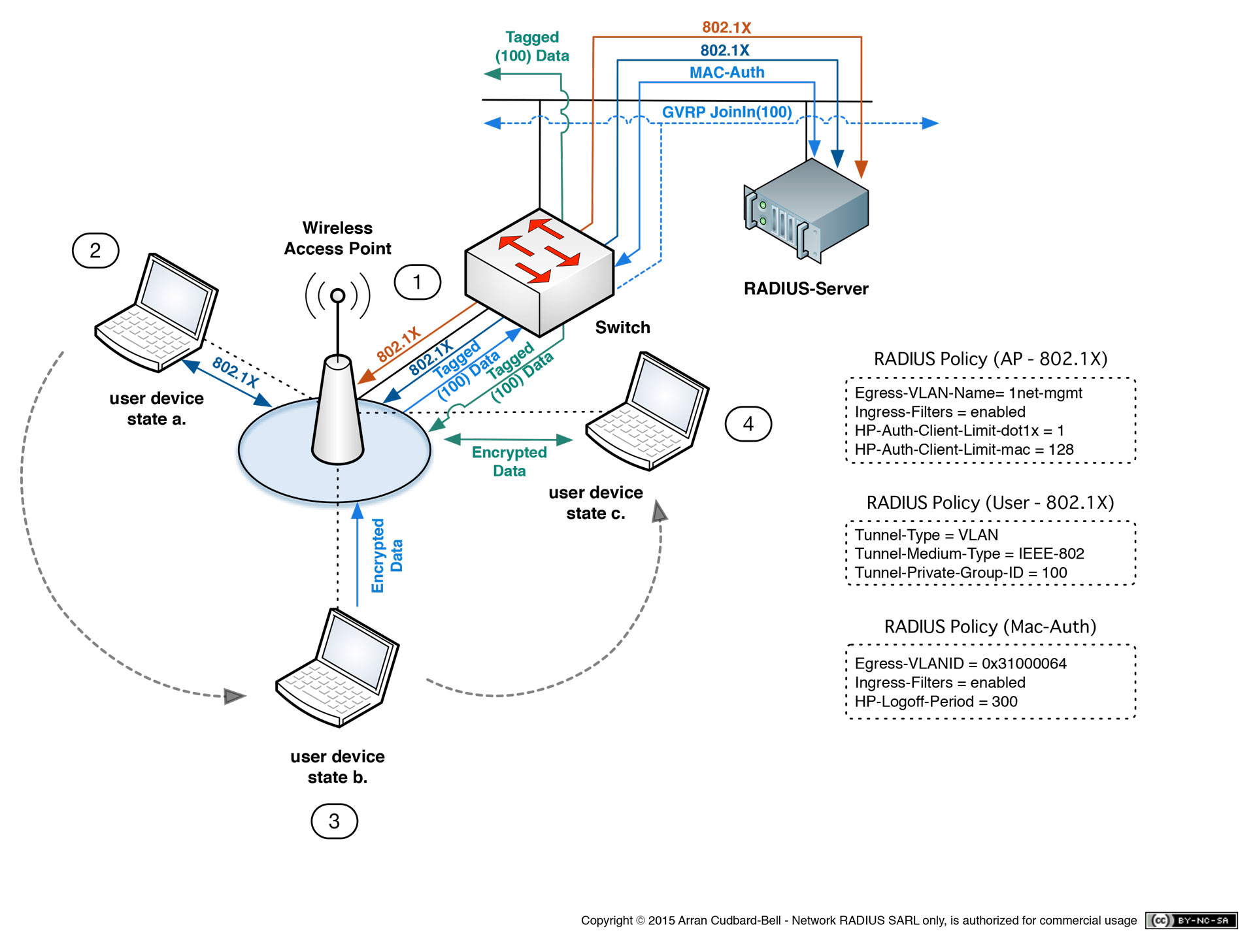
Active Directory RADIUS server integration creates a centralized authentication framework where network access control (NAC) devices, such as Wi-Fi controllers or VPN gateways, verify user credentials against your domain controller. This approach ensures that users leverage their existing domain identity to gain secure network access, enabling consistent policy enforcement, simplified user management, and comprehensive audit logging across distributed infrastructure.
Understanding the Relationship Between RADIUS and Active Directory
To implement a robust authentication architecture, one must first understand that Remote Authentication Dial-In User Service (RADIUS) and Microsoft Active Directory (AD) serve fundamentally different roles. RADIUS is a networking protocol designed to provide centralized Authentication, Authorization, and Accounting (AAA). Its primary task is to receive access requests from network hardware (the Network Access Server or NAS), validate them, and return an "Access-Accept" or "Access-Reject" message.
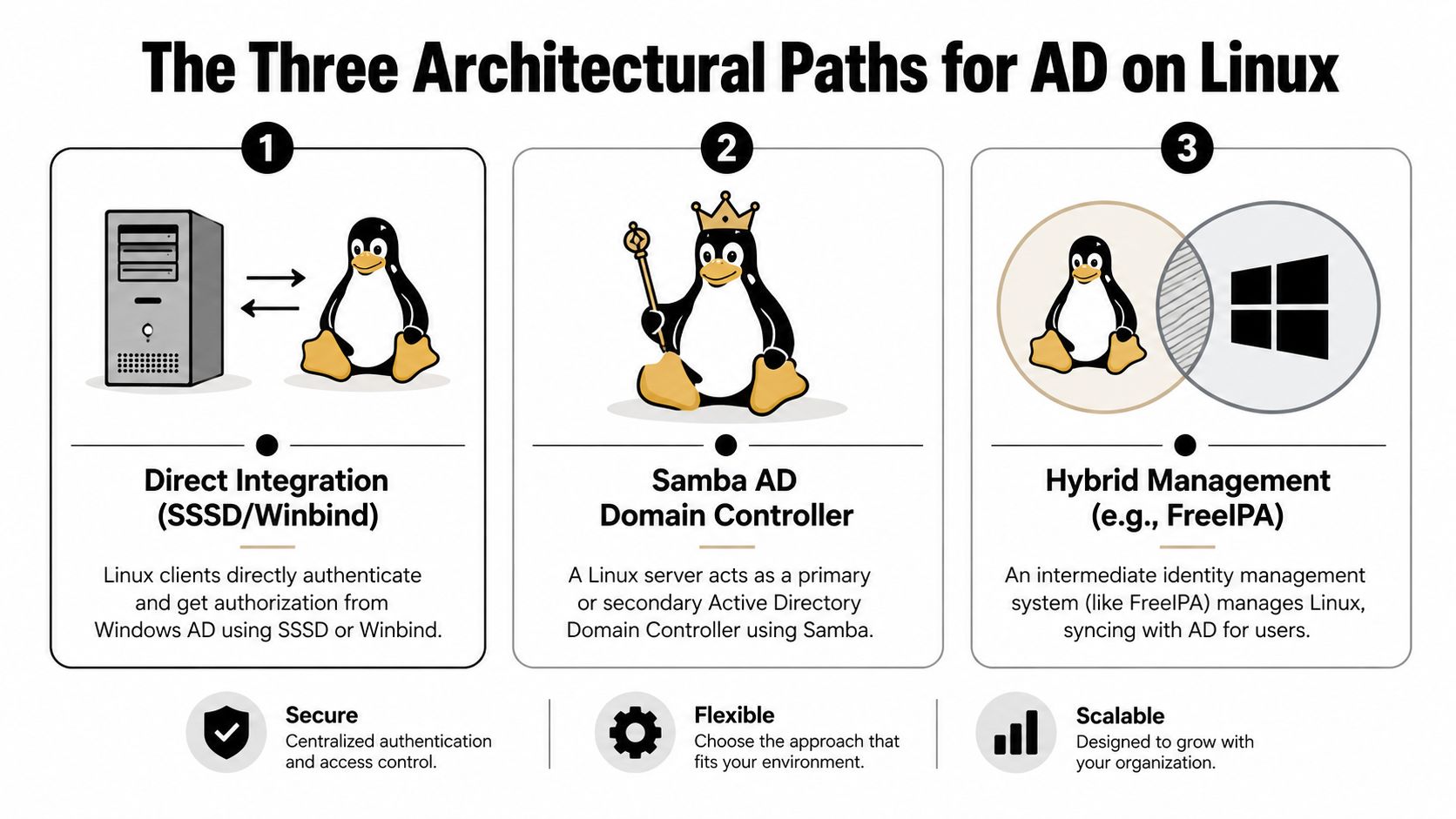
Active Directory, however, is a directory service that stores and organizes identities, permissions, and security objects within an organization. It does not speak the RADIUS protocol natively. Therefore, the integration acts as a translator. When a user attempts to connect to a VPN or a wireless network, the network device sends a RADIUS request to an intermediary—typically a RADIUS server like Microsoft’s Network Policy Server (NPS) or FreeRADIUS—which then queries the Active Directory database to verify the user’s credentials and group memberships.
Core Prerequisites for Successful Integration
Before configuring the integration, you must ensure that your environment meets specific technical requirements. Skipping these foundational steps often leads to authentication timeouts or security vulnerabilities.
Identity Infrastructure
You must have a functional, stable Active Directory Domain Services (AD DS) environment. It is critical that the server handling the RADIUS role (e.g., an NPS server) is joined to the domain. If the server is not a domain member, it cannot utilize Kerberos or NTLM for secure credential verification against the domain controllers.
Network Communication Paths
The RADIUS protocol relies on UDP port 1812 for authentication and UDP port 1813 for accounting. You must ensure that firewalls—both network-based and host-based—allow traffic on these ports between your network access devices (wireless access points, VPN concentrators, or switches) and your RADIUS server. If your RADIUS traffic must traverse different subnets or VLANs, ensure that your routing table is correctly configured to support these flows.
Certificate Services
In modern enterprise environments, RADIUS is almost always paired with EAP-TLS (Extensible Authentication Protocol - Transport Layer Security) or PEAP (Protected EAP). These protocols require an identity certificate. You must have a Certificate Authority (CA) that issues trusted certificates to your RADIUS server. Clients (workstations or mobile devices) must trust the root certificate of your internal CA to establish a secure, encrypted tunnel for the authentication exchange.
Step-by-Step Implementation Strategy
While specific configurations vary depending on whether you are using Windows NPS or an open-source alternative like FreeRADIUS, the logical sequence remains consistent.
1. Registering the RADIUS Client
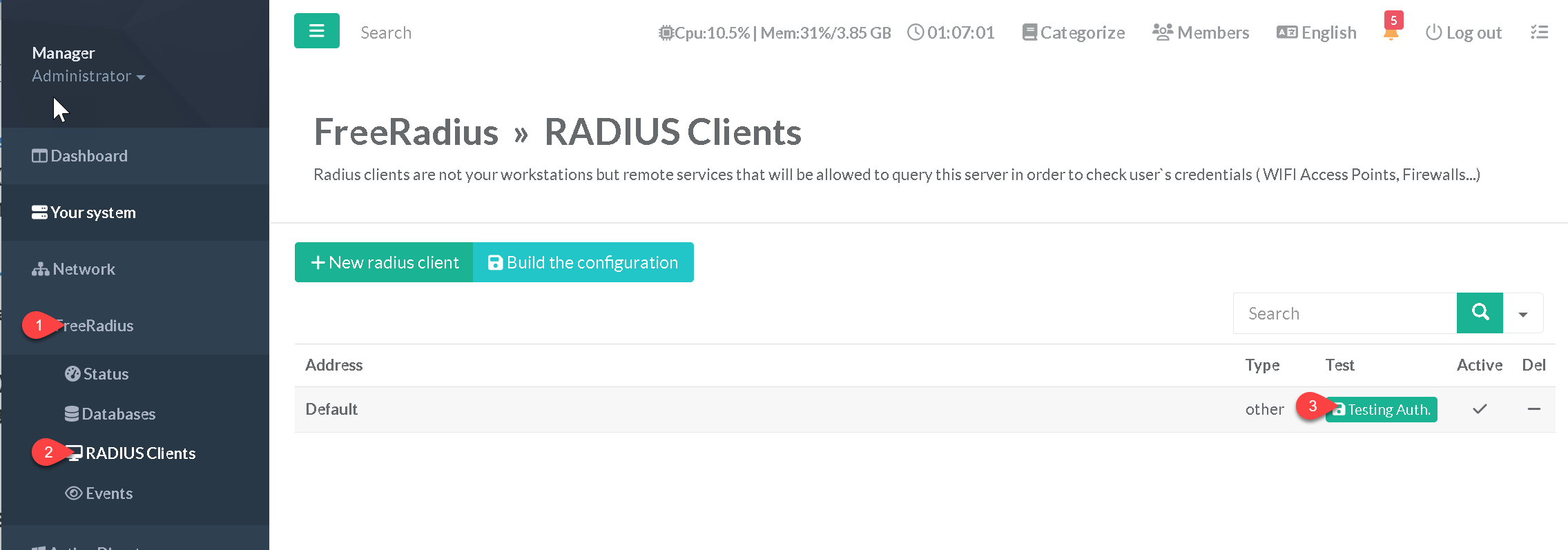
On your RADIUS server, you must define the "RADIUS Client." This is the network device requesting authentication. You will need to provide:
- Friendly Name: A descriptive tag (e.g., "Office-Floor-2-Switch").
- IP Address: The static IP of the device.
- Shared Secret: A complex, alphanumeric string that acts as a pre-shared key. Both the NAS and the RADIUS server must store an identical version of this key to secure the communication packets.
2. Defining Network Policies
Network policies govern which users can connect and under what conditions. You should configure these policies to:
- Restrict by Group: Only allow members of an "Authorized-Wireless-Users" AD group to authenticate.
- Define Constraints: Limit access based on time of day, connection type, or specific NAS port.
- Set Attributes: Define the specific VLAN or access control list (ACL) that should be assigned to the user upon successful authentication, allowing for dynamic network segmentation.
3. Configuring Authentication Methods
You must select the EAP type that best fits your security posture. For most organizations, EAP-MSCHAPv2 within a PEAP tunnel is the standard, as it provides a robust balance between compatibility and security. Ensure that the server certificate selected in the NPS properties is valid and matches the FQDN of the RADIUS server.
Comparative Overview of RADIUS Implementations
| Feature | Microsoft NPS | FreeRADIUS | Cisco ISE / Aruba ClearPass |
|---|---|---|---|
| Ease of Setup | High (Integrated) | Moderate (Config files) | High (GUI-driven) |
| Active Directory Integration | Native | Via Winbind/Samba | Native |
| Licensing Cost | Included in Windows Server | Open Source | Paid Enterprise Licensing |
| Complexity Level | Moderate | High | High |
| Best For | Windows-heavy shops | Linux/Hybrid environments | Large-scale multi-vendor NAC |
Troubleshooting Common RADIUS Issues
Even with careful planning, connectivity issues can arise. A methodical approach is required to isolate the failure point.
Authentication Failures
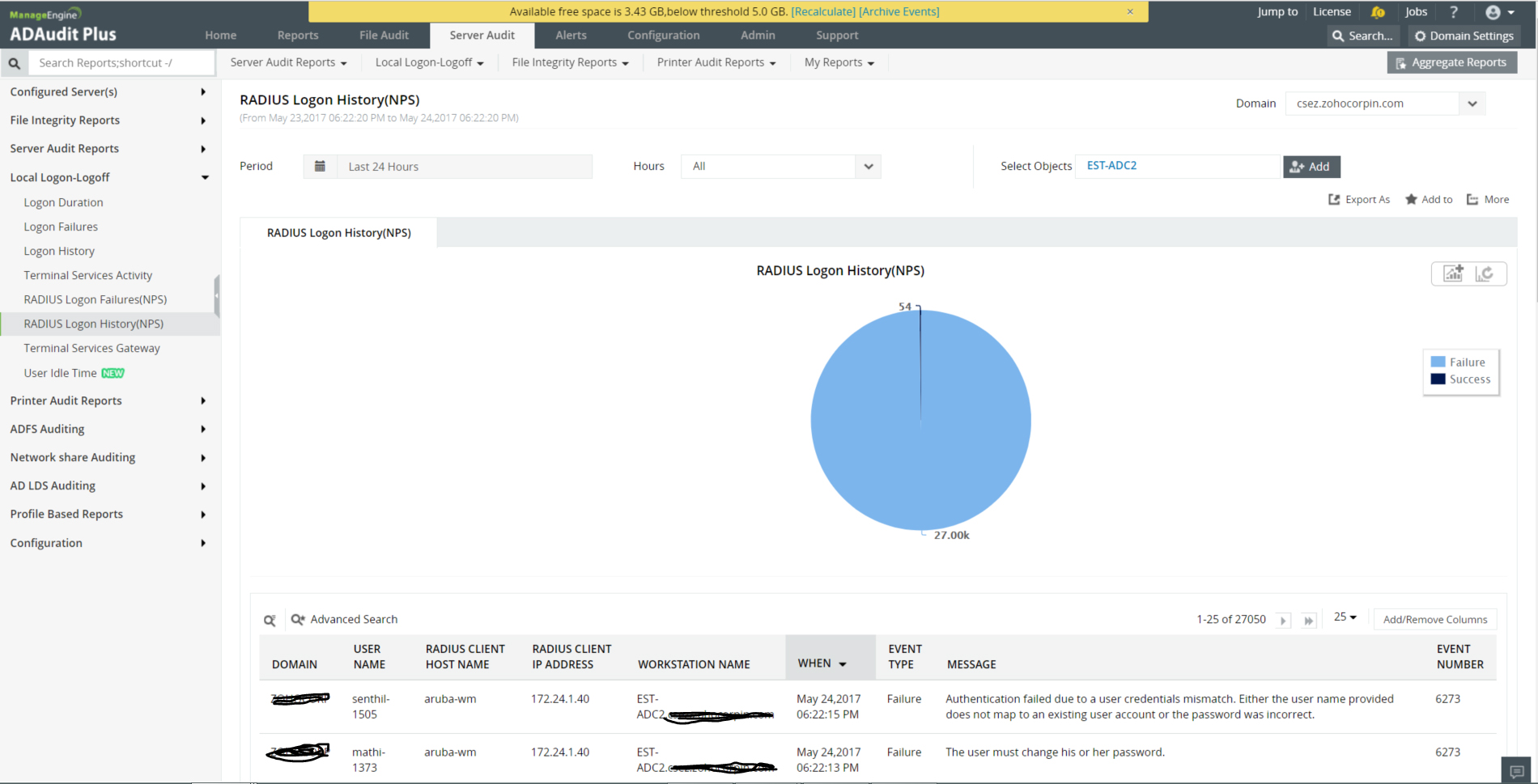
If users are consistently rejected, check the Event Viewer on the NPS server (under Custom Views -> Server Roles -> Network Policy and Access Services). Look for Event ID 6273, which provides the specific reason for denial. Common causes include account expiration, group membership mismatch, or an incorrect shared secret between the network device and the RADIUS server.
Packet Drops and Timeouts
If the request never reaches the RADIUS server, the issue is usually network-related. Use a packet capture tool, such as tcpdump or Wireshark, to monitor traffic on the RADIUS server's interface. If you see requests originating from the NAS IP but receive no response from the RADIUS server, verify that the NPS service is actually running and listening on the expected UDP ports.
Certificate Issues
If the connection is rejected before the credentials are even processed, the client likely does not trust the RADIUS server’s certificate. Ensure the CA root certificate is pushed to all client devices via Group Policy (GPO) or Mobile Device Management (MDM).
Security Best Practices for RADIUS Environments
Integration with Active Directory significantly expands the surface area of your domain security. Follow these guidelines to maintain a hardened infrastructure:
- Use Strong Shared Secrets: Never reuse secrets. Generate long, random character strings for the shared secret between the NAS and the RADIUS server.
- Restrict Access: Use Windows Firewall to limit which IP addresses can communicate with the RADIUS server on ports 1812 and 1813. Only your known network infrastructure should be allowed to send authentication requests.
- Monitor Logs: Centralize your RADIUS logs to a SIEM (Security Information and Event Management) system. Anomalous authentication patterns, such as multiple failures for a specific user, can indicate a compromised account or a brute-force attack.
- Regular Maintenance: Keep your RADIUS server software updated. If using Microsoft NPS, ensure it is patched in line with your Windows Server maintenance cycle.
Frequently Asked Questions
Why does my VPN fail to authenticate users after a password change?
This usually happens if the user's cached credentials on the client device conflict with the updated credentials in Active Directory. Ensure the client device is configured to use the correct EAP method and that the user is not attempting to use a saved, outdated profile.
Can I use RADIUS for multi-factor authentication (MFA)?
Yes, but you will need an MFA gateway or a RADIUS proxy. You can configure your RADIUS server to forward requests to an MFA provider (such as Duo or Azure MFA) before returning the final access decision to the NAS.
What is the difference between RADIUS and TACACS+?
RADIUS is primarily for network access (Wi-Fi, VPN) and encrypts only the password. TACACS+ is typically used for device administration (router/switch configuration access) and encrypts the entire packet payload. They serve different administrative purposes.
Should I put the RADIUS role on my Domain Controller?
While possible, it is generally discouraged for high-traffic environments. Dedicated RADIUS servers allow for better resource allocation, easier troubleshooting, and an added layer of separation between your core identity services and network traffic.
How do I handle guest access with this setup?
You can create a separate "Guest" policy in your RADIUS configuration that points to a local database rather than Active Directory. This keeps your guest traffic logically and securely separated from your internal corporate domain traffic.
Final Recommendation
For organizations already operating within a Microsoft ecosystem, the most effective next step is to deploy a dedicated Network Policy Server (NPS) role on a hardened Windows Server instance. Begin by auditing your existing AD group structures to ensure that group membership accurately reflects the access needs of your users. Once implemented, prioritize the automation of client-side certificate distribution through GPO to ensure a seamless experience for end-users when they move between corporate network segments.