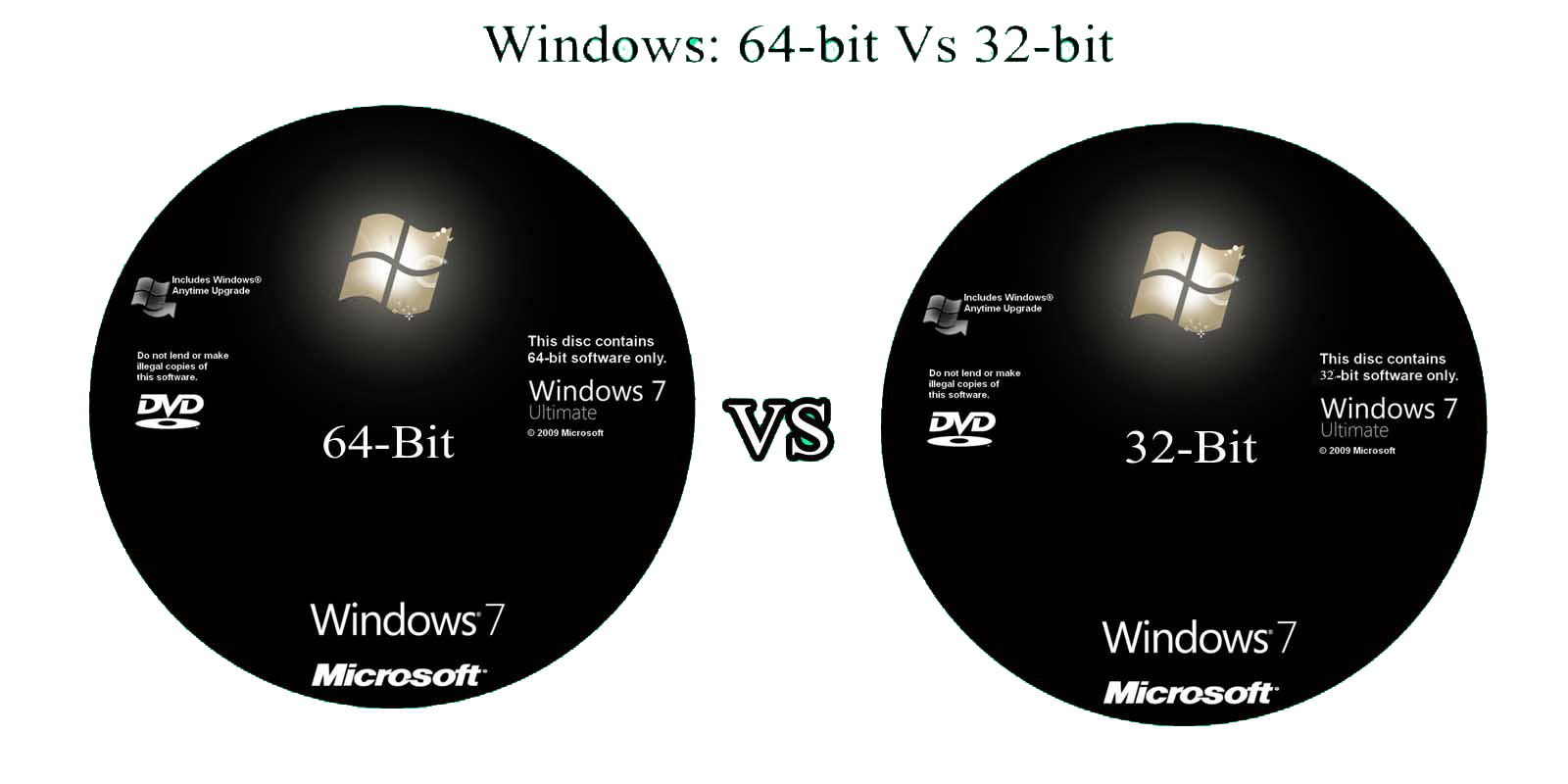
The transition from 32-bit to 64-bit computing represents one of the most significant performance milestones in gaming history. While 32-bit systems are fundamentally limited to addressing 4 gigabytes of random-access memory, 64-bit architectures shatter this ceiling, enabling vast virtual address spaces, higher fidelity assets, complex physics simulations, and seamless open worlds that define modern interactive entertainment.
The Foundational Differences Between 32-Bit and 64-Bit Architecture
At the heart of the processor architecture debate lies the concept of word size—the amount of data the central processing unit can handle in a single operation. Understanding this hardware foundation is essential for recognizing why software performance scales so dramatically between these two standards.
Data Registers and Memory Addressing
A 32-bit processor utilizes registers and memory addresses that are 32 bits wide. In computing terms, this width dictates how many unique memory locations the CPU can directly reference. Mathematically, $2^{32}$ distinct memory addresses equal approximately 4,294,967,296 bytes, or precisely 4 gigabytes (GB).
In contrast, a 64-bit processor uses 64-bit wide registers and addresses. The theoretical memory limit of a 64-bit system is $2^{64}$ bytes, which translates to 16 exabytes—an amount of data vastly exceeding any consumer hardware requirement today. This exponential leap in addressable space allows modern operating systems and games to map enormous amounts of data directly into memory without resorting to cumbersome pagination or memory-swapping techniques.
Instruction Sets and Processing Efficiency
Beyond memory limits, 64-bit processors execute more complex instructions per clock cycle and process larger chunks of data simultaneously. When a 32-bit application executes, it must break down 64-bit calculations into multiple sequential steps. A native 64-bit application handles these operations within single CPU cycles, reducing latency and maximizing processing throughput.
Furthermore, 64-bit architectures generally feature a larger number of general-purpose registers. This abundance allows compilers to keep frequently accessed variables directly inside the CPU registers rather than pushing them out to slower system memory, yielding noticeable performance gains during intensive computational tasks such as pathfinding, skeletal animation updates, and procedural generation.
The 4GB RAM Barrier and Its Impact on Gaming
The most tangible limitation of 32-bit gaming is the notorious 4GB memory ceiling. While this amount of RAM felt abundant during the late 1990s and early 2000s, modern game design has outgrown these boundaries by orders of magnitude.
How Operating Systems Share the 4GB Pool
In a 32-bit environment running Windows or Linux, the 4GB total address space must be shared between the operating system kernel and running applications. Typically, the OS reserves 2GB for its own operations, leaving only 2GB available for the game executable itself (though specialized boot flags could sometimes adjust this split to 3GB/1GB).
When a game attempts to load high-resolution textures, complex polygon meshes, audio caches, and dynamic lighting data into this restricted 2GB to 3GB window, it quickly exhausts available resources.
The Consequences of Memory Exhaustion
When a 32-bit game hits its memory ceiling, it triggers intensive page-file swapping. The system must write active data from physical RAM onto the storage drive (whether a mechanical hard drive or a solid-state drive) and fetch new assets. This process introduces severe performance bottlenecks known as stuttering, frame drops, and long loading screens.
Modern games rely heavily on streaming assets dynamically as the player moves through an environment. Without a 64-bit pipeline and abundant system memory, developers are forced to compromise drastically on draw distances, texture fidelity, and asset variety.
Performance Comparison: 32-Bit vs. 64-Bit Gaming
| Feature / Metric | 32-Bit Systems | 64-Bit Systems |
|---|---|---|
| Maximum Addressable RAM | 4 Gigabytes (effectively 2–3GB per application) | 16 Exabytes (practically limited by motherboard/OS) |
| Data Processing Width | 32-bit chunks | 64-bit chunks (native handling of large integers) |
| General-Purpose Registers | Typically 8 registers (x86 architecture) | Typically 16 registers (x86-64 architecture) |
| Asset Streaming & Open Worlds | Highly constrained; frequent stuttering and loading screens | Fluid streaming; massive uncompressed assets |
| Modern Software Compatibility | Obsolete; unsupported by current OS kernels and major engines | Universal standard for modern PC, console, and mobile gaming |
The Evolution of Game Engines and Operating System Support
The migration from 32-bit to 64-bit software did not happen overnight. It required a coordinated evolution across hardware manufacturers, operating system developers, and game engine creators.
The Shift in Operating Systems
Microsoft’s introduction of widespread 64-bit operating systems, beginning with Windows XP Professional x64 Edition and cementing with Windows 7, laid the groundwork for consumer adoption. However, for many years, game developers continued releasing 32-bit titles to maintain compatibility with legacy hardware owned by a significant portion of the player base.
The tipping point arrived in the mid-2010s. With the launch of eighth-generation consoles (PlayStation 4 and Xbox One) featuring unified 64-bit architectures and 8GB of GDDR5 RAM, multiplatform game development shifted entirely away from legacy hardware.
Engine Modernization
Industry-standard game engines—such as Unreal Engine, Unity, and proprietary engines like Frostbite and id Tech—completely phased out 32-bit compilation targets. Modern game engines rely on 64-bit floating-point precision for physics engines, coordinate systems, and rendering pipelines.
Attempting to run modern game engines on 32-bit architecture is structurally impossible because the mathematical coordinate systems required for expansive 3D worlds exceed the precision limits of 32-bit floats, leading to physics glitches, rendering tearing, and immediate application crashes.
Compatibility, Emulation, and Playing Legacy Games Today
One of the most common questions gamers face involves running older 32-bit games on modern 64-bit operating systems. Fortunately, backward compatibility has been a priority for software architects, though the landscape continues to shift.
Operating System Translation Layers
Modern 64-bit operating systems, including 64-bit Windows and Linux distributions, include subsystem layers (such as Windows on Windows 64, or WOW64) that allow 32-bit applications to execute smoothly alongside 64-bit programs. The OS translates 32-bit system calls into equivalents the 64-bit kernel understands.
However, this compatibility is eroding at the operating system level. For instance, Apple entirely dropped support for 32-bit applications with the release of macOS Catalina in 2019, rendering legacy 32-bit Mac games unplayable without third-party virtualization tools like Wine or CrossOver. Similarly, modern 64-bit Windows 11 versions for ARM processors and streamlined security kernels are beginning to phase out legacy 32-bit execution layers.
Community Patches and Modding
For PC gamers passionate about preserving retro or classic titles from the late 1990s and 2000s, community-driven modding scenes frequently step in. When official source code is unavailable, developers and reverse-engineers create custom wrappers, large-address-aware (LAA) patches, and source ports that allow classic 32-bit executables to utilize up to 4GB of RAM on modern systems, mitigating crashes caused by out-of-memory errors.
Frequently Asked Questions
Can a 32-bit game run on a 64-bit operating system?
Yes, most modern 64-bit operating systems (such as Windows 10 and 11) feature built-in compatibility layers that allow 32-bit games and applications to run without issues. However, the game will still be restricted to its original 32-bit limitations, such as the 4GB RAM usage cap.
Why do modern games require 64-bit operating systems?
Modern games feature high-resolution texture packs, complex physics calculations, expansive open-world environments, and advanced audio streaming. These elements demand significantly more than 4GB of system memory. A 64-bit operating system and game executable are required to access and manage this vast amount of data efficiently.
Will upgrading from a 32-bit to a 64-bit system improve my frame rates?
If your hardware is otherwise capable, moving from a 32-bit OS to a 64-bit OS while upgrading your RAM above 4GB will yield massive performance improvements in modern games. It eliminates stuttering caused by memory swapping and allows you to use higher graphical settings. However, on older hardware with strictly 32-bit processors, a software upgrade alone will not change performance.
Are there any remaining 32-bit gaming devices?
Apart from vintage retro hardware, early mobile devices, and niche embedded systems, the consumer gaming market has completely transitioned to 64-bit architecture. Current smartphones, tablets, current-generation consoles, and desktop PCs operate entirely on 64-bit instruction sets.
How can I check if my games and system are running in 64-bit mode?
On Windows, you can check your operating system architecture by opening the System Information panel or checking the Task Manager while a game is running. In the Task Manager's Details tab, 32-bit applications are typically labeled with (*32) next to their executable names, while native 64-bit programs display no such suffix.
Conclusion and Recommendations
The debate between 32-bit and 64-bit gaming is historically settled. While 32-bit architecture served foundational roles in early personal computing and console gaming, it represents an obsolete bottleneck in modern software design. For any contemporary gaming setup, a 64-bit operating system paired with ample RAM (16GB or higher recommended) and a 64-bit processor is mandatory to ensure compatibility, visual fidelity, and smooth performance across modern interactive titles.