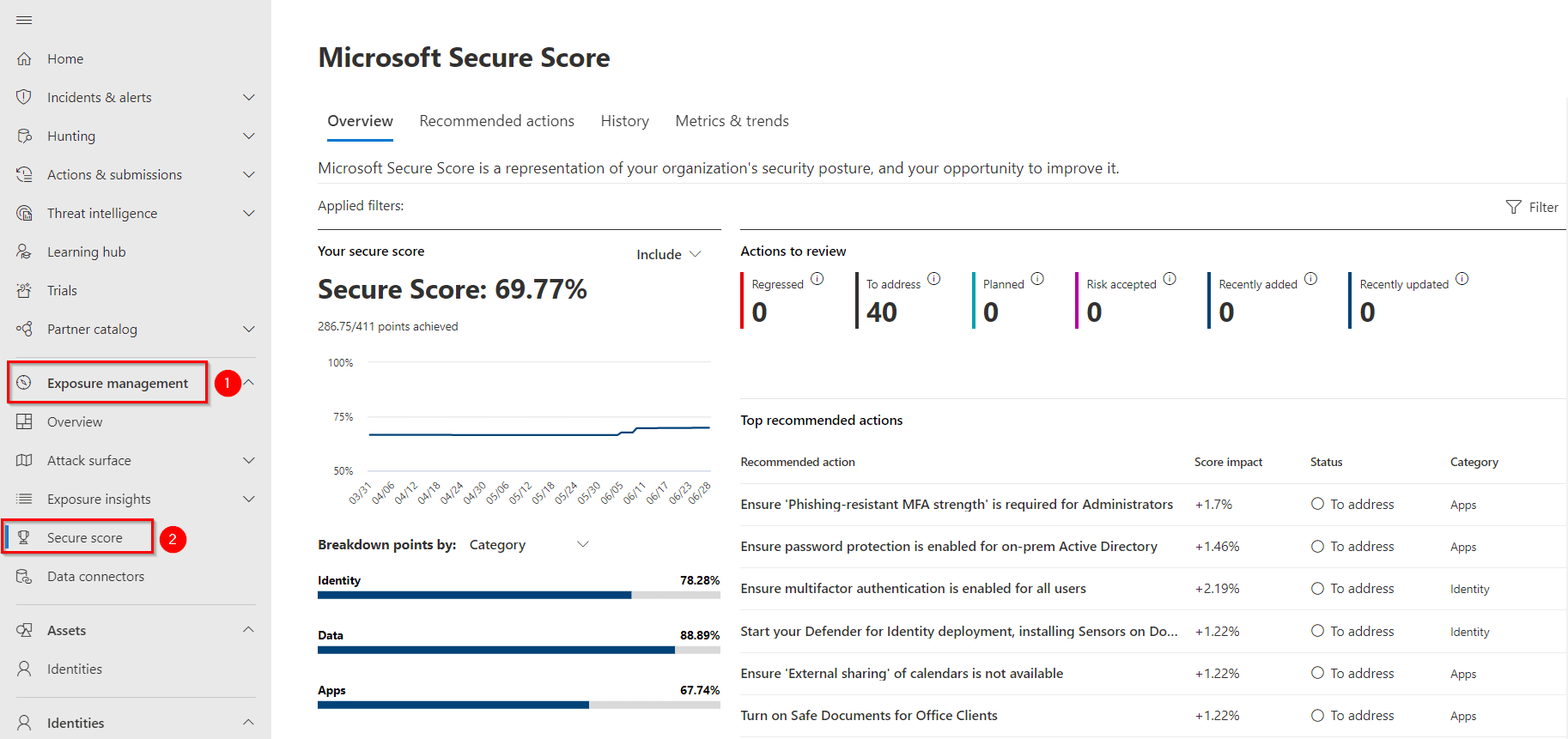
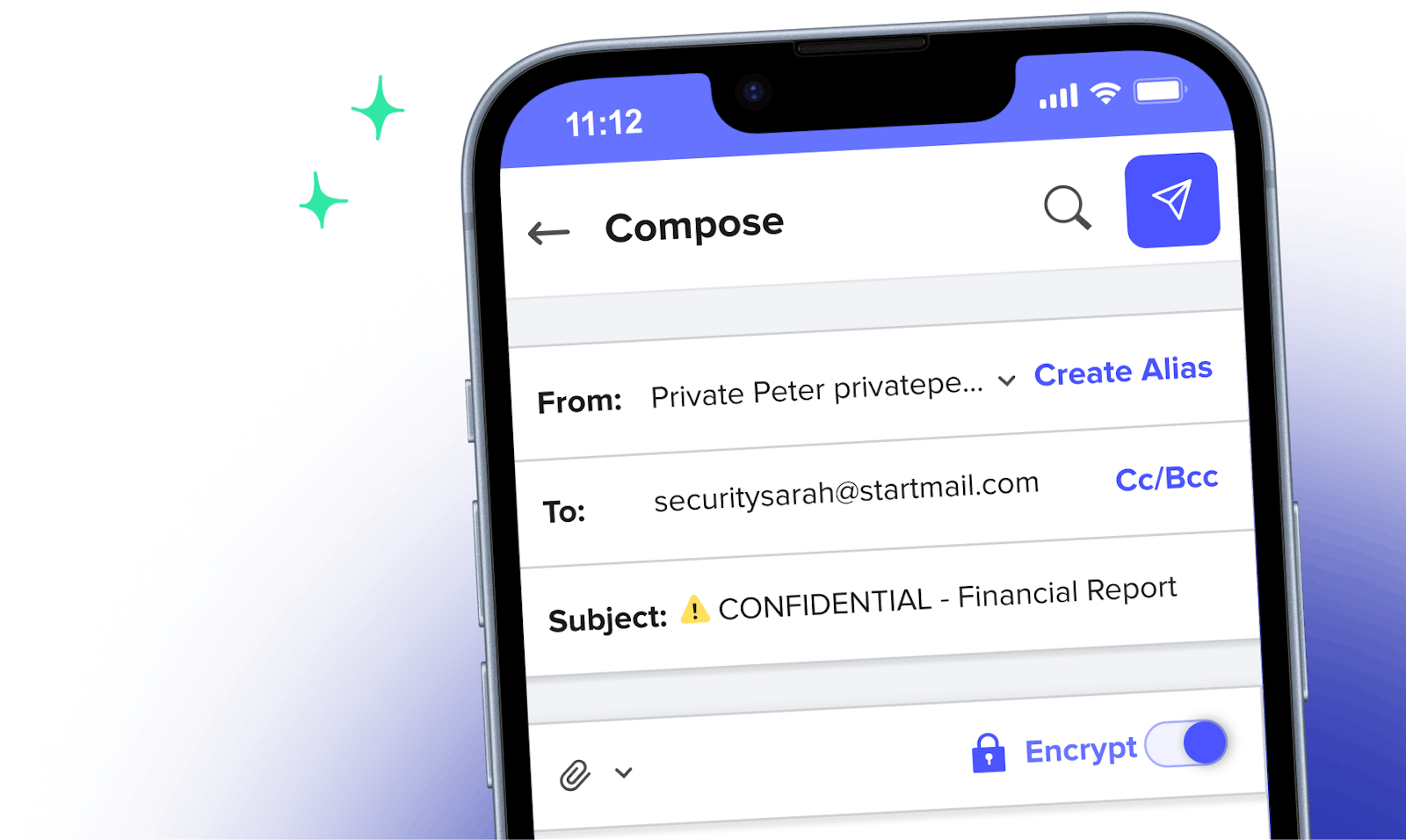
Microsoft 365 secure email protects modern businesses by combining enterprise-grade threat intelligence, automated threat remediation, advanced encryption capabilities, strict data loss prevention rules, and robust compliance archiving tools to neutralize sophisticated phishing, malware, and insider data exfiltration risks.
In the modern threat landscape, email remains the primary vector for cyberattacks targeting small, medium, and enterprise-level organizations. Threat actors constantly refine their tactics, shifting from crude mass-malware campaigns to highly targeted spear-phishing, business email compromise (BEC), and credential harvesting schemes. For organizations migrating to cloud productivity suites, native security features are no longer just a luxury—they are an operational necessity. Microsoft 365 addresses these escalating risks through integrated defense layers designed to secure sensitive communications, protect corporate assets, and maintain regulatory posture without compromising user productivity.
Understanding the Microsoft 365 Security Ecosystem
Before examining specific protective mechanisms, it helps to understand how security is structured within the Microsoft 365 environment. Standard email hosting provides basic anti-spam and signature validation, but modern enterprise protection relies on cloud-scale intelligence. Microsoft Defender for Office 365 forms the core technological backbone for advanced email security. It operates by analyzing trillions of signals daily across global Windows endpoints, Azure data centers, and enterprise tenant exchange servers.
This architecture enables continuous behavioral monitoring and rapid signature updates. When a new phishing campaign or zero-day malware variant hits a single tenant anywhere in the world, the global threat graph updates instantly. This protects all other connected organizations before their users ever encounter the malicious message. By evaluating the underlying infrastructure, domain reputation, sender behavior, and payload characteristics, Microsoft 365 shifts security from a reactive stance to a proactive defense posture.
1. Advanced Threat Protection Against Phishing and Malware
Phishing attacks and zero-day malware variants represent the most immediate danger to business continuity. Traditional email filters rely primarily on known signatures and blocklists, leaving organizations vulnerable to novel attacks. Microsoft 365 counters this through machine learning models and behavior-based inspection engines that evaluate incoming messages in real time.
Safe Attachments and Safe Links
Two primary features drive this protection layer: Safe Attachments and Safe Links.
- Safe Attachments: When an email arrives with an attachment, Microsoft 365 routes the file to a virtual sandbox environment—often referred to as a detonation chamber. Here, the system executes the file in a simulated environment to observe its behavior. If the file attempts unauthorized system modifications, registry edits, or malicious command-and-control callbacks, the system flags and blocks it before it reaches the user's inbox.
- Safe Links: This feature provides time-of-click verification for every hyperlink contained in incoming emails and Office documents. When a user clicks a link, Microsoft 365 evaluates the destination URL in real time. If the target site has been newly compromised or identified as a credential harvesting page since the email was delivered, the user receives a warning page blocking access.
Spoof Intelligence and Domain Authentication
Business Email Compromise (BEC) often relies on domain spoofing, where attackers forge sender addresses to impersonate executives or trusted vendors. Microsoft 365 incorporates strict domain authentication standards, including Sender Policy Framework (SPF), DomainKeys Identified Mail (DKIM), and Domain-based Message Authentication, Reporting, and Conformance (DMARC). Spoof intelligence engines analyze organizational mail flow to detect anomalies, ensuring that unauthorized attempts to send mail on behalf of your corporate domain are quarantined or rejected outright.
2. Automated Investigation and Remediation (AIR)
Security operations teams face a constant volume of alerts, making manual investigation of every suspicious email inefficient and prone to human error. Microsoft 365 incorporates Automated Investigation and Remediation (AIR) capabilities within its higher-tier plans to bridge this gap.
When a user reports a suspicious email or an automated detector flags a threat, the AIR engine initiates a playbook. This playbook automatically investigates the incident by performing a series of comprehensive checks:
- Scanning the entire organization's mailboxes for identical or similar messages.
- Inspecting historical delivery logs to identify who received the email, who opened it, and who clicked embedded links or downloaded attachments.
- Evaluating user sign-in logs and device telemetry to determine if clicked links led to compromised credentials or session hijacking.
Once the investigation concludes, the system generates remediation actions, such as soft-deleting malicious emails from inboxes, revoking compromised sessions, or forcing password resets. Security administrators can configure these actions to execute automatically or require human approval via an actionable review dashboard. This rapid response minimizes dwell time and limits the spread of security incidents across the enterprise.
3. Advanced Encryption and Information Protection
Protecting email in transit is standard practice, but securing messages at rest and ensuring they remain protected after delivery requires advanced cryptographic controls. Microsoft 365 includes robust encryption and information protection features that give administrators granular control over sensitive corporate correspondence.
Microsoft Purview Message Encryption
Microsoft Purview Message Encryption allows users and administrators to send encrypted emails to individuals both inside and outside the organization. Unlike traditional transport layer security (TLS)—which only secures the communication channel between mail servers—Purview encrypts the message content and attachments directly.
When an external recipient receives an encrypted email, they can authenticate via a secure web portal using a one-time passcode or federated identity providers (such as Google or Microsoft accounts). Even if the email is intercepted or stored on an insecure third-party server, unauthorized parties cannot read the contents.
Rights Management Services (RMS)
For deeper data governance, administrators can apply sensitivity labels powered by Azure Rights Management. These labels enforce usage restrictions directly on the email file and its attachments. Policies can prohibit recipients from:
- Forwarding the email to external addresses.
- Copying or pasting text out of the message body.
- Printing sensitive reports or correspondence.
- Accessing the document after a specified expiration date.
| Security Feature | Primary Function | Ideal Use Case |
|---|---|---|
| Safe Attachments | Sandboxes and analyzes file attachments for zero-day malware. | Preventing ransomware infections via invoice or resume files. |
| Safe Links | Real-time URL inspection at the moment a user clicks a link. | Defending against credential harvesting and dynamic phishing sites. |
| Purview Encryption | Encrypts message bodies and attachments end-to-end. | Sending sensitive financial or healthcare data externally. |
| Data Loss Prevention (DLP) | Detects and blocks outbound transmission of regulated data. | Preventing accidental leakage of credit card or social security numbers. |
4. Data Loss Prevention (DLP) Policies
Internal data leakage—whether accidental or malicious—poses a significant financial and reputational risk to businesses. Employees may inadvertently send sensitive customer data, intellectual property, or financial records to personal email addresses or unauthorized external partners. Microsoft 365 Data Loss Prevention (DLP) helps organizations identify, monitor, and protect sensitive information before it leaves the corporate perimeter.
DLP policies scan emails and attachments in real time against predefined or custom sensitive information types. These types include government identifiers (such as Social Security Numbers), financial data (credit card and bank account numbers), and healthcare regulations (HIPAA data).
When a user attempts to send an email containing restricted data to an unauthorized recipient, the DLP engine can execute several policy-driven actions:
- Block Transmission: The email is prevented from sending, and a notification pop-up informs the user why the message violated corporate policy.
- Policy Tips: Visual indicators alert the user in real time within the Outlook client before they hit send, allowing them to correct the recipient list or remove sensitive data.
- Incident Reporting & Justification: Organizations can configure policies that allow users to override the block only if they provide a valid business justification, which is then logged and audited by compliance officers.
5. Comprehensive Compliance, Archiving, and eDiscovery
Security is not merely about stopping inbound threats and outbound leaks; it also requires long-term accountability, legal readiness, and adherence to industry regulations. Regulatory frameworks such as GDPR, HIPAA, and the Sarbanes-Oxley Act mandate strict retention and audit trails for business communications.
Microsoft 365 provides centralized compliance tooling that integrates directly with Exchange Online:
- In-Place Archiving and Retention Policies: Organizations can provision unlimited archive mailboxes and establish automated retention schedules. Emails can be locked down so they cannot be permanently deleted by users or administrators for specific periods (e.g., seven years), ensuring litigation readiness.
- Audit Logging: Every user and administrator action within the email environment—such as changing mailbox permissions, exporting message lists, or forwarding rules—is logged in the unified audit log. Security teams can query these logs to reconstruct the timeline of security investigations.
- Advanced eDiscovery: When legal disputes arise, compliance teams can use eDiscovery tools to search, hold, and export email data across all user mailboxes rapidly, minimizing the cost and complexity of legal discovery processes.
Frequently Asked Questions
What is the difference between standard Exchange Online protection and Microsoft Defender for Office 365?
Standard Exchange Online Protection (EOP) provides foundational anti-spam, basic anti-malware, and signature-based filtering included across most Microsoft 365 business plans. Microsoft Defender for Office 365 is an add-on or higher-tier inclusion that introduces advanced features, including AI-driven zero-day analysis (Safe Attachments), time-of-click URL verification (Safe Links), automated incident investigation and remediation (AIR), and attack simulation training for employees.
Can Microsoft 365 secure email prevent employees from falling for phishing scams?
While technology blocks the vast majority of automated phishing attempts, sophisticated spear-phishing campaigns can occasionally bypass technical filters. Microsoft 365 addresses the human element through integrated security awareness training tools and simulated phishing campaigns. Additionally, contextual warning banners can be automatically prepended to external emails, alerting users when a message originates from outside the organization.
How does Microsoft Purview Message Encryption protect data sent to non-Microsoft users?
When an email is encrypted using Microsoft Purview and sent to an external recipient (such as a Gmail or Yahoo user), the recipient receives a notification email containing a secure link. Clicking this link directs them to a Microsoft-hosted authentication portal where they verify their identity via a one-time passcode. Once authenticated, they can read and reply to the encrypted message securely within the web browser.
Are email backups included in Microsoft 365 secure email features?
Microsoft 365 provides high availability, geo-redundancy, and mailbox recovery tools (such as deleted item recovery and litigation holds) to protect against hardware failure or accidental deletion. However, Microsoft operates on a shared responsibility model where data protection remains the customer's responsibility. To protect against malicious insider deletion, ransomware encryption, or compromised admin accounts, many organizations supplement native retention policies with third-party backup solutions.
What steps should an administrator take first to improve email security in Microsoft 365?
Administrators should begin by enforcing multi-factor authentication (MFA) for all users to prevent credential compromise. Next, they should enable security defaults or custom conditional access policies, implement strict domain authentication (SPF, DKIM, and DMARC), turn on Safe Attachments and Safe Links policies, and establish baseline Data Loss Prevention (DLP) rules for sensitive data.
Next Actions for Business Leaders
To strengthen your organization's email security posture today, review your current Microsoft 365 subscription tier to determine which advanced features are already available to your licensing agreement. Audit your administrator accounts to ensure multi-factor authentication is enforced without exceptions, and schedule a review of your current email authentication records (SPF, DKIM, and DMARC) to ensure your corporate domain cannot be easily spoofed by bad actors.