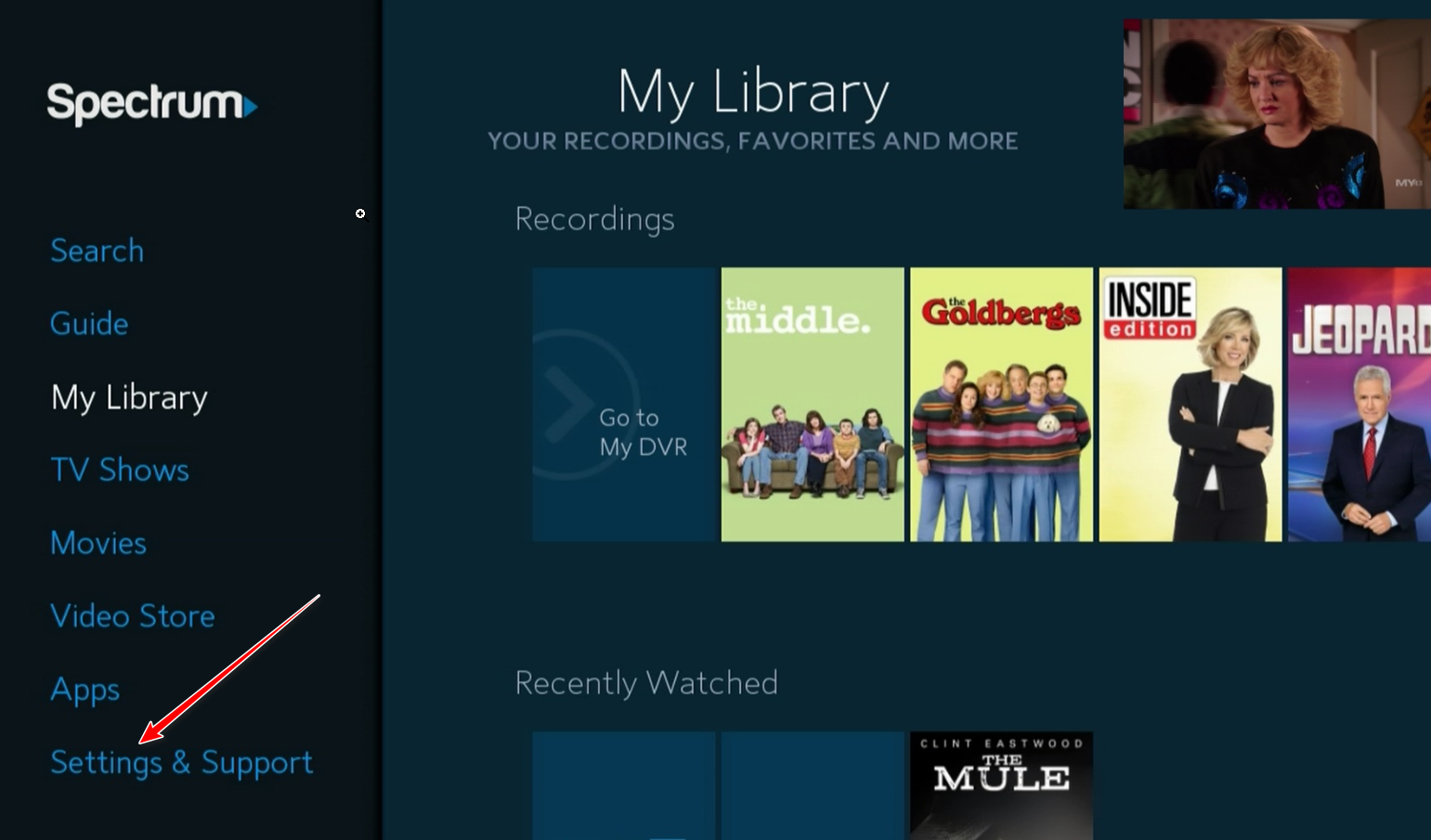
The Spectrum HL1000 error is a communication failure occurring between a Spectrum receiver and the provider’s authorization servers, often triggered by HDMI handshake issues or signal interruptions. Resolving this error typically requires a system refresh through the My Spectrum app or a comprehensive power cycle of both the receiver and the connected television display.
Understanding the HL1000 Error Code
In the landscape of modern cable telecommunications, the HL1000 error code is specifically associated with Spectrum’s WorldBox hardware architecture. The "HL" prefix generally refers to a "Hardware Link" or "Handshake Link" failure. While it may appear as a simple interruption in service, the error indicates that the digital rights management (DRM) or the hardware authorization sequence has failed to complete.
By 2026, the complexity of home entertainment systems has increased with the integration of high-bandwidth HDMI 2.1 standards and advanced HDCP (High-bandwidth Digital Content Protection) protocols. When you see HL1000 on your screen, your cable box is essentially stating that it cannot verify that the device receiving the video signal is authorized to display it, or it cannot reach the Spectrum headend to confirm your subscription status for the specific channel being requested.
This error is distinct from "Signal Not Found" errors, which are usually purely physical. The HL1000 code is a logical and authentication error, meaning the physical wire might be connected, but the data flowing through it is being rejected or is incomplete.
Primary Causes of the Spectrum HL1000 Error
Identifying the root cause is the first step toward a permanent fix. In 2026, most HL1000 instances stem from three primary categories: hardware handshake failures, signal degradation, and account provisioning discrepancies.
HDMI and HDCP Handshake Failures
The most common culprit for the HL1000 error is a failure in the HDMI handshake. This is the process where your Spectrum WorldBox and your TV exchange encryption keys to ensure that the content isn't being illegally recorded. If the TV or the cable box fails to respond within a specific millisecond window, the HL1000 error is triggered to protect the content. This is frequently seen when using older HDMI cables with newer 4K or 8K television sets, or when an intermediate device like a soundbar or A/V receiver is placed between the cable box and the TV.
Signal Ingress and Egress Issues
While the error is often "logical," it can be caused by physical signal issues. If the coaxial cable leading into your home has a "noisy" signal—often caused by loose connectors, old splitters, or interference from 5G cellular towers—the authorization packets sent by Spectrum may arrive corrupted. If the box cannot decode the "entitlement" packet (the signal that tells the box you paid for the channel), it will default to an HL1000 state.
Provisioning and Account Status
Sometimes the error is entirely server-side. If your account has recently undergone a service change, or if there is a pending billing update, the Spectrum "Rate Center" might not have pushed the correct provisioning files to your specific MAC address. In these cases, the hardware is fine, but the software permission is missing.
Immediate Troubleshooting Steps
Before calling technical support, these steps can resolve approximately 85% of HL1000 occurrences.
1. The "Cold Boot" Power Cycle
A simple restart often isn't enough; a "cold boot" is required to clear the volatile memory (RAM) of the WorldBox.
- Unplug the power cord from the back of the Spectrum receiver.
- Unplug the HDMI cable from both the receiver and the TV.
- Wait at least 60 seconds. This allows the capacitors in the box to fully discharge.
- Plug the HDMI cable back in first, ensuring a tight fit.
- Plug the power cord back into the receiver.
- Wait for the box to initialize. This can take up to 15 minutes in some 2026 firmware versions as the box downloads the latest guide data.
2. Performing a Signal Refresh
You can force Spectrum to send a new "hit" to your box without speaking to a representative. This is done via the My Spectrum app or the official website.
- Log into your account on the My Spectrum app.
- Navigate to the "Services" or "Equipment" tab.
- Select the TV receiver displaying the HL1000 error.
- Choose "Troubleshoot" and then select "Refresh Signal."
- Do not turn off the box during this process. The screen may go black or show a progress bar; this is normal.
3. Checking the HDMI Chain
If the error persists, the issue is likely the "Link" part of HL1000.
- Direct Connection: If you are using a soundbar or HDMI switcher, bypass it. Connect the Spectrum box directly to the TV’s HDMI 1 port.
- Cable Quality: Ensure you are using a "High Speed" or "Ultra High Speed" HDMI cable. Older cables from the 2010s often lack the bandwidth required for the 2026 Spectrum WorldBox interface.
- Port Swap: Switch to a different HDMI port on your TV. Sometimes a specific port's HDCP chip can become unresponsive.
Technical Comparison of Spectrum Error Codes
To help distinguish the HL1000 from other similar issues, refer to the following table.
| Error Code | Primary Meaning | Resolution Priority |
|---|---|---|
| HL1000 | Hardware Link/Authorization Failure | HDMI Check & Signal Refresh |
| IA01 | Initial Application Loading Error | Coaxial Connection & Power Cycle |
| RLC-1002 | Remote Lockout / Communication Error | App-based Receiver Reset |
| STB-001 | Set-Top Box Internal Hardware Fault | Equipment Replacement Required |
| ID04 | Invalid Device / MAC ID Conflict | Contact Spectrum Provisioning Dept |
Advanced Troubleshooting: Coaxial Integrity
If the basic steps fail, the problem likely lies in the signal reaching the box. By 2026, many homes have "messy" internal wiring that hasn't been updated for higher frequency digital signals.
Eliminating Splitters
Every time a coaxial signal is split, it loses approximately 3.5 dBmV to 7 dBmV of strength. If you have a splitter in the attic or behind the TV stand that isn't necessary, remove it. A "passive" splitter can also introduce "noise" into the line, which prevents the HL1000 authorization handshake from completing.
Inspecting for "Egress" and "Ingress"
Egress is when the signal leaks out of your cable; Ingress is when outside signals (like LTE or 5G) leak in. Both can cause the HL1000 error.
- Check the "F-connectors" (the screw-on metal ends of the cable).
- They should be "finger-tight plus a quarter turn" with a wrench.
- If the copper stinger in the middle of the cable is bent, black, or recessed, you will need a new cable.
Managing Account-Level HL1000 Triggers
Sometimes the HL1000 error is a "soft-lock" placed on the hardware due to account status. In 2026, Spectrum's automated systems are more aggressive in pausing hardware that hasn't "checked in" with the home network recently.
Out-of-Home Use
If you have moved your WorldBox to a different location (such as a vacation home or a neighbor's house), the HL1000 error will trigger. The box is geofenced to its assigned "Rate Center." The HL1000 is the system's way of saying the hardware is at an unauthorized location. You must use the Spectrum TV App for mobile viewing, as the physical box is tied to your specific service address.
New Equipment Activation
If you just received a new box and see the HL1000 error, it means the box hasn't been "paired" with your account's digital signature.
- Visit
spectrum.net/selfinstallto complete the activation. - Wait for the "Firmware Update" to complete. Interrupting a firmware update is a leading cause of permanent HL1000 hardware loops.
When to Contact Spectrum Support
If you have performed a cold boot, refreshed the signal, and replaced the HDMI cable, but the HL1000 error remains for more than two hours, the hardware may have a failed internal security chip.
When calling or chatting with support, provide the following information to expedite your call:
- The Error Code: Explicitly state "HL1000."
- Troubleshooting Performed: Tell them you have already performed a "Cold Boot" and a "Signal Refresh." This prevents them from asking you to do it again.
- The Box Model: Look for the model number (e.g., Spectrum201-H or similar) on the bottom or back of the unit.
- Signal Levels: If you are tech-savvy, you can often find the signal strength in the "Diagnostics" menu of the box. Mentioning "Low OOB (Out of Band) signal" will immediately escalate your case to a field technician.
Frequently Asked Questions
Can a bad HDMI cable really cause an HL1000 error?
Yes. The HL1000 error is often a response to a failed HDCP handshake. If the HDMI cable is damaged or is an older version (1.4 or below), it may not be able to carry the security keys required by 2026-era 4K content. This results in the box "locking" the video output to prevent unauthorized recording.
How long does a signal refresh take to fix the HL1000 code?
A signal refresh usually takes between 5 and 20 minutes. During this time, the box receives new authorization "keys" from the Spectrum headend. If the error doesn't clear after 30 minutes, the refresh failed, likely due to poor signal quality (noise on the line) preventing the "hit" from reaching the receiver.
Is the HL1000 error the same as a service outage?
Not necessarily. While a neighborhood-wide outage can cause an HL1000 error (because the box can't talk to the server), the HL1000 is usually specific to one device. If your other Spectrum boxes are working or your internet is still active, the issue is likely localized to that specific box or its connection to the TV.
Does the HL1000 error mean my cable box is broken?
Not always, but it is a possibility. If the error persists after a factory reset (which can be performed by a technician remotely), it usually indicates that the internal "Secure Element" or the coaxial tuner has failed. In these cases, Spectrum will need to swap the box for a new unit.
Will I lose my DVR recordings if I fix the HL1000 error?
If you fix the error through power cycling or a signal refresh, your recordings are safe. However, if the error requires a full equipment swap, and you do not have "Cloud DVR" service, you will lose the recordings stored locally on the physical hard drive of the faulty box.
Summary and Recommended Actions
The Spectrum HL1000 error is a manageable hurdle that usually stems from a breakdown in digital communication. To resolve it effectively in 2026, users should prioritize the Signal Refresh via the My Spectrum app as the first line of defense. If that fails, a rigorous inspection of the HDMI chain and the coaxial connections is necessary.
Avoid using old splitters or damaged cables, as these are the primary drivers of the signal noise that triggers authorization failures. If the error remains for several hours despite these efforts, it is highly likely that a technician is needed to investigate the "drop" (the line from the street to your house) or to replace the WorldBox hardware entirely. Staying proactive with hardware updates and ensuring your cables meet current high-bandwidth standards will significantly reduce the recurrence of "Hardware Link" errors.