Python 2 remains a significant component of legacy software infrastructure in 2026, serving as the backbone for numerous critical systems that have not yet undergone migration to Python 3. While official support for Python 2.7 ended on January 1, 2020, understanding the installation and maintenance requirements is essential for developers tasked with supporting legacy codebases, managing archival data, or performing security hardening on environments where Python 2 code still resides.
The Historical Significance of Python 2
Python 2, particularly the final iteration, Python 2.7, was the standard for the language for over a decade. Its transition to "end-of-life" (EOL) status marked the industry-wide shift toward Python 3, which introduced fundamental changes to string handling, integer division, and standard library organization. Despite its EOL status, Python 2 is not "deleted" from existence; rather, it has ceased to receive security patches, bug fixes, or performance improvements from the Python Software Foundation (PSF).
For developers, encountering Python 2 in 2026 usually happens in the context of:
- Legacy enterprise software that cannot be refactored without significant financial or operational risk.
- Scientific research code written in the early 2010s that relies on deprecated library interfaces.
- System administration scripts on older Linux distributions or embedded hardware devices.
Prerequisites for Environment Preparation
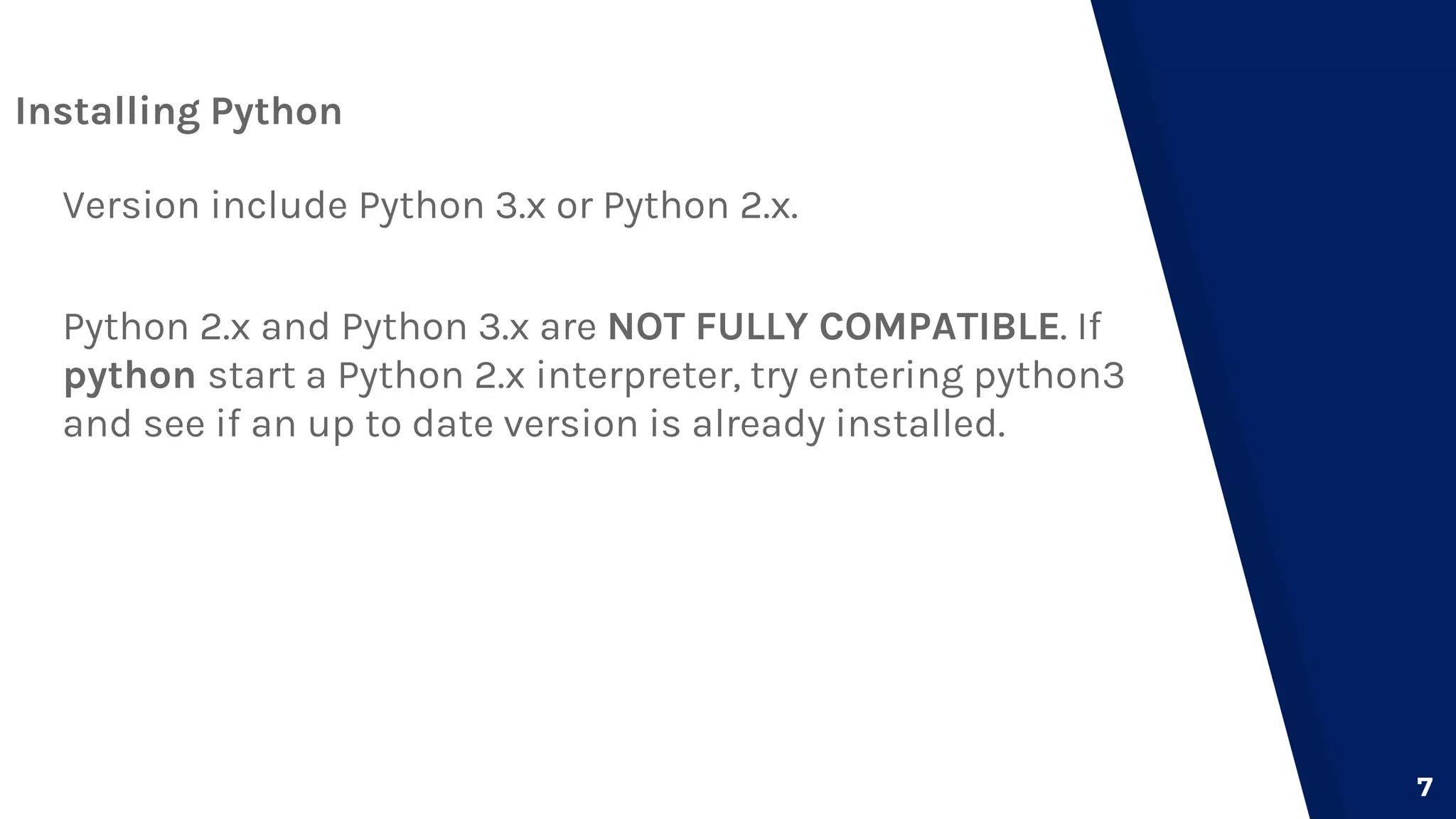
Before attempting to install or configure a Python 2 environment, you must determine whether you are running a native installation or a virtualized environment. Because modern operating systems (such as recent versions of Windows, macOS, or modern Linux distributions) have transitioned to Python 3 as their default, installing Python 2 often requires side-by-side management to avoid conflicts with system-level processes.
Operating System Compatibility
- Linux: Many legacy distributions (e.g., Debian 8, CentOS 6) included Python 2 as the primary system interpreter. Modern distributions have moved Python 2 to secondary repositories. You should verify your distribution's documentation to see if
python2is available via standard package managers likeapt,yum, ordnf. - Windows: Installation on Windows involves downloading the binary installers from the official archive. Note that Windows paths will need to be carefully managed to ensure the system does not confuse Python 2 with later versions of Python 3.
- macOS: macOS versions from the last decade removed the pre-installed Python 2.7 environment. Developers usually rely on version managers like
pyenvto maintain a sandbox that keeps Python 2 isolated from the shell environment.
Managing Versions via Virtual Environments
Installing Python 2 directly into the system path is generally discouraged because it may interfere with operating system tools that expect a specific version. Instead, the recommended practice is to use environment managers. pyenv is the industry standard for this purpose in 2026. It allows you to install multiple versions of Python in your home directory without requiring root privileges.
By using a tool like pyenv, you can set the python command to trigger the version required for a specific legacy project while allowing your global environment to remain on Python 3. This approach minimizes the risk of breaking system utilities that rely on system-default Python paths.
Standard Installation Procedure (Conceptual Workflow)
While specific steps vary by operating system, the conceptual workflow for setting up a Python 2 environment remains consistent.
- Verification of Dependencies: Ensure your compiler tools (like
gccorclang) are installed, as many Python 2 packages are built from source and require C extensions to be compiled during the installation process. - Downloading the Source or Binary: Since Python 2.7.18 was the final release, you should only acquire it from the official Python.org site. Avoid third-party repositories that may bundle malicious or unauthorized modifications.
- Path Configuration: Once installed, ensure the
bindirectory of your Python 2 installation is added to your shell’sPATHvariable, but only for the duration of the project work. - Package Management: Python 2 uses
pipandsetuptools. However, as of 2026, many indices (like PyPI) have restricted the availability of older packages. You may need to point your installer toward archives or local wheels to install dependencies that are no longer actively maintained.
Comparison of Python 2 and Modern Requirements
The table below outlines the operational differences between maintaining a Python 2 environment and a modern Python 3 environment in 2026.
| Feature | Python 2.7 (Legacy) | Python 3.12+ (Modern) |
|---|---|---|
| Security Status | EOL (No active updates) | Active (Maintained) |
| Default String | ASCII | Unicode (UTF-8) |
| Package Manager | pip (deprecated versions) | pip/uv/poetry |
| Installation Path | Manual/Archive | System Native/Manager |
| Support Levels | Community-only (Best effort) | Commercial/PSF Support |
Handling Security and Technical Limitations
The most critical factor regarding Python 2 in 2026 is its security posture. Because it no longer receives security updates, any application running on Python 2 is inherently vulnerable to any Common Vulnerabilities and Exposures (CVEs) discovered after 2020.
If you must run Python 2, you should implement the following security mitigations:
- Isolation: Run the code within a container (e.g., Docker) or a restricted virtual machine. Do not run Python 2 code with elevated or root privileges.
- Network Air-gapping: If the application does not need to communicate with the public internet, place it behind a firewall or in a local-only network segment.
- Minimal Exposure: Disable any unnecessary modules within the Python 2 installation to reduce the attack surface.
Troubleshooting Common Installation Issues
When installing Python 2 on modern hardware, you will likely encounter issues with legacy C libraries that are no longer compatible with newer system headers.
A common error involves the ssl module. Python 2 uses an older version of TLS/SSL protocols, which many modern web servers have rejected for security reasons. If your Python 2 script needs to make HTTPS requests, you may find that it fails to verify SSL certificates. In such cases, you may need to update the certifi package or provide a custom CA bundle, though this is a fragile solution.
Another frequent problem is the "missing headers" error. During the pip install process, your machine may attempt to compile a library. If your system is running a modern compiler, it may reject older C code patterns used in Python 2 packages. You may need to set flags like -fpermissive or install older development headers (like libssl-dev older versions) to satisfy the build process.
Frequently Asked Questions
Is it safe to use Python 2 for new projects in 2026? No. Using Python 2 for new development is not recommended. It lacks the modern features, performance optimizations, and security patches found in Python 3. It should be reserved strictly for maintaining legacy software that is already built.
Why is my pip not working with Python 2?
The Python Package Index (PyPI) has transitioned to require modern protocols. If your pip is older than version 9.0.1, it will fail to connect. You may need to download the get-pip.py script specifically for Python 2.7 to restore basic functionality.
Can I run Python 2 and Python 3 side-by-side?
Yes. You can have both versions installed simultaneously. Use a version manager like pyenv or differentiate by using the python2 and python3 commands in your terminal. This is standard practice for developers managing multi-generational codebases.
What is the best way to transition away from Python 2?
The best path is to use automated conversion tools like 2to3 and modernize to identify areas of code that will break in Python 3. Prioritize refactoring the most exposed parts of your application, such as input parsing and network interaction, before tackling internal logic.
Where can I find documentation for Python 2? While the main documentation site for Python 3 is the primary focus, the Python Software Foundation maintains a historical archive of documentation for Python 2.7. Always consult these archives rather than trying to apply Python 3 documentation to your code.
Conclusion and Recommendations
Maintaining a Python 2 installation in 2026 is a task of preservation rather than development. If you are forced to work with this version, prioritize the isolation of your environment to mitigate security risks. Avoid modifying the global system environment, rely on virtual environment managers like pyenv, and maintain a clear inventory of the dependencies required by your legacy project. For any long-term project, the only sustainable recommendation is to draft a migration roadmap to bring your codebase into the supported Python 3 ecosystem.