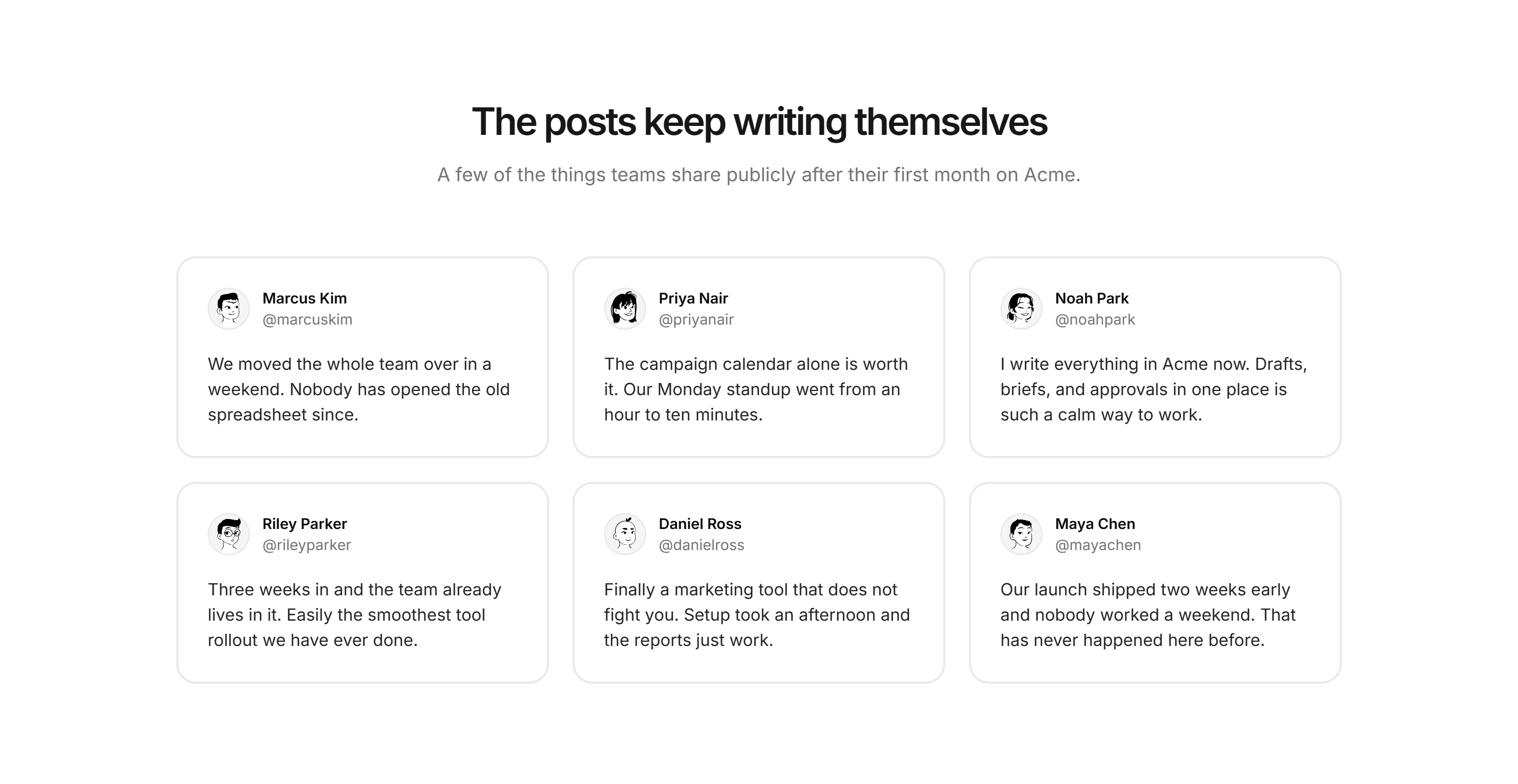
A social card is a rich media snippet generated when a URL is shared on platforms like X (Twitter), Facebook, or LinkedIn. It utilizes metadata embedded in a webpage’s HTML—specifically Open Graph or Twitter Card tags—to display a preview image, title, and description, significantly improving user engagement and click-through rates.
Understanding the Fundamental Role of Social Cards
In the modern digital landscape of 2026, the way we share information has evolved far beyond the simple blue hyperlinks of the early internet. When you paste a link into a social media post, the platform does not merely display the text of the URL. Instead, it sends a "crawler" or "bot" to that webpage to look for specific instructions on how to represent that content visually. These instructions are known as social cards.
A social card acts as a digital storefront for your content. Without it, a shared link looks unappealing, often appearing as a bare URL or a text snippet with a missing or irrelevant image. With a properly configured social card, that same link transforms into a structured, visual object that includes a high-resolution image, a compelling headline, and a brief summary. This transformation is critical because social media feeds are highly competitive environments where visual cues determine whether a user scrolls past or stops to click.
The technology behind these cards relies on standardized protocols that allow websites and social platforms to communicate effectively. By providing these platforms with clear metadata, website owners can control exactly how their brand and content appear to the public, ensuring consistency across the various corners of the web.
The Anatomy of a Social Card
To understand how a social card functions, one must look at the specific components that make up its structure. While different platforms may style these cards slightly differently, the core elements remain consistent.
The Preview Image
The image is the most dominant feature of any social card. In 2026, high-definition displays and mobile-first browsing make the quality of this image paramount. Usually, this is defined by the og:image or twitter:image tag. It is designed to capture attention and provide context for the link. If an image is not specified, platforms may attempt to scrape a random image from the page, often resulting in poorly cropped or irrelevant visuals.
The Title
The title is the bolded headline that appears beneath or beside the image. This is not necessarily the same as the HTML title tag of the webpage. Content creators often use a separate og:title to craft a more "clickable" or punchy headline specifically for social media audiences, which might differ from the SEO-focused title used for search engines.
The Description
The description provides a brief summary of what the user will find if they click the link. It serves as the "hook." Effective descriptions are concise, usually under 150 characters, and provide a clear value proposition. This is typically controlled by the og:description tag.
The Domain Attribution
At the bottom of most social cards, the platform displays the root domain (e.g., example.com). This provides a layer of trust and security, letting the user know exactly where they will be taken. In an era where digital security is a primary concern, clear domain attribution helps verify the source of the information.
Primary Protocols: Open Graph and Twitter Cards
There are two dominant standards used to create social cards. While they serve the same purpose, they originated from different platforms and require specific formatting in your site's HTML header.
The Open Graph Protocol (OGP)
Originally created by Facebook in 2010, the Open Graph protocol has become the industry standard. It is now used by LinkedIn, Slack, Discord, and many other platforms to generate link previews. Open Graph tags are identified by the og: prefix.
The beauty of OGP is its versatility. It allows a webpage to become a rich object in a social graph. For example, you can specify the "type" of content—whether it is a "website," "article," "video," or "book." This categorization helps platforms display the information in the most relevant format for the user.
Twitter Cards
While Twitter (now X) supports Open Graph tags as a fallback, it has its own proprietary system known as Twitter Cards. These tags use the twitter: prefix. Twitter Cards offer different formats, such as the "Summary Card" or the "Summary Card with Large Image." The latter is highly recommended for 2026 marketing strategies as it occupies significantly more screen real estate in a user's timeline, leading to higher engagement rates.
Why Social Cards are Essential for Success in 2026
The importance of social cards extends beyond mere aesthetics. They are a core component of digital marketing, search engine optimization (SEO) advocacy, and user trust.
Increased Click-Through Rates (CTR)
Data consistently shows that posts with rich media previews perform better than those without. A well-designed social card can increase CTR by as much as 30% to 50% compared to a plain text link. By providing a visual "preview" of the destination, you reduce the friction of the user's decision-making process.
Branding and Consistency
Every time your link is shared, your brand is on display. Social cards allow you to maintain visual consistency. If your website uses a specific color palette or photographic style, your social cards should reflect that. This ensures that even if a user doesn't click the link immediately, they are still being exposed to your brand identity.
Professionalism and Credibility
A link that doesn't generate a preview can look suspicious or "spammy." In 2026, users are increasingly wary of phishing and low-quality content. A professional social card with a high-quality image and a clear description signals that the destination website is legitimate and well-maintained.
Improved Information Architecture
By defining your social metadata, you are essentially telling the internet how to categorize your content. This helps social media algorithms understand the context of your post, which can indirectly influence who the content is shown to based on user interests.
Technical Implementation: Adding Social Cards to Your Website
Implementing social cards requires adding specific meta tags to the head section of your HTML. If you are using a Content Management System (CMS) like WordPress, Shopify, or Webflow, there are usually plugins or built-in settings that handle this for you. However, understanding the underlying code is vital for troubleshooting and customization.
Step-By-Step Metadata Placement
- Identify the Content: Determine which image and headline best represent the page.
- Access the Head Tag: Locate the head section of your HTML document.
- Insert Open Graph Tags: Add the essential tags. For example:
- meta property="og:title" content="Your Catchy Headline"
- meta property="og:description" content="A brief, engaging summary of your page content."
- meta property="og:image" content="https://yourwebsite.com/images/social-preview.jpg"
- meta property="og:url" content="https://yourwebsite.com/page-url"
- meta property="og:type" content="article"
- Insert Twitter Card Tags: Add the Twitter-specific tags for better control on that platform:
- meta name="twitter:card" content="summary_large_image"
- meta name="twitter:title" content="Your Catchy Headline"
- meta name="twitter:description" content="A brief, engaging summary."
- meta name="twitter:image" content="https://yourwebsite.com/images/social-preview.jpg"
Image Specifications and Requirements
In 2026, the recommended aspect ratio for social cards is generally 1.91:1. For the best resolution across all devices, including high-density mobile screens, an image size of 1200 x 630 pixels is standard. Using images smaller than 600 x 315 pixels may result in the platform displaying a much smaller, square thumbnail instead of a full-width card.
Comparison of Social Card Requirements by Platform
Different platforms have slight variations in how they prioritize and display metadata. The following table summarizes the requirements for the major networks as of 2026.
| Platform | Primary Protocol | Recommended Image Size | Preferred Ratio | Key Feature |
|---|---|---|---|---|
| Open Graph | 1200 x 630 px | 1.91:1 | High reliability on cached data; requires debugger for updates. | |
| X (Twitter) | Twitter Cards | 1200 x 628 px | 2:1 or 1:1 | "Large Image" format dominates the feed; supports OG fallback. |
| Open Graph | 1200 x 627 px | 1.91:1 | Professional context; displays domain clearly at the bottom. | |
| Discord/Slack | Open Graph | Varied | Varied | "Unfurls" links in real-time chat; favors square or wide images. |
| Rich Pins | 1000 x 1500 px | 2:3 | Unique vertical format; requires specific Schema.org markup. |
Validation and Troubleshooting
One of the most common frustrations for web developers is when a social card does not appear correctly or shows outdated information. This usually happens because social platforms "cache" (store) the metadata the first time a link is shared to save on processing power.
Using Debugging Tools
To fix display issues, you must use the official debugging tools provided by the platforms. These tools force the platform's crawler to re-visit your site and fetch the latest metadata.
- Facebook Sharing Debugger: Essential for clearing the cache and seeing exactly what Facebook’s bot sees.
- Twitter Card Validator: Useful for verifying that your Twitter-specific tags are correctly formatted.
- LinkedIn Post Inspector: Provides detailed feedback on which tags were found and if any were missing.
Common Troubleshooting Scenarios
- The Image Isn't Showing: Check if the image URL is absolute (starting with https://) rather than relative. Ensure the image file size is under 5MB, as many crawlers will ignore files that are too large.
- Wrong Image is Displayed: This usually means the og:image tag is missing or the crawler is picking up a previously cached version. Use the debuggers mentioned above to refresh the cache.
- Text is Truncated: If your title or description is too long, the platform will cut it off with an ellipsis (...). Keep titles under 60 characters and descriptions under 150 characters for optimal display.
Accessibility and the Future of Social Cards
As we move through 2026, web accessibility has become a legal and ethical requirement for digital content. Social cards are not exempt from this.
Adding Alt Text
Including alternative text for your social card images is vital for users who rely on screen readers. While this isn't always done through a simple meta tag (it often depends on the platform's implementation), the og:image:alt tag is the standard way to provide a textual description of the preview image. This ensures that your social presence is inclusive of all users.
AI-Generated Social Cards
A rising trend in 2026 is the use of dynamic, AI-generated social cards. For large websites with thousands of pages, manually creating a unique image for every social card is impossible. Modern tools now use AI to pull key data points from a page—such as the headline, author name, and a relevant background image—to compose a custom, branded social card on the fly. This ensures that every single link shared from a domain looks professional and high-quality, regardless of when it was published.
Practical Expert Recommendations
To maximize the impact of your social cards, follow these strategic guidelines:
- Prioritize the Visual: Spend the most time on your preview image. It is the first thing users see. Use high-contrast designs and avoid putting too much text inside the image itself, as it may become unreadable on small screens.
- Test Before You Post: Never launch a major campaign without running your primary URLs through the Facebook and Twitter debuggers. This ensures there are no surprises when your audience starts sharing.
- Sync with SEO: While social tags are different from SEO tags, they should tell the same story. Ensure the messaging in your social card aligns with the
Frequently Asked Questions
Why does my social card look different on different platforms?
Social platforms have unique interface designs and aspect ratios. While most use the Open Graph protocol, how they crop the image or where they place the text varies. X (Twitter) might emphasize the image more, while LinkedIn might focus on the professional context of the headline. Always aim for a "safe zone" in the center of your image to ensure critical elements aren't cropped out.
Do I need to create separate images for Facebook and X?
While you can create platform-specific images using the og:image and twitter:image tags separately, most modern developers use a single 1200 x 630 pixel image. This size is a "sweet spot" that works well across almost all major social networks, saving time and storage space.
Can social cards help with my website's search engine ranking?
Social cards do not directly influence your Google search ranking. However, they have a massive indirect impact. By increasing social media engagement and click-through rates, you drive more traffic to your site. High traffic and social signals can lead to more natural backlinks and better brand authority, which are key factors in long-term SEO success.
What happens if I don't set any social card tags?
If no tags are set, the social platform will attempt to "guess" what the content is about. It will scrape the page for the largest image and the HTML title. This often leads to poor results, such as a logo being used as the preview image or a navigation menu item appearing as the title.
Is there a limit to how many social cards I can have?
Each unique URL (webpage) can have one set of social card metadata. However, you can use dynamic coding to change these tags based on user data or regional settings, though this is rare. Generally, you define one social card per page that best represents that specific piece of content.
How long does it take for social card changes to take effect?
If a link has never been shared before, changes take effect immediately. If it has been shared, the platform has likely cached the old version. You must use the platform's specific debugger tool to "scrape" the page again. Once you use the tool, the update is usually instantaneous for all future shares of that link.
For more technical specifications on the protocol itself, you can visit the official Open Graph Protocol documentation. If you are focusing on structured data as a whole, the Schema.org standards provide additional context for how search engines and social platforms interpret web content.