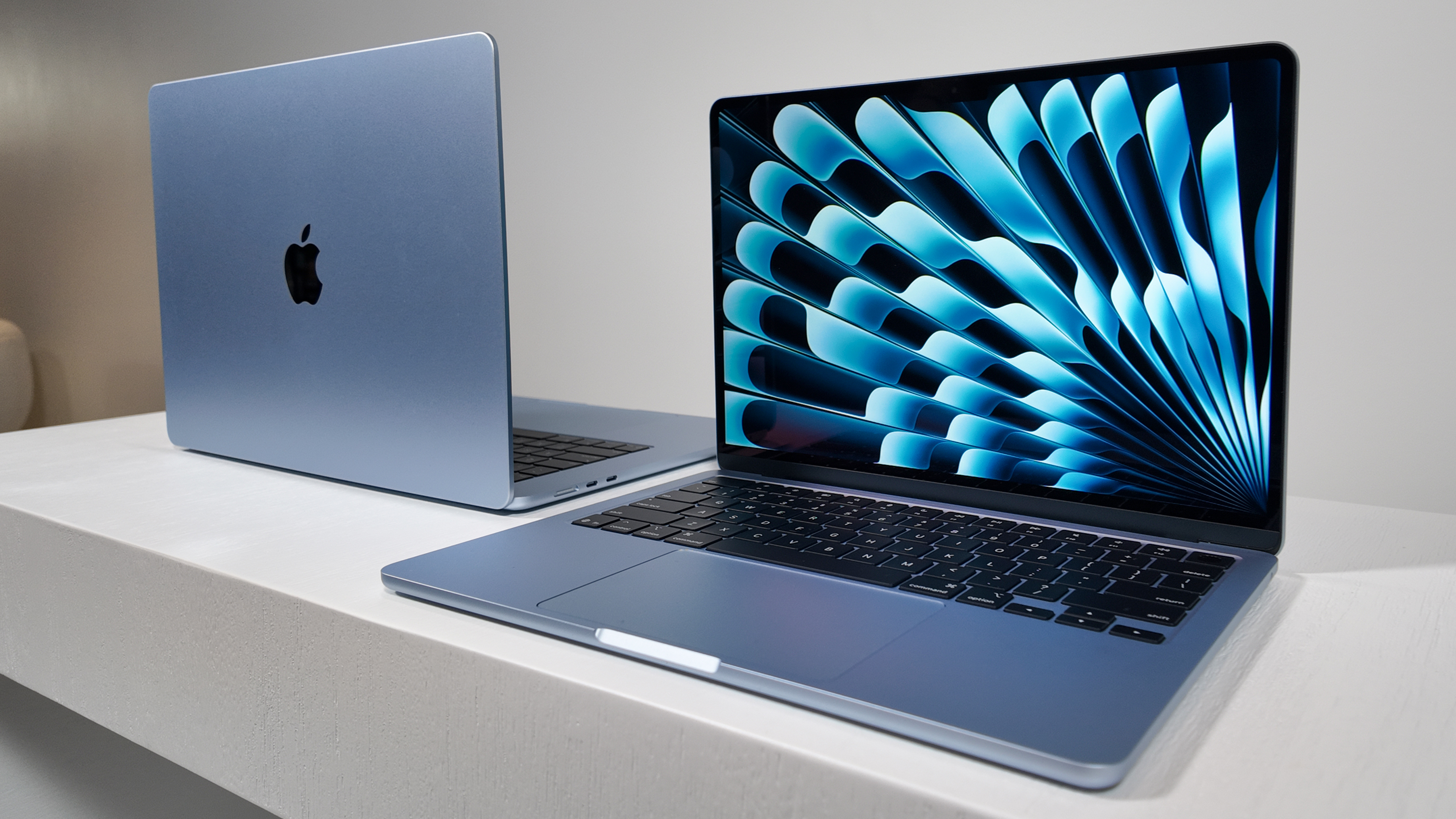
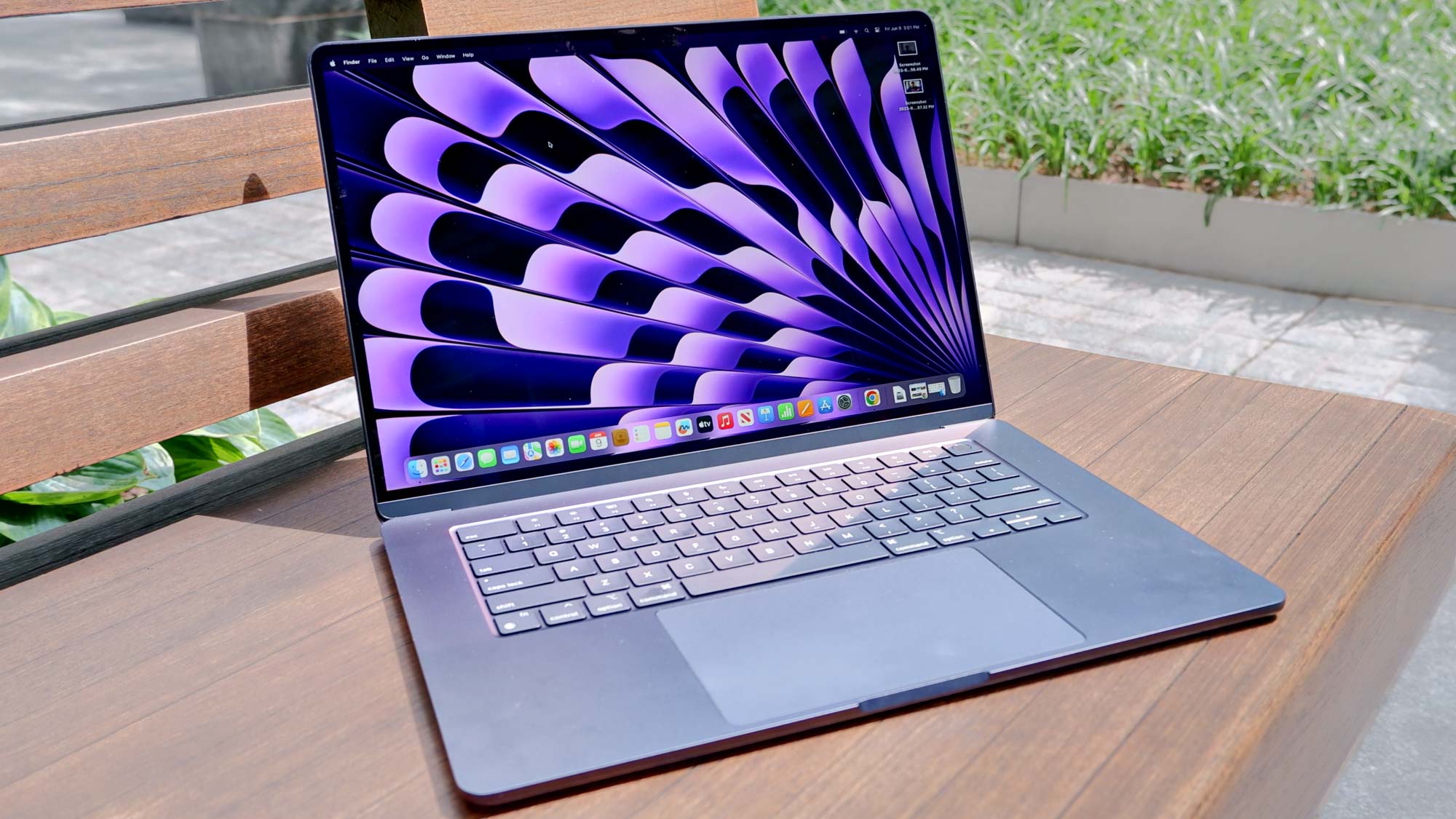
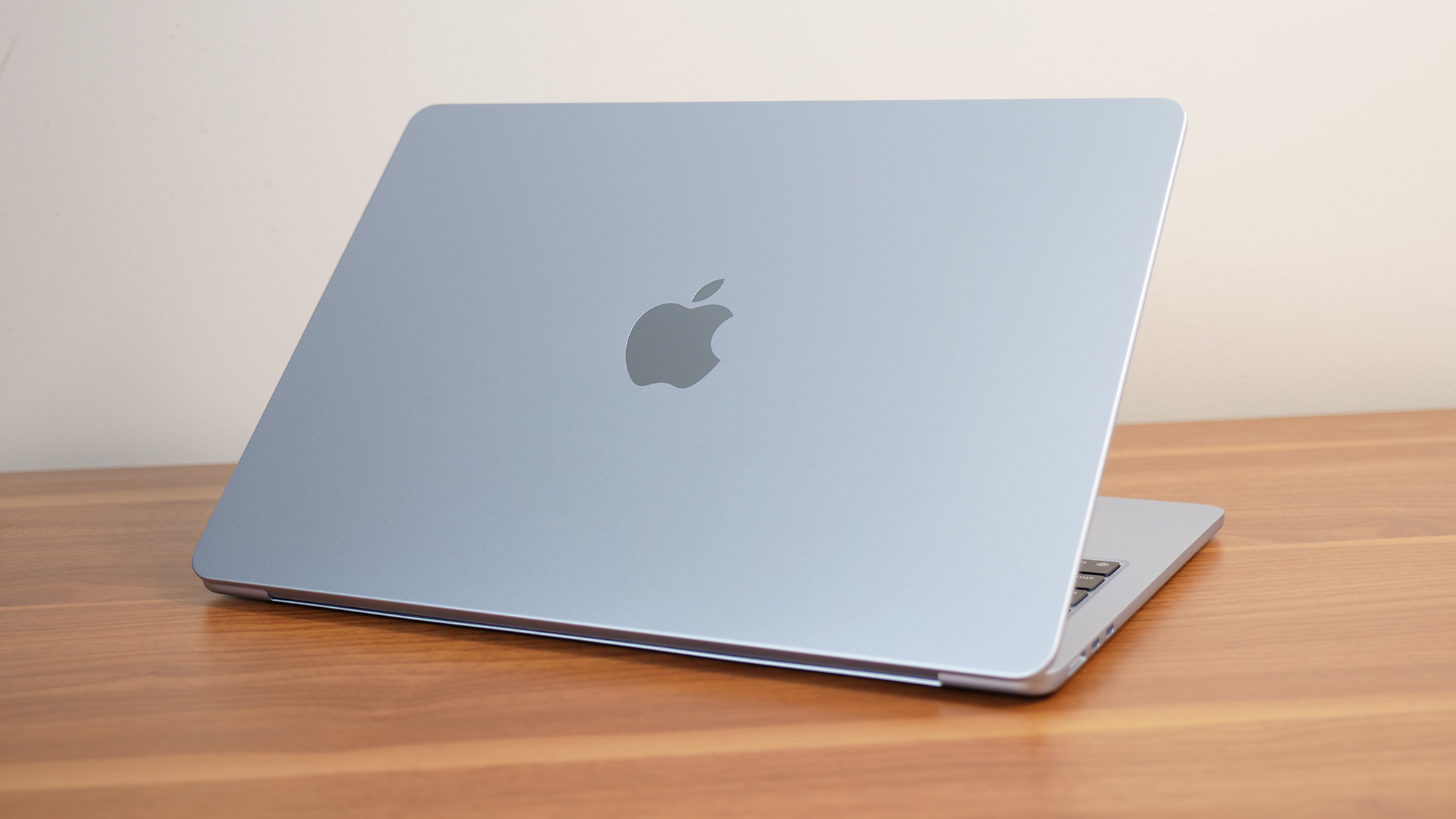
Assessing your MacBook Air’s value in 2026 requires a detailed look at its internal specifications—specifically the Apple Silicon chip generation (M1 through M5), unified memory (RAM), and storage capacity—alongside its physical condition and battery health. Current market rates range from approximately $250 for base-model M1 units to over $1,200 for high-spec M4 or M5 configurations in mint condition.
Determining the precise worth of a MacBook Air is no longer as simple as checking the release year. Since the transition to Apple Silicon was completed years ago, the secondary market has become more nuanced. Buyers and trade-in programs now prioritize "Apple Intelligence" compatibility, thermal efficiency, and battery longevity. Whether you are looking to sell your device privately, trade it in for a newer model, or purchase a used machine, understanding these valuation metrics is essential for a fair transaction.
The Primary Drivers of MacBook Air Resale Value
In 2026, the value of a MacBook Air is dictated by three primary hardware pillars: the processor generation, the unified memory capacity, and the SSD storage. While the thin-and-light chassis remains iconic, what is inside the shell determines whether the device is a relevant tool or a legacy machine.
The Apple Silicon Hierarchy (M1 to M5)
By 2026, the M1 MacBook Air (released in 2020) has reached its "vintage" entry point. While it remains a functional device for basic tasks, its value has stabilized at the floor of the market. Conversely, the M3 and M4 models retain significant value due to their enhanced neural engines and ray-tracing capabilities, which are required for modern AI-integrated software.
The M2 model occupies a middle ground; its redesigned chassis makes it more desirable than the M1, but its performance delta is less pronounced compared to the M3. When assessing value, an M3-equipped Air generally commands a 20-25% premium over an M2 with similar specs, while the latest M5 units (if available) hold nearly 80-85% of their original MSRP.
Memory (RAM) and the 8GB Threshold
Perhaps the most significant shift in 2026 valuation is the "RAM Penalty." For years, 8GB of unified memory was the standard base. However, with the evolution of macOS and resource-heavy applications, 8GB models now see a much faster depreciation rate. A MacBook Air with 16GB or 24GB of RAM is significantly more liquid on the secondary market and can fetch $150 to $200 more than an 8GB equivalent, regardless of the chip generation. Professionals and students now view 16GB as the functional minimum, making those configurations highly sought after.
Storage Capacity and SSD Health
Base models typically come with 256GB of storage. While cloud services have mitigated the need for massive local drives, 512GB and 1TB models still hold their value better. Furthermore, the "speed" of the storage matters; early 256GB M2 models were criticized for slower NAND speeds compared to the M1 or higher-capacity M2s. Informed buyers in 2026 check for these specific technical discrepancies, which can impact the final price by $50 to $70.
Evaluating Physical and Functional Condition
Beyond internal specs, the physical state of the MacBook Air is the most immediate factor in price negotiations. A "Mint" device can be priced at the top of the market range, while a "Fair" device may require a 30-40% discount.
Battery Health and Cycle Count
The lithium-polymer batteries in MacBook Airs are consumables. In 2026, a "healthy" battery is generally defined as having a maximum capacity above 85% with fewer than 400 cycles. You can verify this by navigating to System Settings > Battery > Battery Health. If the status shows "Service Recommended" or if the capacity has dropped below 80%, the value of the laptop must be reduced by the cost of a professional battery replacement (typically $159 at Apple Support).
Display Integrity and "Staingate"
While the "Staingate" issues of the Intel era are long gone, modern Liquid Retina displays are susceptible to pressure marks, dead pixels, and "stage lighting" (uneven backlighting). A screen with even a minor scratch or a permanent keyboard imprint (caused by carrying the laptop in a cramped bag) will immediately drop the value. In the 2026 market, display repairs are prohibitively expensive, often costing 50% of the device's total value, making screen condition a deal-breaker for many buyers.
Chassis and Keyboard Condition
Check for "dings" on the corners, which suggest the laptop has been dropped. Impact damage can lead to internal motherboard fractures that may not manifest immediately. Additionally, verify that all keys on the Magic Keyboard are responsive and that the trackpad's haptic feedback is functioning. Shiny, worn-down keycaps indicate heavy use, which—while purely cosmetic—often leads buyers to offer lower prices.
Market Value Comparison (Estimated 2026 Values)
The following table provides an estimated valuation for various MacBook Air configurations in 2026. These figures represent an average across major secondary markets like eBay, Swappa, and refurbished retailers.
| Model & Processor | Base Specs (RAM/SSD) | Trade-In Value (Good) | Private Sale (Mint) |
|---|---|---|---|
| MacBook Air M1 (13") | 8GB / 256GB | $175 - $225 | $275 - $325 |
| MacBook Air M2 (13") | 8GB / 256GB | $350 - $400 | $475 - $550 |
| MacBook Air M2 (15") | 16GB / 512GB | $500 - $550 | $675 - $750 |
| MacBook Air M3 (13") | 16GB / 512GB | $650 - $725 | $850 - $925 |
| MacBook Air M3 (15") | 24GB / 1TB | $800 - $875 | $1,050 - $1,150 |
| MacBook Air M4 (13") | 16GB / 512GB | $900 - $975 | $1,150 - $1,250 |
Note: Prices are subject to regional demand and seasonal fluctuations, such as the "Back to School" period or new model announcements.
Where to Assess and Sell: Finding the Best Value
The "value" of your MacBook Air is also determined by how you choose to liquidate it. There is a direct trade-off between convenience and profit.
- Apple Trade-In: This is the most convenient method. Apple provides a guaranteed credit toward a new purchase or an Apple Gift Card. However, their offers are notoriously conservative. Use the Apple Trade-In portal to get a baseline "floor" value for your device.
- Specialist Buy-Back Sites (e.g., Gazelle, Back Market): These services offer a middle ground. They generally pay more than Apple but less than a private buyer. They are ideal if you want a quick sale without the risk of scams associated with peer-to-peer marketplaces.
- Peer-to-Peer Marketplaces (e.g., Swappa, eBay): To maximize your return, selling directly to another user is the best route. On platforms like Swappa, you can see historical pricing data for your exact configuration. Be prepared to pay seller fees (typically 3-10%) and shipping costs.
- Local Sales (e.g., Facebook Marketplace, Craigslist): This method eliminates shipping and fee concerns but requires the most effort in terms of safety and communication. Prices here are often slightly lower than eBay because of the lack of buyer protections.
Technical Verification and Preparation
Before finalizing any assessment or sale, you must perform several technical steps to ensure the device is ready for its next owner and to protect your data.
- Check for MDM and iCloud Locks: A MacBook Air locked to an MDM (Mobile Device Management) profile from a corporation or school is virtually worthless to a private buyer. Ensure your device is "unsupervised" by checking System Settings > General > Profiles. Furthermore, you must sign out of "Find My Mac" and iCloud to disable the Activation Lock.
- Run Apple Diagnostics: Restart your Mac and hold the Power button (on Apple Silicon) until "Loading startup options" appears. Press Command-D to run diagnostics. A clean bill of health (Code: ADP000) can be used as proof of quality for a potential buyer.
- Physical Cleaning: A clean device sells for more. Use 70% isopropyl alcohol on the chassis and a dry microfiber cloth for the screen. Avoid getting moisture in the ports or under the keys.
- The Original Packaging: In 2026, having the original box, the color-matched MagSafe cable, and the original power adapter can add $30-$50 to the resale value, as it appeals to collectors and careful buyers.
Common Pitfalls in Assessing Value
Many sellers overvalue their devices based on "sentimental value" or what they originally paid. It is important to avoid these common mistakes:
- Ignoring Local Market Saturation: If you live in a tech hub where everyone upgrades annually, the local used market may be flooded, driving prices down.
- Overestimating Upgrades: While 2TB of storage was expensive at launch, the secondary market rarely pays "dollar-for-dollar" for high-end upgrades. You may only recover 30-40% of the original cost of those upgrades.
- Neglecting the "Butterfly" Stigma: Even though the MacBook Air hasn't used the problematic butterfly keyboard since 2019, some less-informed buyers still harbor hesitation about "older" MacBooks. Clearly stating that the device has the "Magic Keyboard" can help alleviate these concerns.
Frequently Asked Questions
Does having AppleCare+ increase the value of a MacBook Air?
Yes, significantly. If your MacBook Air has an active, transferable AppleCare+ plan, it acts as a massive insurance policy for the buyer. In 2026, a device with one year of remaining coverage can often command a premium of $100 or more, as it covers accidental damage that would otherwise be a total loss.
Is the 15-inch MacBook Air worth more than the 13-inch model?
Generally, yes. The 15-inch model originally retailed for a higher price and offers better speakers and a larger display. However, the 13-inch model remains the "gold standard" for portability. The 15-inch version typically maintains a $150–$200 lead over the 13-inch version when comparing identical chip and memory specs.
Should I repair a cracked screen before selling?
Usually, no. The cost of a screen replacement at an authorized service provider is often close to the total resale value of a used MacBook Air. You are better off selling the device "as-is" for parts or at a steep discount to someone who plans to use it with an external monitor.
How does the color of the MacBook Air affect its value?
In 2026, "Midnight" and "Space Gray" remain the most popular colors. "Starlight" and "Silver" have a steady but slightly smaller audience. While color rarely changes the price by more than $20, "Midnight" models with significant scuffing (which shows more easily on dark finishes) may sell slower than the more resilient "Silver" finish.
Will my MacBook Air lose value when the new macOS is announced?
Historically, Apple hardware sees a slight dip in value (roughly 5-10%) immediately following the WWDC announcement in June if the new macOS drops support for that specific model. By 2026, the M1 is the most at risk for losing support in upcoming macOS versions, which would cause its value to plummet.
Final Recommendation for 2026
To get the most accurate assessment of your MacBook Air value, start by pulling your full system report and checking your battery cycle count. Compare your specs against "Sold" listings on eBay rather than "Active" listings to see what people are actually paying. If your device is a base-model M1 or M2, a quick trade-in might be the most efficient path. However, if you own a high-spec M3 or M4 with 16GB+ of RAM, the private market is your best bet to recoup your investment. Always prioritize a safe, wiped device and clear communication to ensure a smooth transition.