Internet cookies are not inherently "bad" or malicious; they are small text files essential for modern web functionality, such as keeping you logged in or remembering your shopping cart. However, they can be problematic when used for intrusive cross-site tracking or if stolen by hackers to hijack your active web sessions.
To understand whether internet cookies are a threat to your digital life, it is necessary to look past the simplified warnings and examine how these files operate, who controls them, and how the technical landscape has shifted as of 2026. While the "death of the third-party cookie" has been a major talking point for years, the reality of web tracking and session management remains a complex balance between user convenience and data privacy.
What Are Internet Cookies and Why Do We Use Them?
An HTTP cookie (also known as a web cookie or browser cookie) is a small piece of data sent from a website and stored on the user's computer by the user's web browser while the user is browsing. Every time the user loads the website, the browser sends the cookie back to the server to notify the website of the user's previous activity.
The fundamental reason cookies exist is that the Hypertext Transfer Protocol (HTTP)—the foundation of any data exchange on the Web—is "stateless." This means that, by default, a web server does not remember who you are from one page load to the next. Without cookies, you would have to log in every time you clicked a new link on a social media site, and every time you added an item to a shopping cart, it would vanish the moment you navigated to a different product page.
The Technical Role of Cookies
Cookies serve three primary functions that are generally considered beneficial or "good":
- Session Management: This is the most common use. It allows websites to recognize users and remember their login information, preferences, and temporary data (like items in a cart).
- Personalization: Websites use cookies to remember user-specific settings. This includes themes (dark mode vs. light mode), language preferences, and localized content like weather or news.
- Analytics: First-party cookies allow site owners to see how many people are visiting their pages, which links are popular, and where users might be getting stuck. This data is crucial for improving the user experience.
Types of Cookies: Distinguishing Between Good and Bad
The question of whether cookies are "bad" often depends entirely on the type of cookie being used. Not all cookies are created equal, and their impact on your privacy varies significantly.
First-Party Cookies
These are created by the website you are currently visiting. Generally, first-party cookies are safe and necessary. They enable the site to function properly and provide the personalized experience users expect. Because the data is only shared between you and the site you intend to visit, the privacy risk is relatively low, provided the site itself is reputable.
Third-Party Cookies
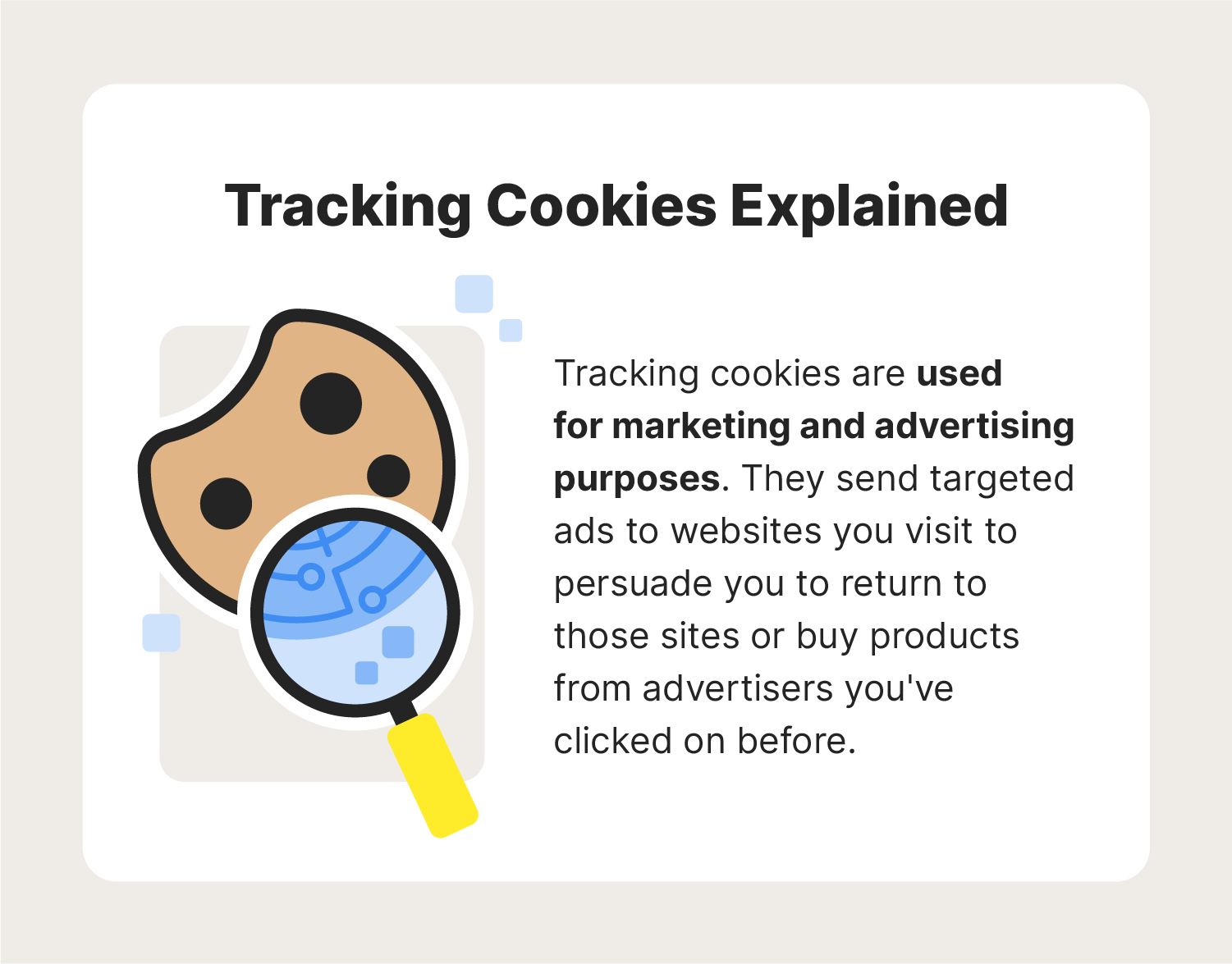
These are the cookies that have historically given the technology a "bad" reputation. Third-party cookies are placed on a website by a domain other than the one you are currently visiting. This usually happens via ads, scripts, or "Like" buttons. These cookies allow advertisers to track your browsing history across multiple different websites, building a deep profile of your interests, habits, and demographics. As of 2026, most major browsers have implemented significant restrictions or total blocks on third-party cookies, but tracking techniques have evolved to circumvent these blocks.
Session vs. Persistent Cookies
- Session Cookies: These are temporary. They are stored in your computer's memory and are deleted as soon as you close your web browser. They are used for tasks like maintaining your login during a single session.
- Persistent Cookies: These remain on your device for a pre-set period (anywhere from a few days to several years). They are used to remember your login information for your next visit or to track your behavior over time.
Malicious Variations: Zombie and Supercookies
The truly "bad" cookies are those designed to be difficult to remove.
- Zombie Cookies: These are stored outside the browser's standard cookie storage (for example, in the Flash or Silverlight storage areas). If you delete your browser cookies, a zombie cookie "re-spawns" the deleted cookie by copying its data back into the browser.
- Supercookies: These are not actually cookies in the traditional sense. They are often injected by Internet Service Providers (ISPs) at the network level (in the HTTP header). Because they are not stored on your device, you cannot delete them through your browser settings. They allow for persistent tracking regardless of your browser's privacy configurations.
The Security Risks: When Cookies Become a Liability
While most cookies are used for marketing or convenience, they can occasionally be exploited for malicious purposes. Understanding these risks is essential for maintaining a secure online presence in 2026.
Session Hijacking (Cookie Side-Jacking)
This is the most significant security threat related to cookies. When you log into a website, the server sends a "session cookie" to your browser. This cookie acts as your temporary ID card. If an attacker manages to steal this cookie—often through an unsecured Wi-Fi network or a cross-site scripting (XSS) attack—they can "impersonate" you on that website. They won't need your password; the stolen cookie tells the site that you are already authenticated. This can lead to unauthorized access to your email, social media, or even financial accounts.
Cross-Site Request Forgery (CSRF)
In a CSRF attack, a malicious website tricks your browser into performing an action on a different website where you are currently logged in. For example, if you are logged into your bank and you visit a malicious site, that site might use a script to send a "transfer funds" request to your bank's website. Because your browser automatically attaches your session cookies to requests made to the bank, the bank’s server might believe the request is legitimate. Modern web frameworks have largely mitigated this, but it remains a theoretical risk for poorly coded sites.
Data Profiling and Privacy Erosion
While not a "security" risk in the sense of a hack, the privacy risk of cookies is substantial. Over months and years, tracking cookies can help data brokers build a remarkably accurate "shadow profile" of an individual. This profile may include your political leanings, medical concerns, financial status, and geographic location. This data is often sold and traded without your explicit knowledge, leading to hyper-targeted advertising and potentially even discriminatory pricing or insurance adjustments.
Regulatory Landscape in 2026: Privacy Laws and the "Cookieless" Future
By 2026, the digital environment has moved toward a more privacy-centric model, largely driven by strict regulations and browser-level changes.
The General Data Protection Regulation (GDPR) in Europe and the California Consumer Privacy Act (CCPA) in the United States have set the standard for cookie consent. You likely notice "cookie banners" on almost every site. Legally, these banners must allow you to opt out of non-essential cookies (like tracking and marketing cookies) while still allowing the website to function.
Furthermore, the industry shift away from third-party cookies—led by Apple's Safari and Google's "Privacy Sandbox" initiatives—has forced advertisers to find new ways to track users. Technologies like the Topics API or First-Party Sets are designed to allow for relevant advertising without the granular, individual-level tracking that third-party cookies provided. However, these new systems also require scrutiny, as they can sometimes centralize data power within the browser itself.
Comparison of Cookie Profiles
| Cookie Type | Primary Purpose | Privacy Risk | Security Risk | Managed By |
|---|---|---|---|---|
| First-Party | Site Functionality | Low | Low | The website owner |
| Third-Party | Cross-site tracking | High | Moderate | Advertisers/Ad-tech |
| Session | Login/Authentication | Low | High (if stolen) | Browser/Server |
| Persistent | Remembering settings | Moderate | Moderate | Browser/Server |
| Zombie | Circumventing deletion | Very High | Low | Third-party scripts |
| Supercookie | Network-level tracking | Extreme | Low | ISP/Telecoms |
How to Manage and Secure Your Cookies
Protecting yourself from the "bad" aspects of cookies does not mean you have to disable them entirely. Disabling all cookies would break most of the websites you use daily. Instead, follow these best practices for effective cookie management.
1. Adjust Browser Privacy Settings
Most modern browsers (Chrome, Firefox, Safari, Edge, and Brave) offer granular control over cookies.
- Block Third-Party Cookies: This is the single most effective way to prevent cross-site tracking. In most browsers, you can find this under "Settings" > "Privacy and Security."
- Delete Cookies on Exit: You can configure your browser to wipe all cookies every time you close the application. This keeps your sessions clean but will require you to log back into websites each time you start browsing.
- Use "Incognito" or "Private" Mode: These modes do not save cookies between sessions. However, they do not hide your activity from your ISP or the websites you visit while the session is active.
2. Use Privacy-Focused Extensions
If you want more control than a standard browser provides, extensions like uBlock Origin or Privacy Badger can block trackers and malicious scripts that attempt to set cookies or fingerprint your device.
3. Clear Your Cookies Regularly
Even if you don't delete them on exit, it is a good habit to manually clear your browser's cache and cookies every few weeks. This clears out persistent trackers and can sometimes fix issues with websites not loading correctly.
4. Practice Good Security Hygiene
To prevent session hijacking:
- Avoid Public Wi-Fi for Sensitive Tasks: Use a VPN if you must access your bank or email on a public network.
- Look for HTTPS: Ensure the websites you visit use a secure, encrypted connection (the padlock icon in the address bar). This protects your cookies from being intercepted in transit.
- Use Multi-Factor Authentication (MFA): Even if a hacker steals your session cookie, MFA can provide an additional layer of defense for many types of account access.
Detailed FAQ
Can cookies carry viruses or malware?
No, cookies are plain text files; they are not executable programs. They cannot "run" on your computer, replicate themselves, or infect your system with a virus. However, they can be used to store data that aids malicious scripts, and they can be stolen by malware already present on your device to facilitate account takeovers.
Does clearing cookies delete my passwords?
Clearing cookies will log you out of most websites, but it will not delete your saved passwords if you use a browser-based or third-party password manager. You will simply need to click "Login" and have your password manager auto-fill the credentials the next time you visit a site.
Why do I keep seeing cookie banners even after I click "Accept"?
This usually happens if you are browsing in private mode, if your browser is set to delete cookies upon exit, or if you have an extension that automatically clears your history. Because the "Accept" preference is itself stored in a cookie, deleting that cookie makes the website think you are a new visitor who needs to see the banner again.
Are cookies the only way websites track me?
No. As cookies have become more regulated and easier to block, "browser fingerprinting" has become more common. This technique collects information about your browser version, screen resolution, installed fonts, and hardware to create a unique "fingerprint" of your device that doesn't require a text file to be stored on your computer.
Is it safe to "Accept All" cookies on a website?
It is generally safer to select "Reject All" or "Essential Only" if given the option. "Accepting All" usually grants permission for the site to share your browsing data with dozens or even hundreds of third-party advertising partners. While not "dangerous" in a security sense, it is detrimental to your privacy.
Practical Recommendation
To balance convenience with security in 2026, the best approach is to set your browser to block third-party cookies by default while allowing first-party cookies. Use a dedicated password manager to handle the frequent logins that come with a more restrictive cookie policy, and consider using a privacy-focused browser like Brave or Firefox with "Enhanced Tracking Protection" set to strict.
If you are concerned about your ISP tracking your movements via supercookies, using a reputable Virtual Private Network (VPN) is the most effective solution, as it encrypts your traffic and masks your identity from the network provider. By treating cookies as a tool to be managed rather than a threat to be feared, you can enjoy a functional, personalized web experience without sacrificing your privacy.