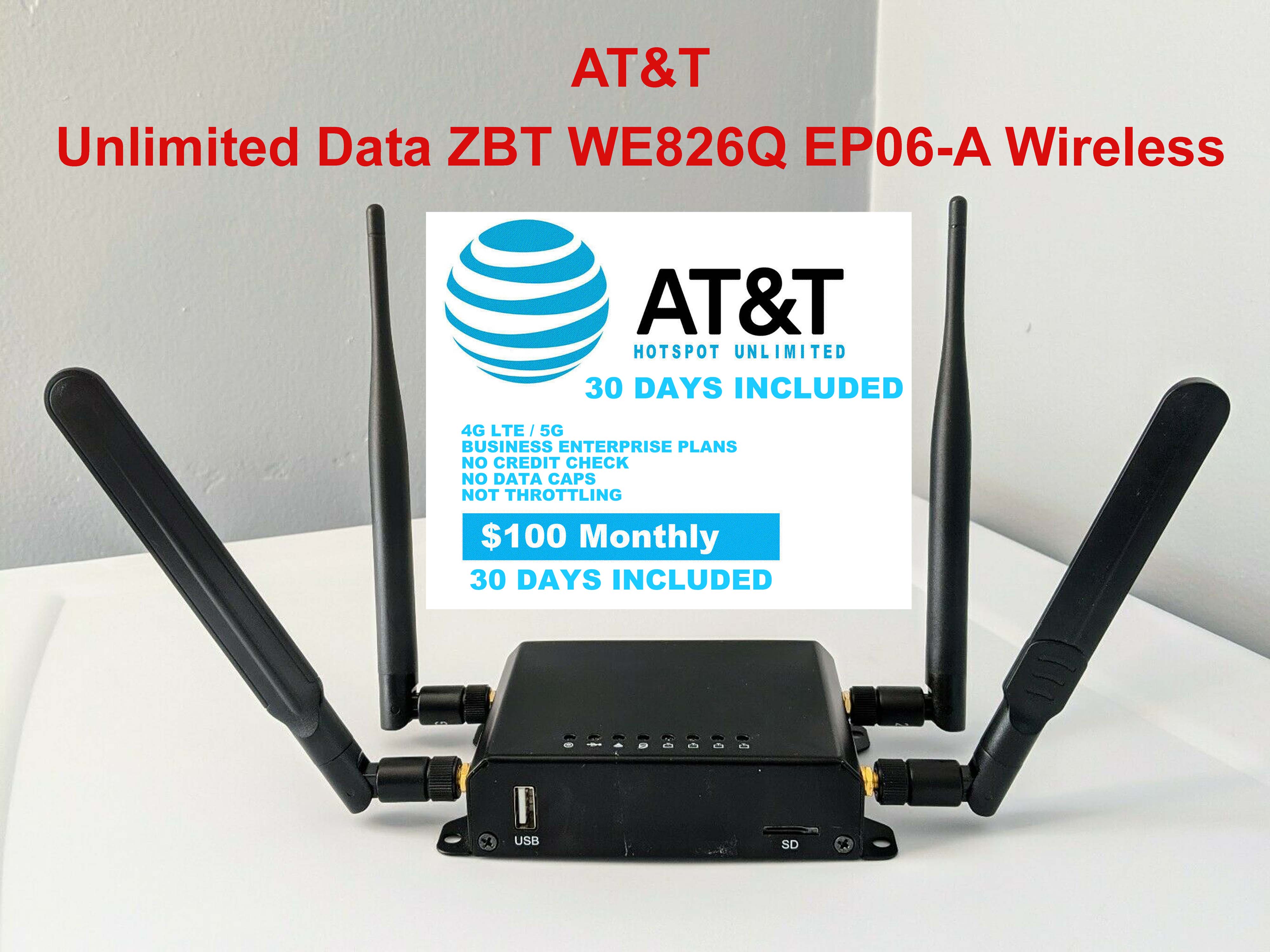
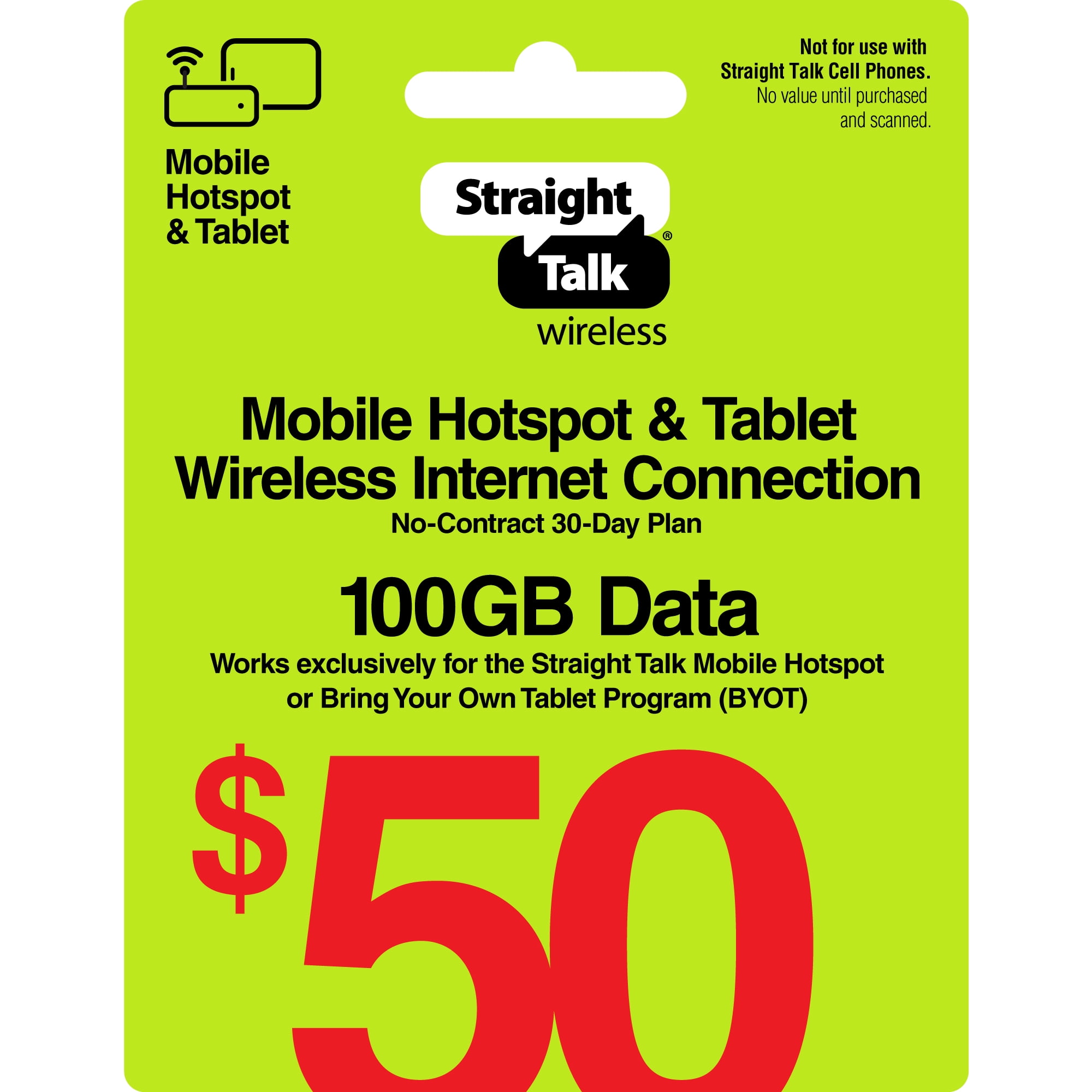
AT&T does not offer a standalone consumer mobile hotspot plan with truly unthrottled, unlimited high-speed data. Instead, AT&T provides plans with unlimited overall data that include specific high-speed mobile hotspot allocations—ranging up to 60 GB on premium smartphone plans and up to 100 GB on dedicated data plans—after which speeds are reduced to 128 kbps for the remainder of the billing cycle.
The Reality of AT&T "Unlimited" Hotspot Data
When searching for mobile hotspot plans with unlimited data, it is crucial to distinguish between unlimited on-device smartphone data and unlimited dedicated hotspot data. While major cellular carriers market "unlimited" wireless services, portable connectivity is subject to strict network management, speed caps, and hardware limitations.
AT&T handles mobile hotspot data (tethering) through two distinct service categories:
- Smartphone Tethering: Utilizing your mobile phone as a Wi-Fi hotspot to share its cellular network connection with laptops, tablets, or gaming devices.
- Dedicated Mobile Hotspots (MiFi/Routers): Using standalone cellular routers (such as Netgear Nighthawk devices) paired with dedicated data-only plans.
On consumer smartphone plans, AT&T allows unlimited data usage directly on the handset. However, the data shared via mobile hotspot features is capped at a pre-designated high-speed threshold each month. Once that threshold is crossed, the hotspot connection remains active ("unlimited" in terms of continuous connectivity), but transmission speeds are throttled down to 128 kilobits per second (kbps). This throttled rate is adequate for basic text messaging or light email, but it renders HD video streaming, video conferencing, and large file downloads impractical.
AT&T Smartphone Plans with Mobile Hotspot Allowances
For most individual consumers and families, accessing an AT&T mobile hotspot is performed directly through a 5G-capable smartphone. AT&T structures its primary consumer unlimited tier system around varying levels of premium on-device data, mobile hotspot allowances, and network prioritization.
1. AT&T Unlimited Premium PL
AT&T Unlimited Premium PL serves as the flagship consumer offering. It includes:
- High-Speed Hotspot Data: 60 GB of high-speed mobile hotspot data per line per month.
- On-Device Data: Unlimited high-speed data that is not subject to slowing based on your monthly consumption (no deprioritization threshold).
- Video Quality: 4K UHD video streaming capabilities when Smart Wi-Fi / Stream Saver is turned off.
- Post-Cap Speed: Once the 60 GB hotspot allotment is consumed, hotspot tethering speeds are reduced to 128 kbps until the next billing cycle begins.
2. AT&T Unlimited Extra EL
AT&T Unlimited Extra EL offers a middle-tier balance between monthly cost and hotspot utility. Key features include:
- High-Speed Hotspot Data: 30 GB of high-speed mobile hotspot data per line per month.
- On-Device Data: 75 GB of premium data. After 75 GB of total usage, on-device speeds may be temporarily slowed if the network is congested.
- Video Quality: Standard Definition (SD) streaming (480p).
- Post-Cap Speed: Hotspot speeds drop to 128 kbps after exhausting the 30 GB allocation.
3. AT&T Unlimited Starter SL
AT&T Unlimited Starter SL represents the base unlimited tier. It provides basic connectivity with modest hotspot access:
- High-Speed Hotspot Data: 5 GB of high-speed mobile hotspot data per line per month.
- On-Device Data: Standard data access that may be deprioritized at any time during periods of network congestion.
- Video Quality: Standard Definition (SD) streaming (480p).
- Post-Cap Speed: Hotspot tethering slows to 128 kbps upon exceeding 5 GB.
Standalone Mobile Hotspot Plans (DataConnect)
If you require internet access for a dedicated mobile hotspot device, cellular router, or tablet without linking it to a phone line, AT&T offers standalone data plans under the AT&T DataConnect umbrella.
These dedicated data-only plans operate on both 5G and 4G LTE networks. They are designed for hardware such as the Netgear Nighthawk M6 series, Franklin A50, or cellular-enabled laptops.
AT&T Dedicated Data Architecture:
- Cellular Tower (5G / 4G LTE)
- Dedicated Hotspot Hardware (Netgear Nighthawk / Franklin A50) - AT&T DataConnect Plan (Tiered: 15GB - 100GB)
- Laptop
- Tablet
- Throttle to 128 kbps if high-speed data cap is exceeded
DataConnect Tier Structure
- 15 GB Plan: Designed for light remote work, sporadic email access, and occasional web browsing.
- 50 GB Plan: Suitable for moderate users who need field connectivity for remote working sessions, document cloud syncing, and light web navigation.
- 100 GB Plan: AT&T's largest standard consumer data-only bucket, aimed at frequent travelers and digital nomads requiring sub-broadband backup links.
Postpaid vs. Prepaid DataConnect: AT&T provides both monthly postpaid billing and prepaid variants for DataConnect. On prepaid plans, once the high-speed data bucket is exhausted, internet access typically halts completely unless a data add-on package is purchased, whereas postpaid accounts transition to 128 kbps throttled speeds without automated overage charges.
AT&T Internet Air: Fixed Wireless vs. Portable Hotspots
A frequent point of confusion for consumers looking for "unlimited AT&T wireless internet" is the distinction between portable mobile hotspots and AT&T Internet Air.
- AT&T Internet Air is AT&T's 5G fixed wireless home internet service. It provides unlimited data with no hard data caps or overage fees for residential home use.
- Portability Restriction: Unlike a mobile hotspot, AT&T Internet Air relies on a specialized home gateway tied to a single registered residential address. The hardware contains location-verifying technology and cannot be plugged into an RV, vehicle, or carried to a hotel room as a traveling mobile hotspot.
- Use Case: If you need unlimited internet for a stationary household where wired fiber is unavailable, Internet Air is the correct solution. If you need mobile internet across multiple geographic locations, you must rely on smartphone tethering or DataConnect hotspot devices.
Comprehensive AT&T Hotspot Plan Comparison
The table below outlines current AT&T plans offering mobile hotspot functionality, detailing data allocations, speed behavior post-cap, and target deployment scenarios.
| Plan Name | Plan Type | High-Speed Hotspot Data | Post-Cap Hotspot Speed | Video Streaming Resolution | Ideal Use Case |
|---|---|---|---|---|---|
| Unlimited Premium PL | Smartphone (Postpaid) | 60 GB per line / month | 128 kbps continuous | Up to 4K UHD | Remote professionals, high-capacity mobile workers |
| Unlimited Extra EL | Smartphone (Postpaid) | 30 GB per line / month | 128 kbps continuous | Standard Definition (480p) | Moderate tethering, occasional laptop connectivity |
| Unlimited Starter SL | Smartphone (Postpaid) | 5 GB per line / month | 128 kbps continuous | Standard Definition (480p) | Emergency tethering, light tablet browsing |
| DataConnect 100 GB | Dedicated Device (Data-Only) | 100 GB per month | 128 kbps (Postpaid) / Hard Stop (Prepaid) | Dependent on application settings | Travel routers, dedicated MiFi devices, RV connection |
| DataConnect 50 GB | Dedicated Device (Data-Only) | 50 GB per month | 128 kbps (Postpaid) / Hard Stop (Prepaid) | Dependent on application settings | Secondary tablet data, mobile point-of-sale systems |
| DataConnect 15 GB | Dedicated Device (Data-Only) | 15 GB per month | 128 kbps (Postpaid) / Hard Stop (Prepaid) | Dependent on application settings | Emergency backup for data devices |
| AT&T Internet Air | Fixed Wireless (Home Gateway) | Unlimited (No Cap) | Full 5G network speeds | Up to 4K UHD | Stationary home broadband alternative (Not Portable) |
Technical Mechanics: Network Management, Deprioritization, and Throttling
Understanding how AT&T manages wireless bandwidth prevents unexpected service interruptions during mobile operations. AT&T employs two distinct mechanisms to manage network traffic: deprioritization and hard throttling.
Data Management Types:
- Deprioritization
- Conditional speed reduction
- Triggers only during congestion
- Normal speeds resume automatically
- Applies to on-device data on lower tiers
- Hard Throttling
- Strict enforced speed ceiling
- Triggers immediately after cap
- Constant 128 kbps until next cycle
- Applies to all hotspot tethering caps
1. Hard Throttling (Hotspot Data Caps)
Hard throttling is enforced directly on tethered data. When you reach the exact threshold of your hotspot allocation (e.g., 60 GB on Unlimited Premium PL), AT&T's Gateway GPRS Support Node (GGSN) and Packet Data Network Gateway (PGW) automatically reassign your session profile.
All traffic identified as tethered traffic via network packet inspection or dedicated Access Point Names (APNs) is strictly governed to a maximum throughput of 128 kbps (0.128 Mbps). This cap remains active regardless of how empty the local cell tower is, lasting until your monthly billing reset date.
2. Network Deprioritization
Deprioritization differs from hard throttling. It does not set a fixed speed ceiling. Instead, it changes your Quality of Service (QoS) Priority Identifier (QCI) on the cell network.
- QCI 7: Default priority for AT&T Premium PL on-device smartphone data.
- QCI 8: Standard priority for lower-tier unlimited plans or post-threshold data on Extra EL.
- QCI 9: Lowest priority, applied to heavy users on deprioritized tiers during network strain, or specific data-only tiers.
If a connected cell tower experiences heavy traffic, users on lower QCI tiers will experience slower latency and reduced download speeds until the congestion clears. Once network traffic subsides, speeds return to full capacity automatically.
Why Inserting Phone SIMs into Hotspot Devices Fails
A common attempt to bypass hotspot limits involves placing an "unlimited phone SIM card" directly into a dedicated mobile hotspot router (like a Netgear Nighthawk). AT&T prevents this through automated device identification:
- IMEI Identification: Every cellular device has a unique International Mobile Equipment Identity (IMEI) number. The first eight digits (the Type Allocation Code or TAC) identify the exact model and device type to the network.
- Automated Plan Auditing: When a SIM card registers on the network, AT&T's network automatically checks the hardware IMEI. If an IMEI designated as a "Mobile Router / Hotspot" is detected running on a "Smartphone Unlimited Plan," AT&T's automated provisioning system will:
- Suspend cellular data services on that SIM card until transferred back to a phone.
- Automatically re-provision the account to a corresponding DataConnect tier.
- Block internet routing by restricting access to phone-specific APN gateways (
NXTGENPHONEorENHANCEDPHONE) versus data-only APN gateways (BROADBAND).
Compatible Hardware for AT&T Hotspots
To achieve maximum network performance on AT&T’s 5G and 4G LTE networks, hardware choice is paramount. AT&T operates extensive wireless spectrum bands, including Low-Band 5G (n5), C-Band (n77 at 3.7 GHz), and DoD Spectrum (n77 at 3.45 GHz).
Dedicated Mobile Hotspot Devices
For power users, field technicians, and remote workers who require multi-device connectivity, external antenna ports, and Ethernet output, dedicated hardware offers major advantages over smartphone tethering:
- Netgear Nighthawk M6 (MR6150): Supports 5G Sub-6GHz connectivity, Wi-Fi 6 capabilities, and an integrated Gigabit Ethernet port for connecting to hardware routers or desktop computers.
- Netgear Nighthawk M6 Pro (MR6500): Adds support for 5G mmWave spectrum and Wi-Fi 6E (6 GHz band), providing high local wireless throughput for up to 32 simultaneous client devices.
- Franklin A50 5G Hotspot: A compact entry-level 5G mobile hotspot offering Wi-Fi 6 connectivity, basic admin controls, and light weight for travel accessibility.
Hardware Selection Guide:
- Dedicated Hotspot Routers
- Multiple internal/external antennas
- Ethernet LAN ports for wired networking
- Supports 32+ simultaneous Wi-Fi devices
- Dedicated thermal cooling management
- Smartphone Tethering
- No extra hardware purchase needed
- Highly portable for occasional use
- Drains phone battery rapidly during use
- Lacks external antenna ports (TS-9)
Smartphone Tethering Hardware Considerations
When using an iPhone or Android device for AT&T mobile hotspot connectivity:
- Thermal Management: Continuous tethering causes smartphones to generate substantial internal heat, which can lead to thermal throttling of both CPU speeds and charging rates.
- Wi-Fi Sharing vs. USB Tethering: USB tethering (connecting a phone directly to a PC via a USB cable) reduces latency, eliminates Wi-Fi congestion, and charges the phone simultaneously while transmitting data.
Practical Strategies to Conserve Hotspot Data
Because high-speed hotspot allotments on AT&T plans are capped, managing data usage is essential to extend productivity throughout the billing month.
1. Adjust Video Streaming Settings
Video content is the primary driver of rapid mobile data consumption. High Definition (1080p) video consumes roughly 3 GB of data per hour, while 4K video consumes up to 7 GB per hour.
- Enable AT&T Stream Saver via the MyAT&T management portal to compress video traffic to Standard Definition (480p), reducing consumption to approximately 700 MB per hour.
- Manually adjust stream quality in apps like YouTube, Netflix, or Zoom to 720p or 480p when operating on mobile data.
2. Configure OS Metered Connection Settings
Modern operating systems automatically perform background updates, cloud syncs, and media downloads when connected to Wi-Fi. Because a mobile hotspot presents itself as a standard Wi-Fi network, computers treat it as an unmetered connection by default.
- Windows: Go to Settings > Network & internet > Wi-Fi, select your mobile hotspot network, and toggle Set as metered connection to ON. This blocks background Windows updates and non-essential cloud syncs.
- macOS: Go to System Settings > Wi-Fi, click Details next to your hotspot network, and enable Low Data Mode. This turns off automatic software updates, Background App Refresh, and Photos syncing.
3. Disable Automatic Cloud Backups
Temporarily pause desktop synchronization agents such as OneDrive, Google Drive, Dropbox, and iCloud Photos while operating over mobile tethering. Large file changes can silently deplete a 30 GB or 60 GB hotspot allowance in hours.
Business Alternatives for High-Volume Mobile Hotspot Users
For corporate accounts, enterprise clients, and specialized field operations requiring extensive mobile data without consumer-tier limitations, standard consumer plans may prove insufficient. AT&T provides enterprise-focused alternatives:
AT&T Business Unlimited Elite
AT&T offers enterprise smartphone tiers that include increased dedicated hotspot limits:
- High-Speed Hotspot Allocation: Up to 200 GB of high-speed mobile hotspot data per line per month on top-tier business accounts.
- Priority Routing: Business lines operate on higher network priority classes (QCI 6 / QCI 7), maintaining reliable throughput in crowded commercial environments.
AT&T Business Wireless Broadband
For stationary field offices, construction trailers, or secondary branch failover links, AT&T provides dedicated Business Wireless Broadband plans. These data plans are tied to stationary cellular routers (such as Cradlepoint or Sierra Wireless units) and offer fixed speed-tier options (e.g., 25 Mbps, 50 Mbps, or 100 Mbps) with broad enterprise usage policies tailored for continuous commercial operation.
Frequently Asked Questions
Does AT&T offer a truly unlimited high-speed mobile hotspot plan?
No. AT&T does not offer an unthrottled, unlimited high-speed data plan for standalone mobile hotspots or smartphone tethering on consumer accounts. While data access remains continuous ("unlimited"), speeds drop to 128 kbps once you reach your plan’s high-speed cap (e.g., 60 GB on Unlimited Premium PL or 100 GB on DataConnect).
What happens after I use all my high-speed AT&T hotspot data?
On postpaid smartphone plans and postpaid DataConnect plans, your connection remains active, but transmission speeds are reduced to 128 kbps for the rest of your billing cycle. On prepaid DataConnect plans, internet access will halt completely until your next renewal date unless you purchase an additional data add-on.
Can I put an AT&T phone SIM card into a mobile hotspot router?
No. AT&T uses automated IMEI checking and APN enforcement. If the system detects a phone SIM card inside a dedicated mobile router or MiFi device, it will automatically block data routing or convert your plan tier, as dedicated hotspots require specific data-only plans.
Is AT&T Internet Air the same as a mobile hotspot?
No. AT&T Internet Air is a 5G fixed wireless home internet service intended for stationary residential use. While it provides unlimited data with no speed caps, the gateway is locked to your home service address and cannot be used while traveling or on the move.
How can I check how much hotspot data I have used this month?
You can track hotspot data usage by logging into the MyAT&T app or website and checking your account usage dashboard. Android users can also view tethering usage under Settings > Network & Internet > Mobile Hotspot, while iPhone users can check usage under Settings > Cellular > Personal Hotspot.
Final Recommendation & Next Steps
When selecting an AT&T hotspot solution, your choice depends primarily on your mobility requirements and monthly data consumption:
- For Remote Workers & Frequent Travelers: Choose AT&T Unlimited Premium PL. The included 60 GB per line of high-speed mobile hotspot data provides ample capacity for laptops and business apps without requiring a separate mobile hotspot device or second monthly bill.
- For High-Volume Standalone Hotspot Devices: Select a DataConnect 100 GB plan paired with a 5G-capable mobile router like the Netgear Nighthawk M6. This provides dedicated hardware performance, external antenna capability, and LAN networking for multiple devices.
- For Home Internet Needs: Verify eligibility for AT&T Internet Air. If available at your residence, it delivers true unlimited wireless internet without the high-speed data caps imposed on portable mobile hotspots.
Next Action: Log into your MyAT&T account portal to evaluate your current plan’s hotspot allowance, or check local eligibility for AT&T Internet Air if seeking a primary home internet replacement.