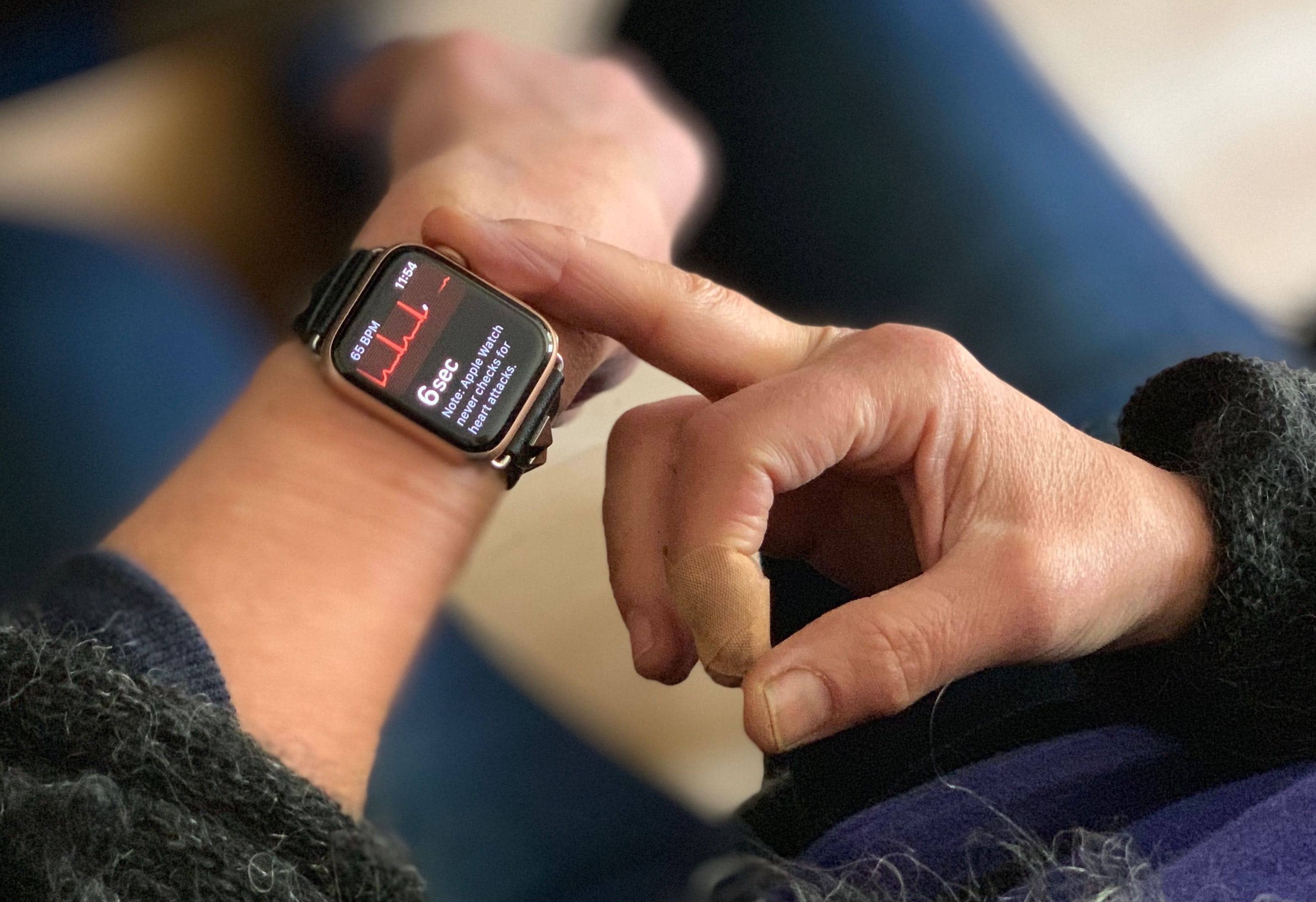
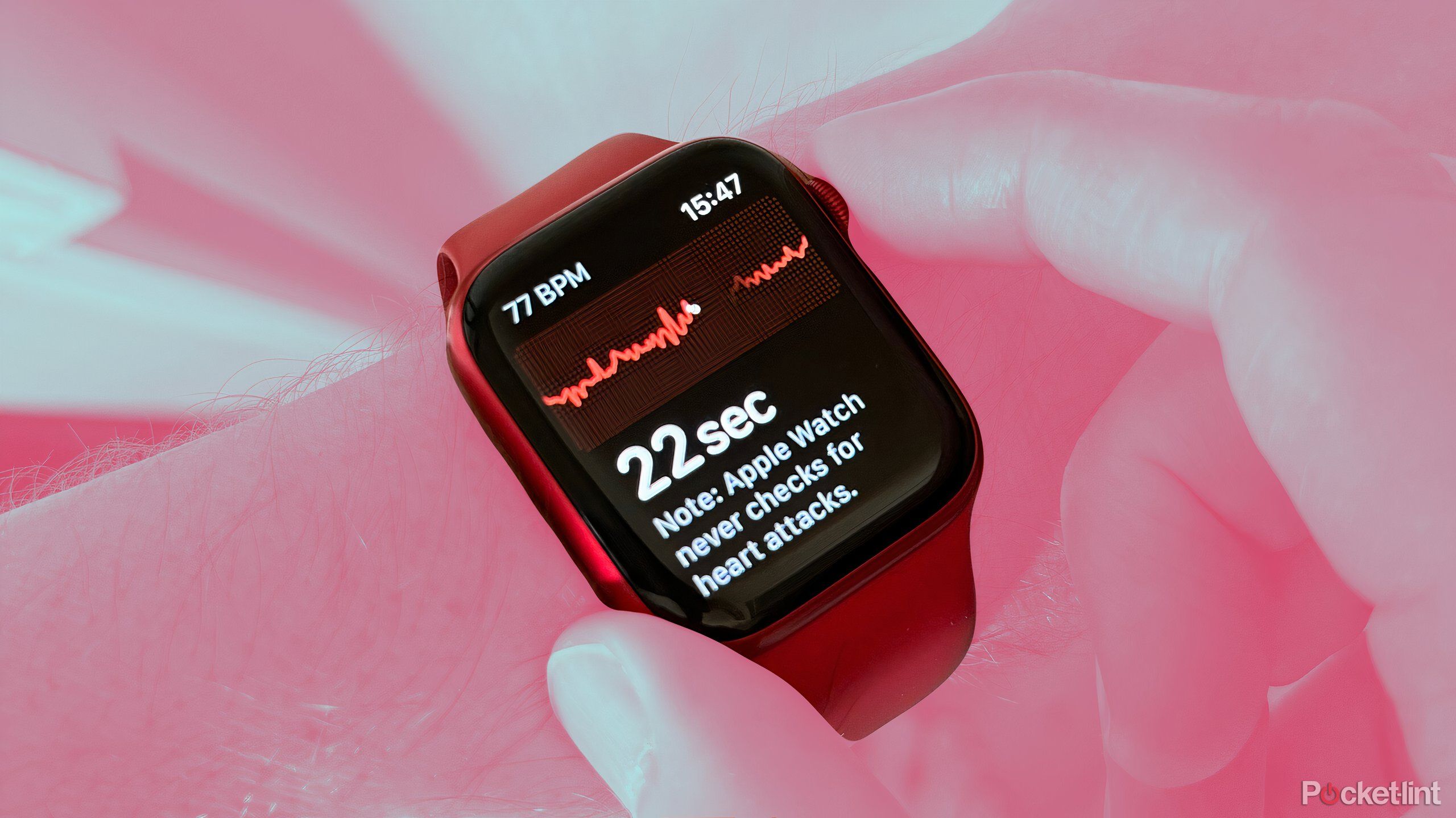
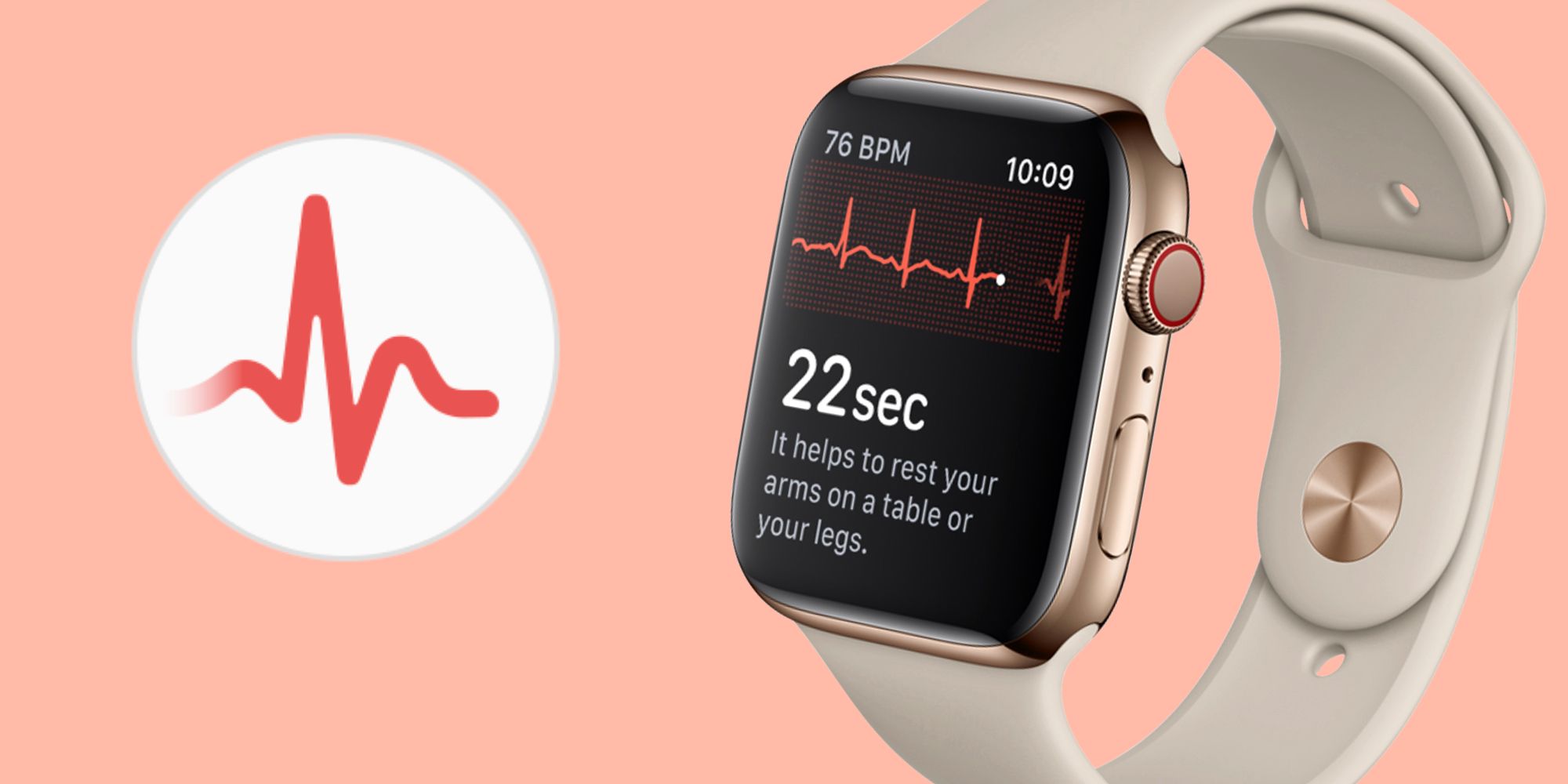
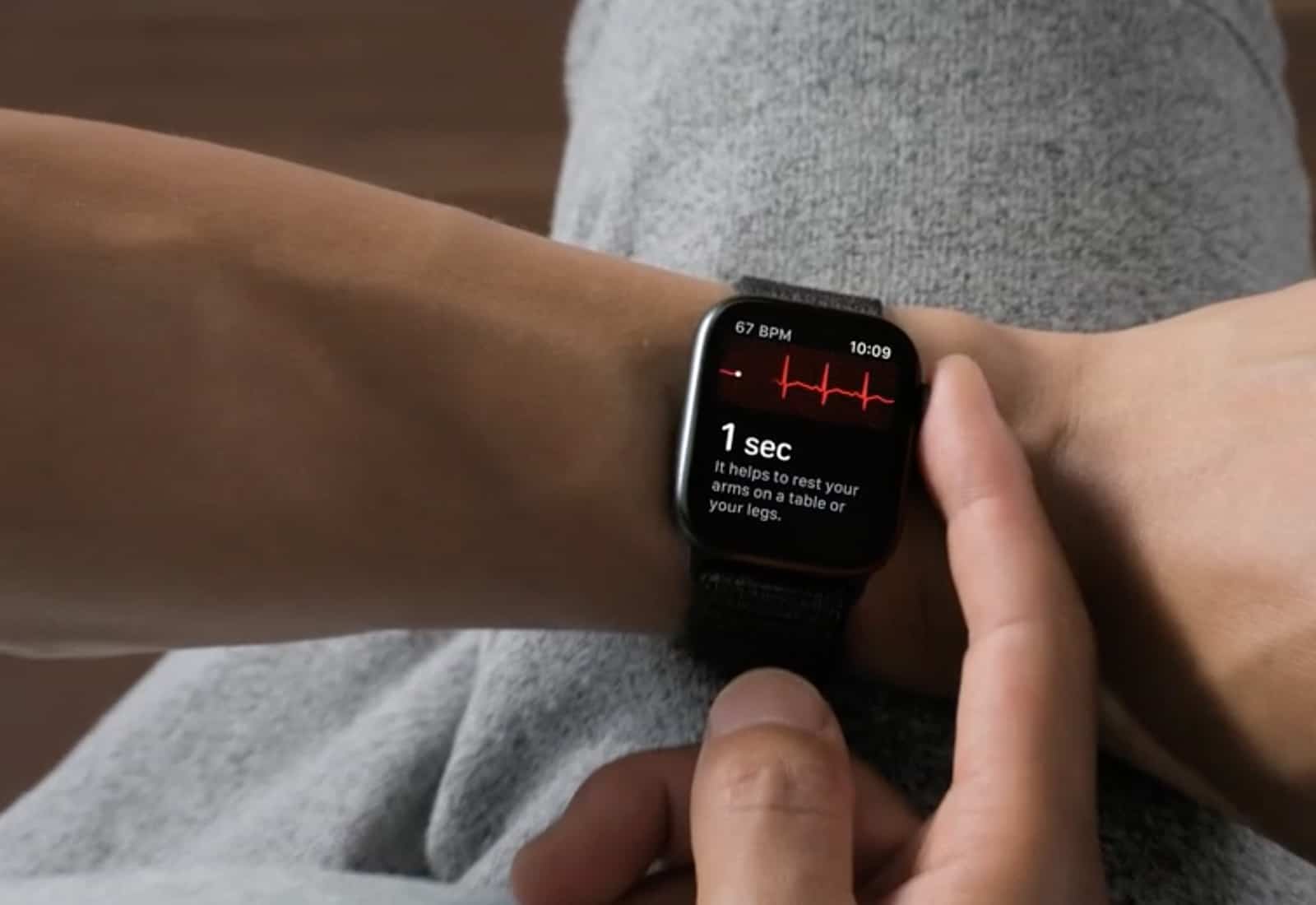
As of 2026, the ECG (electrocardiogram) feature is available on Apple Watch Series 4, 5, 6, 7, 8, 9, and 10, as well as the Apple Watch Ultra and Ultra 2. This medical-grade sensor allows users to take a single-lead electrocardiogram directly from their wrist, though it remains absent from the budget-friendly Apple Watch SE series.
The Evolution of Cardiac Monitoring on the Wrist
When Apple introduced the Series 4 in 2018, it marked a significant pivot for the Apple Watch from a general fitness tracker to a regulated health device. The inclusion of an electrical heart sensor—distinct from the green LED optical heart sensors used for standard heart rate tracking—allowed the device to perform a task previously reserved for clinical environments: recording the electrical activity of the heart.
By 2026, this technology has matured significantly. While the hardware concept remains similar across generations, the software algorithms (Version 1 and Version 2) have improved the device's ability to classify results and operate at higher heart rates. Understanding which models support this feature is essential for users who prioritize cardiovascular health monitoring, particularly those looking to detect signs of Atrial Fibrillation (AFib).
Comprehensive List of Apple Watch Models with ECG
The ECG feature requires specific hardware—an electrode in the Digital Crown and a titanium or chromium silicon carbon nitride layer on the back crystal. Because this hardware is more expensive to manufacture, Apple has reserved it for its "standard" and "pro" lineups, excluding the SE models.
The Mainstream Series
- Apple Watch Series 10 (2024/2025): The current flagship features the most refined electrical heart sensor, offering rapid readings and integration with the latest health features.
- Apple Watch Series 9: Includes the second-generation ECG app algorithm, capable of checking for AFib even when the heart rate is between 100 and 150 beats per minute.
- Apple Watch Series 7 and 8: These models introduced larger displays, making the ECG waveform easier to view in real-time on the wrist.
- Apple Watch Series 4, 5, and 6: These are the legacy devices that first introduced the technology. While older, they still provide the same fundamental Lead I ECG functionality as the newer models, provided they are updated to the latest watchOS.
The Ultra Series
- Apple Watch Ultra 2: Designed for rugged environments, the Ultra 2 includes the ECG app as a standard feature, housed in its durable titanium casing.
- Apple Watch Ultra (Original): Like its successor, the original Ultra includes the full suite of cardiac sensors, including the electrical heart sensor for ECGs.
Models Without ECG Support
It is important to note that the Apple Watch SE (all generations) and Apple Watch Series 3 or earlier do not include the ECG app. While these watches can monitor your heart rate using optical sensors and send notifications for high or low heart rates, they lack the electrical hardware necessary to record an actual electrocardiogram.
How the ECG Hardware Works
The ECG app on compatible Apple Watches works by creating a closed circuit across the user's body. The back of the watch serves as one electrode, touching the skin of the wrist, while the Digital Crown serves as the second electrode.
When you place your finger on the Digital Crown, the device measures the electrical signals that cause your heart to beat. This is technically known as a Lead I ECG. In a clinical setting, a standard ECG (or EKG) typically uses 12 leads placed across the chest and limbs to provide a multi-dimensional view of the heart's electrical activity. While a single-lead watch ECG cannot provide the same level of detail as a 12-lead hospital machine, it is highly effective at identifying the irregular rhythms associated with AFib.
The data is processed by the Apple Watch's S-series chip and then synced to the Health app on the paired iPhone. From there, users can export a PDF of their waveform to share with a physician, providing a "snapshot" of their heart rhythm during moments when they might be feeling symptoms like palpitations or a racing heart.
Requirements and Prerequisites for Use
Simply owning a compatible watch does not automatically enable the ECG feature. There are several software and regulatory hurdles that must be cleared:
- Age Requirement: The ECG app is specifically intended for use by people aged 22 or older. The algorithms were not designed for the faster heart rates and different cardiac profiles of children or adolescents.
- Regional Availability: Because the ECG app is a medical device, it requires clearance from local health authorities (such as the FDA in the United States or the CE marking in Europe). As of 2026, the app is available in over 100 countries, but users should check Apple's official feature availability list if they are traveling or purchasing a watch abroad.
- Software Pairing: The watch must be paired with an iPhone running a compatible version of iOS. You cannot set up or view detailed ECG reports using an iPad or a Mac.
- Device Setup: The feature must be "on-boarded" through the Health app on the iPhone. During this process, you will be asked for your date of birth and provided with education on what the app can and cannot detect.
Understanding ECG Results and Classifications
After a 30-second recording, the Apple Watch will provide one of four primary classifications. Understanding these is critical for proper health management.
Sinus Rhythm
A sinus rhythm result means the heart is beating in a uniform pattern between 50 and 100 beats per minute (BPM). This indicates that the upper and lower chambers of the heart are beating in sync. It is important to remember that a sinus rhythm result does not guarantee the absence of heart disease; it only refers to that specific 30-second window.
Atrial Fibrillation (AFib)
This result means the heart is beating in an irregular pattern. AFib is a common form of serious heart arrhythmia where the upper chambers of the heart beat out of sync with the lower chambers. If you receive an AFib classification and have never been diagnosed with heart rhythm issues, you should consult a healthcare provider.
Low or High Heart Rate
If your heart rate is below 50 BPM or above 150 BPM (with the Version 2 algorithm), the app cannot accurately check for AFib. In these cases, the result is classified as "Low or High Heart Rate." This can happen due to intense exercise, stress, alcohol consumption, or underlying conditions like bradycardia or tachycardia.
Inconclusive
An inconclusive result can occur for many reasons. If you move too much during the test, if the watch is too loose on your wrist, or if you have a heart condition that the app is not designed to recognize, the reading will fail. Common causes include "poor recordings" due to moisture or electrical interference from other nearby devices.
Comparison of Cardiac Features by Model (2026)
| Feature | Series 4–6 | Series 7–10 | Ultra 1 / 2 | SE (All Gen) |
|---|---|---|---|---|
| ECG App | Yes | Yes | Yes | No |
| High/Low HR Alerts | Yes | Yes | Yes | Yes |
| Irregular Rhythm Notifications | Yes | Yes | Yes | Yes |
| Blood Oxygen (SPO2) | Series 6 Only | Yes* | Yes* | No |
| Temp. Sensing | No | Series 8-10 Only | Yes | No |
| Algorithm Version | V1 / V2 | V2 | V2 | N/A |
*Note: Blood Oxygen features on newer models in the U.S. may be subject to ongoing legal/patent restrictions depending on the specific manufacturing date and software version.
Practical Limitations and Medical Cautions
While the Apple Watch is a powerful tool, it has distinct limitations that users must understand to avoid a false sense of security.
- Not a Heart Attack Detector: The Apple Watch cannot detect a myocardial infarction (heart attack). If you experience chest pain, pressure, or shortness of breath, you should contact emergency services immediately, regardless of what your watch says.
- Stroke and Blood Clots: While the watch looks for AFib (which can lead to strokes), it cannot directly detect blood clots or the onset of a stroke.
- Lead Limitations: Because it is a single-lead ECG, it cannot detect various other heart conditions, such as structural heart disease or certain types of arrhythmias that require a multi-lead clinical setup.
- Professional Advice Limitation: This device provides data for informational purposes. It is not a replacement for regular check-ups or professional diagnosis. Never change your medication or health regimen based on a watch reading without consulting a doctor.
Troubleshooting Common ECG Issues
If you are having trouble getting a clean reading on your Series 4 through Series 10 or Ultra, consider the following technical adjustments:
- Wrist Placement: Ensure the watch is snug on the wrist you selected in your settings. If the watch is too loose, the electrical circuit will be broken, leading to an "Inconclusive" result.
- Cleanliness: Sweat, oils, and lotions can interfere with the electrodes. Clean the back of the watch and your wrist with a damp, lint-free cloth before taking a reading.
- Arm Stability: Rest your arms on a table or in your lap while taking the recording. Even slight muscle tremors can be interpreted as electrical noise by the sensitive sensors.
- Interference: Move away from electronics that are plugged into a wall outlet. Large appliances or charging cables can sometimes create "noise" that disrupts the low-voltage signal from your heart.
Frequently Asked Questions
Does the Apple Watch SE have ECG?
No, the Apple Watch SE (1st, 2nd, and 3rd generations) does not include the electrical heart sensor required for the ECG app. It can monitor your heart rate and notify you of irregular rhythms using optical sensors, but it cannot perform an electrocardiogram.
Is the Apple Watch ECG as accurate as a hospital EKG?
The Apple Watch is highly accurate at detecting Atrial Fibrillation compared to a gold-standard 12-lead ECG, often showing over 98% sensitivity in clinical trials. However, it is only a single-lead (Lead I) device, meaning it only looks at the heart from one angle, whereas a hospital EKG looks at it from twelve.
Can I share my ECG results with my doctor?
Yes. Every ECG you take is stored in the Health app on your iPhone. You can navigate to the "Heart" section, select "Electrocardiograms," and tap on a specific result to "Export a PDF for Your Doctor." This PDF includes the waveform, heart rate, and classification.
Do I have to pay a subscription for the ECG feature?
No, the ECG feature is a built-in health function of the hardware. Once you purchase a compatible Apple Watch model, there are no additional monthly fees or subscriptions required to use the ECG app or view your data.
Can the Apple Watch detect heart attacks?
No. The Apple Watch ECG app is designed to check for AFib and sinus rhythm. It cannot detect a heart attack. If you are experiencing symptoms of a heart attack, such as chest pain or radiating pain in the arm/jaw, seek emergency medical attention immediately.
Recommendation for Buyers
If you are choosing an Apple Watch in 2026 specifically for heart health monitoring, the Apple Watch Series 10 offers the best balance of modern sensor technology and value. For those who require extreme battery life and durability, the Ultra 2 is the superior choice. If you are on a budget but still require the ECG feature, a refurbished Series 7 or Series 8 remains a highly viable option, as these models support the latest software algorithms and provide the same fundamental cardiac data as the newest releases. Avoid the SE series if the ECG function is a non-negotiable requirement for your health tracking.