Airtel network problems often arise from localized outages, incorrect Access Point Name (APN) configurations, or physical SIM card degradation. Most connectivity issues are resolvable by toggling Airplane Mode, restarting your smartphone, or performing a network settings reset. Persistent failures may require verifying 5G coverage maps or contacting Airtel customer service for profile reactivation.
Connectivity issues can be a significant hurdle in an era where seamless communication and high-speed data are essential for both professional and personal tasks. Whether you are facing "No Service" errors, fluctuating 5G signals, or sluggish data speeds, understanding the root cause is the first step toward a resolution. As we navigate the telecommunications landscape of 2026, the complexity of network infrastructure—combining 4G LTE, 5G Standalone (SA), and Non-Standalone (NSA) architectures—means that troubleshooting requires a more nuanced approach than in previous years.
Categorizing Common Airtel Network Problems
Before diving into solutions, it is vital to identify exactly what kind of network problem you are experiencing. Airtel users typically encounter three distinct categories of issues:
1. Total Signal Loss (No Service/Emergency Calls Only)
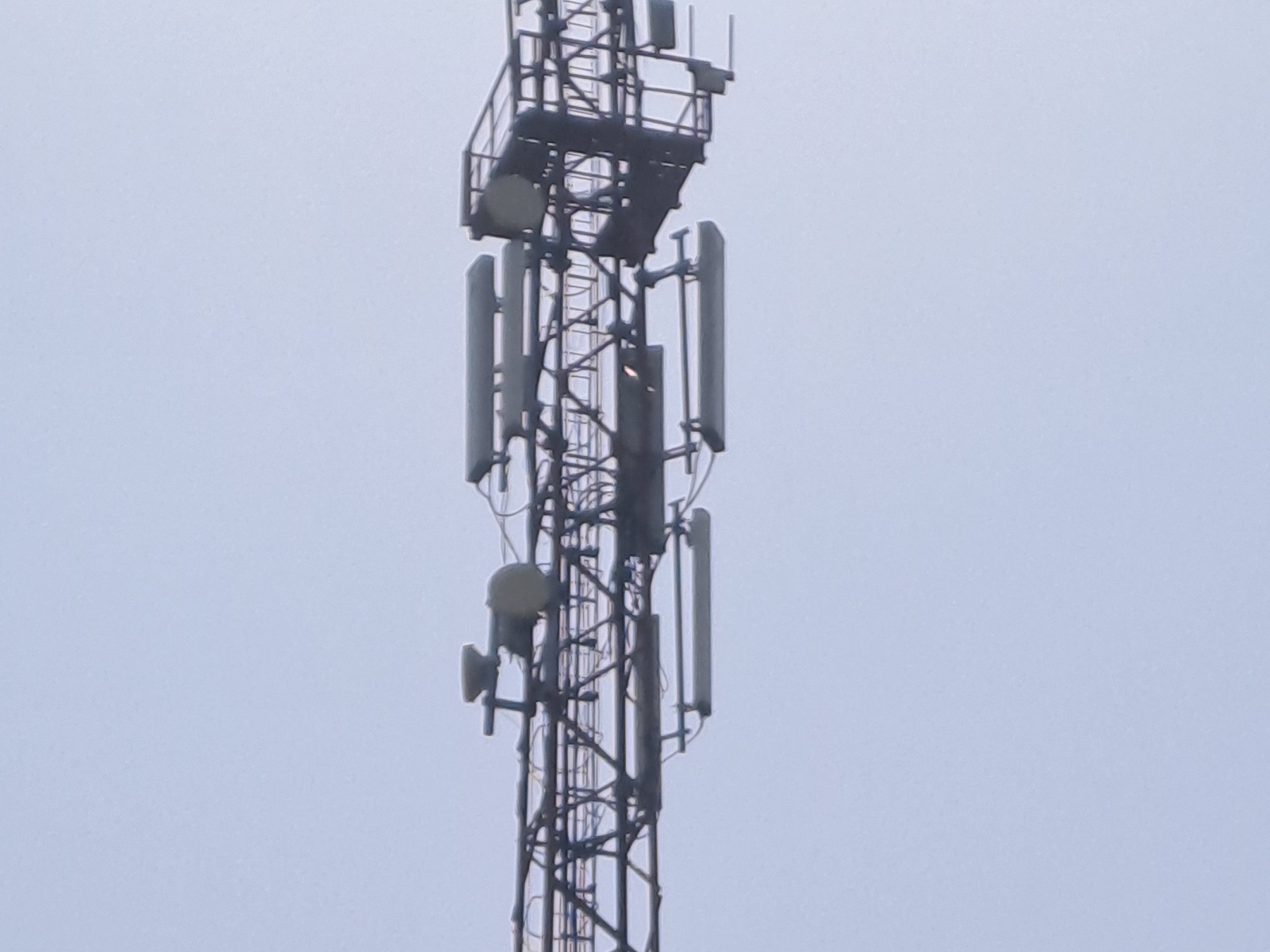
This is the most severe form of network disruption. It indicates that your device is unable to establish a handshake with the nearest Airtel cellular tower (eNodeB for 4G or gNodeB for 5G). This can be caused by being in a "dead zone," hardware failure of the SIM card, or a widespread regional outage.
2. Degraded Data Performance
In this scenario, your phone shows signal bars, but the internet is either non-functional or extremely slow. This often points toward network congestion, throttling after reaching data caps, or incorrect Access Point Name (APN) settings that prevent data packets from routing correctly through Airtel’s core network.
3. Voice Call Failures
Call drops or the inability to initiate VoLTE (Voice over LTE) or VoNR (Voice over New Radio/5G) calls are specific to the voice layer of the network. These issues are frequently linked to software bugs in the device's modem firmware or temporary imbalances in the local cell site’s capacity.
Initial Troubleshooting: The "Quick Fix" Protocol
Before moving to advanced technical configurations, every user should perform these standard steps. They resolve approximately 70% of transient Airtel network problems by refreshing the device's connection to the local exchange.
Toggling Airplane Mode
When you enable and then disable Airplane Mode, you force the device’s radio frequency (RF) transceiver to power down and restart. This action clears the temporary cache of the connection and forces a fresh search for the strongest available tower. In 2026, where 5G cells are more densely packed, this can help the phone "handover" from a congested distant tower to a closer, more efficient one.
The Power Cycle (Restart)
A full restart of your smartphone does more than just refresh the OS. It reinitializes the SIM toolkit and the baseband processor. This is particularly effective if the network problem started after a long period of uptime or after moving between different geographic regions (roaming).
Physical SIM Inspection and Cleaning
If you are using a physical SIM card rather than an eSIM, hardware wear is a factor. Over time, the copper contacts on a SIM card can oxidize or accumulate microscopic dust. Remove the SIM tray, wipe the card gently with a dry microfiber cloth, and re-insert it. Ensure the tray is flush with the device body, as even a millimeter of misalignment can cause intermittent "SIM Not Detected" errors.
Advanced Network Configuration and APN Settings
If the basic steps fail, the problem likely resides in how your device communicates with Airtel's gateway. This involves the Access Point Name (APN), which serves as the "address" for your phone to access the internet via the Airtel network.
Correct 2026 Airtel APN Settings
For the best performance on both 4G and 5G, your settings should match the official Airtel configurations. While these are usually pushed automatically via SMS, manual entry is sometimes necessary after a software update.
- Navigate to Settings > Mobile Network > Select Airtel SIM.
- Tap on Access Point Names.
- Create a "New APN" or edit the existing one with these details:
- Name: Airtel Internet
- APN: airtelgprs.com
- Proxy/Port: Not Set
- Username/Password: Not Set
- Server: www.google.com (optional, helps with ping)
- MCC/MNC: Keep default (These identify your region)
- Authentication Type: PAP or CHAP
- APN Type: default,supl
- APN Protocol: IPv4/IPv6
- Bearer: Unspecified (or select all options for maximum compatibility)
After saving these settings, restart your device to ensure the new profile is active. Using the IPv4/IPv6 dual protocol is essential in 2026 to ensure compatibility with modern web standards and Airtel's updated core architecture.
Understanding Environmental and Infrastructure Factors
Sometimes, the "Airtel network problem" isn't a fault of the device or the settings, but rather the physics of radio waves.
Signal Attenuation and Building Materials
High-frequency 5G signals (especially mmWave) struggle to penetrate dense materials like reinforced concrete, low-E glass, and metal roofing. If you notice that your signal drops significantly the moment you step indoors, the issue is likely attenuation. In these cases, utilizing Wi-Fi Calling (VoWiFi) is the most effective solution. This feature allows your phone to route voice calls and texts through your home or office internet connection while using your Airtel number.
Network Congestion in Urban Hubs
In high-density areas like stadiums, shopping malls, or transit hubs, thousands of devices may be competing for the same bandwidth on a single cell tower. Even if you have "Full Bars," the throughput may be negligible. Airtel manages this through load balancing, but during peak hours, users on lower-priority data plans may experience temporary slowdowns. Checking your current plan status via the Airtel Thanks App can confirm if you are being throttled due to data exhaustion.
Resolving 5G-Specific Connectivity Issues
As of 2026, Airtel has transitioned much of its urban infrastructure to 5G Standalone (SA). However, some older "5G Ready" phones might still struggle with the handover between 4G and 5G.
Forced Network Selection
If your phone keeps "hunting" between 4G and 5G, it can cause battery drain and dropped connections. If 5G in your area is unstable, it is often better to lock the device to 4G LTE for a more consistent experience.
- Go to Settings > Mobile Network > Preferred Network Type.
- Select 4G/3G/2G (Auto) if 5G is failing to maintain a stable stream.
Software and Firmware Updates
The modem firmware is responsible for how your phone interprets the signal from the tower. Manufacturers frequently release "Network Patches" to improve compatibility with specific carrier frequencies. Ensure your device is running the latest version of its operating system. You can check for these updates at the official Airtel support page or via your phone's system settings.
Summary of Common Airtel Network Problems and Solutions
| Problem Type | Likely Cause | Primary Solution |
|---|---|---|
| No Service | SIM misalignment or Local Outage | Re-insert SIM / Check DownDetector |
| Slow 5G Speed | Network Congestion / Throttling | Check Data Balance in Airtel Thanks App |
| Call Dropping | Poor VoLTE Handover | Enable Wi-Fi Calling (VoWiFi) |
| Data Not Working | Incorrect APN Settings | Reset APN to 'airtelgprs.com' |
| SMS Not Sending | SMS Center (SMSC) Number Error | Update SMSC in Message Settings |
| Battery Drain | Frequent 4G/5G Switching | Lock Preferred Network to 4G/LTE |
When to Contact Airtel Customer Support
If you have performed a network reset, verified your APN, and tested your SIM in another device but still face issues, the problem likely lies at the account or exchange level.
Using the Airtel Thanks App
The most efficient way to report a network problem in 2026 is the "Help & Support" section of the Airtel Thanks App. It contains a diagnostic tool that can run a real-time check on your local tower status and your account provisioning.
Contacting via Dialing Codes
- 121: General Customer Care (Chargeable).
- 198: Toll-Free helpline for complaints regarding network and service quality.
- eSIM Support: If you are using an eSIM and have lost connectivity, do not delete the eSIM profile. Contact support immediately, as deleting it may require a physical visit to an Airtel store to generate a new QR code.
Frequently Asked Questions
Why does my Airtel signal drop during rain or bad weather?
High-frequency signals, particularly those used in 5G, can be absorbed or scattered by water droplets, a phenomenon known as "rain fade." While 4G is less susceptible, heavy storms can still interfere with the microwave links that connect cell towers to the main network.
Does using a VPN affect my Airtel network connection?
Yes, a VPN adds an extra layer of routing and encryption. If the VPN server is congested or far away, it will significantly increase your latency (ping) and may make it seem like the Airtel network is slow, even if the underlying cellular connection is healthy.
How do I reset my network settings without losing data?
On most Android and iOS devices, go to Settings > General Management/System > Reset > Reset Network Settings. This will delete saved Wi-Fi passwords and Bluetooth pairings but will not touch your photos, apps, or personal data. It is a highly effective way to clear corrupted cellular configurations.
My Airtel SIM works in one phone but not another. Why?
This usually indicates a frequency band incompatibility or a "Network Lock" on the second device. Ensure the device supports the specific LTE/5G bands used by Airtel in your region (typically Bands 1, 3, 5, 8, and 40 for LTE, and N78 for 5G).
What is the Airtel SMS Center (SMSC) number?
The SMSC number varies by circle (state). If you can't send texts, search for the specific "Airtel SMSC number [Your State]" and update it in your messaging app settings. Without the correct SMSC, the network doesn't know where to route your outgoing messages.
Final Recommendations for a Stable Connection
To maintain the best possible connection on the Airtel network in 2026, users should prioritize modern hardware. If your SIM card is more than five years old, consider visiting an Airtel Store for a SIM upgrade; newer cards are better optimized for 5G authentication. Furthermore, always keep "Data Roaming" enabled if you are traveling between states to ensure seamless handover between circles.
If you live in a known "shadow zone" where geographic features block the signal, investing in a signal booster (legal and certified) or relying on a high-quality fiber-backed Wi-Fi network for indoor use remains the most reliable long-term strategy. For real-time updates on outages, monitoring independent platforms like DownDetector can provide clarity on whether the problem is unique to your device or a regional infrastructure failure.