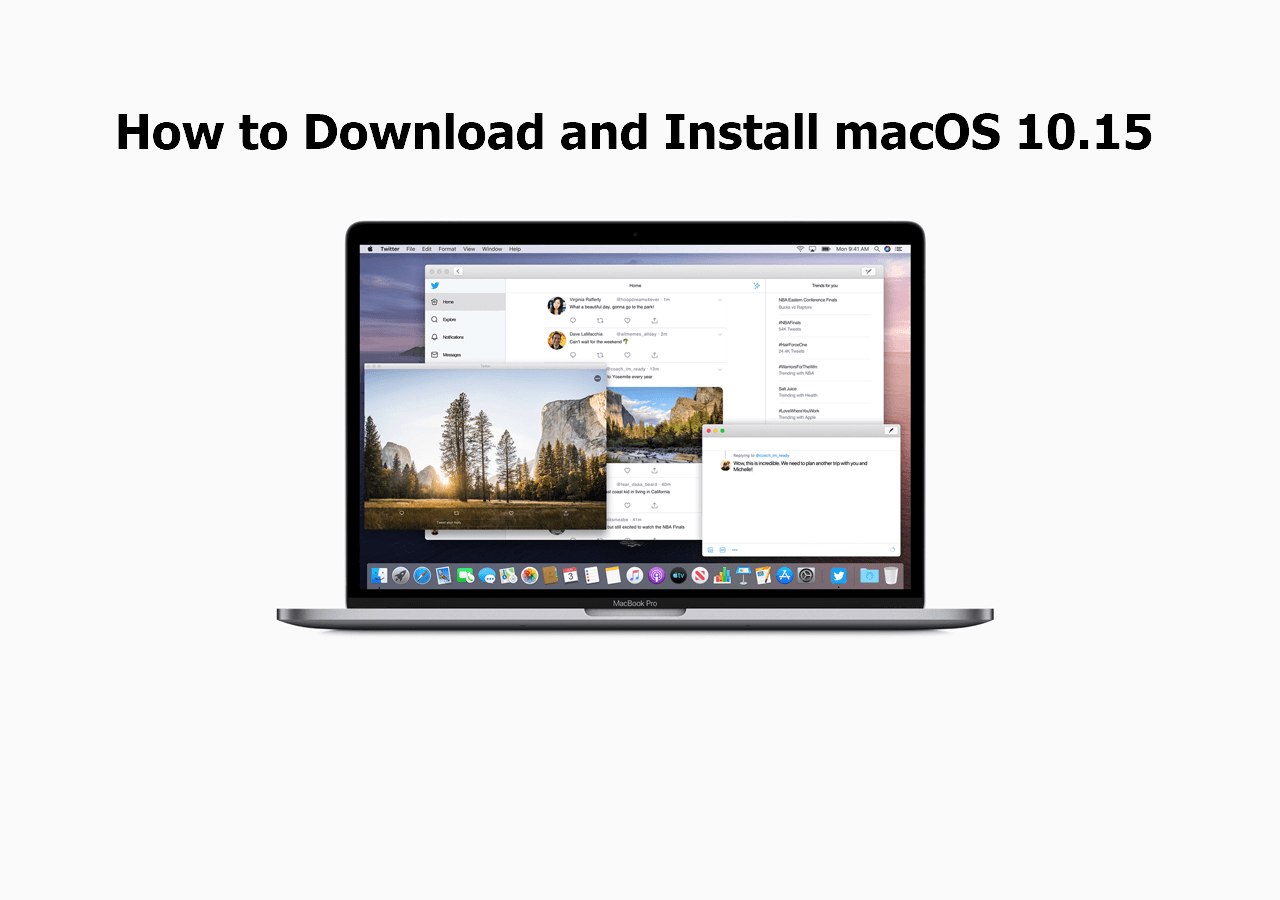
macOS is the proprietary Unix-based operating system that powers Apple’s Mac lineup, including the MacBook, iMac, Mac mini, and Mac Studio. Known for its stability, high-end design, and tight integration with the Apple ecosystem, it provides a seamless user experience through features like Apple Intelligence, cross-device Continuity, and optimized performance on Apple Silicon hardware.
As of 2026, macOS remains a cornerstone of the professional and creative computing worlds. Its architecture has evolved from the early days of "Classic" Mac OS to the robust, security-focused Unix foundation it uses today. Whether you are a long-time user or a newcomer transitioning from Windows or Linux, understanding the nuances of macOS—from its architectural roots to its modern AI capabilities—is essential for maximizing productivity.
The Architectural Foundation: From Darwin to Apple Silicon
To understand macOS, one must first look at its "under-the-hood" mechanics. Unlike Windows, which uses the NT kernel, macOS is built on Darwin, an open-source Unix operating system. This foundation provides macOS with the preemptive multitasking and memory protection that make it famously stable.
The Unix Heritage
The Unix core means that macOS inherits a powerful command-line interface via the Terminal. For developers and system administrators, this offers a familiar environment compatible with vast amounts of open-source software and server-side tools. The stability of the Unix kernel is a primary reason why macOS is preferred in high-uptime environments like video editing suites and software development labs.
The Shift to Apple Silicon
The most significant change in recent macOS history is the transition from Intel x86 processors to Apple Silicon (M-series chips). By 2026, the integration between the hardware and the operating system has reached an unprecedented level of efficiency.
- Unified Memory Architecture (UMA): Unlike traditional PCs where the CPU and GPU have separate pools of RAM, Apple Silicon uses a unified pool. This allows macOS to allocate resources dynamically, drastically reducing latency and power consumption.
- Rosetta 2: This translation layer allowed older Intel-based applications to run on M-series chips. By now, most major software has transitioned to "Universal" binaries, but Rosetta 2 remains a testament to Apple’s ability to manage architectural shifts without alienating users.
Core Interface Elements and User Experience
The macOS user interface (UI) is designed around the philosophy of "it just works," prioritizing clean aesthetics and intuitive navigation. While it has become more visually aligned with iOS and iPadOS over the years, it maintains the depth required for desktop computing.
The Finder and Desktop
The Finder is the default file manager, equivalent to File Explorer in Windows. It uses a consistent sidebar for navigation and offers several views, including the iconic Column view, which allows for deep folder navigation without losing context. The Dock serves as both an application launcher and a task switcher, holding frequently used apps and currently open files.
Mission Control and Stage Manager
Managing multiple windows is a core strength of macOS.
- Mission Control: Provides a "bird's-eye view" of all open windows, desktop spaces, and full-screen apps.
- Stage Manager: Introduced to help users focus on a single app while keeping other active projects organized on the side of the screen. It bridges the gap between simple window switching and complex multi-desktop setups.
Spotlight Search
Spotlight is more than just a file search tool; it is a system-wide command center. By pressing Cmd + Space, users can launch apps, perform complex calculations, search the web, and, as of 2026, interact with deep AI-driven queries that can surface specific data from within emails, messages, and documents.
Apple Intelligence and AI Integration
In 2026, the defining feature of macOS is Apple Intelligence. This is not a standalone chatbot but a suite of generative AI tools baked directly into the operating system.
System-Wide Writing Tools
macOS now offers native rewriting, proofreading, and summarization features in almost any text field. Whether you are drafting an email in Mail or a report in Pages, the OS can adjust the tone of your writing or extract key action items from a long thread of messages.
Enhanced Siri
Siri on macOS has evolved from a simple voice assistant to a context-aware helper. With "onscreen awareness," Siri can understand what you are looking at and perform actions based on that content—such as "Send this document to John"—without the user needing to manually attach files or specify names.
Privacy-Preserving AI
A critical differentiator for macOS is that much of this AI processing happens on-device. For more complex tasks, Apple uses Private Cloud Compute, ensuring that user data is never stored or accessible by Apple, maintaining the brand's long-standing commitment to user privacy.
The macOS Ecosystem: Continuity and Integration
One of the primary reasons users choose macOS is the "walled garden" effect—the seamless way it interacts with iPhones, iPads, and Apple Watches.
iPhone Mirroring and Handoff
As of 2026, iPhone Mirroring allows users to fully interact with their iPhone directly from their Mac desktop. You can use iPhone apps, respond to notifications, and drag and drop files between devices as if they were a single machine. Handoff takes this further, allowing you to start an email on your iPhone and finish it on your Mac with a single click.
Universal Control and Sidecar
For power users with multiple Apple devices:
- Universal Control: Allows a single mouse and keyboard to control a Mac and an iPad (or another Mac) placed side-by-side.
- Sidecar: Turns an iPad into a secondary wireless display for a Mac, complete with Apple Pencil support for creative applications like Photoshop or Final Cut Pro.
Security and Privacy Frameworks
Apple markets macOS as the most secure consumer operating system, a claim backed by several layers of hardware and software protection.
| Feature | Function | Benefit |
|---|---|---|
| FileVault | Full-disk XTS-AES-128 encryption. | Protects data if the hardware is lost or stolen. |
| Gatekeeper | Verifies app signatures and developer identities. | Prevents unauthorized or malicious software from running. |
| Secure Enclave | A dedicated hardware-based key manager. | Isolates sensitive data like Touch ID and encryption keys from the main OS. |
| System Integrity Protection (SIP) | Restricts the root user account. | Prevents malware from modifying critical system files and folders. |
| App Sandboxing | Limits app access to system resources. | Ensures that an exploit in one app cannot compromise the entire system. |
Privacy Transparency
macOS requires explicit user permission for apps to access the microphone, camera, location, or even the "Downloads" folder. The Privacy Report in Safari and the system settings gives users a clear view of how apps and websites are tracking them, providing a level of transparency that is often missing in competing platforms.
Software Compatibility and the Mac App Store
While the Mac App Store is the safest place to download software, macOS remains an "open" platform compared to iOS. Users can install software from any source, though Gatekeeper will provide warnings for unverified developers.
Professional Software Suites
macOS is the exclusive home to Final Cut Pro and Logic Pro, industry standards for video and audio production. Additionally, the transition to Apple Silicon has led to significant performance gains in the Adobe Creative Cloud suite and Microsoft Office, both of which are fully optimized for the ARM architecture.
Gaming on Mac
Historically a weak point, gaming on macOS has seen a resurgence by 2026. Thanks to the Game Porting Toolkit and the sheer graphical power of the M-series Max and Ultra chips, more AAA titles are receiving native Mac ports. Technologies like Metal 3 provide features similar to Ray Tracing and sophisticated upscaling (MetalFX), making the Mac a viable, albeit niche, gaming platform.
Common Troubleshooting and Maintenance
Even with its stability, macOS requires occasional maintenance to stay performant.
- Managing "Other" Storage: Over time, cached files and system logs can accumulate. Using the built-in "Storage Management" tool (found in System Settings) helps identify large files and redundant backups.
- Activity Monitor: If the system feels sluggish, the Activity Monitor (located in Applications > Utilities) allows users to see which processes are consuming CPU, Memory, or Energy.
- Safe Mode: Booting into Safe Mode (holding the power button on Apple Silicon) clears certain system caches and disables third-party startup items, which is essential for diagnosing software conflicts.
- macOS Recovery: A built-in system that allows you to reinstall the OS, repair disks using Disk Utility, or restore from a Time Machine backup without needing external media.
Choosing the Right Mac for macOS
The experience of macOS is heavily dependent on the hardware it runs on. In 2026, the lineup is clearly segmented:
- MacBook Air: Best for students and general productivity; silent (fanless) and extremely portable.
- MacBook Pro: Designed for creators; features ProMotion displays and active cooling for sustained workloads.
- iMac: The all-in-one solution for home and office aesthetics.
- Mac Studio/Pro: Targeted at high-end developers, scientists, and film editors who require maximum thermal headroom and I/O.
Frequently Asked Questions
Can I run Windows on a Mac in 2026?
Yes, but the method depends on your needs. Since Apple Silicon uses ARM architecture, you cannot use Boot Camp to install Windows natively as you could on Intel Macs. Instead, you must use virtualization software like Parallels Desktop or VMware Fusion, which can run the ARM version of Windows 11/12 at near-native speeds.
How often does Apple release macOS updates?
Apple typically follows an annual release cycle. A major new version of macOS is usually announced in June at WWDC (Worldwide Developers Conference) and released to the public in the fall (September or October). Minor point releases (e.g., 17.1, 17.2) occur every few months to provide security patches and feature refinements.
What is the difference between macOS and iOS?
While they share a foundation and many features, macOS is designed for precision and multitasking with a mouse and keyboard. It allows for multiple overlapping windows, a visible file system, and the ability to run complex, un-sandboxed professional software. iOS is optimized for touch, power efficiency, and a single-task-focused interface.
Is macOS more secure than Windows?
macOS is often perceived as more secure due to its Unix roots and Apple’s strict control over hardware and software. However, no OS is immune to threats. The primary security advantage of macOS is its lower market share compared to Windows, making it a less frequent target for mass-market malware, combined with aggressive built-in protections like Gatekeeper and SIP.
How do I back up my data on macOS?
The most effective way is using Time Machine, the built-in backup utility. By connecting an external drive, Time Machine automatically creates hourly, daily, and weekly backups of your entire system. This allows you to "travel back in time" to recover a specific version of a file or restore your entire system to a new Mac.
Final Recommendations for Users
To get the most out of macOS in 2026, users should focus on mastering the Continuity features. The true power of the platform lies not just in the individual machine, but in how it acts as a hub for your digital life.
- Enable iCloud Drive: This ensures your Desktop and Documents folders are synced across all your devices.
- Use Touch ID: Not just for logging in, but for authenticating Apple Pay and sudo commands in the Terminal.
- Explore Shortcuts: The Shortcuts app on macOS allows you to automate repetitive tasks, bridging the gap between simple app usage and complex scripting.
Whether you are using it for professional development or personal creativity, macOS offers a stable, high-performance environment that continues to define the standard for modern desktop computing.