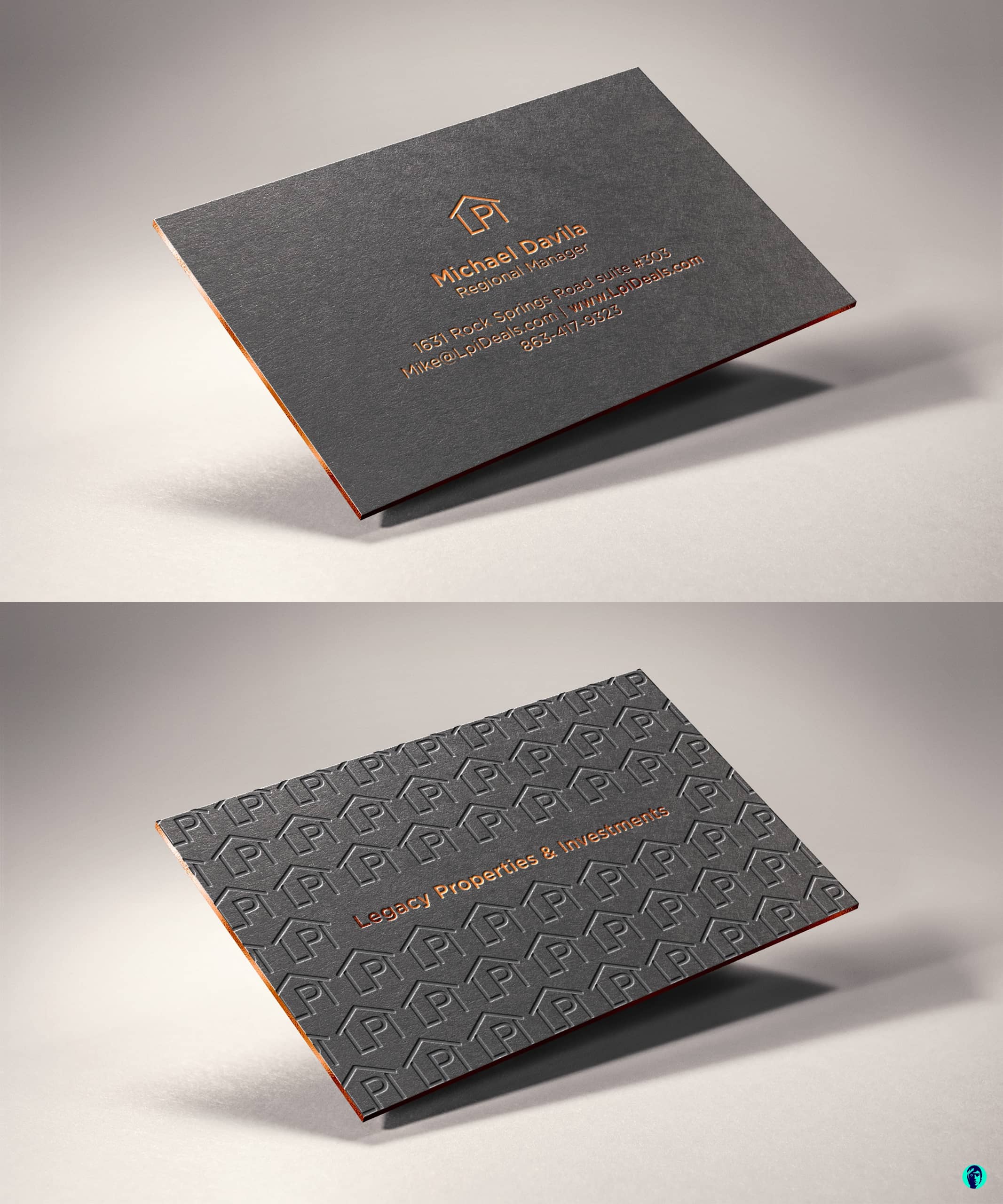
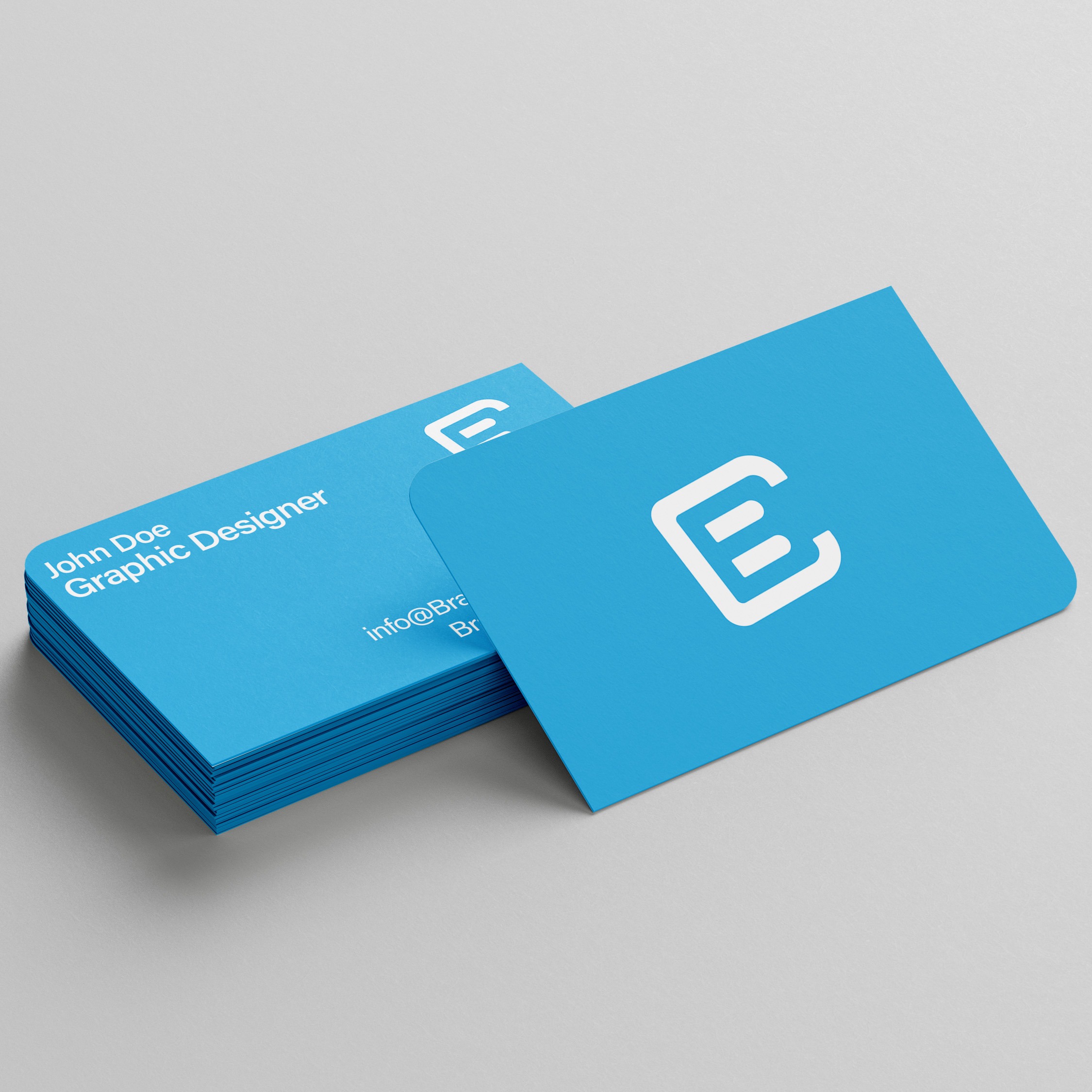
Securing affordable color business cards for startups requires balancing cost-efficiency with high visual impact. New ventures can achieve this by choosing standard card sizes, opting for modern digital printing over traditional offset methods, selecting smart paper stock weights like 14pt or 16pt cardstock, and leveraging bulk ordering discounts to minimize per-unit expenses without sacrificing brand credibility.
The Strategic Importance of Business Cards for New Startups
For a new enterprise, physical collateral remains a foundational component of brand identity and networking. While digital channels dominate marketing strategies, the tactile nature of a well-designed business card bridges the gap between digital identity and real-world interactions. Startups often operate under strict financial constraints, making every dollar spent a deliberate calculation. Allocating resources toward networking tools must yield a tangible return on investment, which starts with understanding why physical cards still matter.
In early-stage business development, founders act as the primary brand ambassadors. Pitching to investors, meeting prospective clients at industry conferences, or engaging with local business incubators requires rapid, seamless exchanges of contact information. Handing over a vibrant, professionally printed color business card projects stability and preparedness. It establishes immediate legitimacy in a way that typing a phone number into a smartphone often fails to capture.
Furthermore, affordability does not mean settling for low quality. Modern online printing technologies have democratized access to professional-grade typography and color reproduction. By understanding paper stocks, finishes, and printing techniques, resource-conscious entrepreneurs can secure visually striking collateral that competes directly with established corporate competitors while keeping acquisition costs remarkably low.
Defining "Affordable": Cost Analysis and Budgeting for Early-Stage Ventures
Budgeting for print marketing materials requires balancing initial outlay with per-unit value. For a startup, ordering a massive volume of cards prematurely can lead to wasted capital if team members, job titles, or office addresses change within the first six months. Conversely, ordering in tiny batches dramatically drives up the unit cost, eroding profit margins.
Typically, an affordable run of color business cards ranges between $20 and $50 for a standard batch of 250 to 500 cards, depending on the chosen finishes and paper thickness. To contextualize this investment, examine how different quantities and specifications alter the overall pricing structure:
| Quantity | Standard Paper (14pt Gloss/Matte) | Premium Paper (16pt+ / Special Stock) | Estimated Unit Cost Range |
|---|---|---|---|
| 100 cards | $15 – $25 | $25 – $40 | $0.15 – $0.40 per card |
| 250 cards | $20 – $35 | $35 – $60 | $0.08 – $0.24 per card |
| 500 cards | $25 – $50 | $45 – $80 | $0.05 – $0.16 per card |
| 1,000 cards | $35 – $70 | $65 – $120 | $0.03 – $0.12 per card |
When evaluating these tiers, startups should perform a risk assessment regarding staff turnover and branding pivots. Ordering 500 cards usually strikes the optimal balance between a low cost-per-card and the flexibility to update contact details if the company evolves. Additionally, monitoring seasonal promotions, introductory discounts, and volume coupons offered by major web-to-print platforms can drastically reduce these baseline figures.
Technical Specifications: Choosing Paper Stocks, Weights, and Finishes
The tactile feel of a business card communicates quality before a recipient even reads the text. Navigating paper weights and finishes can be overwhelming for founders without a design background, but mastering a few core technical terms ensures the final product feels substantial and professional.
Paper Weight and Thickness
Paper thickness is measured in points (pt) or pounds (lb) for cardstock.
- 14pt Cardstock: This is the industry standard for lightweight yet durable business cards. It offers a professional feel without incurring heavy shipping or manufacturing surcharges.
- 16pt Cardstock: Noticeably thicker and sturdier, this weight conveys premium quality and resists bending when carried in wallets or pockets. It is ideal for startups in legal, financial, or high-end consulting sectors.
- 100lb / 110lb Cover Stock: Generally lighter and more flexible, best avoided for standard cards unless a specific folded format is intended.
Surface Finishes
The finish protects the ink and dictates how the card reflects light, influencing readability and touch.
- Matte Finish: Provides a smooth, non-reflective surface that looks modern and understated. It is excellent for cards that require handwritten notes on the back.
- Gloss Finish: Features a shiny coating that makes full-color photographs and vibrant brand palettes pop. However, it can produce glare under direct office lighting and makes writing on the card difficult with standard pens.
- Silk or Velvet Lamination: Adds a soft, tactile layer that feels luxurious. While slightly more expensive, it provides exceptional durability against moisture and tearing.
Design Strategies to Maximize Visual Impact on a Budget
Achieving high-end aesthetics without expensive embellishments like foil stamping, embossing, or die-cutting requires smart graphic design principles. Startups can leverage minimalist layouts, striking typography, and intelligent color theory to make affordable full-color printing look expensive.
Color and Contrast
Full-color printing (CMYK) generally costs the same whether the design features a simple text logo or a complex photographic background. To maximize this capability without looking cluttered, utilize high-contrast color palettes. A clean white or dark charcoal background paired with vibrant brand accent colors creates an immediate focal point. Avoid heavy ink coverage that spans edge-to-edge if the paper stock is thin, as excess saturation can cause curling or sticking.
Typography and Hierarchy
Clarity is paramount. A business card is not a brochure; it should contain only essential information. Establish a clear typographic hierarchy:
- Name: The largest text element, ensuring immediate personal recognition.
- Title / Role: Secondary size, clarifying the individual's function within the startup.
- Company Name and Logo: Positioned prominently to anchor the brand.
- Contact Details: Email, phone number, website, and physical address or digital portfolio link, formatted legibly at a smaller font size (typically 8pt to 10pt).
Incorporating Digital Bridges
Integrating a Quick Response (QR) code has become an essential strategy for modern startups. A clean, scannable QR code links directly to a digital portfolio, landing page, or scheduling tool, bridging the physical card with online infrastructure. Placing a QR code on the back of the card keeps the front uncluttered while offering limitless digital expansion.
Step-by-Step Guide to Ordering Affordable Color Business Cards
Executing a print order efficiently prevents costly errors, misaligned text, and wasted shipments. Following a structured workflow guarantees that the physical product matches the digital design.
- Finalize Brand Assets: Ensure logos are vector files (.SVG, .AI, or high-resolution .PNG) and hex codes or CMYK color profiles are locked in to prevent color shifting during printing.
- Select a Trusted Print Provider: Research web-to-print platforms that specialize in short-run commercial printing, transparent pricing, and clear customer satisfaction guarantees.
- Download Product Templates: Obtain the precise template dimensions from the chosen printer. Pay close attention to guidelines regarding the bleed area (the extra background color that gets trimmed) and the safe zone (where all critical text must remain to avoid being cut off).
- Export and Proofing: Export the final artwork as a high-resolution, print-ready PDF with outlined fonts and crop marks if required. Review the digital proof provided by the printer meticulously, checking for spelling errors in email addresses and phone numbers.
- Select Shipping and Fulfillment: Factor in delivery timelines. Standard shipping is usually free or inexpensive, whereas expedited shipping can double the total cost of an affordable order.
Common Mistakes Startups Make When Ordering Business Cards
Even experienced entrepreneurs can stumble when navigating print procurement. Recognizing common pitfalls helps preserve both capital and brand reputation.
- Neglecting the Bleed Area: Designing artwork right up to the edge without extending the background into the bleed zone often results in unsightly white borders if the cutting blade shifts by a millimeter.
- Using Low-Resolution Imagery: Pulling a company logo directly from a website often means using a 72 DPI (dots per inch) image, which prints pixelated and blurry. Print requires a minimum of 300 DPI.
- Overcrowding the Layout: Cramming social media handles, multiple phone numbers, physical addresses, and mission statements onto a small 3.5" x 2" surface creates visual fatigue. Keep the design breathable.
- Failing to Proofread Contact Info: A single typo in a phone number or web address renders an entire batch of cards useless. Always have a second team member review the print proof before final submission.
- Ignoring Paper Grain and Direction: While less critical for basic runs, understanding how paper folds and bends ensures that cards fit comfortably into standard cardholders without warping.
Frequently Asked Questions
What is the standard size for business cards?
The standard business card size in North America is 3.5 inches by 2 inches (88.9 mm x 50.8 mm). In Europe and many international markets, the standard size is 85 mm x 55 mm. Sticking to these dimensions ensures the cards fit seamlessly into standard wallets, cardholders, and Rolodex systems.
Is matte or gloss better for budget business cards?
Matte finishes are generally better for professional startups because they reduce glare, look contemporary, and allow recipients to easily write notes on the card. Gloss finishes work well for businesses relying on photography or vivid, saturated color blocks, but they can show fingerprints and resist ink from standard pens.
How many business cards should a startup order initially?
Startups should typically order between 250 and 500 cards per team member. This quantity provides a low cost per unit without committing excessive capital upfront, leaving room to update titles, phone numbers, or branding elements as the company grows.
How can I ensure the colors on my printed cards match my digital brand guidelines?
To ensure color accuracy, design your business card using the CMYK color model rather than RGB, as computer screens use RGB while commercial printers use CMYK. Additionally, request a physical proof from the printer before committing to a large bulk order if your brand colors require precise matching.
Should I print double-sided or single-sided business cards?
Double-sided printing is highly recommended and usually incurs little to no extra cost with modern digital printers. Use the front for your name, title, and logo, and reserve the back for a secondary logo, a clean pattern, or a scannable QR code that directs prospects to your digital channels.
Recommendations for Startup Success
When deploying your budget toward business cards, prioritize clarity, paper durability, and smart digital integration. Start with a conservative batch of 250 to 500 cards printed on 14pt or 16pt matte cardstock, utilizing double-sided printing to display a clean layout on the front and a functional QR code on the back. By avoiding unnecessary luxury finishes until revenue stabilizes, your startup can maintain a polished, professional image while preserving essential working capital for core business operations.