Accessing Apple TV Plus through a promotional offer provides a cost-effective way to explore the service’s original library without committing to a full-price monthly subscription. As of 2026, Apple maintains several pathways for users to secure extended trial periods or discounted access, primarily through hardware purchases, bundled services, and specific partner programs. Understanding the eligibility requirements and activation workflows is essential for maximizing these savings.
Understanding the Apple TV Plus Ecosystem
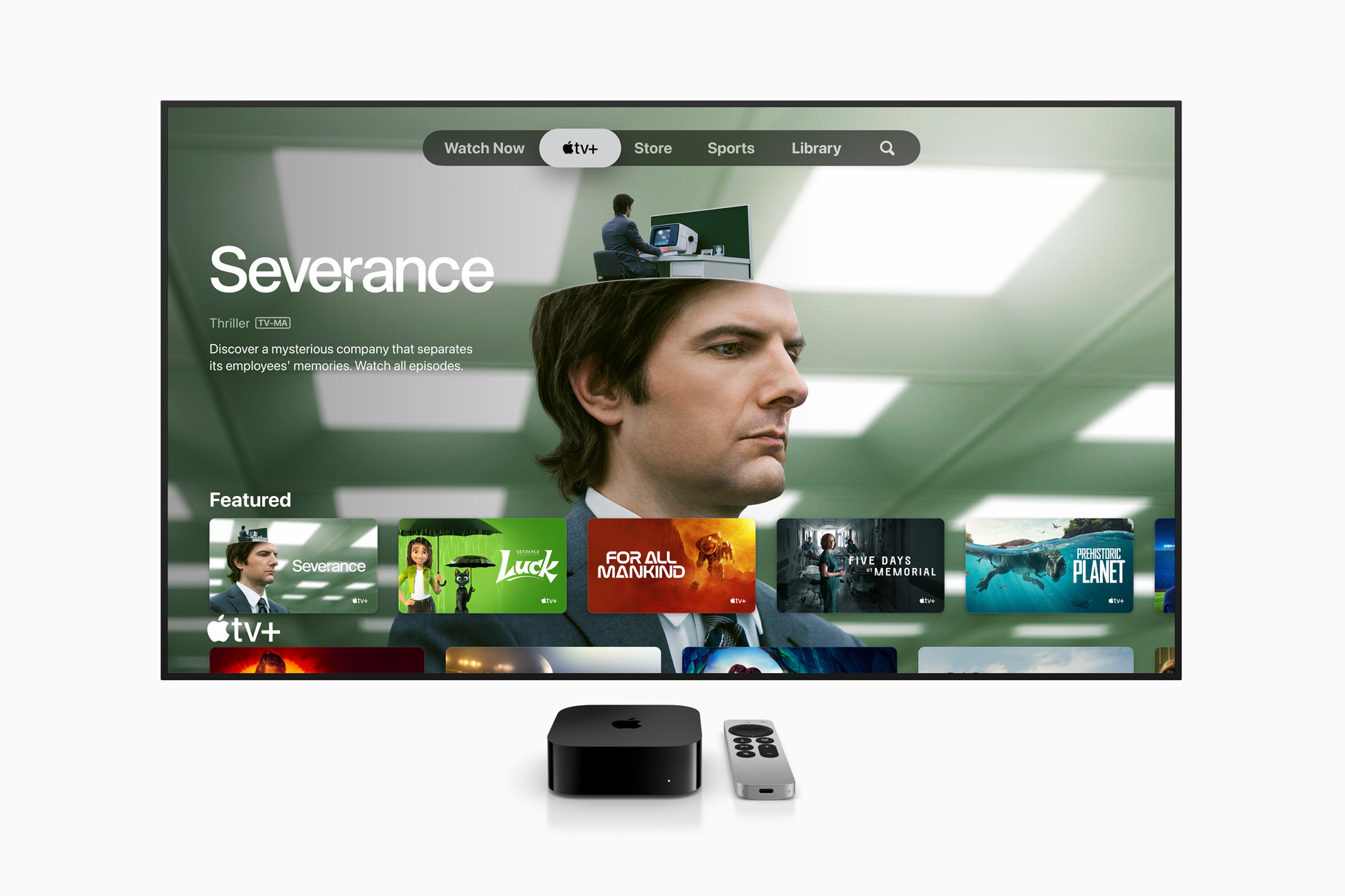
Apple TV Plus is a subscription-based streaming service featuring original television shows, films, and documentaries. Unlike many other streaming platforms, it does not rely on a back catalog of licensed third-party content; its value proposition is built entirely on proprietary "Apple Originals." Because the platform is tied to the Apple ID ecosystem, management of subscriptions, trials, and promotional codes is handled through the Apple TV app or the web interface on various compatible devices.
A promotional offer typically functions as a time-limited subscription credit. Users may encounter these offers as "extended trials" or "introductory discounts." It is critical to differentiate between a standard free trial—often available to any new subscriber—and a promotional offer, which usually requires a specific trigger, such as the purchase of a new device or an active subscription to a third-party service like a mobile carrier or a bundle provider.
Common Pathways to Promotional Access
Most Apple TV Plus promotions are not "codes" in the traditional sense; rather, they are system-linked offers. If you are eligible, the offer usually appears automatically when you navigate to the Apple TV Plus interface on a device associated with your Apple ID.
1. Hardware-Based Offers
The most reliable way to secure a significant Apple TV Plus promotion is through the purchase of an eligible Apple device. When you purchase an iPhone, iPad, Apple TV 4K, or Mac, you are generally entitled to a promotional period of the service.
- The Workflow: Upon setting up your new device, you sign in with your Apple ID. The Apple TV app will recognize the hardware purchase and prompt you to activate the offer.
- Time Constraints: These offers usually must be redeemed within 90 days of the first setup of the device.
2. Apple One Bundles
The Apple One service acts as an all-in-one subscription for various Apple services, including Music, TV Plus, Arcade, iCloud Plus, and sometimes News or Fitness. While this is a paid subscription, it effectively functions as a perpetual discount compared to paying for each service individually. Many users view Apple One as a "promo-adjacent" strategy to reduce their monthly digital entertainment expenditure.
3. Retailer and Carrier Partnerships
Certain mobile network operators and retailers include Apple TV Plus as a value-added service with specific plans or store credit purchases.
- Mobile Carriers: Some premium cellular plans include an Apple TV Plus subscription at no additional cost as long as you maintain the cellular contract.
- Retail Partnerships: Major electronics retailers occasionally bundle a trial period with the purchase of non-Apple smart TVs or streaming sticks. These usually provide a unique alphanumeric code that must be redeemed through the Apple website.
Eligibility and Technical Requirements
Before attempting to claim an Apple TV Plus promo, you must meet baseline requirements. Most offers are strictly for "new subscribers," meaning those who have never had a paid or trial subscription to the service previously.
The "New Subscriber" Rule
If you have already utilized a free trial or a promotional period in the past, your Apple ID is often flagged in the system. While Apple occasionally releases "come back" offers for lapsed users, these are targeted and sent via email or notifications, rather than being generally available via a simple link.
Device Compatibility
To redeem an offer, you must use a device that supports the Apple TV app. This includes:
- Apple Hardware: iPhone, iPad, Mac, and Apple TV set-top boxes.
- Smart TVs: Compatible Samsung, LG, Vizio, and Sony televisions.
- Gaming Consoles: PlayStation 4/5 and Xbox Series X/S.
- Streaming Devices: Roku, Amazon Fire TV, and Chromecast with Google TV.
If you are attempting to redeem an offer on a web browser, ensure you are logged into the correct Apple ID at tv.apple.com. Avoid using VPNs or proxy services during the redemption process, as these can trigger anti-fraud measures that block the promotion.
Comparison of Access Methods
| Method | Eligibility | Duration | Redemption Trigger |
|---|---|---|---|
| New Device Purchase | New subscribers | Typically 3 months | Device setup/Apple TV App |
| Retailer Bundle | New/Returning | Variable (1-6 months) | Alphanumeric code |
| Apple One | All users | Perpetual (Paid) | Subscription settings |
| Carrier Plan | Plan-dependent | Ongoing | Account linking |
Managing Your Subscription After the Promo
A common pitfall for users engaging in promotional offers is the automatic transition to a paid subscription. Apple TV Plus is designed to convert your trial to a monthly recurring charge the moment the promotion expires.
Avoiding Unexpected Charges
To prevent being charged, you should manage your subscription status immediately after activating the promo.
- Navigate to Settings on your Apple device.
- Select your Name/Apple ID at the top.
- Tap Subscriptions.
- Select Apple TV Plus.
- View the renewal date. If you do not wish to continue, select Cancel Subscription.
Importantly, canceling your subscription immediately after signing up for a promotion will not cut your access short. You will retain access to the content until the end of the promotional period. This is the safest way to ensure you are not charged while still enjoying the full duration of the offer.
Troubleshooting Common Redemption Errors
Users often encounter issues where an offer fails to apply. Most of these errors are predictable and solvable through standard troubleshooting steps.
- "Offer Not Available": This usually means you have already redeemed an Apple TV Plus offer on this Apple ID, or the specific device you are using has already been used to claim a trial.
- The "Link" Doesn't Work: If you are clicking an external link from an email or a website, try opening it in a private/incognito window. If the link is for a specific retailer, ensure you are not logged into a different Apple ID in your browser.
- Region Mismatch: Promotional codes are almost always region-locked. A promo code issued for the United States store will not work if your Apple ID is registered in a different country. Always verify that your region settings match the source of the promotion.
Frequently Asked Questions
Can I stack multiple Apple TV Plus promo codes? No. Apple generally prohibits the stacking of multiple trials or promotional periods. Once you have activated one offer, the system will not allow you to apply another until the current subscription (or trial) has expired and lapsed.
Do I need a credit card to redeem a free trial? Yes. Even if the offer is free, Apple requires a valid payment method on file. This is for identity verification and to facilitate an immediate, seamless transition to a paid subscription once the trial period ends.
What happens to my content if I let the subscription lapse? If your subscription expires, you lose access to the Apple TV Plus library. However, your viewing history and "Up Next" queue are generally saved to your Apple ID for a period. If you resubscribe in the future, your progress on shows and films is usually restored.
Are there student discounts for Apple TV Plus? Yes, Apple offers an Apple Music Student Plan which often includes free access to Apple TV Plus as a bundle. Students can verify their status through UNiDAYS to qualify for the discounted monthly rate.
Is it possible to share a promo with family? Yes, if you have Family Sharing enabled. If the primary account holder redeems a promotion, the service can be shared with up to five other family members, provided they are part of the same Family Sharing group.
Where can I find legitimate promotional offers? Stick to official Apple communications, authorized hardware retailers, and established mobile service providers. Avoid third-party "coupon" websites, as these often contain expired, fake, or phishing-related links designed to harvest personal information.
Strategic Recommendation
If you are looking to access Apple TV Plus for free or at a reduced rate, your best action is to assess your upcoming hardware needs. If you are already planning to purchase a new Apple device in 2026, wait until you have the device in hand to activate your trial, as the "new device" offer is significantly more reliable and longer in duration than random digital codes. If you are not in the market for hardware, review your current mobile carrier benefits—many users pay for services they are already entitled to access for free. Always set a reminder on your calendar for two days before the trial expiration date to cancel the subscription if you do not intend to continue at the standard monthly rate.