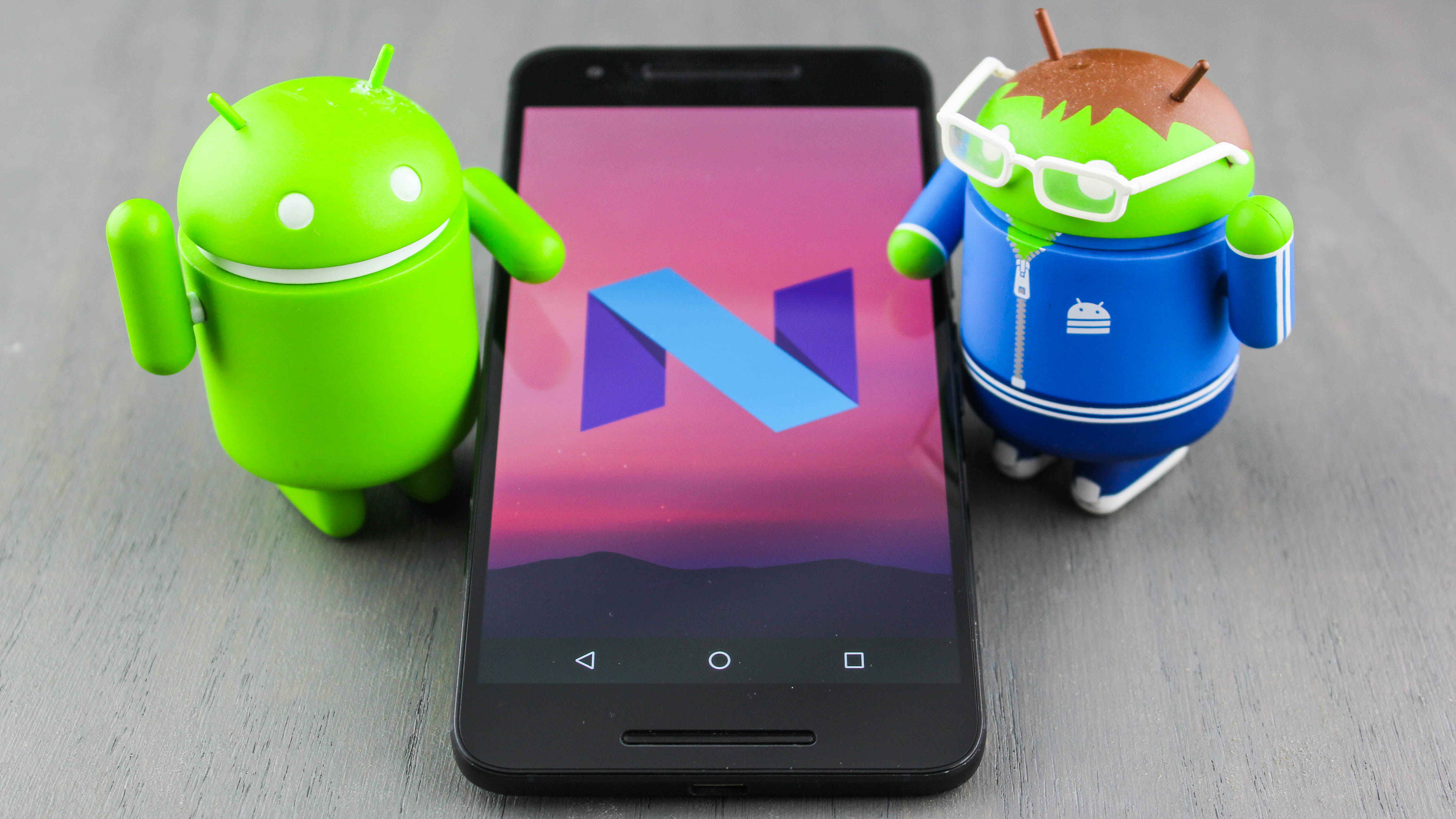
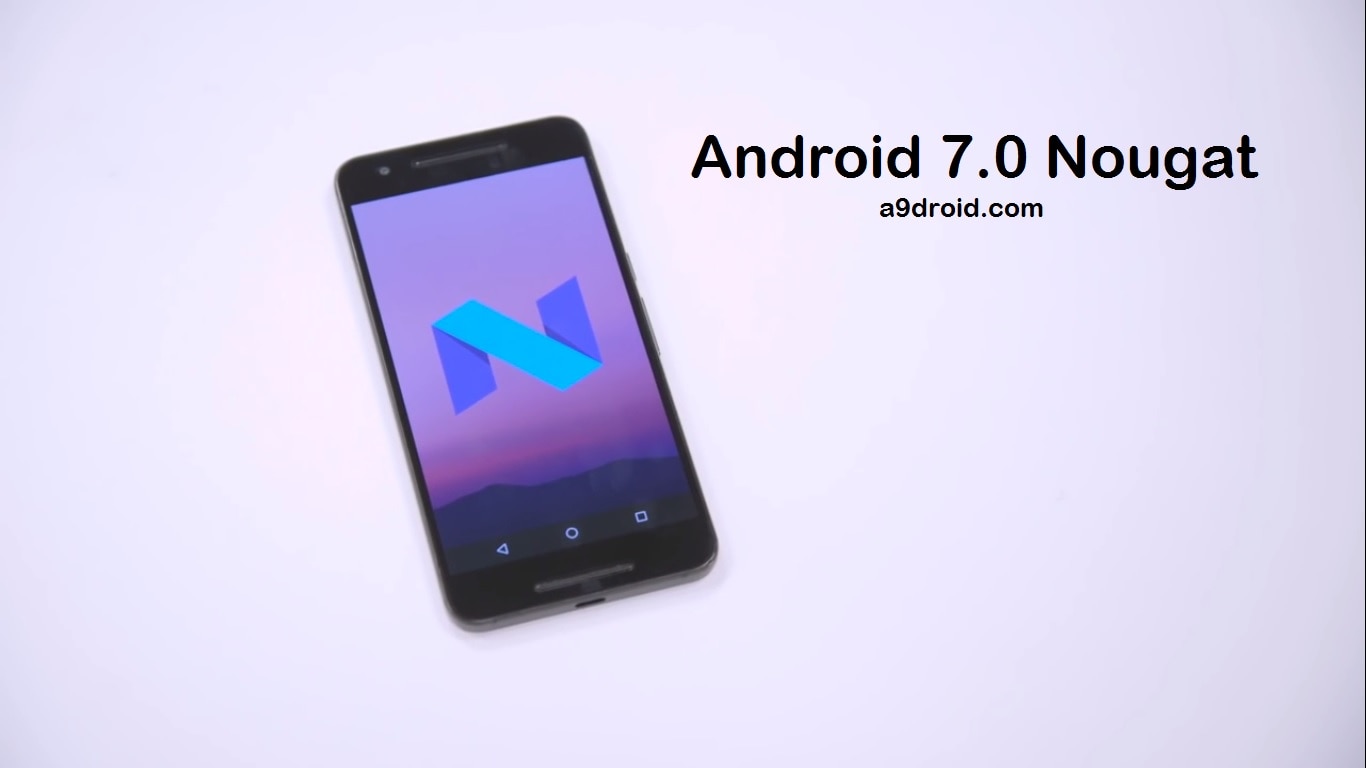
Android 7.0 is officially called Nougat, continuing Google’s long-standing tradition of naming major operating system releases after sweet treats in alphabetical order. Released in August 2016, Nougat introduced transformative features like native split-screen multitasking, bundled notifications, and the Vulkan API, fundamentally changing how users interact with mobile devices.
The Origins and Naming of Android Nougat
The journey to Android 7.0 was unique compared to its predecessors. Before it was officially branded as "Nougat," the version was known simply as "Android N." In a departure from previous internal naming processes, Google launched a global "Name Android N" campaign, inviting users to submit suggestions for the upcoming dessert-themed moniker. On June 30, 2016, Google revealed the winner at its headquarters in Mountain View, California: Nougat.
Nougat followed Android 6.0 Marshmallow and preceded Android 8.0 Oreo. In the context of 2026, Nougat is viewed as a landmark release that bridged the gap between the experimental early years of Android and the refined, high-performance ecosystem we see today. While it is now considered a "legacy" operating system, its architectural changes—particularly regarding how the system handles background tasks and updates—remain relevant to modern software engineering.
Key Features That Defined Android 7.0
Android 7.0 was not just a cosmetic update; it introduced several "quality of life" improvements that users had been requesting for years. By focusing on productivity and efficiency, Google aimed to make Android a more viable platform for professional use.
Native Multi-Window Support
Perhaps the most significant addition was native split-screen multitasking. Prior to Nougat, manufacturers like Samsung and LG had implemented their own proprietary multi-window solutions, which were often buggy and limited to specific apps. With Android 7.0, Google built the framework directly into the OS. This allowed users to run two apps side-by-side on smartphones or in a 50/50 split on tablets. Developers were given specific API tools to ensure their apps scaled correctly, marking a major step toward using Android devices as desktop replacements.
Redesigned Notification Shade
Nougat completely overhauled the notification experience. It introduced "bundled notifications," which grouped alerts from the same app together, preventing the notification tray from becoming cluttered. Furthermore, the "Direct Reply" feature allowed users to respond to messages directly within the notification shade without having to open the app itself. This significantly reduced friction for users managing high volumes of communication.
Doze on the Go
While Android 6.0 Marshmallow introduced "Doze" to save battery life when a device was stationary, Nougat refined this with "Doze on the Go." This version optimized power consumption even when the device was moving in a pocket or bag. By restricting background tasks and network access during periods of screen-off inactivity, Nougat provided a noticeable boost to standby battery life for the average user.
Data Saver
Recognizing the importance of data management in emerging markets, Google included a system-level "Data Saver" mode. When enabled, this feature restricted background data usage for most apps and signaled foreground apps to use less data where possible (such as lower-resolution images). This was a crucial addition for users on capped data plans or slow connections.
Technical Improvements and Under-the-Hood Changes
Beyond the user interface, Android 7.0 brought substantial changes to the Android Runtime (ART) and the system's core architecture. These improvements targeted performance, security, and the speed of system updates.
The JIT Compiler and Faster App Installation
One of the technical triumphs of Nougat was the introduction of a Just-In-Time (JIT) compiler to the Android Runtime. In previous versions (Android 5.0 and 6.0), apps were fully compiled "Ahead-of-Time" (AOT) during installation. This made app installs and system updates incredibly slow.
Nougat moved to a hybrid model. The JIT compiler allowed apps to install almost instantly. As the user continued to use the app, ART would identify the most frequently used parts of the code and compile them AOT in the background. This resulted in a faster initial experience and improved long-term performance without the heavy "optimizing apps" screen that plagued older versions after a reboot.
The Vulkan API
Android 7.0 was the first version to support the Vulkan API, a low-overhead, cross-platform 3D graphics API. Vulkan provided developers with more direct control over the Graphics Processing Unit (GPU), reducing CPU overhead and allowing for more complex visual effects in mobile games. This was a critical development for the mobile gaming industry, enabling console-quality graphics on high-end Android hardware.
Seamless Updates and A/B Partitions
Inspired by the ChromeOS update model, Nougat introduced support for "Seamless Updates." Devices compatible with this feature used two system partitions (A and B). When an update arrived, it would install on the inactive partition in the background while the user continued to use their phone. Upon the next restart, the device would simply switch to the updated partition. This eliminated the 10-to-20-minute downtime previously required for system updates.
File-Based Encryption (FBE)
Security saw a major upgrade with the shift from Full-Disk Encryption to File-Based Encryption. Under FBE, different files are encrypted with different keys that can be unlocked independently. This enabled a feature called "Direct Boot," allowing certain apps (like Alarms or Phone) to run even if the user hadn't yet entered their passcode after a reboot.
Comparing Android 7.0 with its Predecessors and Successors
To understand the impact of Nougat, it is helpful to see how it fits into the broader timeline of Android development.
| Feature | Android 6.0 (Marshmallow) | Android 7.0 (Nougat) | Android 8.0 (Oreo) |
|---|---|---|---|
| Multitasking | Single window only | Native Split-screen | Picture-in-Picture (PiP) |
| Notifications | Individual alerts | Bundled & Direct Reply | Notification Channels |
| Battery Saving | Stationary Doze | Doze on the Go | Strict Background Limits |
| Graphics API | OpenGL ES | Vulkan Support added | Optimized Vulkan |
| App Compilation | AOT only | Hybrid JIT/AOT | Profile-guided Optimization |
| Emoji Support | Unicode 8.0 | Unicode 9.0 (Skin tones) | Unicode 10.0 (Redesign) |
The Legacy of Android 7.0 in 2026
As of 2026, Android 7.0 is over a decade old. In the fast-moving world of mobile technology, this version is now considered obsolete for primary use. However, its legacy persists in several ways.
App Compatibility and API Levels
Android 7.0 (API Level 24) and Android 7.1 (API Level 25) served as the baseline for many developers for years. However, in 2026, most modern applications in the Google Play Store require a minimum of Android 10 or 11 to function. Users attempting to use a Nougat-based device today will find that major apps—including banking, social media, and streaming services—are no longer compatible due to the lack of modern security protocols and API support.
Security Risks in 2026
Using Android 7.0 in 2026 poses significant security risks. Google ceased providing security patches for Nougat several years ago. This means the OS is vulnerable to well-documented exploits like "BlueFrag" or "Stagefright" variants that have been patched in more recent versions. Without a modern browser or updated root certificates, many secure websites will fail to load, and the device is highly susceptible to malware.
Historical Hardware and Custom ROMs
For tech enthusiasts and collectors, Android 7.0 was the era of the Google Pixel (first generation) and the LG V20. Many of these devices are still kept alive by the custom ROM community. While official support ended long ago, developers have used the foundations laid in Nougat to port newer versions of Android (via LineageOS and other projects) to this older hardware, though performance on 2016-era processors is understandably limited by 2026 standards.
Troubleshooting and Managing Older Nougat Devices
If you find yourself needing to access data on an old Android 7.0 device in 2026, there are several steps you should take to ensure a smooth experience.
- Backup Immediately: If the device still powers on, use a physical USB connection to back up photos and documents to a computer. Cloud sync services may no longer work correctly on API 24.
- Enable Developer Options: Go to Settings > About Phone and tap the "Build Number" seven times. This allows you to enable USB Debugging, which is essential if the screen fails and you need to recover data via ADB (Android Debug Bridge).
- Check for Final Updates: Ensure the device is running the final version available for it (usually 7.1.2). Many manufacturers released small stability fixes toward the end of the lifecycle.
- Factory Reset for Speed: If a Nougat device is extremely sluggish, a factory reset can clear out years of cached data. Since most apps won't reinstall from the Play Store, this is best used for a device intended for offline tasks like an e-reader or a dedicated music player.
Frequently Asked Questions
Can I still update my phone to Android 7.0 Nougat?
Whether you can update to Android 7.0 depends entirely on your hardware. If your device was released between 2015 and 2017, it may have received an over-the-air (OTA) update to Nougat. In 2026, most manufacturers have taken these update servers offline. To update an old device now, you would likely need to manually flash the firmware using a computer and manufacturer-specific tools (like Odin for Samsung or Fastboot for Pixel/Nexus).
Is Android 7.0 still safe to use for online banking?
No, it is not safe. Android 7.0 does not support the latest encryption standards and security patches required for modern financial transactions. Most banking apps will refuse to run on a device with an OS this old. Using a mobile browser on Nougat for banking is also discouraged, as the browser itself likely lacks critical security updates against phishing and man-in-the-middle attacks.
Why did Google stop using dessert names for the public?
While Android 7.0 was proudly called Nougat, Google shifted to a numerical branding system starting with Android 10. The company cited global inclusivity as the reason; "Nougat" or "Marshmallow" aren't always recognizable as desserts in every culture, and they can be difficult to pronounce. Internally, Google still uses dessert codenames (e.g., Android 13 was Tiramisu), but the public-facing brand is now strictly numeric.
What was the last version of Android 7?
The final stable version was Android 7.1.2, released in April 2017. It focused primarily on bug fixes, battery usage alerts, and improved fingerprint swipe gestures for certain devices. Shortly after, Google moved focus to the developer previews of Android 8.0 Oreo.
Can I run modern apps on Android 7.0?
Most modern apps require at least Android 8.0 or 9.0. While you might be able to find older versions of apps (APKs) on third-party repositories, these versions often lack features and are not secure. The Google Play Store itself may still run on Nougat, but the selection of compatible apps will be extremely limited.
Final Recommendations for Users
Android 7.0 Nougat was a fundamental turning point in the history of the operating system, introducing the refined notification system and multitasking capabilities that we take for granted today. However, in 2026, it serves primarily as a historical milestone.
If you are currently using a device running Android 7.0, it is strongly recommended that you upgrade to a modern device running at least Android 13 or 14. Modern devices offer significantly better security, hardware efficiency, and app compatibility. If you must use a Nougat device, keep it disconnected from the internet and use it for offline tasks such as local media playback or as a legacy gaming handheld.