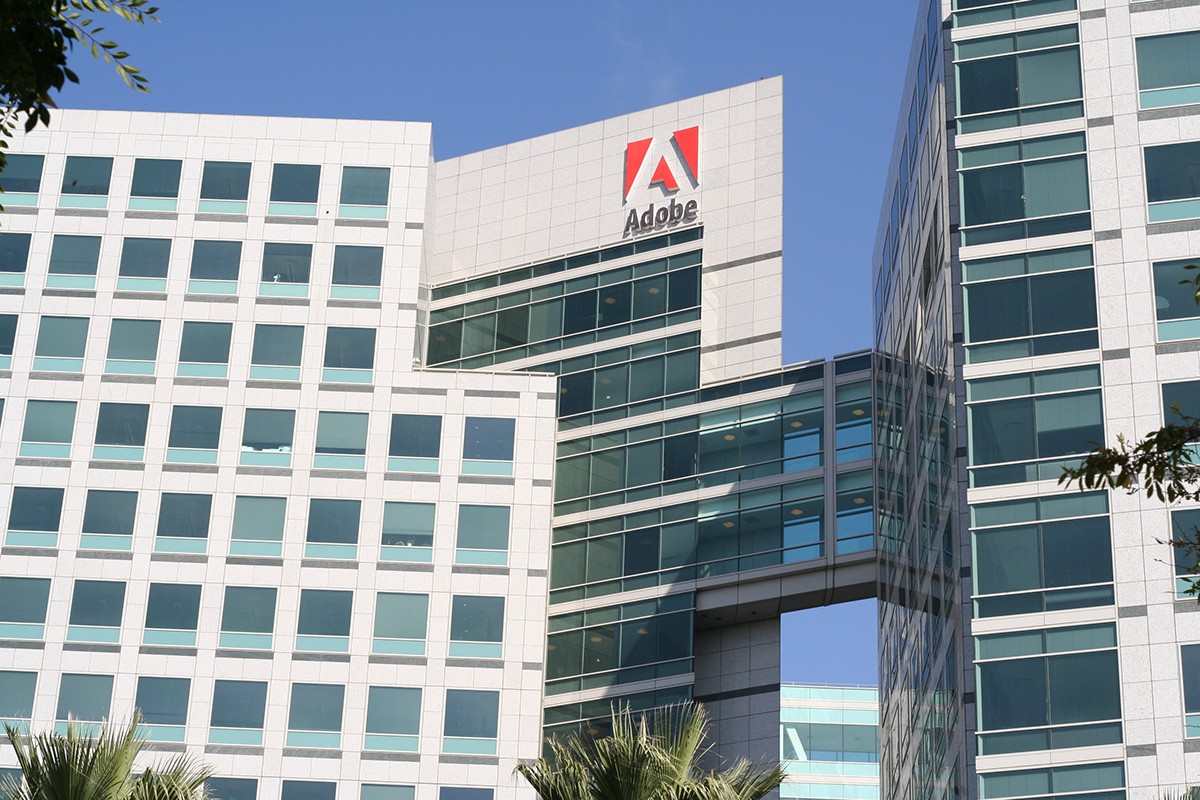
Adobe Inc., originally founded as Adobe Systems Incorporated, is the global leader in digital media and digital marketing solutions. The company provides a comprehensive ecosystem of software and services—ranging from the iconic Photoshop and Acrobat to advanced generative AI through Adobe Firefly—designed to facilitate content creation, document management, and customer experience orchestration for individuals and enterprises.
The Evolution of Adobe Systems Incorporated
Founded in December 1982 by John Warnock and Charles Geschke, Adobe Systems Incorporated began as a specialized software company focused on PostScript, a page description language that revolutionized the desktop publishing industry. Throughout the 1990s and 2000s, the company expanded its portfolio through strategic acquisitions, most notably Macromedia in 2005, which brought Flash and Dreamweaver into the fold.
In 2018, the company officially shortened its name to Adobe Inc. to reflect its broader mission beyond "systems" into integrated digital experiences. However, the legacy of Adobe Systems Incorporated remains the foundation of its corporate identity. The most significant pivot in the company's history occurred in 2013 when it transitioned from a perpetual licensing model (Creative Suite) to a cloud-based subscription model (Creative Cloud). By 2026, this model has matured into a multi-faceted SaaS (Software as a Service) powerhouse that integrates generative AI across every creative and analytical workflow.
The Three Pillars of Adobe’s Ecosystem
Adobe’s operations are categorized into three primary "clouds," each serving a distinct segment of the digital economy. Understanding these divisions is essential for both individual creators and enterprise procurement teams.
1. Adobe Creative Cloud (CC)
Creative Cloud is the flagship suite for creative professionals. It includes over 20 applications for photography, design, video, web, and UX.
- Photoshop: The industry standard for raster graphics editing and digital art.
- Illustrator: A vector-based program used for logos, icons, and complex illustrations.
- Premiere Pro: A professional-grade non-linear video editing software used in film and television.
- After Effects: The gold standard for motion graphics and visual effects.
By 2026, Creative Cloud has deeply integrated Adobe Firefly, the company's family of creative generative AI models. This allows users to generate images, expand canvases, and recolor vectors using simple text prompts, all while maintaining a "commercial-safe" workflow based on licensed content.
2. Adobe Document Cloud (DC)
Document Cloud centers around the Portable Document Format (PDF), a technology Adobe invented. This pillar is essential for business productivity and legal compliance.
- Adobe Acrobat: The primary tool for creating, editing, and protecting PDF files.
- Adobe Sign: An enterprise-grade e-signature solution that facilitates digital contracts and workflows.
The integration of AI Assistants in Document Cloud now allows users to query long documents, summarize complex reports, and format data for presentations directly within the Acrobat interface.
3. Adobe Experience Cloud
Targeted at large-scale enterprises, the Experience Cloud provides tools for marketing, advertising, and commerce. It utilizes the Adobe Experience Platform (AEP) to aggregate data and deliver personalized customer journeys in real-time.
- Adobe Analytics: Deep insights into customer behavior across web and mobile.
- Adobe Marketo Engage: A leader in B2B marketing automation.
- Adobe Commerce (formerly Magento): A scalable solution for e-commerce storefronts.
Adobe Firefly and the Impact of Generative AI
As of 2026, generative AI is no longer a peripheral feature; it is the core engine of the Adobe ecosystem. Adobe Firefly was developed with an "Ethics First" approach, distinguishing it from competitors who trained models on scraped internet data. Adobe’s models are trained primarily on Adobe Stock images and openly licensed content.
Content Credentials and Transparency
Adobe is a founding member of the Content Authenticity Initiative (CAI). In 2026, most files exported from Adobe software include "Content Credentials"—a digital nutrition label that provides metadata regarding the use of AI in the creation process. This transparency is vital for journalists, brands, and legal entities to verify the provenance of digital media.
Comparative Overview of Subscription Plans (2026)
Choosing the correct license depends on specific professional needs and the number of users within an organization.
| Plan Type | Primary Audience | Key Applications Included | 2026 Pricing Range (Est.) |
|---|---|---|---|
| Photography Plan | Photographers, Hobbyists | Lightroom, Photoshop, 20GB-1TB Cloud Storage | $9.99 - $19.99 / mo |
| Single App Plan | Specialists (e.g., Video Editors) | One major app (e.g., Premiere Pro) + 100GB Storage | $20.99 - $24.99 / mo |
| All Apps Plan | Multi-disciplinary Creators | 20+ apps, Adobe Fonts, Firefly credits | $54.99 - $59.99 / mo |
| Creative Cloud for Teams | Small to Medium Agencies | All apps + Admin Console + License Management | $84.99 - $94.99 / user / mo |
| Enterprise Cloud | Large Corporations | Custom solutions, advanced security, AEP access | Custom Quoting |
Technical Requirements and Prerequisites
Adobe software is resource-intensive, particularly when utilizing AI-driven features like Generative Fill or 8K video rendering. Before deploying Adobe solutions in 2026, ensure your hardware meets these modern benchmarks:
Operating System Support
- Windows: Windows 10 (64-bit) version 22H2 or later; Windows 11 and Windows 12 are recommended.
- macOS: macOS 13 (Ventura) or later. Adobe now optimizes specifically for Apple Silicon (M-series chips).
Hardware Specifications
- Processor (CPU): Multicore Intel or AMD processor with 64-bit support; ARM-based processors for mobile/tablets.
- Memory (RAM): 16GB is the absolute minimum for stable performance; 32GB or 64GB is recommended for video and AI workflows.
- Graphics (GPU): Dedicated GPU with at least 4GB of VRAM (8GB+ for 3D and 4K video). Compatibility with DirectX 12 or Metal is mandatory.
- Storage: Fast SSDs (Solid State Drives) are required for scratch disks and application installation.
Managing Your Adobe Account and Security
Managing an Adobe account involves more than just paying a monthly fee. Users must navigate the Adobe Admin Console (for teams) or the personal account portal to handle security settings and cloud assets.
- Identity Management: Adobe supports Federated ID, Enterprise ID, and Business ID. For large organizations, integrating with Single Sign-On (SSO) providers like Okta or Azure AD is a prerequisite for security.
- Two-Factor Authentication (2FA): It is highly recommended to enable 2FA via the Adobe Account settings to protect creative IP and sensitive documents.
- Cloud Storage Sync: Adobe Creative Cloud utilizes a synchronization folder. Users should be aware of local storage limits versus cloud allocations to avoid performance bottlenecks.
Troubleshooting Common Adobe Issues
Despite its market dominance, Adobe software can encounter technical hurdles. Most issues stem from software conflicts or outdated drivers.
- Creative Cloud Desktop App Failures: If the installer hangs or fails to update, use the Adobe Creative Cloud Cleaner Tool. This utility removes corrupted installation files that standard uninstallers might miss.
- GPU Compatibility Errors: If features like "Select Subject" or "Neural Filters" are grayed out, verify that your GPU drivers are updated to the "Studio" version (for NVIDIA users) rather than the "Game Ready" version.
- Subscription "Trial Expired" Loops: This is often caused by a cached login state. Sign out of the Creative Cloud Desktop app, restart your computer, and sign back in to refresh the license token.
- Performance Lags: In 2026, many lags are caused by background AI processes. Adjusting the "Performance" preferences in Photoshop or Premiere to allocate more RAM or clear the Media Cache often resolves these issues.
The Future of Adobe: Synthetic Media and Personalization
Looking ahead from 2026, Adobe is shifting its focus toward synthetic media and automated personalization. The goal is to move from "tools that help you create" to "systems that co-create with you." Through its Experience Cloud, Adobe is enabling brands to generate thousands of variations of an advertisement in seconds, tailored to the specific demographics of the viewer, while maintaining brand consistency through Adobe Express.
Adobe's dominance is also being challenged by lightweight web-based competitors and specialized AI startups. In response, Adobe has transitioned much of its core engine to run in web browsers, ensuring that Photoshop and Illustrator are accessible on lower-powered devices like Chromebooks without sacrificing professional-grade features.
Frequently Asked Questions
Can I still buy a one-time license for Adobe Photoshop?
No. Adobe transitioned to a subscription-only model in 2013. While older versions of "Adobe Systems Incorporated" software like CS6 may still exist on legacy hardware, they are no longer supported, do not receive security updates, and lack all modern AI features. Access to Adobe software is managed through monthly or annual Creative Cloud subscriptions.
What is the difference between Adobe Systems Incorporated and Adobe Inc.?
"Adobe Systems Incorporated" was the company's legal name from its inception until 2018. The company rebranded to "Adobe Inc." to better reflect its expansion into marketing, analytics, and document services beyond its original system-level software roots. For most users, the names are synonymous, but "Adobe Inc." is the current legal entity.
Does Adobe Firefly use my private work to train its AI?
By default, Adobe does not train its generative AI models on the private content of Creative Cloud subscribers. Firefly is primarily trained on Adobe Stock and public domain content. Enterprise customers can also opt for "custom models" where they can train AI on their own brand assets within a secure, siloed environment that is not shared with the general user base.
How do I cancel an Adobe subscription without a high fee?
Adobe subscriptions often come with an "Annual, paid monthly" commitment. Canceling before the year is up may incur a 50% early termination fee of the remaining contract. To avoid this, users should select the "Monthly" plan (which is more expensive per month but has no cancellation fee) or wait until the final month of their annual term to cancel.
Can I use Adobe software on multiple computers?
An individual Adobe license allows you to install the software on multiple computers and be signed in on two. However, you can only use the software on one computer at a time. If you attempt to use it on a second device while the first is active, the software will prompt you to sign out of the other session.
Practical Recommendation
For individual creators, the Creative Cloud All Apps plan remains the most cost-effective choice if you use more than two applications regularly. However, if you are an enterprise leader, focusing on Adobe Experience Cloud integration is the key to leveraging your creative assets for measurable ROI.
Before committing to a long-term contract in 2026, audit your hardware to ensure it can handle the significant GPU requirements of the current AI-integrated versions. If your hardware is older than three years, consider a workstation refresh alongside your software deployment to maximize the speed and efficiency of the new generative tools.