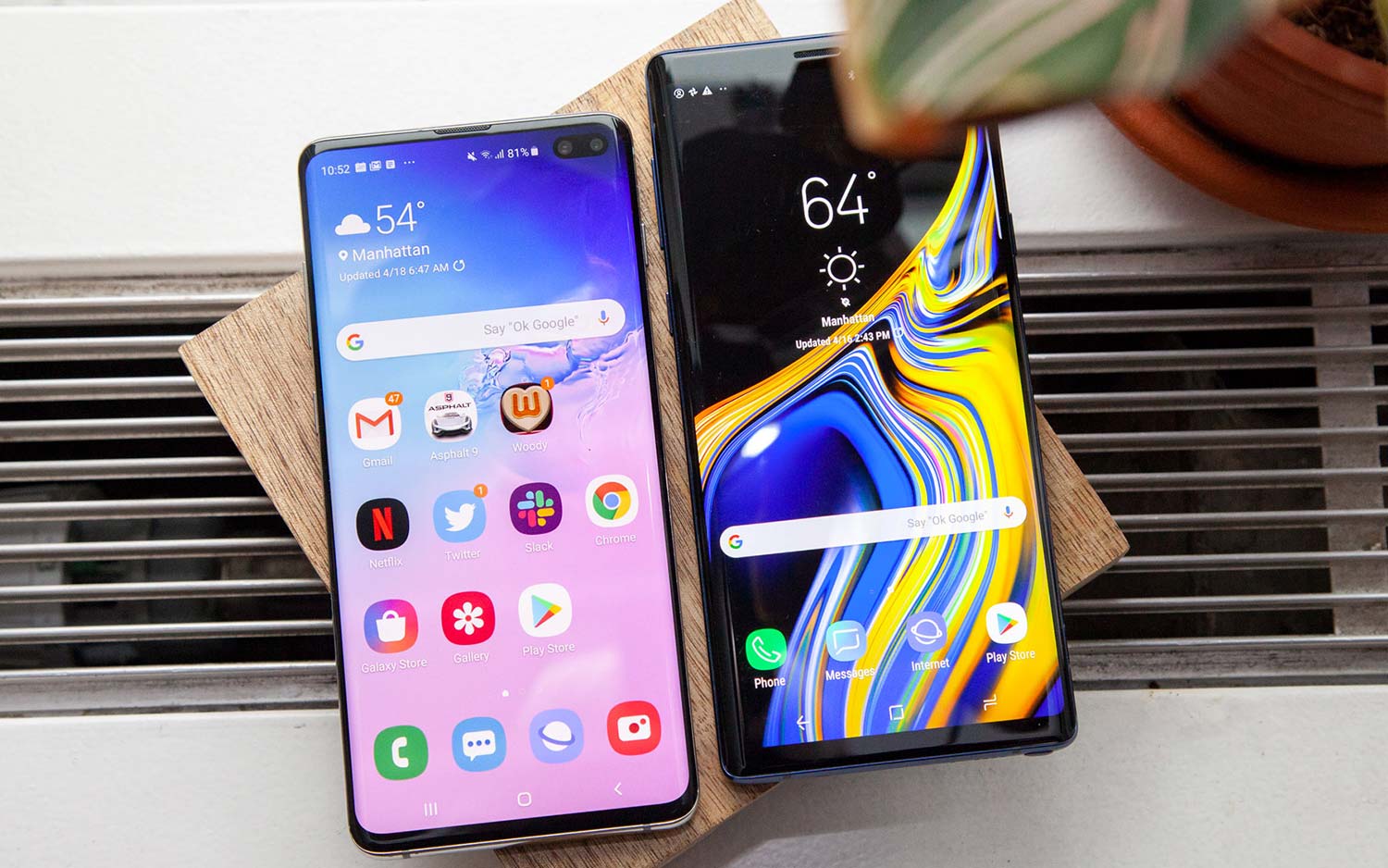
The Samsung Galaxy Note 9 remains a legendary device, combining a vibrant 6.4-inch Super AMOLED display, expandable storage, a headphone jack, and the iconic Bluetooth-enabled S Pen. While it no longer receives official Android operating system updates from Samsung, its robust hardware configuration—featuring either the Qualcomm Snapdragon 845 or Exynos 9810 chipset paired with up to 8GB of RAM—retains immense capability for productivity, note-taking, creative drawing, and media consumption. Choosing the right software ecosystem is essential to maximizing this vintage flagship hardware, transforming it from a legacy smartphone into a specialized powerhouse tailored to the unique precision of the S Pen digitizer and expansive screen real estate.
Finding the optimal application for a legacy powerhouse like the Galaxy Note 9 requires looking beyond generic software recommendations to evaluate how well a tool integrates with Wacom stylus input, multi-window multitasking, and DeX desktop mode. This article examines five of the best apps available for the device—Samsung Notes, Microsoft OneNote, Nova Launcher, Adobe Lightroom, and Tasker—analyzing their features, performance, limitations, and overall utility to determine which one ultimately wins the crown for daily productivity and long-term value.
1. Samsung Notes: The Native Productivity Engine
Samsung Notes is the default note-taking application pre-installed on the Galaxy Note 9, built from the ground up to leverage the hardware-level integration of the S Pen. Because the Note 9 uses an electromagnetic resonance (EMR) digitizer developed in partnership with Wacom, Samsung Notes can capture 4,096 levels of pressure sensitivity with virtually zero perceptible latency.
Core Features and S Pen Integration
The primary strength of Samsung Notes lies in its seamless hardware-software synergy. Users can pull the S Pen out of its silo while the screen is off and immediately begin jotting notes on the black screen memo interface.
- Screen-off Memo: Allows rapid capture of ideas without unlocking the device, saving valuable seconds in fast-paced environments.
- Handwriting-to-Text Conversion: Advanced OCR (Optical Character Recognition) engine translates scrawled handwritten notes into digital text with high accuracy, ready for export into Microsoft Word or PDF formats.
- PDF Annotation: Users can import multi-page PDF documents directly into the canvas, signing contracts, highlighting technical manuals, or sketching diagrams over technical blueprints.
- Audio Bookmarking: Records voice memos synchronized with handwritten notes, allowing users to tap a specific word in their notes to replay the audio recorded at that exact moment.
Performance and Limitations on Legacy Hardware
Running on the Galaxy Note 9, Samsung Notes benefits from lightweight resource management, consuming minimal battery and operating with fluid animations. However, cloud synchronization relies on Samsung Cloud or integration with Microsoft OneDrive. Because Samsung has phased out direct PC syncing for older versions of the app on non-Galaxy devices, cross-platform accessibility outside of the Windows-specific Samsung Notes app can feel constrained compared to cloud-native competitors.
2. Microsoft OneNote: The Cross-Platform Heavyweight
For users heavily invested in a multi-platform workflow spanning Windows PCs, macOS, iPads, and Android tablets, Microsoft OneNote offers a compelling alternative to native note-taking solutions. OneNote approaches digital note-taking through a hierarchical metaphor of notebooks, sections, and pages, mimicking a physical binder system.
Ecosystem Synergy and Cloud Sync
OneNote utilizes Microsoft's OneDrive infrastructure to sync notebooks instantly across virtually any modern device. This makes it an ideal choice for professionals and students who need to draft a technical outline on their Galaxy Note 9 during a commute and immediately review it on a desktop workstation upon arrival.
- Infinite Canvas: The page boundaries expand dynamically as you type, draw, or paste images, providing unstructured creative freedom.
- Robust S Pen Support: While it lacks the native screen-off memo shortcut of Samsung Notes, OneNote supports pressure-sensitive stylus input, palm rejection, and a dedicated "Draw" tab with customizable pen weights and highlighter colors.
- Web Clipper Integration: Users can clip articles, recipes, and research materials directly from desktop browsers into specific OneNote sections for offline mobile viewing.
Drawbacks on the Galaxy Note 9
Despite its versatility, OneNote can occasionally feel heavier and more resource-intensive than Samsung Notes. On the Snapdragon 845 or Exynos 9810 processors, heavy notebooks with thousands of handwritten strokes can experience brief stuttering during zoom and pan gestures. Furthermore, the handwriting recognition engine relies on cloud processing, requiring an active internet connection to convert extensive handwritten notes into typed text.
3. Nova Launcher: Unleashing Customization and Speed
The Galaxy Note 9 launched with Samsung's proprietary Experience interface, later updated to One UI. While One UI is feature-rich, it can feel cluttered or sluggish on older hardware. Nova Launcher is a third-party home screen replacement designed to strip away visual bloat, optimize resource utilization, and offer granular customization over every pixel of the user interface.
Performance Optimization and Visual Control
Nova Launcher Prime transforms the day-to-day user experience of the Galaxy Note 9 by replacing the stock home screen architecture with a highly optimized, lightweight engine.
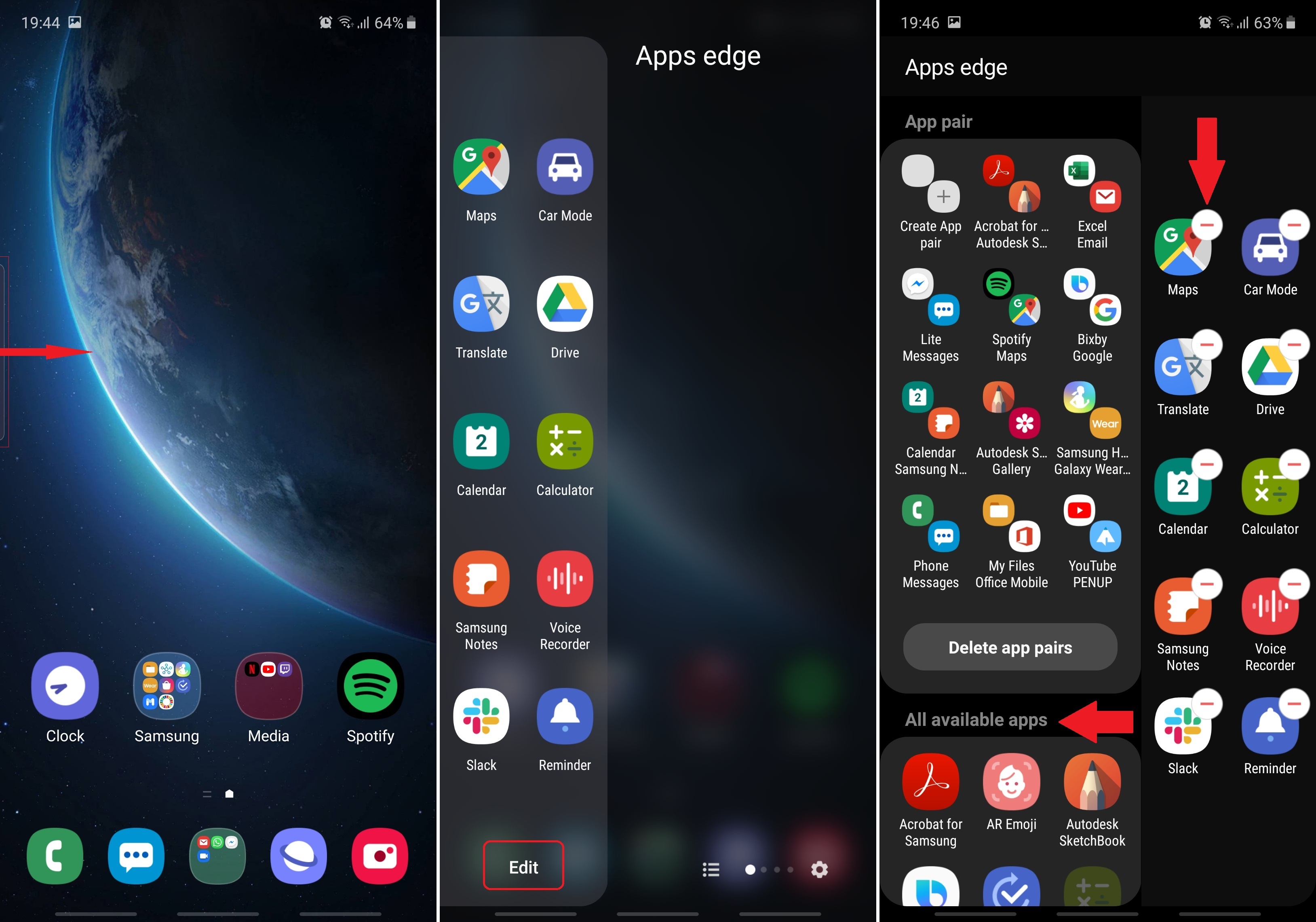
- Custom Grid Layouts: Adjust desktop and app drawer grid dimensions beyond factory limitations, fitting more productivity shortcuts onto the 6.4-inch display.
- Gesture Control: Assign custom swipe, pinch, or double-tap gestures to launch specific apps like Samsung Notes or toggle system settings instantly.
- Icon Customization: Apply third-party icon packs, normalize icon sizes, and hide infrequently used bloatware apps from the app drawer without requiring root access.
Operational Considerations
While Nova Launcher dramatically improves interface fluidity and responsiveness, it does not integrate natively with Samsung DeX mode. When the Galaxy Note 9 is docked to an external monitor or connected via a USB-C cable to a PC, DeX utilizes its own desktop launcher environment rather than the active Android home screen. Users who frequently rely on DeX will experience a disconnect between their mobile launcher settings and the desktop workspace.
4. Adobe Lightroom Mobile: Professional Photo Editing
The dual-camera system on the Galaxy Note 9—featuring a variable aperture (f/1.5 and f/2.4) primary sensor and a 2x telephoto zoom lens—remains surprisingly capable of capturing detailed imagery. Adobe Lightroom Mobile brings professional-grade RAW image editing, tone curves, and precise color grading tools to the mobile form factor, fully utilizing the precision of the S Pen for masking and localized adjustments.
Advanced Imaging Toolkit
Lightroom bridges the gap between casual smartphone photography and professional digital imaging workflows.
- RAW DNG Capture: Shoot uncompressed RAW images directly through the app's in-built pro camera mode, extracting maximum dynamic range from the Note 9's dual-pixel sensor.
- Precision Masking with S Pen: The fine tip of the S Pen acts as a high-precision stylus, making brush adjustments, linear gradients, and radial masks significantly easier than using a blunt fingertip on a small screen.
- Cloud Ecosystem: Edits sync seamlessly via Adobe Creative Cloud to desktop versions of Lightroom, allowing photographers to kickstart their post-processing workflow directly in the field.
Hardware Bottlenecks
Running complex photo editing algorithms on a 2018-era mobile chipset has distinct boundaries. Exporting large batches of full-resolution RAW files taxes the thermal limits of the Galaxy Note 9, leading to noticeable device warming and extended processing times. Additionally, advanced features such as AI-powered masking and cloud storage quotas require an active Adobe Creative Cloud subscription.
5. Tasker: Ultimate Automation and System Control
Tasker is the premier automation utility for Android, allowing advanced users to construct complex event-driven workflows that automate routine tasks, adjust system settings based on location or time, and eliminate repetitive interactions.
Contextual Automation Capabilities
Tasker turns the Galaxy Note 9 into a context-aware assistant by monitoring over 350 different system states, events, and variables.
- S Pen Triggers: Configure specific macros to execute the exact moment the S Pen is detached from its slot, such as automatically launching Samsung Notes and adjusting media volume to zero.
- Location and Wi-Fi Automation: Automatically toggle Bluetooth, adjust screen brightness, or silence notifications when connecting to office Wi-Fi networks or arriving at specific geographic coordinates.
- Secure Settings Integration: Modify system-level variables, change wallpaper dynamically, or automate file backups to local storage without manual intervention.
Learning Curve and Complexity
Tasker is not designed for casual users. The interface features a dense, developer-oriented design paradigm that requires patience, logical troubleshooting, and occasional community script imports to master. Furthermore, modern Android security permissions and battery optimization protocols require users to grant extensive background execution rights via ADB (Android Debug Bridge) to ensure automation tasks run reliably without being killed by the operating system.
Comparative Feature Analysis
To evaluate how these five applications stack up across key performance indicators relevant to the Galaxy Note 9, review the comparison table below:
| Application Name | Primary Function | S Pen Optimization | Resource Consumption | Cross-Platform Sync | Best For |
|---|---|---|---|---|---|
| Samsung Notes | Note-taking & PDF Annotation | Native (Exemplary) | Low | Limited (Windows/Cloud) | Rapid handwritten notes & sketching |
| Microsoft OneNote | Cloud-Based Document Hub | Moderate | Moderate to High | Excellent (All Platforms) | Multi-device research & typing |
| Nova Launcher | Interface Customization | None | Very Low | None | Speed, layout control, and UI speed |
| Adobe Lightroom | Professional Photo Editing | High (Precise Masking) | High | Excellent (Adobe CC) | Mobile RAW photography workflows |
| Tasker | System Automation | Optional Triggers | Low to Moderate | Local / Backup Based | Advanced macro creation & routine tasks |
Which App Wins?
Evaluating these applications through the specific lens of the Galaxy Note 9 reveals a clear hierarchy. While Nova Launcher breathes fresh visual life into the operating system, OneNote provides robust cloud syncing, Lightroom unlocks photographic potential, and Tasker offers unmatched automation, the undisputed winner is Samsung Notes.
The Galaxy Note 9 is defined entirely by its hardware identity as a productivity device anchored by the S Pen. No third-party application matches the zero-latency responsiveness, deep system-level integration, Screen-off Memo accessibility, and specialized PDF markup capabilities engineered specifically for this hardware by Samsung. By prioritizing native stylus optimization and seamless execution, Samsung Notes remains the single most essential application required to preserve and enhance the core value proposition of the Galaxy Note 9.
Frequently Asked Questions
Can I run Samsung Notes on a non-Samsung PC or tablet?
Yes, Samsung Notes can be installed on Windows PCs via the Microsoft Store, allowing synchronization of notes through a Samsung account. However, official support for non-Samsung Android tablets and iOS devices remains heavily restricted or unavailable without unofficial workarounds.
Does the Galaxy Note 9 still support app updates in 2026?
Official operating system and security updates from Samsung concluded several years ago. While core applications like Samsung Notes and Microsoft OneNote continue to receive occasional updates via the Google Play Store or Galaxy Store, compatibility for newer third-party apps may gradually decline as minimum Android version requirements advance.
How does Nova Launcher impact battery life on the Galaxy Note 9?
Nova Launcher is exceptionally lightweight and often consumes fewer system resources than heavy manufacturer skins like Samsung's default One UI home screen. Consequently, many users report a slight improvement in home screen fluidity and nominal battery longevity.
Can Tasker automate actions based on S Pen movement?
Yes, Tasker supports specific intent triggers and event hooks related to the S Pen. Users can configure profiles that detect when the stylus is removed or inserted, triggering automated sequences such as launching specific drawing canvases or adjusting audio profiles.
Is an active internet connection required to use Adobe Lightroom Mobile?
No, Adobe Lightroom Mobile functions fully offline for local image editing, RAW capture, and storage on the device's internal memory or microSD card. An internet connection is only required when syncing edits to Adobe Creative Cloud or downloading software updates.