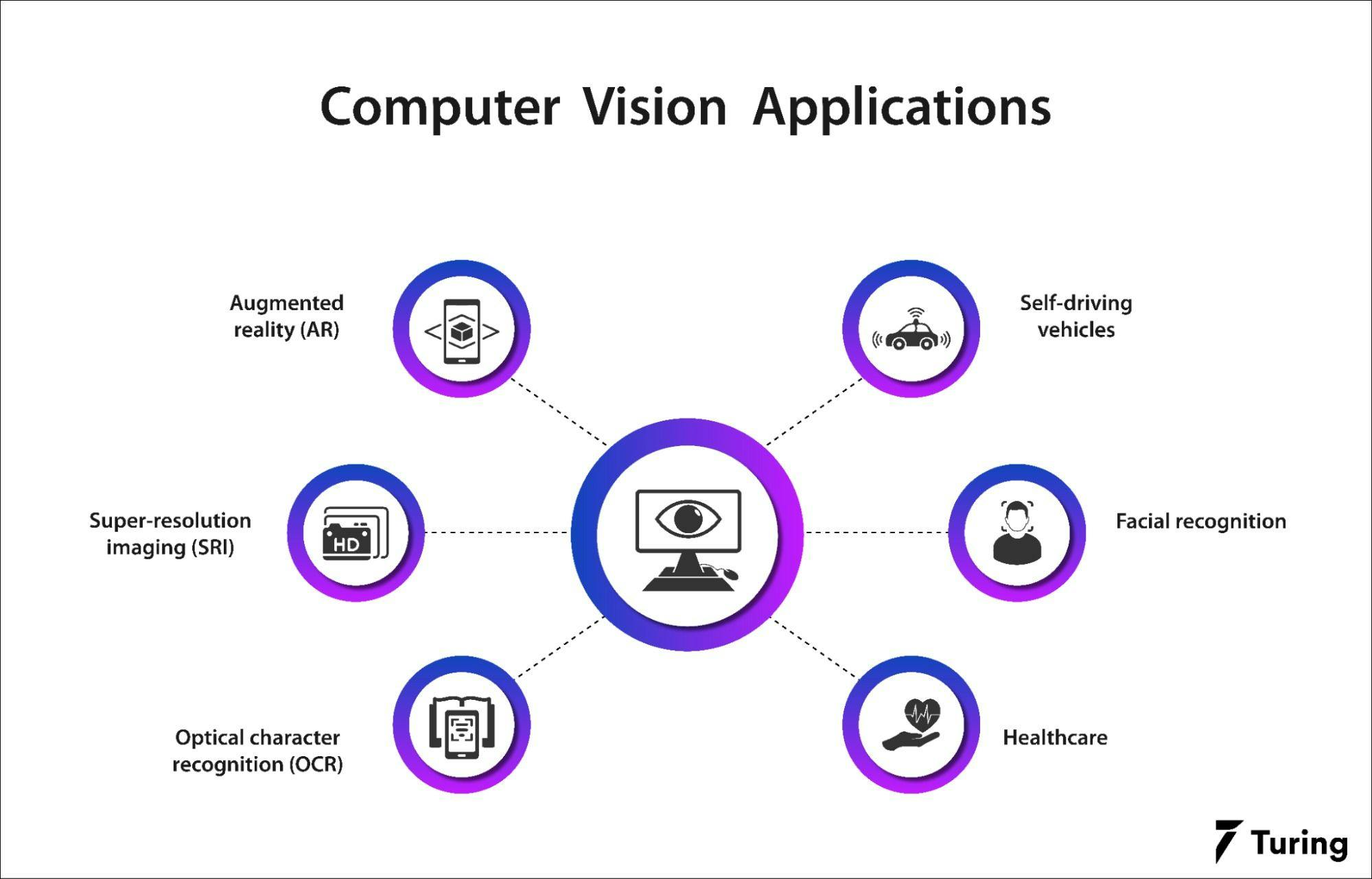
Arduino computer vision applications leverage high-performance microcontrollers and specialized sensors to process visual data directly at the "edge." By using boards like the Nicla Vision or Portenta H7, developers can implement real-time object detection, gesture recognition, and industrial inspection without relying on expensive, power-hungry PCs or constant cloud connectivity.
Computer vision (CV) was once the exclusive domain of powerful desktop CPUs and dedicated GPUs. However, as of 2026, the convergence of optimized neural network architectures and high-clock-speed microcontrollers has made "TinyML" (Tiny Machine Learning) a standard feature within the Arduino ecosystem. Implementing computer vision on Arduino allows for low-latency, private, and energy-efficient solutions in environments where traditional computing is impractical.
The Evolution of Vision on Arduino Hardware
To understand current computer vision applications, one must distinguish between traditional 8-bit microcontrollers and the modern 32-bit ARM Cortex-M7 systems that dominate the field in 2026. An Arduino Uno, while iconic, lacks the RAM and clock speed necessary to process even a low-resolution image frame.
Modern vision-capable Arduinos, such as the Arduino Nicla Vision and the Arduino GIGA R1 WiFi, utilize dual-core processors. For instance, the STM32H747XI found in these boards features a Cortex-M7 core running at 480 MHz and a Cortex-M4 core at 240 MHz. This architecture allows the M7 core to handle heavy mathematical lifting for image processing while the M4 manages peripheral communication and system stability.
Integrated vision shields and dedicated modules like the OpenMV Cam or the Pixy2 have also bridged the gap for older hardware. These modules act as co-processors, performing the vision analysis on their own hardware and sending simplified data (like "Object detected at X,Y coordinates") back to the main Arduino board via I2C or SPI.
Industrial Quality Control and Automated Sorting
One of the most commercially significant Arduino computer vision applications is automated inspection on factory floors. Small-scale manufacturing facilities use Arduino-based vision systems to ensure product consistency without the $10,000+ overhead of industrial PC-based vision suites.
Color and Shape Sorting
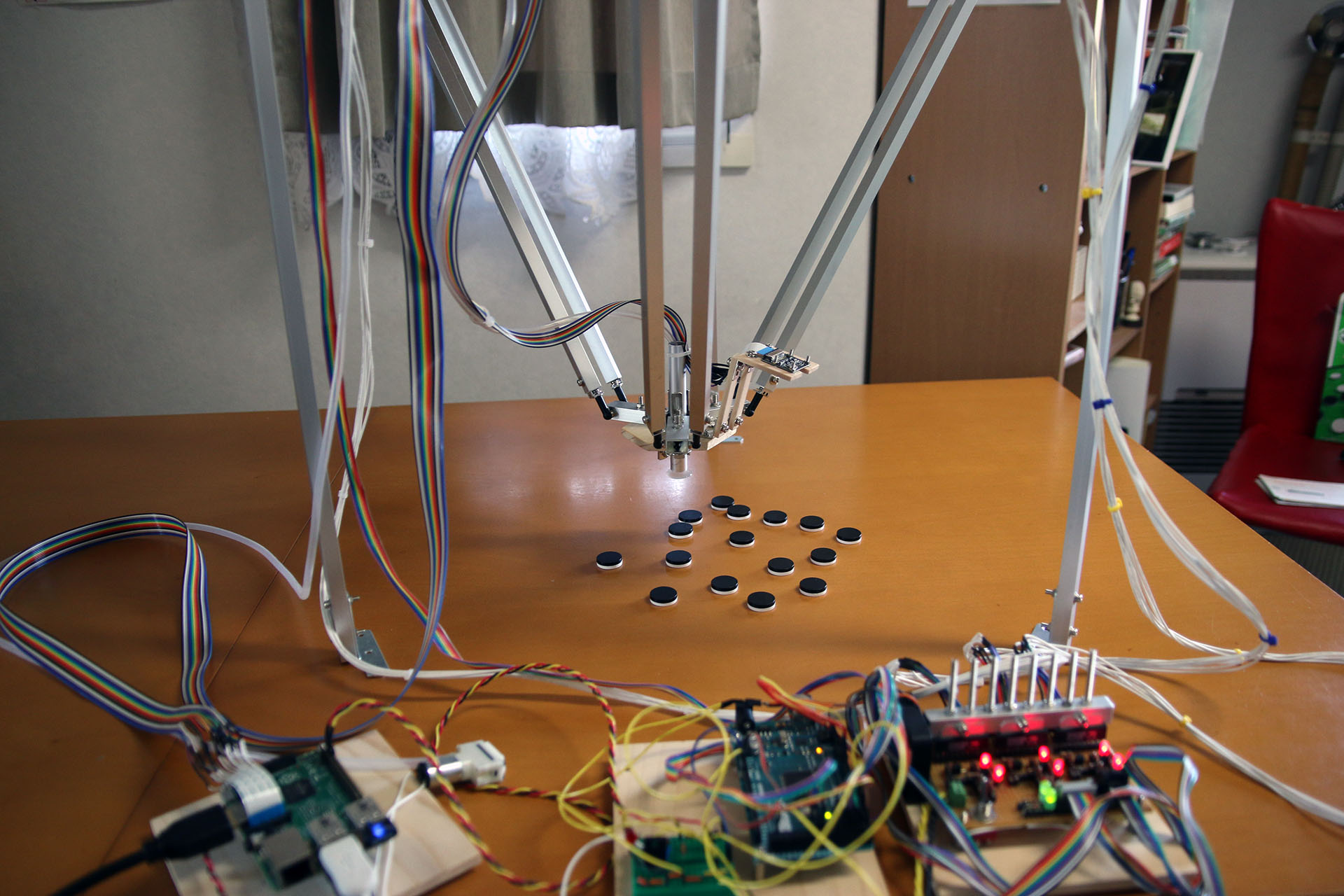
Using simple color-blob detection algorithms, an Arduino-controlled robotic arm can sort items on a conveyor belt. In 2026, these systems are increasingly using Edge Impulse-trained models to move beyond simple color filtering. A system can now distinguish between a "good" mechanical part and a "deformed" one by recognizing subtle structural anomalies that traditional sensors would miss.
QR Code and Barcode Logistics
While dedicated scanners exist, an Arduino GIGA R1 equipped with a camera can serve as a multi-functional node. It can scan barcodes to track inventory while simultaneously using its remaining overhead to monitor for safety hazards, such as an operator's hand entering a restricted machine zone. This "multi-tasking" at the edge reduces the number of individual sensors required per workstation.
Agricultural Monitoring and Environmental Protection
The ability to deploy low-power vision systems in the field has revolutionized precision agriculture. Arduino computer vision applications in this sector focus on high-durability, battery-operated nodes that can survive harsh environments.
Crop Health and Pest Detection
By mounting an Arduino Nicla Vision to a mobile rover or a fixed pole, farmers can monitor plant growth. These devices use trained inference models to detect the early signs of leaf rust or insect infestations. Because the processing happens on the device, it only needs to send an alert over a LoRaWAN or NB-IoT network when a problem is detected, drastically saving battery life compared to streaming video to a server.
Wildlife Conservation
Arduino-based "smart" camera traps are used in 2026 to monitor endangered species. Traditional camera traps trigger on any motion, resulting in thousands of "false positive" images of wind-blown grass. A CV-enabled Arduino only saves or transmits images when it identifies a specific animal profile, such as a feline or a bird of prey, ensuring that remote storage and bandwidth are used efficiently.
Security, Surveillance, and Human Presence Detection
Standard PIR (Passive Infrared) sensors can detect motion, but they cannot distinguish between a human, a dog, or a swaying curtain. Arduino computer vision applications have replaced these "dumb" sensors with "smart" presence detectors.
Person Counting and Occupancy
In smart building management, privacy is a major concern. Arduino vision systems provide a solution by performing on-device inference. The board can count how many people are in a room and send that integer (e.g., "4") to the building's HVAC system to adjust cooling. Crucially, the actual image never leaves the board's volatile memory and is never saved or transmitted, ensuring total compliance with privacy regulations.
Facial Verification for Access Control
While an Arduino is not suited for a massive facial recognition database of thousands of people, it is excellent for "1-to-1" or "1-to-few" verification. A homeowner or a small office can use an Arduino Portenta H7 to unlock a door. The system compares the live feed against a locally stored mathematical "template" of authorized users. This is faster and more secure than cloud-based systems that are vulnerable to internet outages.
Technical Comparison of Hardware for Vision Tasks
Choosing the right hardware is the most critical step in an Arduino CV project. The following table compares the leading options available in 2026 for various vision requirements.
| Board / Module | Processor | Memory (RAM) | Integrated Camera | Primary Use Case |
|---|---|---|---|---|
| Nicla Vision | STM32H7 Dual-core | 1MB SRAM / 16MB Flash | 2MP Color | Wearables & Industrial IoT |
| Portenta H7 + Vision Shield | STM32H7 Dual-core | 8MB SDRAM | 324x324 Mono | High-speed Prototyping |
| GIGA R1 WiFi + Camera | STM32H7 Dual-core | 8MB SDRAM | External via Arducam | Complex Dashboards & CV |
| Pixy2 (Peripheral) | Dedicated NXP | Internal Only | Integrated | Simple Tracking (Color/Line) |
| HuskyLens (AI Sensor) | Kendryte K210 | Internal Only | Integrated | Education & Rapid Prototyping |
The Software Stack: Moving from C++ to MicroPython
In 2026, the development workflow for Arduino computer vision has branched into two main paths: the traditional Arduino IDE (C++) and the increasingly popular Arduino Lab for MicroPython.
Edge Impulse and TinyML
Regardless of the language, the "intelligence" of these applications usually starts with Edge Impulse. This platform allows developers to upload images, label them, and train a specialized neural network (like MobileNetV2 or FOMO) that is compressed specifically for microcontrollers. The resulting library is then exported back into the Arduino environment.
OpenMV Integration
The OpenMV project has become a cornerstone of the Arduino vision ecosystem. Many Arduino boards are now compatible with the OpenMV IDE, which uses MicroPython. This allows for rapid development using high-level functions like sensor.snapshot() and img.find_blobs(), making CV accessible to developers who may not have a background in low-level C++ memory management.
Limitations and Practical Challenges
Despite the advancements seen in 2026, computer vision on Arduino is not without its hurdles. Developers must work within the constraints of the hardware to ensure reliable performance.
- Memory Constraints: High-resolution images (like 1080p or 4K) cannot be processed by an Arduino. Most applications operate at QVGA (320x240) or even lower resolutions to fit the image buffer into the available SRAM.
- Lighting Sensitivity: Unlike high-end cameras with large sensors, the small CMOS sensors used with Arduino boards struggle in low-light conditions. Most industrial CV applications require consistent, artificial lighting to maintain high accuracy.
- Frame Rate (FPS): While a PC can process 60+ frames per second, a complex neural network on an Arduino might run at 5 to 15 FPS. This is sufficient for monitoring a plant or a slow-moving conveyor, but it is not fast enough for high-speed projectile tracking.
- Heat Dissipation: Processing vision models at 480 MHz generates significant heat. Boards like the Portenta H7 may require passive heatsinks if they are performing continuous inference in a sealed enclosure.
Frequently Asked Questions
Can an Arduino Uno or Nano handle computer vision?
Generally, no. The 8-bit AVR architecture lacks the memory and processing power to handle image arrays. To perform CV with these boards, you must use an external "intelligent" sensor like the HuskyLens or Pixy2, which processes the image on its own hardware and communicates only the final results to the Uno.
What is the difference between "Image Processing" and "Computer Vision" on Arduino?
Image processing involves transforming an image (e.g., changing brightness or detecting edges using filters). Computer vision involves "understanding" the image (e.g., identifying that a group of pixels represents a "dog"). Modern Arduino boards are capable of both, but CV requires the use of machine learning models.
Do I need an active internet connection for Arduino CV?
One of the primary benefits of using Arduino for vision is that it does not require an internet connection. The "inference" (the decision-making) happens entirely on the board. You only need a connection if you want the board to send a notification or upload a captured image to a remote server.
Which programming language is best for Arduino vision projects?
For performance-critical applications where every millisecond counts, C++ via the Arduino IDE is preferred. However, for rapid prototyping and ease of use, MicroPython (via the OpenMV or Arduino Lab environments) has become the standard in 2026 due to its robust libraries and simpler syntax.
Is facial recognition on Arduino secure?
Yes, it can be more secure than cloud-based alternatives because the biometric data never leaves the device. However, the accuracy is limited compared to professional-grade systems, and it may be susceptible to "spoofing" (e.g., holding up a photo of the user) unless secondary sensors like a ToF (Time of Flight) distance sensor are used to ensure a 3D face is present.
Practical Recommendation for Beginners
For those looking to start with Arduino computer vision applications in 2026, the Arduino Nicla Vision is the recommended entry point. Its compact form factor, integrated 2MP camera, and built-in sensors (including a microphone and distance sensor) make it an all-in-one laboratory for Edge AI. Begin by exploring the Arduino Documentation for the Nicla Vision and experiment with the pre-built examples in the OpenMV IDE to understand the balance between resolution, frame rate, and detection accuracy.