An Apple Watch battery should typically be replaced when its Maximum Capacity falls below 80% or if the device experiences unexpected shutdowns. At this threshold, the lithium-ion battery can no longer provide the peak power necessary for demanding tasks, leading to decreased performance and significantly shorter daily usage times.
As we navigate through 2026, the Apple Watch remains a cornerstone of personal health and connectivity. However, like all portable electronics, its utility is tethered to the chemical age of its power source. Because Apple Watches use lithium-ion technology, they are subject to inevitable degradation. Understanding when a battery has crossed the line from "aging" to "failing" is crucial for maintaining the device's reliability and ensuring you don't find yourself with a dead screen halfway through a workout.
Understanding Battery Health vs. Battery Life
Before diving into replacement criteria, it is essential to distinguish between battery life and battery health. These terms are often used interchangeably, but they represent different aspects of your device's performance.
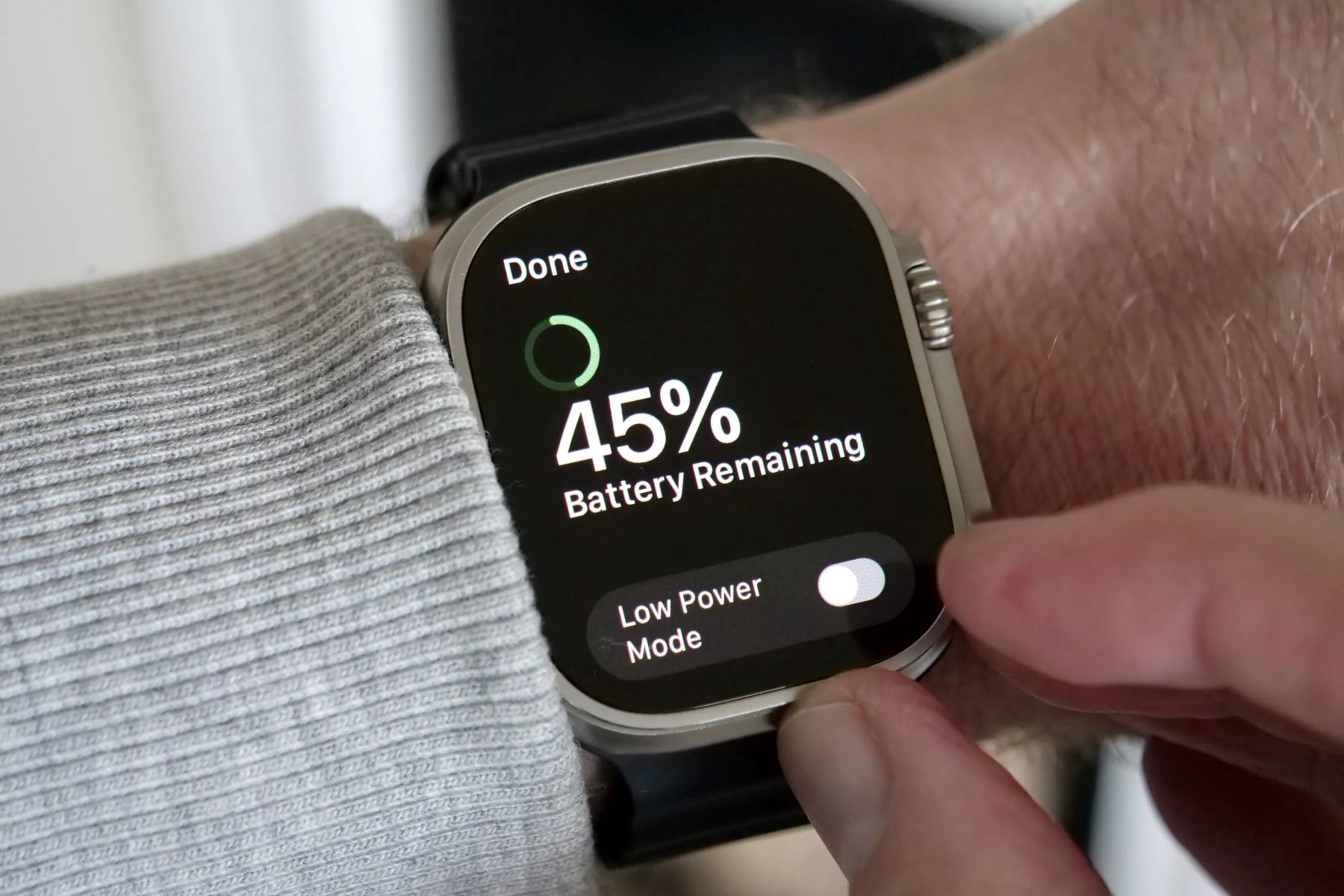
Battery life refers to the amount of time your Apple Watch runs before it needs to be recharged. This is affected by your daily habits—such as how many GPS-tracked workouts you perform, whether you use the Always-On Display, and how many notifications you receive.
Battery health, conversely, refers to the overall state of the battery’s chemical components. A new battery starts with high health (100% capacity). As it undergoes charge cycles—one full discharge and recharge—the chemical components inside the battery slowly degrade. This degradation reduces the amount of energy the battery can hold and its ability to deliver power instantaneously. In 2026, with the high-performance sensors found in the Series 10 and Ultra 3, the demand for consistent peak power is higher than ever, making battery health more critical than it was in earlier models.
How to Check Your Apple Watch Battery Health
Apple has integrated sophisticated monitoring tools within watchOS to help users track their battery's condition. You do not need third-party apps to determine if your battery is failing; the most accurate data is found directly in the settings.
Step-by-Step Verification
To check your current status, follow these steps on your Apple Watch:
- Press the Digital Crown to see all your apps.
- Open the Settings app (the gear icon).
- Scroll down and tap on Battery.
- Scroll down again and tap on Battery Health.
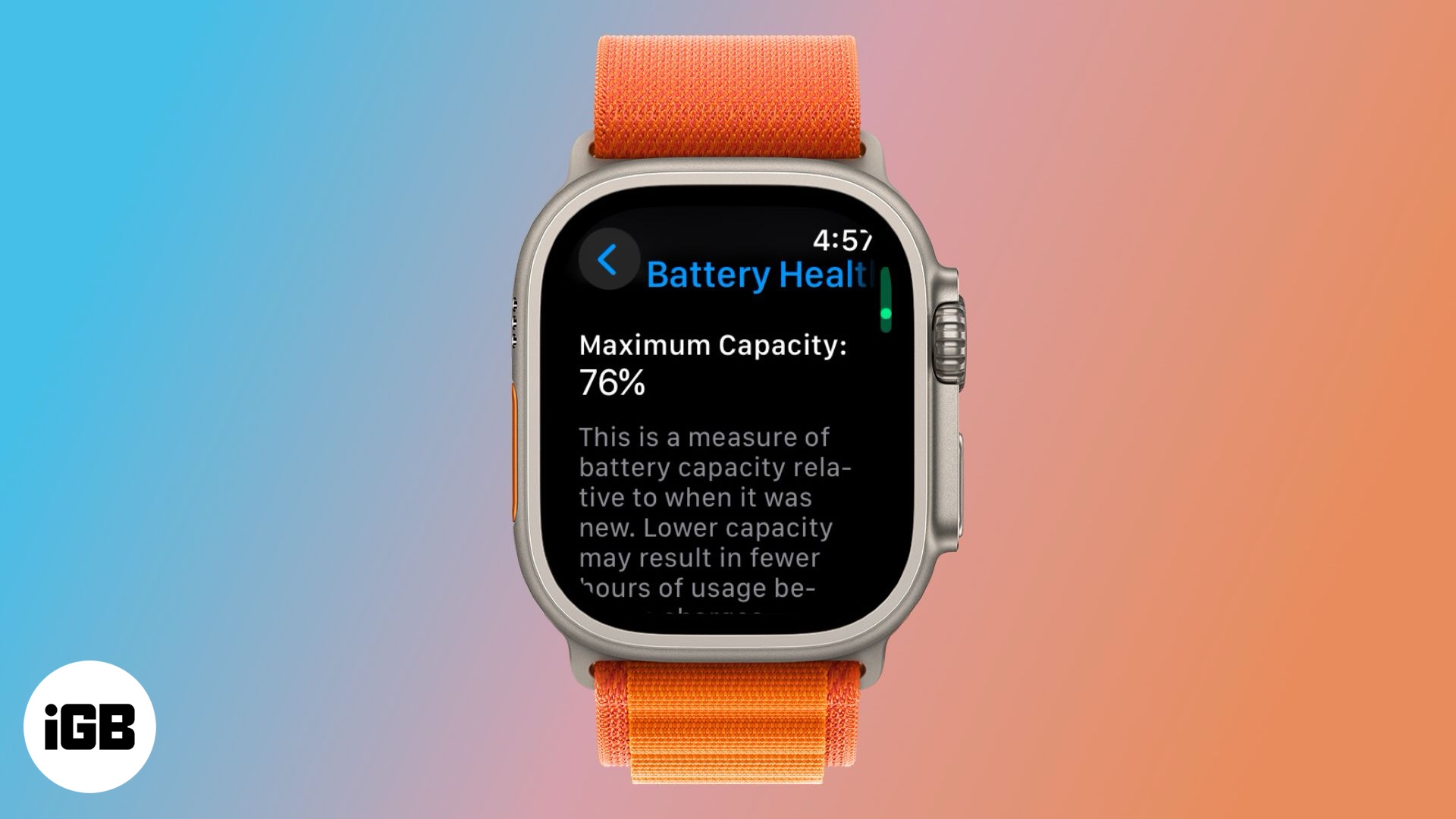
On this screen, you will see a percentage representing Maximum Capacity. This is a measure of the battery capacity relative to when it was new. Below this, you may see a section for "Peak Performance Capability." If your watch is functioning normally, it will state that the battery is currently supporting normal peak performance. If the battery is significantly degraded, this area will display a warning that performance management has been applied.
The 80% Threshold: Why It Matters
The 80% marker is not an arbitrary number chosen by Apple; it is rooted in the physics of lithium-ion batteries. When a battery’s maximum capacity drops below 80%, the internal resistance of the battery increases. This means that when the processor requires a sudden burst of energy—such as when launching a heavy app or processing a heart rate notification—the battery may not be able to supply the necessary voltage quickly enough.
Consequences of Sub-80% Capacity
When the voltage drops too low during a peak power request, the Apple Watch’s electronics will initiate an emergency shutdown to protect the internal components. This is why a watch with poor battery health might turn off at 20% or 30% remaining charge.
To prevent these "unexpected shutdowns," watchOS employs a feature called Performance Management. This dynamically throttles the CPU speed to ensure the battery can keep up. While this prevents the watch from dying mid-task, it results in:
- Longer app launch times.
- Lower frame rates while scrolling.
- Dimmer screen brightness in some conditions.
- Reduced speaker volume.
In the context of 2026 hardware, where we expect instantaneous response times, this throttling can make a Series 8 or Series 9 feel significantly older than it actually is.
Physical and Functional Signs It is Time to Replace
While the 80% rule is the gold standard for replacement, it is not the only indicator. Sometimes, the software reporting may lag behind the physical reality of the battery. You should consider a replacement if you notice the following symptoms:
Unexpected Shutdowns
If your Apple Watch turns off while the battery indicator still shows a positive percentage, the battery is no longer stable. This is particularly common in cold environments, which further stress the battery’s ability to deliver current.
Rapid Percentage Drops
If you take the watch off the charger at 100% and it drops to 80% within thirty minutes of light use, the chemical integrity is likely compromised. This "cliff-like" discharge pattern is a classic sign of high internal resistance.
The "Warm" Watch
A battery that is struggling to hold a charge often generates more heat during the charging process or during standard use. If your watch feels uncomfortably warm on your wrist while performing basic tasks, the battery may be nearing the end of its safe operational life.
Screen Lifting or Swelling
This is the most critical warning sign. If you notice the screen beginning to peel away from the watch body or a slight bulge in the casing, stop using the device immediately. This indicates a swollen battery. While rare, a swollen battery is a safety hazard and can lead to a fire or "venting with flame" if punctured. In 2026, Apple continues to treat battery swelling with high priority, often offering specialized service paths for such issues.
Battery Replacement Costs and Options in 2026
When you have determined that your battery needs replacement, you have several avenues for service. The cost depends largely on your warranty status and the specific model of your Apple Watch.
AppleCare+ Coverage
If your Apple Watch is covered by AppleCare+ and the battery health is below 80%, the replacement is generally covered at no additional cost. This is one of the primary benefits of the AppleCare+ program, effectively extending the "like-new" lifespan of the device.
Out-of-Warranty Service
If you do not have AppleCare+, Apple charges a flat fee for battery service. As of 2026, the estimated costs have stabilized following previous year adjustments.
| Model Category | Estimated Out-of-Warranty Cost (2026) | Service Type |
|---|---|---|
| Apple Watch Series 4 through Series 10 | $99 - $119 | Full Unit Replacement/Battery Swap |
| Apple Watch SE (All Generations) | $79 - $99 | Full Unit Replacement/Battery Swap |
| Apple Watch Ultra (All Generations) | $119 - $139 | Specialized Sealing & Battery Swap |
| Apple Watch Hermès / Edition | $119 - $159 | Premium Service Path |
Note: Prices are estimates based on standard Apple Tier pricing and may vary by region or specific Authorized Service Provider fees.
Why Apple Replaces the Whole Watch
It is important to understand that when you send an Apple Watch in for "battery service," Apple often does not simply open your specific watch and swap the cell. Because the Apple Watch is a precision-sealed, water-resistant device, the labor required to maintain the IP6X or WR100 ratings is intensive. In many cases, Apple provides a "service replacement unit" that is functionally identical to your model but contains a brand-new battery and casing. This ensures that the water resistance remains intact, which is something third-party repair shops often cannot guarantee.
Preparation for Battery Replacement
Before handing your watch over to a technician or mailing it to a repair center, there are several steps you must take to protect your data and ensure the process goes smoothly.
- Back Up Your Data: Apple Watch backups happen automatically to the paired iPhone. Ensure your iPhone has performed a recent backup to iCloud or a Mac.
- Unpair the Watch: Open the Watch app on your iPhone, go to "My Watch," tap the "i" next to your watch, and select "Unpair Apple Watch." This removes the Activation Lock, which is mandatory for service. If Activation Lock is still active, Apple technicians cannot legally or technically work on the device.
- Remove the Band: Do not send your bands or any accessories with the watch. These are often not returned.
- Charge the Device: While not strictly required, having some charge in the device allows the intake technician to verify the serial number and battery health percentage quickly.
How to Prolong Your New Battery's Life
Once you have replaced your battery, you likely want to make the new one last as long as possible. Lithium-ion batteries prefer a specific "lifestyle" to minimize chemical stress.
- Optimized Battery Charging: In 2026, watchOS includes advanced AI that learns your daily charging routine. It will wait to finish charging past 80% until you actually need it. Ensure this is enabled in Settings > Battery > Battery Health.
- Avoid Extreme Temperatures: Nothing kills a battery faster than heat. Avoid leaving your watch on a car dashboard in the sun. Similarly, extremely cold temperatures can cause temporary performance issues, though heat causes permanent capacity loss.
- Use Original Chargers: Third-party chargers that do not adhere to Apple’s MFi (Made for iPhone/Watch) standards can sometimes supply "dirty" power or inconsistent voltages, which increases the wear on the battery's internal controller.
- Moderate the Always-On Display: If you don't find the Always-On Display essential, turning it off can significantly reduce the number of charge cycles you accumulate over a year, effectively delaying the date of your next battery replacement.
Frequently Asked Questions
Does fast charging damage my Apple Watch battery health?
Fast charging, which is supported on the Apple Watch Series 7 and later (including all 2026 models), generates slightly more heat than standard charging. However, Apple’s power management software is designed to mitigate this. While it might technically cause a negligible amount of extra wear compared to slow charging, the convenience usually outweighs the very minor impact on battery longevity.
Can I replace the Apple Watch battery myself?
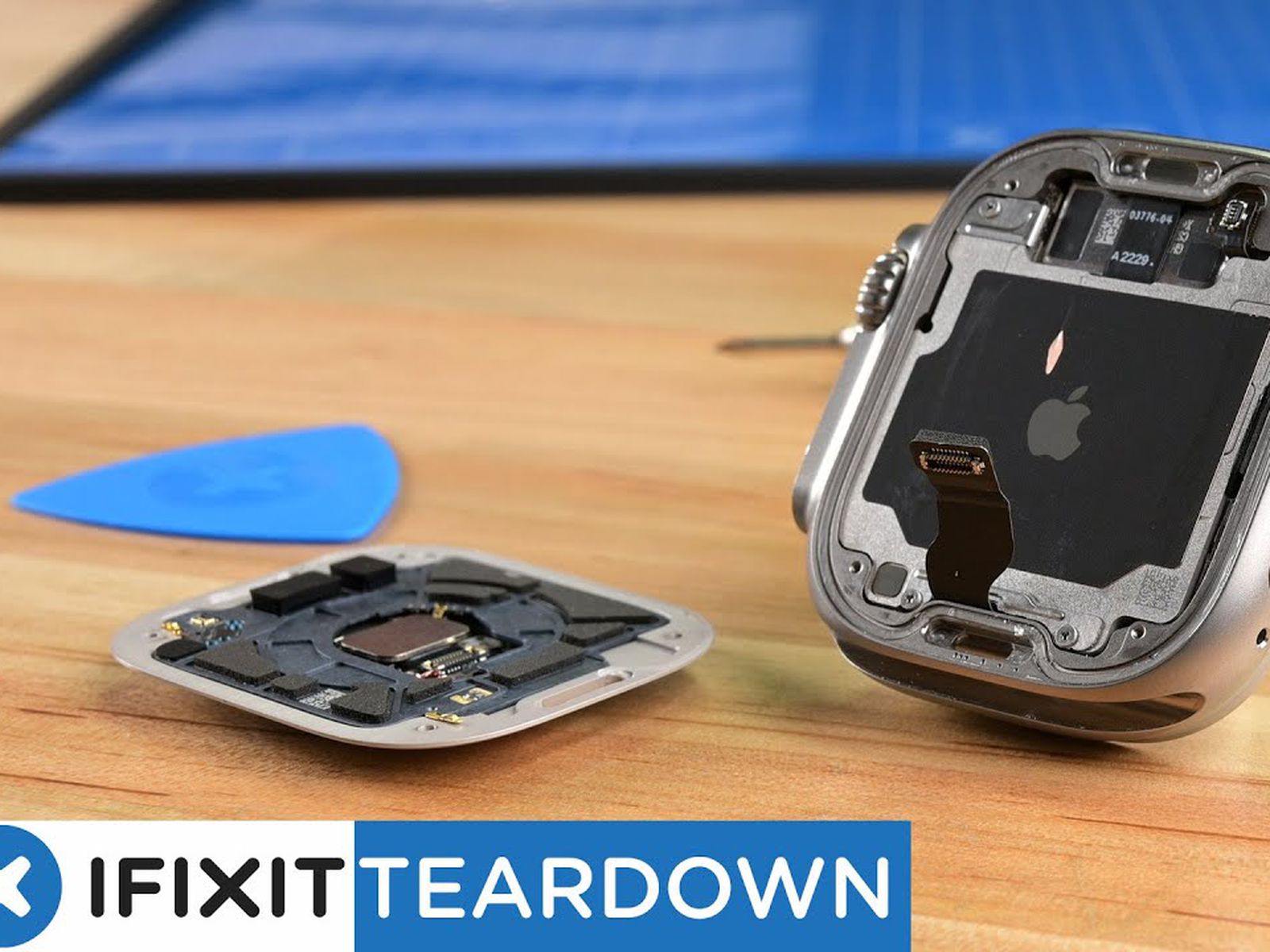
While possible for those with high technical skill and specialized tools, it is not recommended for the average user. The Apple Watch uses very strong adhesives to maintain water resistance. Accessing the battery requires removing the fragile OLED display, which is easily cracked. Furthermore, replacing the battery yourself will void any remaining warranty and likely compromise the device's ability to be submerged in water.
My battery is at 82%, but the watch is very slow. Should I replace it?
At 82%, you are close to the official replacement threshold. If you are noticing significant lag, it may be worth checking if your storage is nearly full or if a specific app is draining resources. However, if a "Clean Install" (unpairing and setting up as new) doesn't fix the lag, the battery is likely the culprit, as it may be failing to provide peak power even before it hits the 80% mark.
Is it worth replacing the battery on an older model like the Series 6 in 2026?
This depends on your needs. A battery replacement costs roughly $99, whereas a new Series 10 or Ultra 3 costs significantly more. If the Series 6 still supports the latest watchOS features you need and the screen is in good condition, a $99 investment to get another 2-3 years of life is highly cost-effective. However, if the model no longer receives the latest watchOS updates, it may be time to upgrade the entire device.
How many cycles is an Apple Watch battery rated for?
Apple typically designs its watch batteries to retain up to 80% of their original capacity at 1,000 complete charge cycles under normal operating conditions. For most users, this equates to roughly 2.5 to 4 years of daily use.
Final Recommendation
If your Apple Watch is showing a Maximum Capacity of 79% or lower, or if you are experiencing unexpected shutdowns, you should proceed with a battery replacement. For those with AppleCare+, this is a straightforward, free service that restores your device to peak performance. If you are out of warranty, evaluate the total health of your watch—including screen scratches and software compatibility—before spending the $99+ on a replacement. In most cases, a new battery is the single best way to make an old Apple Watch feel brand new again.