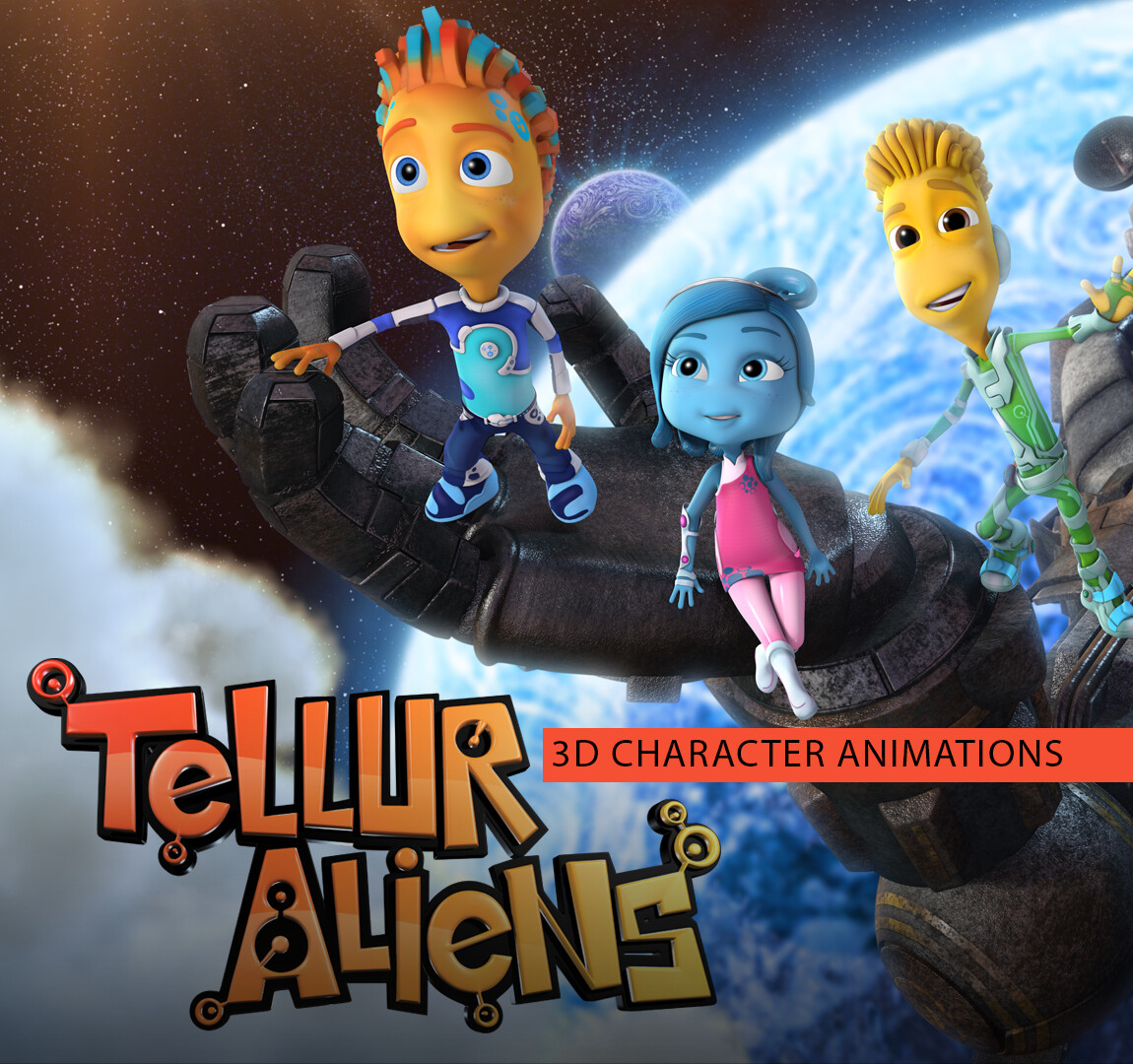
Creating high-quality alien movie animation requires a sophisticated synthesis of biological plausibility, character performance, and technical execution. Whether you are aiming for photorealistic cinematic horror or stylized 3D science fiction storytelling, the process involves a rigid pipeline from conceptual anatomy and skeletal rigging to advanced subsurface scattering and fluid-simulated skin dynamics. Achieving a believable extraterrestrial presence requires more than just unique visual flair; it demands a deep understanding of how alien biology interacts with physics and lighting to ground the performance in a consistent, immersive reality.
Understanding the Anatomy of Alien Animation
Before an animation rig is created, the anatomical foundation of an alien must be established. The primary challenge in alien design is balancing the "uncanny valley" effect—the point where an animated character looks almost human but feels "off," causing discomfort—with creatures that have no clear terrestrial analog.
Biological Plausibility and Skeletal Structures
The most effective alien animations often draw inspiration from real-world biological evolution. If an alien is designed to live in a high-gravity environment, its skeletal structure should suggest dense, powerful musculature and potentially shorter limbs to maintain a low center of gravity. Conversely, creatures from low-gravity or aquatic environments may exhibit elongated appendages and ethereal, flowing motions.
When designing the rig, animators must determine the creature’s center of mass. If your alien has an unconventional limb arrangement, such as six legs or tentacle-based locomotion, you must define the "gait" before finalizing the skeleton. Using a modular rigging system in professional software like Autodesk Maya or SideFX Houdini allows for the adjustment of joints while maintaining skinning weights, which is essential for iterating on the alien’s unique movement patterns.
The Technical Pipeline: From Modeling to Rendering
The production of alien animation follows a strict sequence to ensure that performance, texture, and motion are fully integrated. Skipping or rushing any of these stages typically leads to visual artifacts or "floaty" movement that destroys the viewer's suspension of disbelief.
1. High-Fidelity Sculpting
Before rigging begins, the alien is typically sculpted in software like ZBrush. During this phase, you must account for "deformation zones"—areas where the skin folds, stretches, or compresses. If the alien is intended to have a specific texture, such as chitinous plates or translucent bioluminescent skin, these details must be baked into displacement maps. For 2026 production standards, high-resolution displacement maps are mandatory to support the subsurface scattering required to make skin look organic rather than plastic.
2. Advanced Rigging and Inverse Kinematics
Rigging an alien with non-standard anatomy requires a combination of forward kinematics (FK) and inverse kinematics (IK). For tentacles or tails, developers often use spline-based IK handles. This provides the animator with control over the curve of the limb, allowing for fluid, undulating movements that are impossible to achieve with a standard joint-based hierarchy.
3. Skinning and Muscle Simulation
In high-end film production, skinning (the process of attaching the mesh to the underlying skeleton) is augmented by secondary simulation. This involves adding a dynamic layer of muscle and fat tissue that reacts to the skeleton's movement. In 2026, real-time engines like Unreal Engine 5.4+ allow for significant improvements in how skin slides over underlying tissue, providing a realistic "jiggle" or "tension" that is critical for large, massive creatures.
Comparative Approaches to Alien Animation
Different genres of science fiction require different technical approaches to animation. Your design choices should align with the tone of your project to ensure the audience perceives the creature as intended.
| Animation Style | Technical Focus | Best Use Case |
|---|---|---|
| Photorealistic | Subsurface scattering, muscle simulation, ray-traced shadows | Epic sci-fi, horror, creature-feature |
| Stylized/Toon | Exaggerated squash and stretch, custom shaders, high-contrast silhouettes | Animated series, stylized feature films |
| Motion Capture (MoCap) | Humanoid skeletal mapping, performance capture, facial tracking | Intelligent humanoid aliens, character-driven drama |
| Stop-Motion Hybrid | Digital replacement for physical models, stutter-frame aesthetics | Artistic, retro-themed, or indie sci-fi projects |
Managing Subsurface Scattering and Lighting
The defining characteristic of "believable" alien skin is how it interacts with light. Human skin allows light to penetrate the surface and scatter internally—a phenomenon known as subsurface scattering (SSS). If your alien is meant to be biological, SSS is non-negotiable.
Implementing SSS Maps
In modern rendering engines like Arnold or RenderMan, you should assign specific SSS weight and radius maps to your alien model. The "weight" defines how much light penetrates, while the "radius" defines how deep it goes. For an alien, you may want to play with the color of the scattering. For instance, an alien with blue, copper-based blood might exhibit a greenish or cool-toned internal glow when backlit.
Lighting for Scale
Lighting acts as the final arbiter of size. A common mistake in independent animation is failing to scale light sources properly. If your alien is 20 feet tall, the light sources (the sun or street lamps) should be positioned relative to that height. Small, pin-point lights on a massive creature will make it look like a toy. Use area lights or HDRI environments that accurately represent the creature’s scale to ground it in the digital space.
Troubleshooting Common Animation Errors
Even with professional tools, animators often encounter "breaking" issues during the rendering phase.
- Weight Painting Artifacts: If the model's geometry collapses during extreme poses, check your skinning weights. Ensure no single vertex is influenced by too many joints, as this often causes the mesh to implode.
- Aliasing on Fine Detail: If your alien has hair, fine scales, or membranes, you may notice "shimmering" or pixelation during motion. This is a common issue with fine textures and high-contrast lighting. Adjust your anti-aliasing settings and consider increasing the sample rate for hair and transparency shaders.
- The "Weightless" Feel: If your creature looks like it is floating across the ground, the issue is almost always a lack of contact shadows. Ensure your floor or terrain has high-resolution ambient occlusion to anchor the alien’s feet, tentacles, or appendages firmly to the environment.
Incorporating Environmental Interaction
A creature exists within a world. If your alien walks through tall grass, interacts with water, or displaces dust, you must simulate those effects. While animating the creature itself is the primary goal, the animation fails if the environment does not react.
Use particle systems to simulate dust kicked up by footsteps. In 2026, procedural generation tools are standard for creating these interactions without manually animating every single blade of grass. By linking the alien’s foot-fall to a dynamic impact trigger, the environment can automatically react to the creature’s presence, drastically increasing the sense of physical weight and immersion.
Frequently Asked Questions
What software is the industry standard for alien movie animation?
The industry standard currently relies on a combination of Autodesk Maya for rigging and animation, ZBrush for high-detail sculpting, and either Arnold or Unreal Engine for rendering. For professional workflows, SideFX Houdini is increasingly used for complex, procedural creature effects.
How do I prevent the uncanny valley in alien design?
The uncanny valley is often triggered by human-like skin textures and eyes that don't match the creature's physiology. If you want to avoid this, emphasize "non-human" traits such as nictitating membranes, bioluminescence, or multi-faceted eyes, which signal to the audience that the creature is fundamentally different from a human.
Is motion capture necessary for alien animation?
Motion capture is only necessary if your alien follows a humanoid movement pattern. For creatures with non-human limb counts or unique biological traits, "keyframing" (manually animating the movement frame-by-frame) often produces more precise and creative results, as it allows you to break the physical limitations of a human actor.
What is the most important element for a believable creature performance?
The most important element is "weight." Audiences intuitively understand physics; if a creature is massive, it should take longer to accelerate and decelerate. If it is small and nimble, its movements should be quick and twitchy. Consistent adherence to these physical rules is more important than visual fidelity.
How do I optimize animation for faster render times?
To optimize, use LOD (Level of Detail) systems. Use a low-poly version of your alien for background shots or fast-moving action sequences, and reserve the high-poly, high-subdivision mesh for close-ups. Additionally, utilize GPU-accelerated rendering if your hardware supports it to reduce wait times during testing.
Next Steps for Your Project
To move forward with your animation project, begin by creating a "movement study." Do not start with the final model. Instead, create a rough, low-polygon "proxy" rig. Use this proxy to test the creature's gait, speed, and reaction to its environment. Once you have a movement cycle that feels physically convincing, transition to the high-detail model. This prevents wasted effort on textures and complex rigs that may need to be overhauled if the movement itself does not feel correct. Focus on the core mechanics of your creature's biology, and the visual realism will follow through disciplined, iterative refinement.