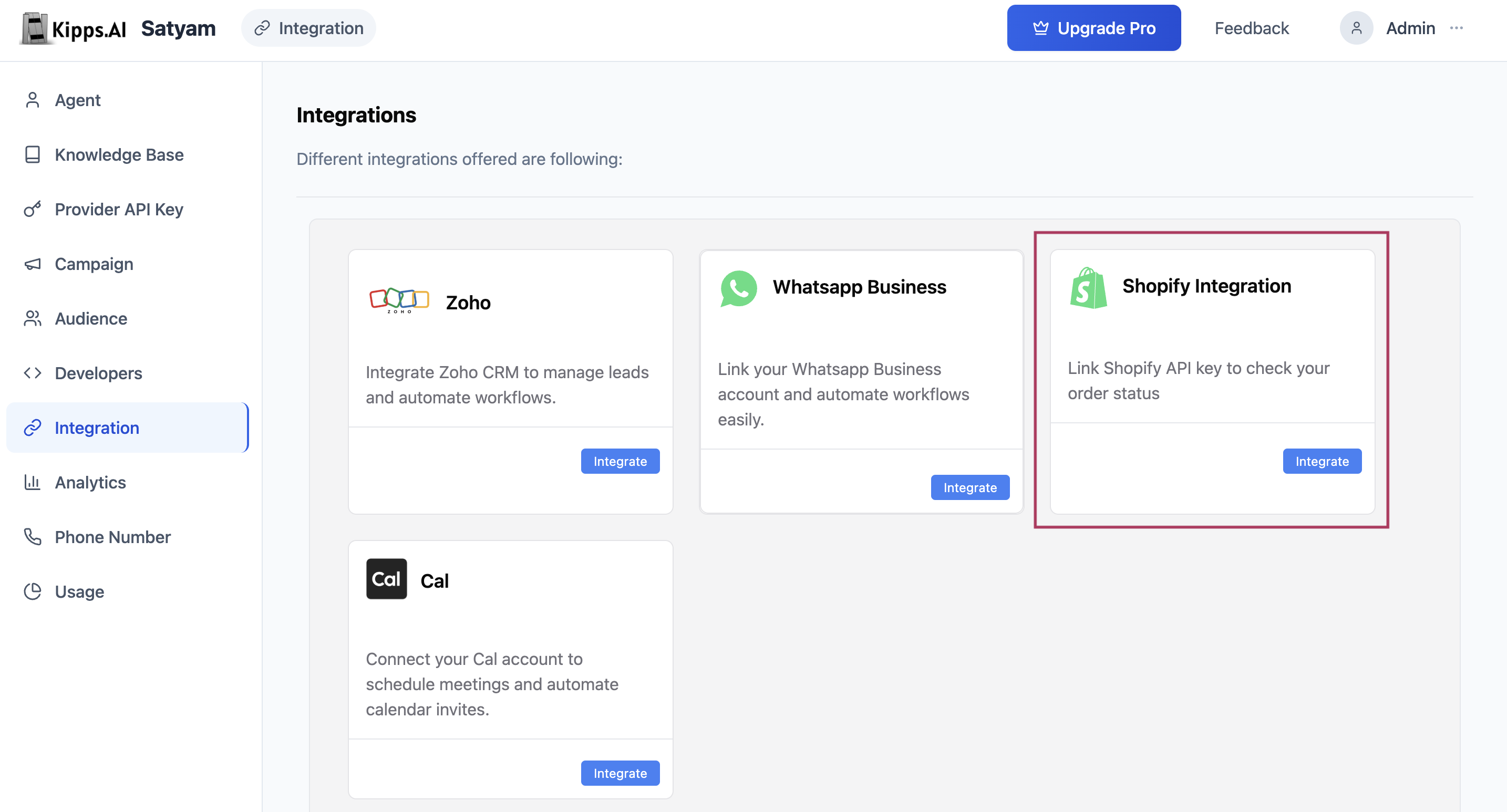
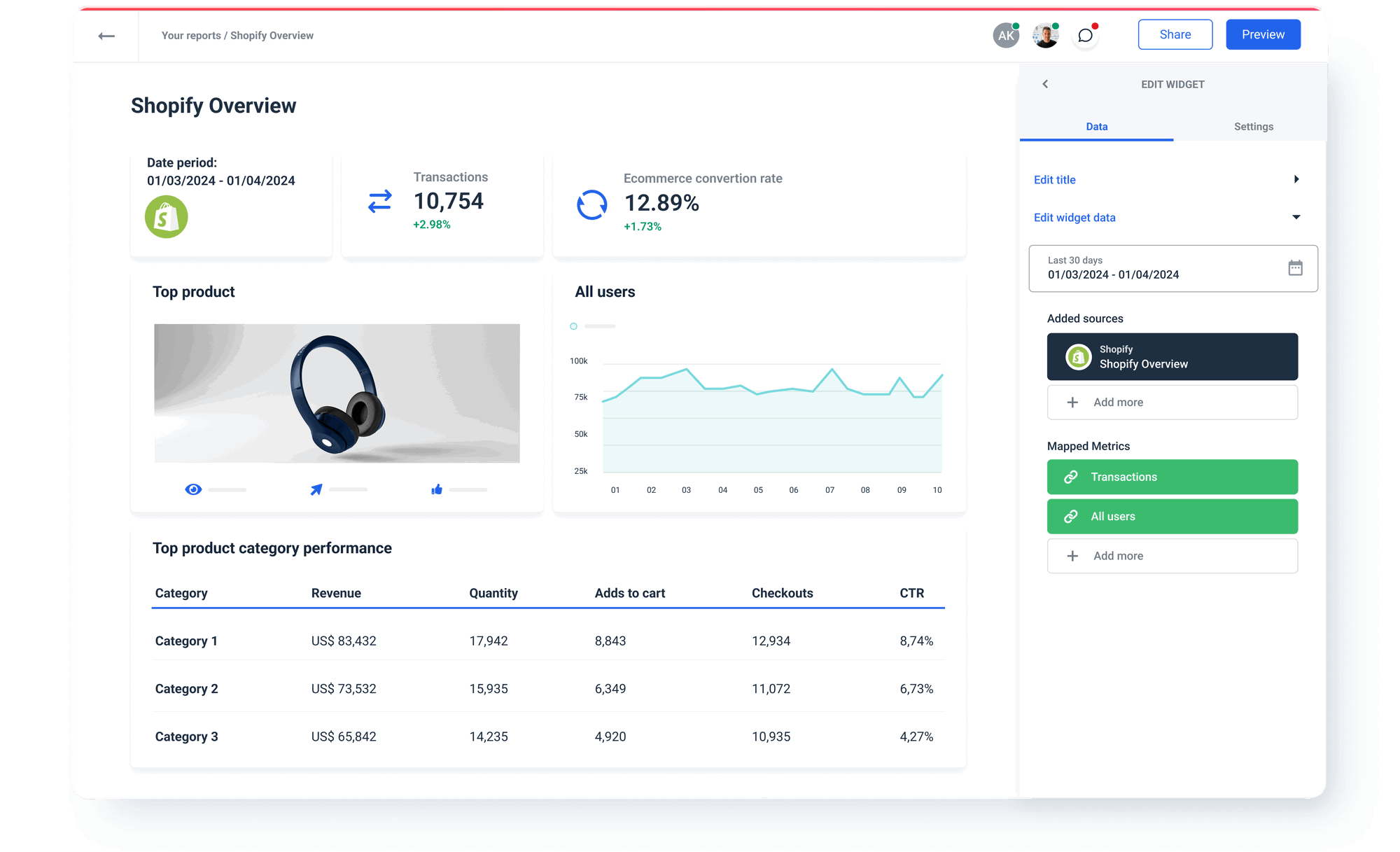
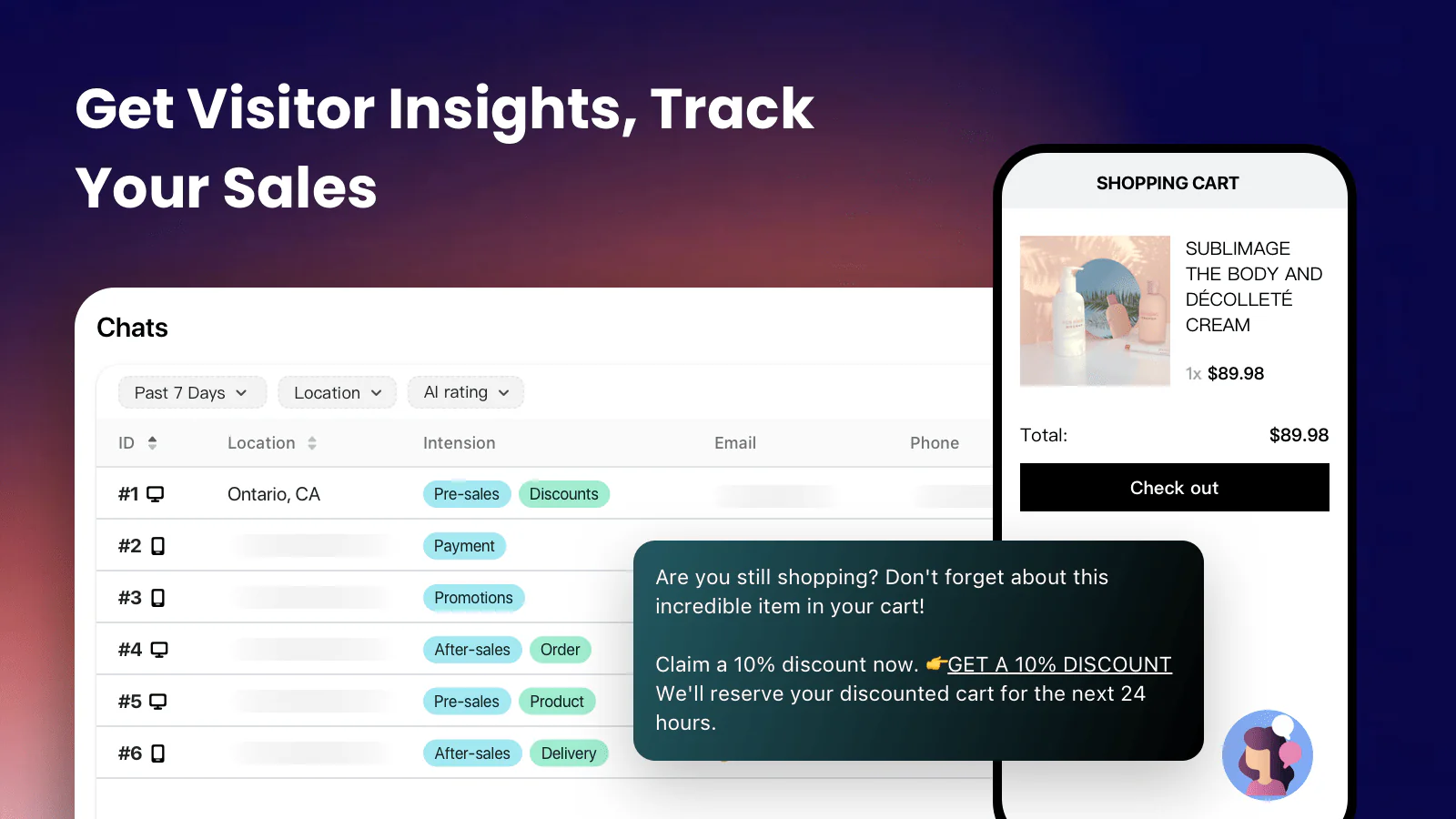
AI Shopify integration involves connecting machine learning models and automated software tools to your Shopify store to optimize store performance, automate customer support, refine inventory management, and deliver personalized shopping experiences. By leveraging the Shopify API, these integrations process store data in real-time to drive autonomous decision-making and reduce manual administrative overhead.
The Architecture of AI Integration in Shopify
Integrating AI into a Shopify environment is not a singular act but a multi-layered architectural upgrade. At its core, the process relies on the Shopify Application Programming Interface (API), which allows external AI-driven applications to communicate with your store's backend. In 2026, the landscape of these integrations has moved beyond simple chatbots; it now includes sophisticated predictive analytics engines, computer vision for inventory verification, and generative AI models that rewrite product descriptions on the fly.
When you integrate an AI solution, you are essentially creating a data pipeline. Store data—such as transactional history, customer behavior metrics, and inventory levels—is pushed from the Shopify server to the AI model. The model processes this data to identify patterns, such as identifying potential churn or predicting seasonal inventory surges, and then pushes actionable instructions back into the store. Understanding this bidirectional data flow is critical for maintaining site speed and ensuring that automation does not result in unintended store behavior.
Core Categories of AI Shopify Integrations
To select the right tools for your store, you must categorize them by their functional impact. Most AI solutions fall into one of four primary operational domains:
1. Conversational AI and Customer Experience
These tools act as the first line of customer interaction. Modern AI chatbots are no longer constrained by rigid decision trees; they use Large Language Models (LLMs) to interpret intent, manage order tracking, and even handle complex returns processing. These systems integrate directly with Shopify's order management system, allowing the AI to look up live status updates without human intervention.
2. Predictive Analytics and Revenue Optimization
These integrations process historical data to forecast future trends. They are used for demand planning, helping merchants avoid stockouts or overstock scenarios. By analyzing traffic patterns and conversion rates, these models can suggest price adjustments or identify which products are prime candidates for bundled marketing strategies.
3. Visual AI and Content Generation
Content-heavy stores utilize AI for product photography optimization and text generation. Visual AI tools can automatically crop images to comply with Shopify's aspect ratio requirements, remove backgrounds, or generate high-quality product descriptions based on manufacturer specifications.
4. Personalization Engines
Personalization is perhaps the most significant driver of conversion. These integrations track user sessions and adjust the front-end experience in real-time. This includes displaying dynamic product recommendations based on previous browsing history or altering the store layout to prioritize products likely to interest the specific user profile.
Comparison of AI Integration Approaches
| Integration Method | Technical Effort | Data Privacy Control | Scalability | Cost Structure |
|---|---|---|---|---|
| Native Shopify Apps | Low | High (via API) | High | Monthly Subscription |
| Custom Middleware | High | Maximum | Variable | Development Fees |
| Headless AI API | Very High | Total | Unlimited | Usage-based |
| Third-Party Platforms | Low | Moderate | High | Tiered Licensing |
Implementing AI Integrations: A Step-by-Step Approach
Transitioning to an AI-augmented store requires a structured technical roadmap to ensure stability.
Step 1: Audit Your Data Infrastructure
Before integration, ensure your product data and customer records are clean. AI models are highly sensitive to "dirty data"—duplicated product titles, missing SKUs, or inconsistent customer tagging will produce skewed results. Use Shopify’s native data export tools to audit your catalog before connecting any external software.
Step 2: Define Operational KPIs
Determine what success looks like. If you are integrating a chatbot, your KPI might be "Average Response Time" or "Ticket Deflection Rate." If it is a predictive analytics tool, look for "Inventory Turnover Ratio." Avoid the trap of integrating AI for the sake of trends; focus on measurable efficiency.
Step 3: API Authentication and Permissions
When connecting an application, you must manage API access tokens. Always adhere to the principle of least privilege. In the Shopify Admin dashboard, ensure the app only has the "Read" and "Write" permissions required for its specific task. Avoid granting broad "Full Admin" access to any third-party AI tool.
Step 4: Staged Deployment and Testing
Never push a major AI integration directly to a live production environment. Use a development or staging store to observe how the AI interacts with your theme files. Watch for conflicts with existing apps, especially those that also manipulate product prices or modify the checkout flow.
Managing Risks and Operational Limitations
While AI brings significant advantages, it introduces unique technical and legal risks. In 2026, data sovereignty remains a primary concern. Ensure that any AI tool you integrate complies with relevant data protection regulations (such as GDPR or CCPA). Since AI models often send data to external servers for processing, you must ensure that your store’s privacy policy accurately reflects the data shared with these third-party AI processors.
Another limitation is "AI Hallucination." If you use generative AI to write product descriptions or interact with customers, human oversight is still necessary. Automated systems can occasionally generate inaccurate technical specifications or inappropriate responses. Establish an "approval queue" for AI-generated content before it is published to your live storefront.
Troubleshooting Common Integration Failures
Integration failures usually manifest in three ways: sync errors, API rate limiting, or theme breakage.
- Sync Errors: These occur when the Shopify database and the AI model drift apart. If the AI is not receiving the latest price or inventory updates, check the webhook configurations in the Shopify Admin. Ensure your store is properly firing update events to the AI platform.
- API Rate Limiting: If your store has high traffic, you may hit the Shopify API rate limit. If your AI tool is making excessive calls to the server, it may be throttled. Work with your developers to implement cache mechanisms that store AI responses locally on your server rather than re-requesting them with every page load.
- Theme Breakage: If an AI integration injects dynamic content directly into your Liquid files, it may break your site’s styling. Always prioritize integration methods that use Shopify’s App Blocks, which allow for safer, modular insertion of features without touching core theme code.
Frequently Asked Questions
Does using AI tools slow down my Shopify store? In most cases, no. Modern AI integrations operate asynchronously or via server-side processing. However, if an integration requires heavy client-side JavaScript execution, it can impact your Core Web Vitals. Always test site performance using PageSpeed Insights after adding any significant new integration.
Can AI manage my store’s inventory independently? AI can suggest replenishment orders and identify low-stock trends, but it should not be given absolute autonomy to place orders with suppliers without human approval. Use AI as a decision-support tool rather than an automated procurement agent to maintain control over your supply chain costs.
Do I need a developer to integrate AI into Shopify? For standard App Store integrations, no. Most tools are designed for plug-and-play functionality. However, if you are building custom AI logic or connecting a proprietary model, you will require a developer familiar with the Shopify Storefront API and GraphQL.
How do I ensure my customer data remains secure? Shopify maintains strict security standards for all apps in its ecosystem. Only install apps from the official Shopify App Store, and review the permissions requested during the installation process. Avoid third-party "sideloaded" apps that have not been vetted by Shopify’s security team.
Recommended Next Steps
Begin by evaluating your current bottlenecks. If your primary issue is customer support volume, prioritize an AI-driven helpdesk integration. If your margins are tightening due to inefficient stock levels, focus on inventory forecasting tools. Start with a single, high-impact integration, monitor its performance over a 30-day window, and ensure it provides a clear return on investment before layering on additional automated systems.