To power an old TV using solar panels from Amazon, you need a system comprising a solar panel (typically 100W–200W), a charge controller, a deep-cycle battery, and a pure sine wave inverter. Alternatively, a portable power station offers an all-in-one solution that simplifies the connection process for vintage electronics.
The intersection of vintage technology and modern renewable energy has created a unique niche for hobbyists, off-grid enthusiasts, and retro gamers. While modern LED televisions are incredibly energy-efficient, "old" TVs—specifically Cathode Ray Tube (CRT) sets and early Plasma or LCD models—present unique power challenges. Utilizing solar components sourced from Amazon allows for a customizable, cost-effective setup, provided you understand the specific electrical demands of legacy hardware. As of 2026, the efficiency of consumer-grade solar cells and the falling cost of lithium iron phosphate (LiFePO4) batteries have made this project more accessible than ever.
Understanding the Power Profile of Vintage Televisions
Before selecting solar panels on Amazon, you must identify the power consumption of your specific "old" TV. Not all vintage displays are created equal, and their energy appetites vary significantly.
Cathode Ray Tube (CRT) Televisions
CRTs are the most common "old" TVs used by retro gaming enthusiasts due to their lack of input lag and native resolution handling. However, they are "power hungry" compared to modern standards. A standard 20-inch CRT typically pulls between 60 and 100 watts during operation. The most critical factor with CRTs is the startup surge. When you first turn on a CRT, the degaussing coil fires to clear magnetic interference, which can briefly pull two to three times the running wattage. Your solar inverter must be capable of handling this peak load.
Early LCD and Plasma Sets
If your "old" TV is an early flat-panel model from the mid-2000s, the power profile changes. Early LCDs often used Cold Cathode Fluorescent Lamps (CCFL) for backlighting, consuming roughly 50% more power than modern LED-backlit versions. Plasma TVs are the most demanding, with some large units drawing 300 to 500 watts, making them difficult to power with a small, budget-friendly solar setup.
Essential Components for an Amazon-Sourced Solar Setup
To build a functional system, you cannot simply wire a solar panel to a TV plug. You need a complete "solar chain" to manage voltage and convert Direct Current (DC) to the Alternating Current (AC) your TV requires.
1. Solar Panels (Photovoltaic Modules)
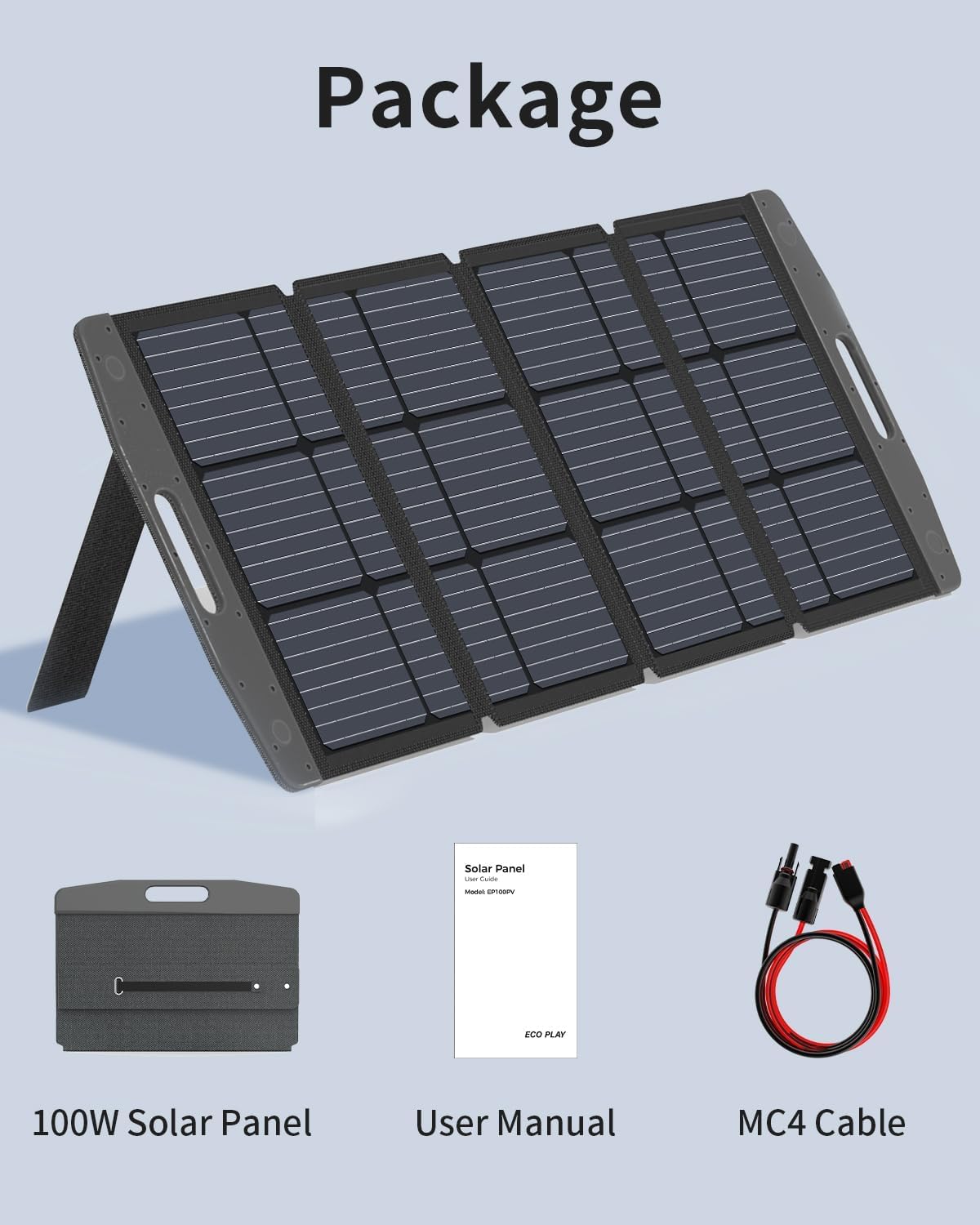
On Amazon, you will primarily find monocrystalline and polycrystalline panels. For powering electronics, monocrystalline panels are preferred in 2026 due to their higher efficiency and better performance in low-light conditions. A 100-watt panel is the minimum recommended size for a small CRT, while a 200-watt array is safer for extended play sessions or larger sets.
2. Solar Charge Controller
This device sits between the panel and the battery. It prevents the panel from overcharging the battery and stops "back-feed" at night.
- PWM (Pulse Width Modulation): Cheaper, but less efficient. Best for very small, budget-conscious setups.
- MPPT (Maximum Power Point Tracking): More expensive but extracts up to 30% more power from your panels. If you are using your TV in a region with variable sunlight, MPPT is highly recommended.
3. Battery Storage
Since solar power fluctuates, you need a battery to provide a steady stream of energy.
- Lead-Acid/AGM: Traditional and cheap, but heavy and cannot be discharged more than 50% without damage.
- LiFePO4 (Lithium Iron Phosphate): The gold standard in 2026. These batteries are lighter, can be discharged up to 90-100%, and last for thousands of cycles. A 50Ah (Amp-hour) 12V LiFePO4 battery can power a 60W CRT for roughly 8-10 hours.
4. Pure Sine Wave Inverter
This is the most critical component for an old TV. The inverter converts 12V DC power from the battery into 110V/220V AC power.
- Modified Sine Wave: These are cheaper but produce "dirty" power. This can cause visual "hum bars" on a CRT screen and an audible buzzing sound from the TV's internal components.
- Pure Sine Wave: This mimics the clean power from a wall outlet. Always choose a Pure Sine Wave inverter for sensitive vintage electronics to ensure picture clarity and prevent long-term hardware damage.
Calculating Your Solar Needs
To ensure your TV doesn't shut down mid-use, you must calculate your total energy consumption. The formula is: Device Wattage × Hours of Use = Total Watt-Hours (Wh).
| TV Type | Average Wattage | 4 Hours of Use (Wh) | Recommended Amazon Panel Size |
|---|---|---|---|
| 13" Portable CRT | 40W | 160Wh | 100W |
| 27" Console CRT | 100W | 400Wh | 200W |
| 32" Early LCD (CCFL) | 120W | 480Wh | 200W-300W |
| 42" Early Plasma | 350W | 1,400Wh | 600W+ |
When sizing your system, always factor in a 20% inefficiency loss caused by the inverter’s self-consumption and heat dissipation. If your TV needs 400Wh, aim for a system that provides at least 500Wh.
The "Solar Generator" Alternative (Portable Power Stations)
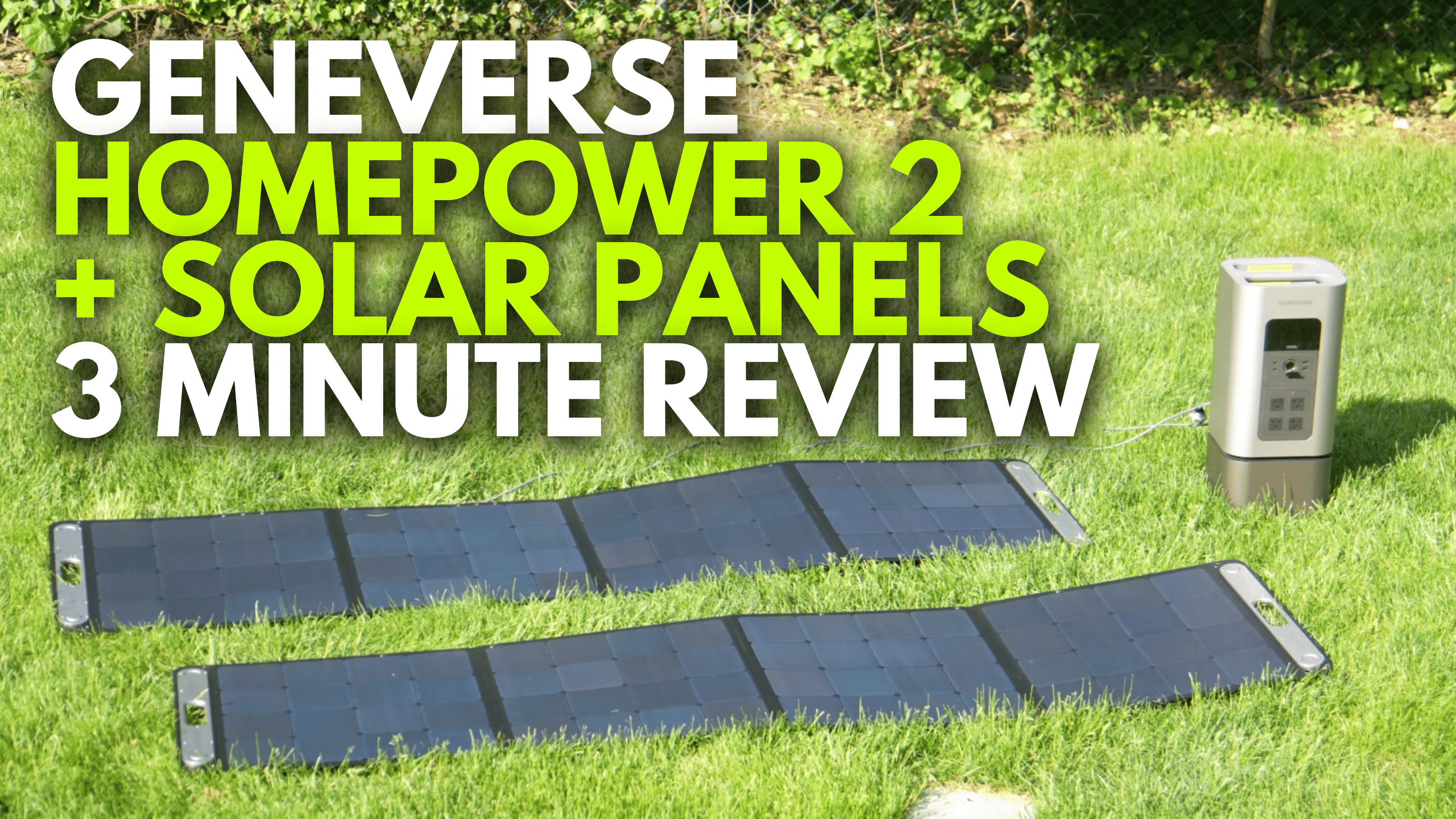
For many users, purchasing individual components on Amazon (wires, lugs, controllers, inverters) is overly complex. The "Solar Generator"—a portable power station containing the battery, inverter, and controller in one box—has become the dominant choice in 2026.
Brands like Jackery, EcoFlow, and Bluetti offer units that can be charged via Amazon-compatible solar panels. This "plug-and-play" method is safer for those unfamiliar with electrical wiring. For an old TV, look for a unit with at least 500Wh of capacity and a 500W continuous AC output to handle the startup surge of a CRT.
Step-by-Step Setup Guide
Once you have your components from Amazon, follow these steps to safely power your television:
- Connect the Battery to the Charge Controller: Always connect the battery first. This allows the controller to boot up and recognize the system voltage (usually 12V).
- Connect the Solar Panel to the Controller: Once the battery is recognized, plug your solar panels into the "PV" or "Solar" input on the controller. Ensure the panels are in direct sunlight.
- Connect the Inverter to the Battery: Do not connect the inverter to the "Load" terminals on the charge controller. The surge from the TV can fry the controller. Instead, connect the inverter directly to the battery terminals using high-quality, fused cables.
- Grounding (Optional but Recommended): For older CRT sets, ensuring a common ground can help reduce electromagnetic interference on the screen.
- Power On: Turn on the inverter first, let it stabilize, and then switch on your television.
Addressing Common Technical Issues
Screen Interference and "Noise"
If you see static or moving lines on your old TV that weren't there when plugged into a wall, the culprit is likely the inverter. Cheap inverters create "electrical noise." To fix this, ensure you are using a Pure Sine Wave inverter and try to move the inverter as far away from the TV as the cables allow to reduce electromagnetic interference (EMI).
The TV Won't Turn On
If the inverter beeps or shuts down when you hit the TV's power button, the startup surge is exceeding the inverter's "Peak" or "Surge" rating. You will need an inverter with a higher momentary wattage capacity. For a 100W CRT, an inverter with a 300W continuous / 600W peak rating is usually sufficient.
Rapid Battery Depletion
Old TVs are far less efficient than modern ones. If your battery is dying faster than expected, check the "vampire draw" of the TV. Even when "off," some older sets with remote standby functions continue to pull 5-10 watts. It is best to use a physical power strip to completely disconnect the TV from the inverter when not in use.
Safety and Environmental Considerations
Working with solar power involves high-current DC electricity, which can be dangerous if mishandled.
- Fusing: Always place a fuse between the battery and the inverter. For a 500W inverter, a 50A or 60A fuse is standard. This prevents fire in the event of a short circuit.
- Ventilation: Old TVs, especially CRTs and Plasmas, generate significant heat. Do not enclose them in small cabinets while powered by solar, as the inverter and battery also generate heat during discharge.
- Battery Chemistry: If using older Lead-Acid batteries from Amazon, ensure they are in a ventilated area to prevent the buildup of hydrogen gas. LiFePO4 batteries are sealed and do not have this requirement.
Frequently Asked Questions
Can I plug my old TV directly into a solar panel?
No. Solar panels produce variable DC voltage (often 18V-22V for a "12V" panel), whereas old TVs require stable AC voltage (110V or 220V). Plugging a TV directly into a panel would likely destroy the TV's internal power supply or simply fail to provide any power. You must use an inverter and battery system.
How long will a 100W Amazon solar panel take to charge a battery for my TV?
A 100W panel typically produces about 300-500 watt-hours of energy per day, depending on sun exposure. If your TV uses 100W per hour, one day of charging will give you roughly 3 to 5 hours of play time. For "unlimited" daytime play, you need your panel wattage to be significantly higher than your TV’s draw to both power the TV and charge the battery simultaneously.
Will solar power damage the electronics in an old TV?
As long as you use a Pure Sine Wave inverter, solar power is actually "cleaner" than some unstable grid connections. However, avoid using "Modified Sine Wave" inverters, as the blocky square-wave power they produce can stress the capacitors and transformers inside vintage televisions, leading to premature failure.
Do I need a special cable to connect an old TV to a solar inverter?
No. Any standard AC power cord that came with the TV will work with the AC outlets on a solar inverter or portable power station. If the TV has a two-prong plug (common in the 70s and 80s) and your inverter has a three-prong outlet, it will still work perfectly fine without an adapter.
Can I use solar to power a VCR or retro console alongside the TV?
Yes, but you must add their wattages together. A VCR typically uses 15-25 watts, and an older console like a Super Nintendo or PlayStation 1 uses about 10-15 watts. Adding these to a 100W CRT means your solar system needs to handle a 140W continuous load.
Practical Recommendation
For the best experience in 2026, avoid the "DIY component" route unless you are interested in learning solar electronics as a hobby. The most reliable way to power an old TV using solar panels from Amazon is to purchase a 500Wh LiFePO4 Portable Power Station and a 200W Foldable Solar Panel. This setup provides the "Pure Sine Wave" power necessary for a crisp CRT image while offering the portability to take your vintage gaming or movie setup outdoors or off-grid without the risk of wiring errors.