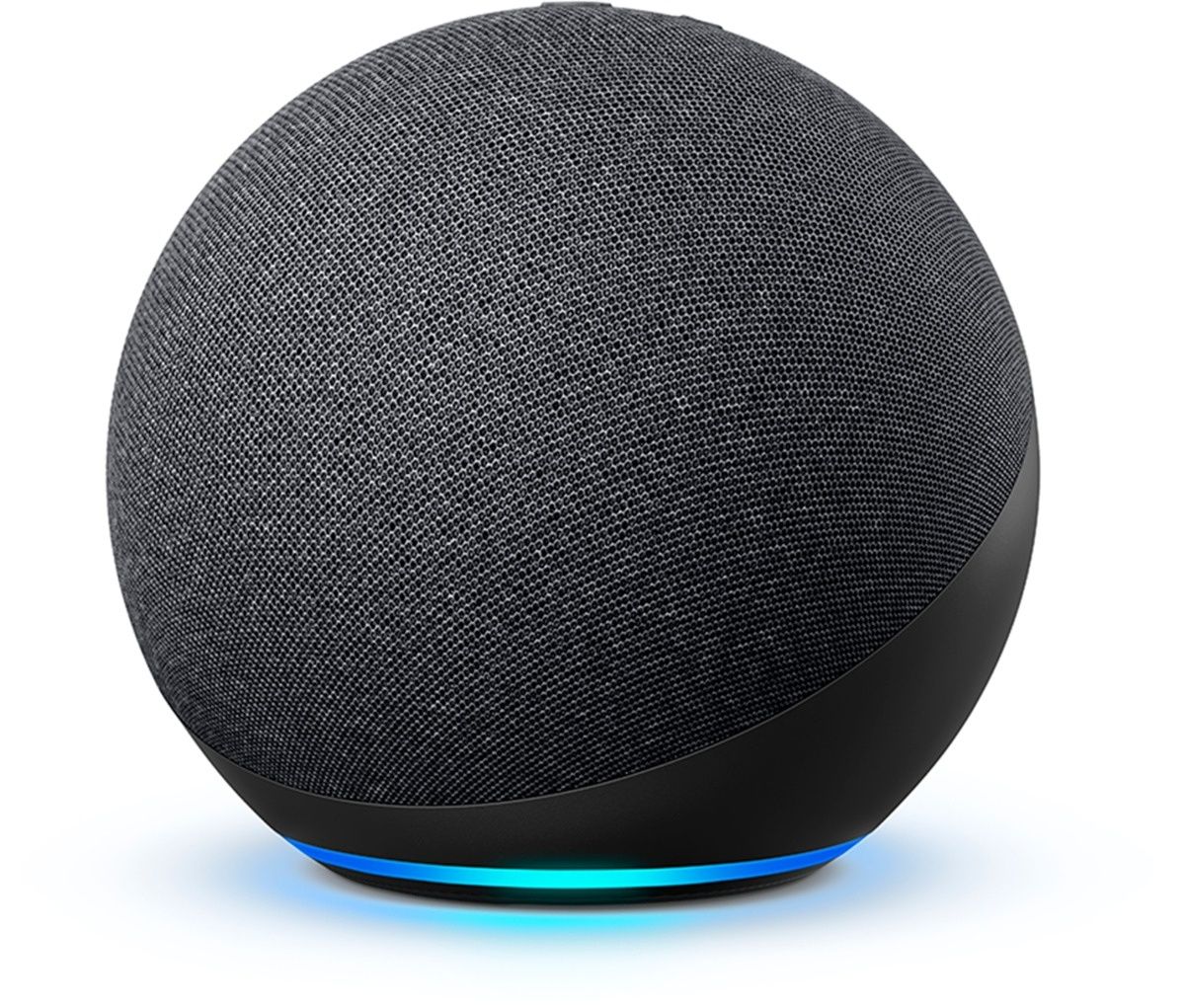
Amazon Music offers four primary subscription tiers in 2026: a Free ad-supported version, a Prime-inclusive tier, the full-access Amazon Music Unlimited ($10.99/month for Prime members), and a Single-Device plan ($5.99/month). Selecting the right tier depends on your need for on-demand playback, offline listening, and high-fidelity spatial audio across your Alexa-enabled devices.
Understanding the intersection of Amazon’s smart assistant, Alexa, and its music streaming ecosystem is essential for any Echo owner or Prime subscriber. While the hardware provides the gateway, the specific music tier you choose dictates whether you can skip tracks at will, listen to specific songs on demand, or experience lossless audio quality. In 2026, the landscape of streaming has matured, placing a higher emphasis on "all-access" playlists and spatial audio integration within the Alexa app.
The Hierarchy of Amazon Music Tiers
Amazon has structured its music services to cater to different levels of commitment and hardware usage. Whether you are looking for a complimentary service that comes with your Prime shipping benefits or a dedicated high-fidelity experience to rival competitors, there is a specific tier designed for your budget.
Amazon Music Free
The entry point for any user with an Amazon account is the Free tier. This version is strictly ad-supported and provides access to a curated selection of top playlists and thousands of stations. However, the limitations are significant for power users. On the Free tier, you cannot select specific songs on demand; instead, you are restricted to station-style playback where the algorithm chooses the next track.
When using Alexa with the Free tier, you can ask for "pop music" or "1980s hits," and the assistant will start a relevant station. However, users are limited in the number of skips allowed per hour, and offline listening is entirely unavailable. This tier is best suited for casual listeners who use their Echo devices for background noise rather than active, curated music sessions.
Amazon Music for Prime Members
Amazon Music for Prime Members is an included benefit for anyone paying for a standard Amazon Prime subscription. As of 2026, this tier offers the full catalog of over 100 million songs, but with a major functional caveat: the majority of the catalog is restricted to "Shuffle Play."
While Prime members can listen to any artist or album, Alexa will shuffle the tracks rather than playing them in the exact order you request. To mitigate this, Amazon provides "All-Access Playlists," which are curated sets of songs that Prime members can listen to on demand and download for offline use. If you ask Alexa to "play my All-Access playlist," you maintain full control. For all other music, the experience remains shuffle-based and ad-free.
Amazon Music Unlimited: The Individual Plan
This is the flagship service intended to compete directly with other premium streaming platforms. Amazon Music Unlimited removes all "shuffle-only" restrictions, allowing for full on-demand access to every track in the library. In 2026, the Individual Plan remains the most popular choice for users who want to ask Alexa for specific deep cuts or obscure b-sides and hear them instantly.
A major differentiator for the Unlimited tier is the inclusion of HD and Ultra HD audio. While the Prime and Free tiers stream at standard bitrates, the Individual plan offers lossless audio and spatial audio (Dolby Atmos and 360 Reality Audio). For users with high-end Alexa hardware, such as the Echo Studio, this tier is practically mandatory to utilize the device’s full acoustic potential.
Amazon Music Unlimited: The Family Plan
The Family Plan provides the same features as the Individual Plan but extends them to up to six family members. Each member receives their own individual account with personalized recommendations and liked songs. This prevents the "algorithm contamination" that occurs when multiple people use a single account.
From an Alexa perspective, the Family Plan is highly beneficial for households with multiple Echo devices. It allows different streams to play in different rooms simultaneously. On an Individual Plan, starting a stream in the kitchen will often stop the stream in the bedroom; the Family Plan resolves this by supporting up to six concurrent streams.
The Single-Device Plan (The Alexa-Only Option)
Unique to the Amazon ecosystem is the Single-Device Plan. This is a low-cost subscription designed specifically for users who only listen to music on one specific Echo or Fire TV device. At roughly half the price of the Individual Plan, it offers the full Unlimited catalog and ad-free listening, but you cannot use the service on your phone, tablet, or any other Echo device in your home.
This plan is often the "hidden gem" for users who have a primary smart speaker in their living room and don't feel the need for mobile streaming. To sign up for this, you typically use a voice command: "Alexa, sign up for the Amazon Music Single-Device plan."
2026 Pricing and Feature Comparison
The following table outlines the current costs and core specifications for each tier as of 2026. Note that prices for Prime-based plans require an active Amazon Prime membership.
| Feature | Amazon Music Free | Amazon Music for Prime | Single-Device Plan | Unlimited Individual | Unlimited Family |
|---|---|---|---|---|---|
| Monthly Price | $0 | Included with Prime | $5.99 | $10.99* | $16.99 |
| Song Catalog | Curated Stations | 100M+ Songs | 100M+ Songs | 100M+ Songs | 100M+ Songs |
| Ad-Free | No | Yes | Yes | Yes | Yes |
| On-Demand | No | All-Access Playlists Only | Yes | Yes | Yes |
| Offline Play | No | All-Access Playlists Only | No | Yes | Yes |
| HD / Ultra HD | No | No | No | Yes | Yes |
| Spatial Audio | No | No | No | Yes | Yes |
| Device Limit | 1 Stream | 1 Stream | 1 (Designated) | 1 Stream | 6 Streams |
*Price of $10.99 reflects the discounted rate for Prime members; non-Prime members typically pay $11.99.
Technical Specifications: Audio Quality and Bitrates
For many audiophiles, the decision to upgrade to Amazon Music Unlimited is driven by bitrates. Amazon categorizes its high-fidelity offerings into two distinct brackets: HD and Ultra HD.
- HD (High Definition): These tracks are equivalent to CD quality, featuring a bit depth of 16-bit and a minimum sample rate of 44.1 kHz. This is a significant step up from the compressed lossy formats (like MP3 or AAC) used in the Free and Prime tiers.
- Ultra HD (Ultra High Definition): These tracks offer 24-bit depth and sample rates ranging from 48 kHz up to 192 kHz. This preserves the nuances of the original studio recording.
To hear the difference in Ultra HD via Alexa, your hardware must support it. The Echo Studio is the primary device capable of rendering these higher sample rates natively. If you are using an Echo Dot or an older Echo Show, you will still benefit from the improved clarity of HD, but you may not reach the full ceiling of Ultra HD performance.
Furthermore, Spatial Audio has become a cornerstone of the Amazon Music Unlimited experience. Utilizing Dolby Atmos and Sony’s 360 Reality Audio, these tracks create an immersive soundstage that feels like it is coming from all around the listener, rather than just two channels. This is particularly effective on the Echo Studio, which uses upward-firing speakers to bounce sound off the ceiling.
Eligibility and Special Discounts
Beyond the standard tiers, Amazon offers targeted pricing for specific demographics. These plans are identical in feature set to the "Unlimited Individual" tier but come at a reduced cost.
The Student Plan
College students can access Amazon Music Unlimited at a significantly reduced rate (often $5.99/month in 2026). Verification is handled through third-party services like SheerID, which confirm active enrollment at an accredited university. This plan is a full Individual Unlimited account, meaning it includes HD audio and mobile access.
Promotional Trials
Amazon frequently offers 30-day or 90-day free trials for the Unlimited tier. These are often bundled with the purchase of a new Echo device. It is important to note that these trials will auto-renew at the full price unless canceled. You can check your current subscription status or cancel via the "Memberships & Subscriptions" section of your Amazon account or by telling Alexa, "Alexa, cancel my music subscription."
Integrating Alexa with Your Music Tier
The way you interact with Alexa changes based on your subscription. Alexa serves as the "DJ," and its capabilities are tied to your plan's permissions.
- Voice Control for Specificity: On Unlimited, you can say, "Alexa, play 'Anti-Hero' by Taylor Swift," and it will play immediately. On the Prime tier, Alexa might respond with, "Playing 'Anti-Hero' and similar songs on shuffle."
- Multi-Room Music: This feature allows you to sync music across several Echo devices. While available on the Prime and Unlimited tiers, it is most stable on Unlimited because there are fewer restrictions on stream hand-offs between devices.
- Default Service Settings: In the Alexa app, you can set Amazon Music as your default provider. This ensures that when you say "Alexa, play music," it pulls from your preferred Amazon tier rather than a third-party service like Spotify or Pandora.
Troubleshooting Common Pricing and Access Issues
Many users encounter confusion when their "Unlimited" access seems to disappear. This is often due to a "Single-Device" subscription being mistakenly applied to the wrong Echo. If you have three Echo devices but only one can play on-demand music, you likely signed up for the Single-Device plan on that specific unit. To resolve this, you must upgrade to the Individual Plan via the Amazon website or the Music app.
Another common issue involves the "Family Plan" invitations. If a family member cannot access the premium features, they likely haven't accepted the invitation link sent to their email. Each family member must have their own Amazon account (which does not need to be a Prime account) to be added to the Family Plan.
Which Plan Should You Choose?
If you are a casual listener who already pays for Amazon Prime, the included "Music for Prime Members" is likely sufficient. It provides a massive library for background listening without an extra monthly fee, provided you don't mind the shuffle-based format.
If you are a music enthusiast who wants specific control and high-quality sound, Amazon Music Unlimited Individual is the standard. It is the only way to ensure that every "Alexa, play [Song]" command results in exactly what you want to hear.
For households with children or multiple users, the Family Plan is the only logical choice. It prevents "music tug-of-war" between rooms and keeps everyone's playlists separate.
Finally, the Single-Device Plan is perfect for the budget-conscious user who has one "hero" speaker, like an Echo Show in the kitchen, and doesn't listen to music while commuting or at the gym.
Frequently Asked Questions
Can I listen to Amazon Music Unlimited on my phone if I have the Single-Device plan?
No. The Single-Device plan is strictly tied to one specific Echo or Fire TV device. If you try to log into the Amazon Music app on your smartphone, you will only have access to the "Free" tier features. To listen on your phone and your Echo, you must upgrade to the Individual Plan.
Does Amazon Music Unlimited include a Prime membership?
No, it is the other way around. A Prime membership includes access to a restricted version of Amazon Music (shuffle-only). To get the full "Unlimited" experience, you must pay a separate monthly fee, although Prime members do receive a small discount on that fee compared to non-members.
How do I switch from the Individual Plan to the Family Plan?
You can switch your plan at any time by visiting the Amazon Music Settings on the Amazon website. The change usually takes effect immediately, and Amazon will apply a pro-rated credit for the remaining days of your Individual Plan toward the new Family Plan cost.
Is HD audio available on all Echo devices?
While all modern Echo devices (2022 and later) can stream HD audio, the physical hardware of smaller speakers like the Echo Pop or Echo Dot may not be able to produce the full frequency range that HD offers. For the best experience, use an Echo Studio or connect your Echo to a high-quality external audio system via the 3.5mm jack or Bluetooth.
What happens to my music if I cancel my Prime membership?
If you cancel Prime, you will lose access to the "Music for Prime Members" tier. If you have an Amazon Music Unlimited subscription, you can keep it, but the monthly price will increase (usually by $1–$2) because you are no longer eligible for the Prime-member discount.
Can I play different songs in different rooms with just one Individual Plan?
No. The Individual Plan supports only one active stream at a time. If you start music in the living room and then ask the bedroom Echo to play something else, the living room stream will pause. To play different music in multiple rooms simultaneously, you require the Family Plan.
Recommendation: For the best balance of value and features in 2026, Prime members should start with the Amazon Music for Prime tier to see if the "All-Access Playlists" meet their needs. If the shuffle limitation becomes frustrating, upgrading to Amazon Music Unlimited Individual is a seamless process that unlocks the full potential of your Alexa hardware and provides the highest possible audio fidelity.