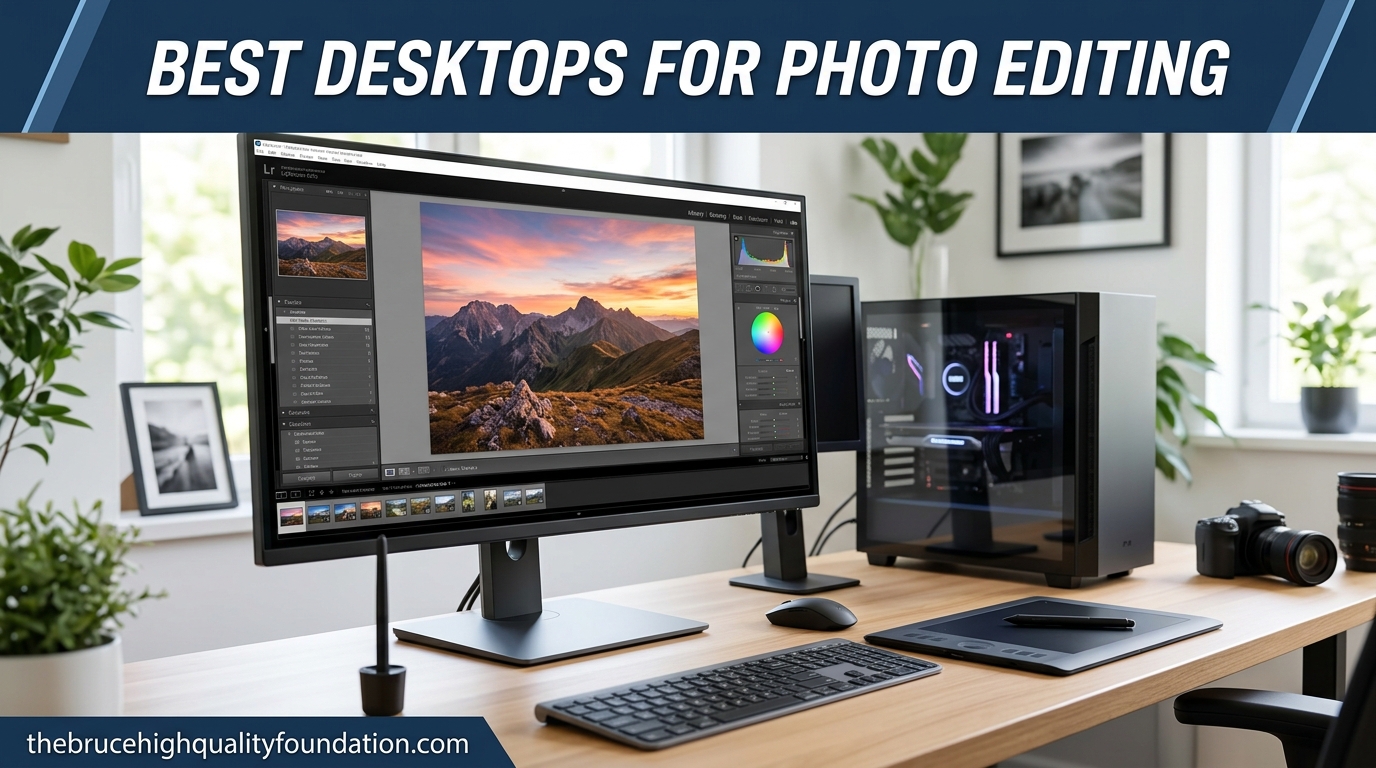
Choosing the right computer desktop requires balancing raw processing power, thermal efficiency, expandability, and long-term upgrade potential to match specific productivity, creative, or gaming workloads.
Selecting a desktop computer requires a careful evaluation of hardware specifications, form factors, and individual use cases. Whether you are building a professional workstation for video editing, assembling a high-refresh-rate gaming rig, or outfitting a sleek office space with an all-in-one system, the desktop market offers specialized options tailored to distinct requirements. This guide evaluates the top five computer desktops available on the market, analyzing their underlying hardware configurations, thermal management, upgrade paths, and overall value.
Understanding Desktop Form Factors and Hardware Requirements
Before committing to a specific desktop system, buyers must navigate several hardware categories and form factors. Understanding these distinctions ensures that the chosen computer fits both current operational demands and future upgrade cycles.
Traditional Towers vs. Compact and All-in-One Systems
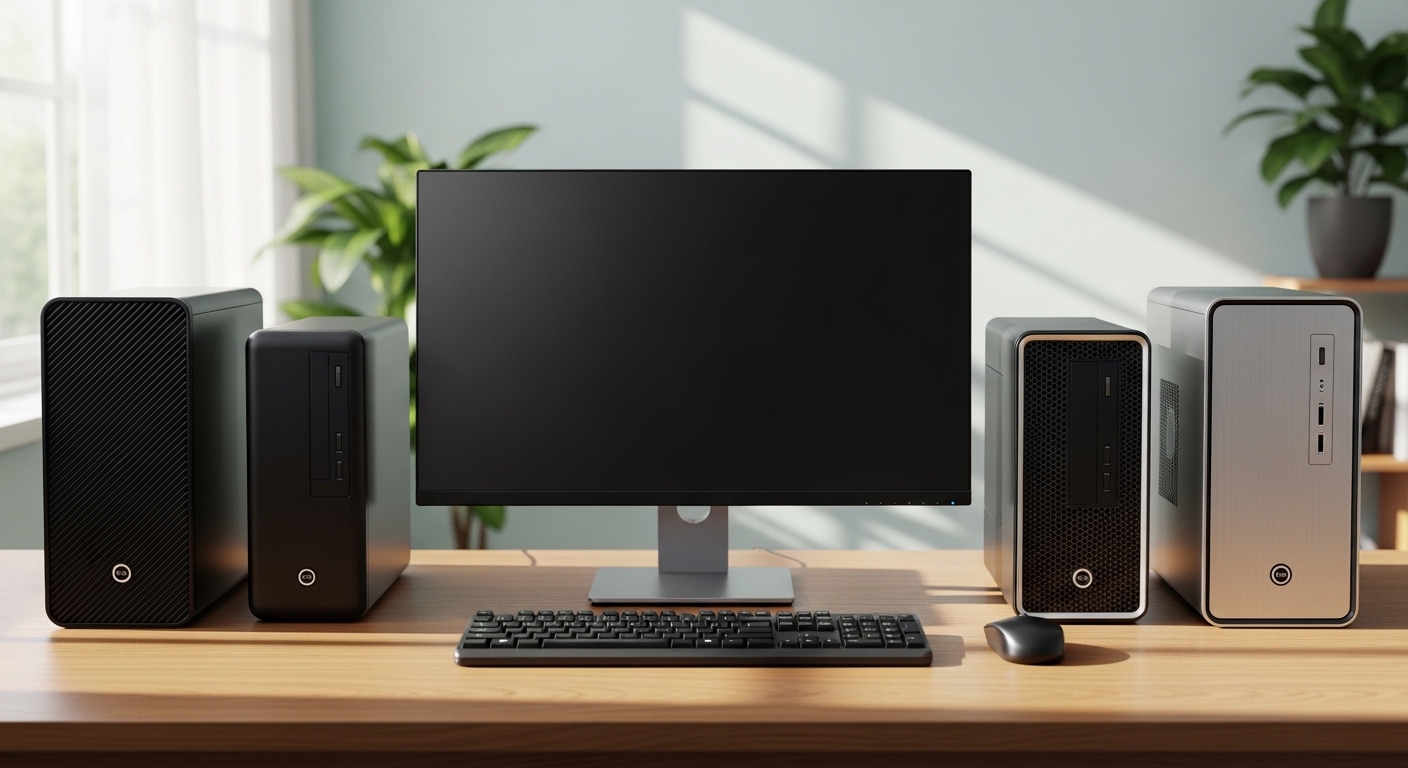
The traditional Mid-Tower and Full-Tower configurations remain the gold standard for power users, content creators, and enthusiasts. These chassis provide ample interior volume for large graphics processing units (GPUs), multiple storage drives, complex cooling solutions, and standard power supply units (PSUs). Conversely, Small Form Factor (SFF) PCs and Mini PCs prioritize desk space and minimalist aesthetics, utilizing tightly packed components that often sacrifice modular upgradeability for a smaller physical footprint. All-in-One (AIO) computers integrate the display and internal components into a single unit, appealing primarily to office environments and home users who value cable management and simplicity over hardware customization.
Core Components: CPU, GPU, RAM, and Storage
Evaluating performance hinges on four primary pillars:
- Central Processing Unit (CPU): Handles execution instructions. Multi-threaded processors excel in content creation and rendering, while high single-core clock speeds dominate gaming performance.
- Graphics Processing Unit (GPU): Manages visual rendering. Dedicated desktop graphics cards far outperform integrated graphics for gaming, 3D modeling, and hardware-accelerated video editing.
- Random Access Memory (RAM): Dictates multitasking capabilities. Modern systems generally require 16GB as a baseline, with 32GB or 64GB recommended for heavy professional workflows.
- Solid State Drives (SSDs): NVMe PCIe storage provides rapid boot times and instantaneous file transfers, replacing legacy mechanical hard drives in almost all performance tiers.
1. Apple Mac Studio (M-Series Ultra/Max): The Pinnacle of Creative Workstations
For video editors, 3D animators, software developers, and audio engineers, the Apple Mac Studio represents a masterclass in high-performance computing without the traditional noise and heat associated with workstation towers.
Architectural Performance and Efficiency
Powered by Apple's unified memory architecture and advanced M-series processors, the Mac Studio integrates the CPU, GPU, and RAM onto a single die with a high-bandwidth interconnect. This design eliminates traditional memory bottlenecks, allowing massive datasets and high-resolution video timelines to stream seamlessly. Benchmarks consistently show elite performance in applications like Final Cut Pro, DaVinci Resolve, and Logic Pro, outperforming bulkier traditional workstations while consuming a fraction of the electrical power.
Connectivity and Expansion Limitations
The front and rear panels offer an extensive array of ports, including multiple Thunderbolt / USB-C ports, high-speed Ethernet, HDMI, and an SDXC card slot. However, buyers must carefully configure their specifications at the time of purchase. Because the RAM and storage are soldered directly to the motherboard, post-purchase internal upgrades are impossible. Users must weigh their long-term storage and memory needs before finalizing an order.
2. HP Envy Move 24: The Ultimate Versatile All-in-One
The HP Envy Move 24 challenges the static nature of traditional all-in-one desktops by introducing portability, transforming a stationary workstation into a flexible home appliance.
Design and Mobility Integration
Featuring a built-in leather handle, a rear pocket for a full-size wireless keyboard with an integrated trackpad, and an internal battery that provides unplugged usage, the Envy Move 24 is designed to move from room to room. Whether used as a kitchen recipe hub, a portable workspace, or an entertainment screen for streaming media, its QHD touch display delivers vibrant visuals and responsive touch inputs.
Performance Limitations and Ideal Use Cases
While it does not house the extreme processing hardware required for heavy gaming or professional CAD rendering, its mainstream mobile processor, ample RAM, and fast SSD storage handle daily productivity tasks, web browsing, video conferencing, and media consumption effortlessly. It serves as an ideal solution for households and users who lack dedicated home office space and require a computer that adapts to dynamic living environments.
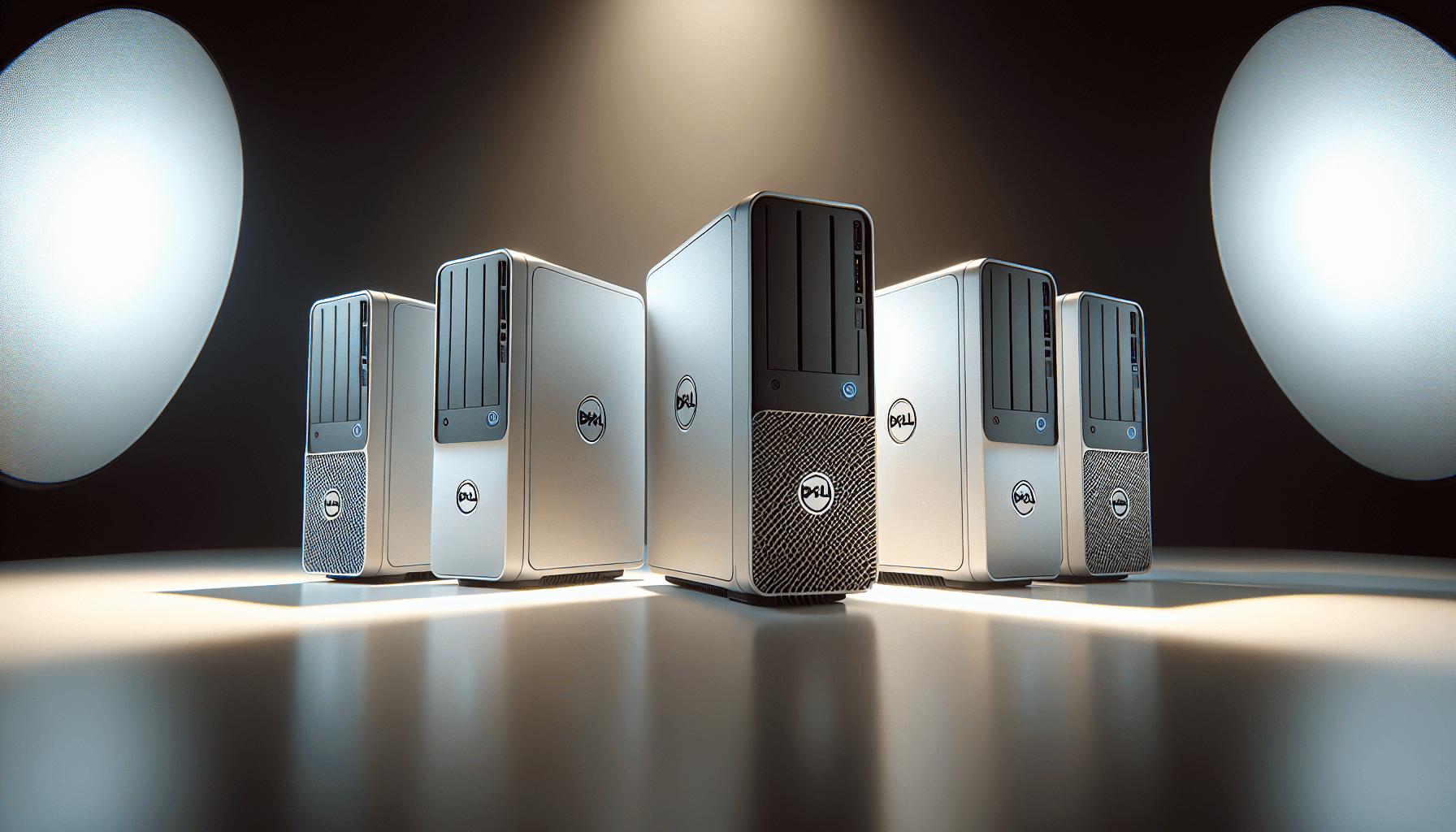
3. Dell XPS Desktop: The Professional Productivity Standard
The Dell XPS Desktop series has long anchored the enterprise and power-user market, delivering understated aesthetic appeal paired with enterprise-grade reliability and internal expandability.
Professional Aesthetics and Thermal Control
Encased in a minimalist chassis, the XPS Desktop blends into corporate boardrooms and home studies alike. Recent iterations feature optimized airflow channels, larger liquid-cooling options for high-end processors, and toolless interior access. This focus on thermal management prevents thermal throttling during sustained rendering tasks, ensuring consistent processor speeds over long work hours.
Upgradability and Maintenance
Unlike sealed all-in-one units or proprietary systems, the Dell XPS Desktop utilizes standard motherboard layouts, power supplies, and PCIe expansion slots. This design allows IT professionals and individual users to upgrade graphics cards, add internal hard drives, and replace power supplies as hardware requirements evolve over time.
4. Alienware Aurora R-Series: Elite Gaming and Heavy Processing
For enthusiasts seeking uncompromising frame rates in modern titles, virtual reality experiences, or heavy computational tasks, the Alienware Aurora series provides enthusiast-tier performance backed by aggressive design and robust cooling.
Raw Gaming Power and GPU Options
Equipped with flagship-class NVIDIA GeForce RTX graphics and top-tier Intel Core or AMD Ryzen processors, the Aurora handles ray-traced gaming at 4K resolutions with ease. The inclusion of high-speed DDR5 memory and advanced cooling architecture ensures that hardware pushed to its absolute limits maintains stable operating temperatures.
Chassis Evolution and Maintenance Considerations
While historical iterations of the Aurora utilized proprietary internal layouts that complicated aftermarket modifications, recent models feature improved cable routing, standard component sizing, and accessible chassis doors. Buyers should note that while cooling performance is exceptional, the distinct aerodynamic aesthetic requires a larger desk footprint than standard office towers.
5. Minisforum EliteMini Series: Space-Saving Mini PC Efficiency
Representing the micro-desktop segment, the Minisforum EliteMini series proves that heavy computing power does not require a bulky tower chassis.
Compact Form Factor and Processing Punch
Measuring only a few inches square and weighing under two pounds, these compact systems can be mounted directly to the back of a monitor using a VESA bracket, clearing desk space completely. Despite their diminutive size, they utilize high-performance mobile-class processors and support generous amounts of DDR memory and dual M.2 NVMe SSD storage slots.
Connectivity and Power Constraints
Connectivity is surprisingly robust, featuring multiple HDMI and DisplayPort outputs for multi-monitor setups, alongside high-speed USB4 and 2.5G Ethernet ports. However, due to the tight physical constraints, these systems rely on external power bricks and integrated graphics or modest mobile GPUs, making them unsuitable for enthusiast-level 4K gaming or heavy 3D rendering.
Comparative Specifications of Top Desktops
| Desktop Model | Primary Category | Form Factor | Standout Feature | Best Suited For |
|---|---|---|---|---|
| Apple Mac Studio | Creative Workstation | Compact Tower | Unified Memory Architecture | Video Editors, Audio Engineers, Developers |
| HP Envy Move 24 | Portable All-in-One | AIO with Battery | Integrated Handle and Battery | Home Users, Kitchen Workspaces, Casual Media |
| Dell XPS Desktop | Professional / Office | Mid-Tower | Modular Upgradability, Quiet Operation | Corporate Professionals, Content Creators |
| Alienware Aurora | High-End Gaming | Enthusiast Tower | Flagship GPU Support, Liquid Cooling | Competitive Gamers, VR Enthusiasts |
| Minisforum EliteMini | Ultra-Compact PC | Mini PC | VESA Mountable, Minimal Footprint | Small Offices, Digital Signage, Casual Users |
Frequently Asked Questions
Which desktop computer type lasts the longest?
Traditional mid-tower desktops, such as the Dell XPS and gaming towers, generally offer the longest operational lifespan. Because their internal components are modular, users can replace a failing power supply, upgrade an aging graphics card, or add more storage drives over the years without needing to discard the entire chassis.
Is an All-in-One computer upgradeable?
Most All-in-One computers are not upgradeable. Their internal components mirror laptop hardware tightly integrated behind a display panel to save space. While storage and RAM can sometimes be upgraded in select enterprise models, replacing the CPU or GPU is typically impossible.
How much RAM do I need in a desktop computer for general use?
For basic web browsing, office applications, and media streaming, 16GB of RAM is the recommended baseline. Users engaging in heavy video editing, multitasking with numerous browser tabs, or modern PC gaming should opt for 32GB to prevent performance bottlenecks.
Are Mini PCs powerful enough for video editing?
Modern Mini PCs equipped with high-end mobile processors and fast NVMe storage can handle 1080p and light 4K video editing. However, for professional, sustained multi-cam video editing and complex 3D rendering, a dedicated workstation with a powerful discrete GPU remains superior.
Final Recommendations and Action Steps
Choosing the right computer desktop ultimately depends on matching your primary daily workflows with the correct hardware architecture:
- Identify Your Workload: If your daily tasks center on creative software and software engineering, prioritize unified memory architectures found in workstations like the Apple Mac Studio.
- Evaluate Your Space: If desk space is at a premium and mobility around the home is required, a portable all-in-one like the HP Envy Move 24 or a Mini PC offers unmatched flexibility.
- Plan for the Future: If you anticipate needing faster graphics or expanded storage down the line, invest in a modular mid-tower desktop that allows straightforward component replacements.