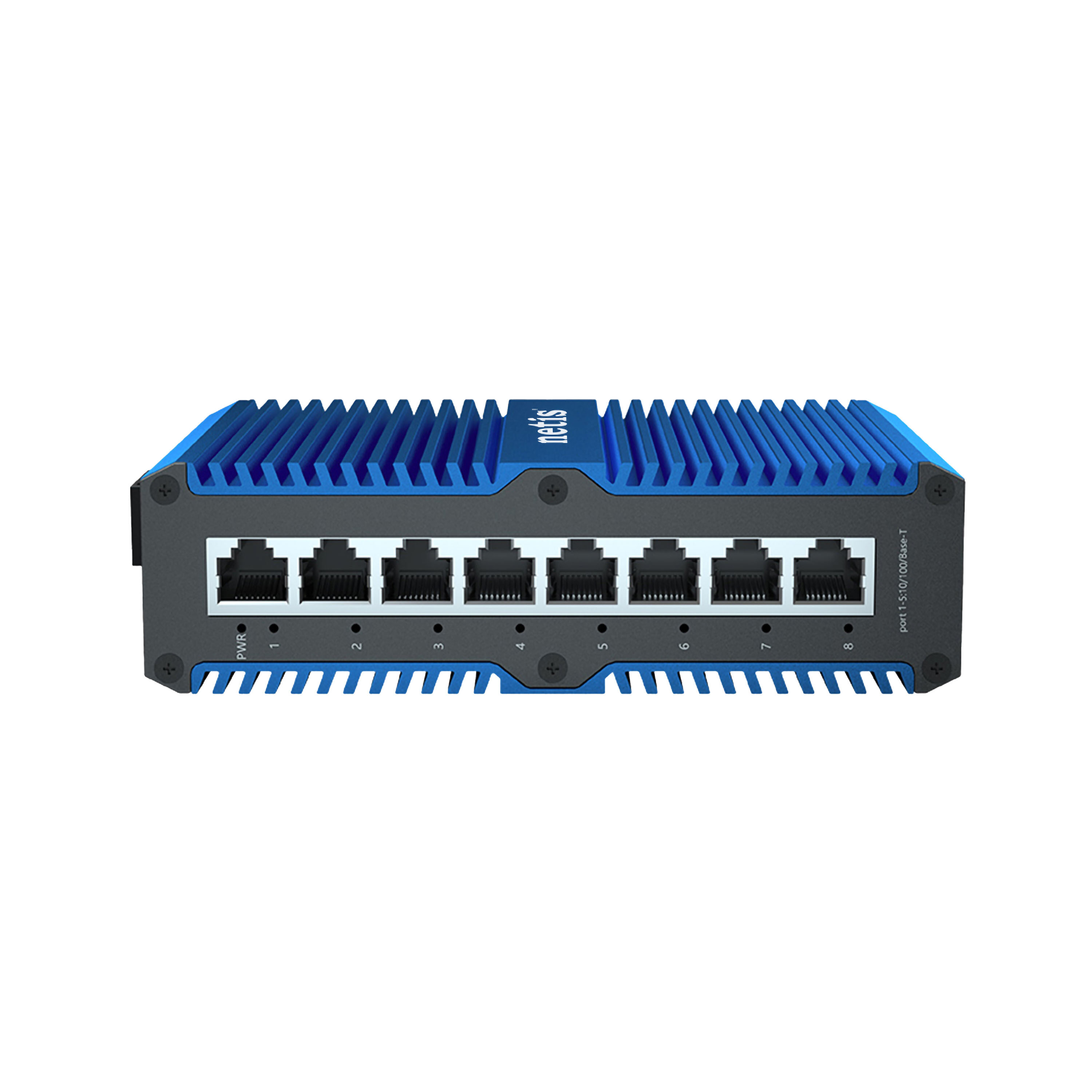
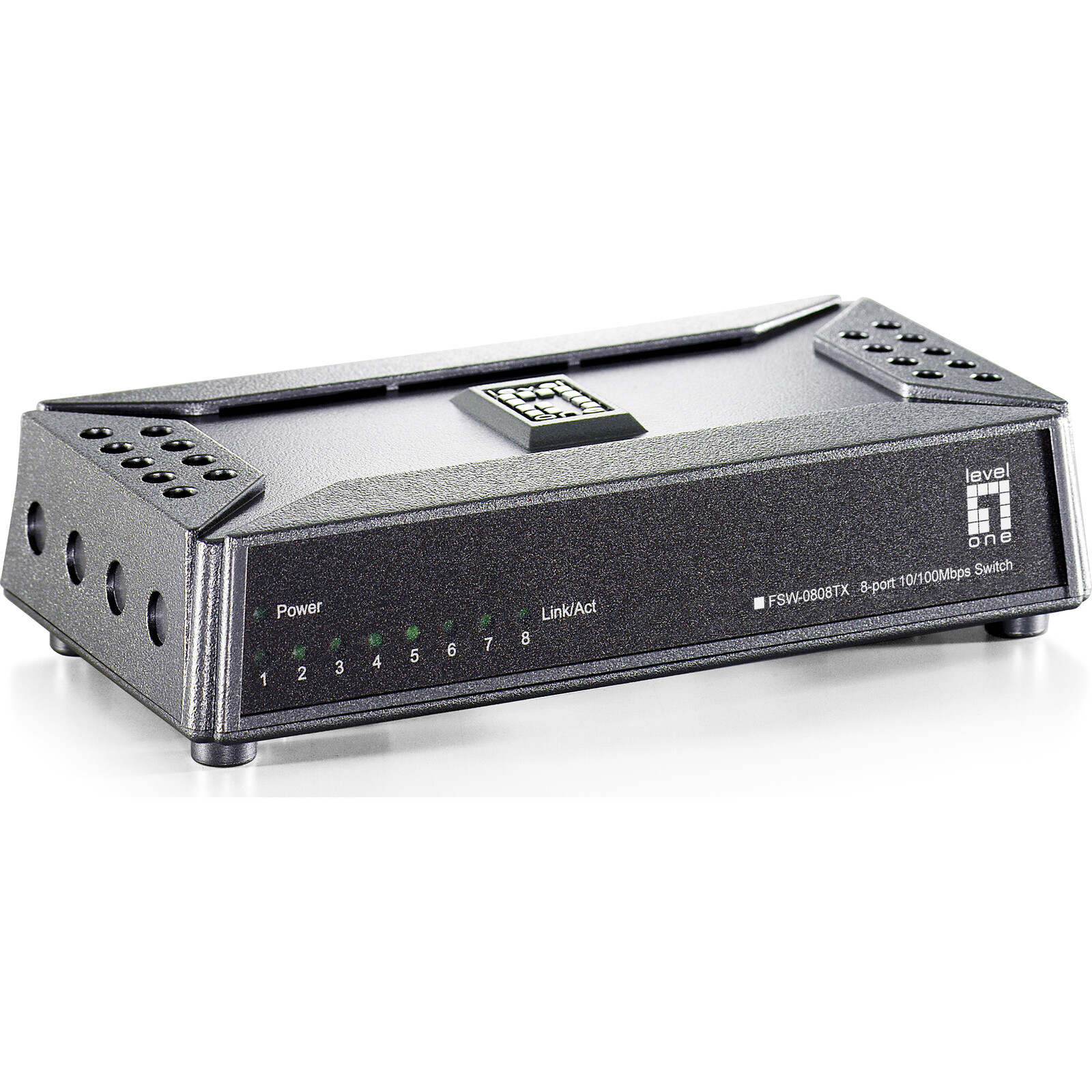
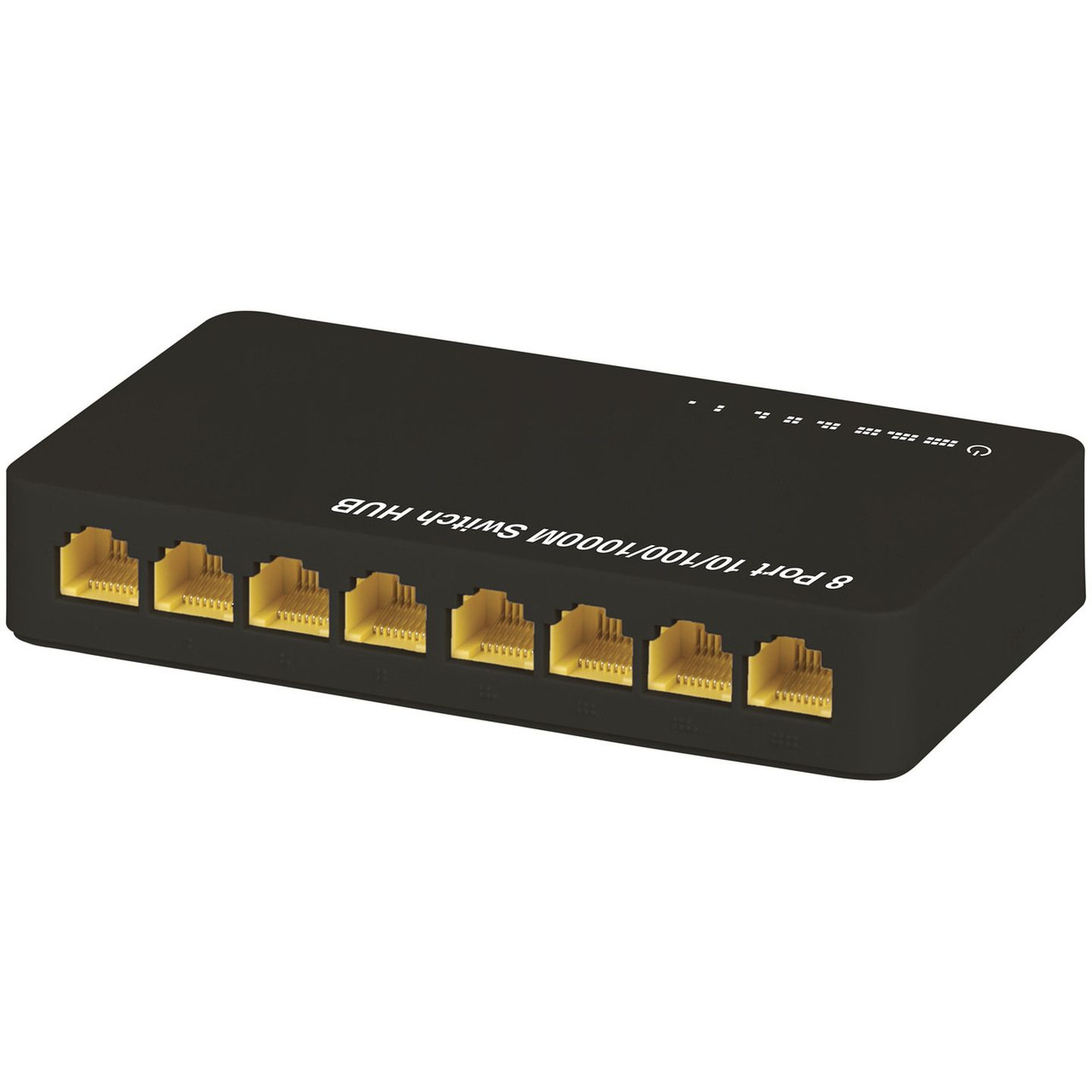
An 8-port Fast Ethernet switch is a networking hardware device that connects up to eight local area network (LAN) devices at data transfer rates of up to 100 Mbps. While Gigabit speeds are now standard for high-bandwidth tasks, these switches remain vital in 2026 for low-bandwidth applications, legacy system integration, IoT deployments, and cost-sensitive infrastructure projects.
Understanding the Fast Ethernet Standard
The term Fast Ethernet refers specifically to the IEEE 802.3u standard, which increased the speed of the original Ethernet technology from 10 Mbps to 100 Mbps. In a networking hierarchy, an 8-port switch acts as a bridge, receiving data packets from one device and directing them only to the specific port where the destination device is connected. This is a significant evolution from older "hubs," which broadcast data to every port, leading to network congestion and security risks.
In 2026, the relevance of 100 Mbps technology is often questioned in the shadow of 10-Gigabit and 2.5-Gigabit standards. However, Fast Ethernet maintains a stronghold in environments where data requirements are predictable and minimal. An 8-port configuration is the most common "desktop" or "edge" size, providing enough connectivity for a small office cluster, a home entertainment center, or a localized group of industrial sensors without the physical footprint or power consumption of larger 24-port or 48-port rackmount units.
The Significance of the 8-Port Form Factor
The 8-port design is a strategic middle ground in network architecture. It is large enough to handle a standard workstation setup—computer, printer, VoIP phone, and perhaps a network-attached storage (NAS) device—while remaining small enough to be fanless and silent. This makes it ideal for placement in quiet environments like libraries, bedrooms, or open-plan offices where the noise of active cooling found in high-performance switches would be disruptive.
Technical Specifications and Architecture
To understand why an 8-port Fast Ethernet switch behaves the way it does, one must look at the internal architecture. These devices operate at Layer 2 (Data Link Layer) of the OSI model, using Media Access Control (MAC) addresses to manage the flow of traffic.
Switching Fabric and Backplane Capacity
A critical, often overlooked specification is the backplane capacity or switching fabric. For an 8-port Fast Ethernet switch, the theoretical maximum bandwidth required to prevent bottlenecks is 1.6 Gbps (8 ports × 100 Mbps × 2 for full-duplex communication). Most modern 8-port switches are designed with "non-blocking" wire-speed architecture, meaning they can handle the maximum data rate on all ports simultaneously without dropping packets.
Store-and-Forward vs. Cut-Through Switching
Nearly all 8-port Fast Ethernet switches in 2026 utilize the Store-and-Forward switching method. In this process, the switch waits until it has received the entire data frame before checking it for errors via a Cyclic Redundancy Check (CRC). If the frame is corrupted, the switch discards it. While this adds a negligible amount of latency compared to "Cut-Through" switching (which sends the frame as soon as the destination address is read), it ensures a much higher level of network integrity, which is essential in the electrically noisy environments where these switches are often deployed.
Auto-MDI/MDIX and Negotiation
Modern 8-port switches feature Auto-MDI/MDIX, which eliminates the need for specialized "crossover" cables. The switch automatically detects whether it is connected to a terminal device (like a PC) or another networking device (like a router) and adjusts its internal wiring logic accordingly. Furthermore, these ports are "auto-negotiating," meaning they can downshift to 10 Mbps if they are connected to legacy hardware from the early 1990s, ensuring maximum backwards compatibility.
Managed vs. Unmanaged 8-Port Switches
When selecting an 8-port Fast Ethernet switch, the primary decision involves the level of control required over the network traffic.
Unmanaged Switches: Plug-and-Play Simplicity
The vast majority of 8-port Fast Ethernet switches are unmanaged. These are intended for "set and forget" scenarios. They have no configuration interface and no IP address. Their primary advantage is cost-effectiveness and ease of use. For a small home office or a basic IP camera setup, an unmanaged switch is often the superior choice because it requires no maintenance and has no software vulnerabilities that could be exploited.
Managed and Smart-Managed Switches
Managed 8-port switches provide a web interface or command-line interface (CLI) that allows administrators to monitor and control the network. Key features include:
- VLAN Support (802.1Q): The ability to virtually segment the 8 ports. For example, ports 1-4 could be for guest Wi-Fi, while ports 5-8 are for secure office data, preventing the two groups from communicating.
- Quality of Service (QoS): Prioritizing specific types of traffic. In an 8-port environment, this is most commonly used to ensure that a VoIP phone call remains clear even if another device is downloading a large file.
- SNMP (Simple Network Management Protocol): Allowing remote monitoring of the switch's health and port status.
- Port Mirroring: Useful for troubleshooting, this allows the switch to send a copy of all traffic on one port to another port for analysis by a packet sniffer.
Power over Ethernet (PoE) Integration
A significant segment of the 8-port Fast Ethernet market in 2026 is dedicated to PoE switches. These devices follow the IEEE 802.3af (PoE) or 802.3at (PoE+) standards, allowing the switch to send electrical power and data over the same Category 5e or Category 6 Ethernet cable.
For an 8-port switch, it is common to see a "split" configuration, where 4 ports provide PoE and 4 ports are data-only, or all 8 ports provide PoE. This is particularly useful for:
- IP Surveillance: Powering security cameras in locations where electrical outlets are unavailable. Since most 1080p or 2K cameras only require 4–8 Mbps, the 100 Mbps limit of Fast Ethernet is more than sufficient.
- VoIP Telephony: Powering desk phones directly from the network closet.
- Wireless Access Points: Providing connectivity to low-density Wi-Fi bridges.
When evaluating a PoE 8-port switch, the "Power Budget" is the most important metric. If each port is rated for 15.4W (802.3af), but the total power budget of the switch is only 60W, you cannot power eight 15W devices simultaneously.
Comparative Analysis: Fast Ethernet vs. Modern Alternatives
To understand the positioning of the 8-port Fast Ethernet switch in 2026, we must compare it to its faster counterparts.
| Feature | 8-Port Fast Ethernet (10/100) | 8-Port Gigabit Ethernet (10/100/1000) | 8-Port 2.5G Ethernet |
|---|---|---|---|
| Max Speed per Port | 100 Mbps | 1,000 Mbps (1 Gbps) | 2,500 Mbps (2.5 Gbps) |
| Common Use Case | IoT, IP Cameras, VoIP, POS | PC Workstations, Streaming | High-end NAS, Wi-Fi 7 APs |
| Power Consumption | Very Low (< 5W typically) | Low to Moderate | Moderate to High |
| Typical Cabling | Cat 5 / Cat 5e | Cat 5e / Cat 6 | Cat 6 / Cat 6A |
| Cost Basis (2026) | Lowest ($15 - $40) | Standard ($35 - $100) | Premium ($120+) |
| Heat Dissipation | Negligible (Passive) | Low (Passive) | Moderate (Active/Passive) |
Use Cases for 8-Port Fast Ethernet in 2026
It is a common misconception that "faster is always better." In network engineering, the goal is to match the hardware to the requirement to maximize efficiency and minimize cost.
Internet of Things (IoT) and Industrial Control
Most IoT devices—smart thermostats, industrial sensors, and PLC (Programmable Logic Controllers)—transmit very small amounts of data. A 100 Mbps connection is already a thousand times faster than what these devices typically need. Using a Gigabit switch for these devices is a waste of energy and hardware potential. Furthermore, many industrial 8-port Fast Ethernet switches are built with ruggedized metal enclosures and DIN-rail mounts for use in extreme temperatures or high-vibration environments.
Dedicated Security Subnets
Security professionals often use an 8-port Fast Ethernet PoE switch to create a physically isolated network for security cameras. By keeping the high-volume, constant-stream video traffic on its own 100 Mbps switch, it prevents the main corporate or home network from being bogged down by "broadcast storms" or heavy video data.
Legacy Hardware Support
Many specialized medical devices, older laboratory equipment, and vintage server hardware utilize NICs (Network Interface Cards) that may have compatibility issues with the aggressive auto-negotiation protocols of some modern multi-gigabit switches. A dedicated Fast Ethernet switch provides a stable, compatible environment for these high-value legacy assets.
Installation and Maintenance Best Practices
To ensure the longevity of an 8-port Fast Ethernet switch, certain operational guidelines should be followed:
- Ventilation: Even though most 8-port switches are fanless, they still require airflow. Avoid stacking them directly on top of heat-generating devices like routers or UPS systems.
- Cabling Quality: While Fast Ethernet can technically run on old Category 5 cable, using Category 5e or Category 6 is recommended in 2026 to reduce crosstalk and electromagnetic interference (EMI).
- Cable Lengths: Adhere to the 100-meter (328 feet) limit for Ethernet runs. Beyond this distance, signal degradation occurs, which will cause the 100 Mbps port to drop to 10 Mbps or lose connectivity entirely.
- Surge Protection: If the switch is powering outdoor devices via PoE (like external cameras), ensure that Ethernet surge protectors are installed to prevent lightning strikes from traveling down the line and destroying the switch.
Troubleshooting Common Issues
Despite their simplicity, 8-port switches can encounter issues.
- Port Flapping: If a port light is flashing rhythmically or turning on and off, it often indicates a bad cable or a duplex mismatch. Try replacing the cable first.
- Slow Performance: If the network feels slow, check if the switch is accidentally "looped" (connecting two ports of the same switch together). Unless the switch supports Spanning Tree Protocol (STP), a loop will crash the network.
- PoE Failure: If a camera won't power on, check the total power budget. In 2026, some newer cameras require PoE+ (30W), while older 8-port switches may only provide standard PoE (15.4W).
The Environmental and Economic Argument
In 2026, sustainability is a major factor in IT procurement. Fast Ethernet switches generally consume significantly less power than Gigabit or 10G switches. A typical 8-port unmanaged Fast Ethernet switch might draw less than 2-3 watts during active use. Over a fleet of hundreds of switches in a large facility, the energy savings compared to higher-speed alternatives are measurable.
From an economic perspective, the 8-port Fast Ethernet switch is the "commodity" of the networking world. For non-critical nodes where speed is irrelevant, the low price point allows for the deployment of multiple switches to create a highly granular and redundant network topology for the price of a single high-end managed unit.
Summary and Recommendation
The 8-port Fast Ethernet switch remains a staple of networking infrastructure in 2026. Its value lies not in raw speed, but in its reliability, low power consumption, and cost-effectiveness for specific tasks.
Choose an 8-port Fast Ethernet switch if:
- You are connecting devices that do not require more than 100 Mbps (VoIP, IoT, IP Cameras).
- You need a silent, fanless solution for a desktop or small office.
- You are on a strict budget and need to expand port density for basic internet access.
- You are maintaining legacy industrial or medical equipment.
Avoid it if:
- You are connecting a primary workstation used for video editing, large file transfers, or 4K/8K streaming.
- The switch will serve as the "backbone" or "core" of your network.
- You are connecting modern NAS devices or servers that require high-speed data throughput.
For most users in 2026, if the price difference between a Fast Ethernet and a Gigabit 8-port switch is less than $10, the Gigabit option is the better "future-proof" investment. However, for bulk deployments in IoT and security, the 8-port Fast Ethernet switch is still the undisputed king of utility.
Frequently Asked Questions
Can I connect a Fast Ethernet switch to a Gigabit router?
Yes. Ethernet standards are designed to be backwards compatible. The connection between the router and the switch will simply operate at the maximum speed of the slowest device, which in this case is 100 Mbps.
Does an 8-port switch use more power if all 8 ports are full?
Yes, but the increase is minimal. Most of the power is used by the internal processing chip. Each active link adds a small amount of draw for signal transmission. The biggest change in power draw occurs in PoE models when devices are plugged in.
Is a "Fast Ethernet" switch the same as a "10/100" switch?
Yes. "10/100" is the numerical representation of the Fast Ethernet standard, indicating it supports both the original 10 Mbps Ethernet and the 100 Mbps Fast Ethernet speeds.
Can I use Cat6 cables with a Fast Ethernet switch?
Absolutely. Using a higher-rated cable like Cat6 or Cat6a with a Fast Ethernet switch is perfectly fine and can actually help improve signal integrity by reducing interference, though it will not increase the speed beyond 100 Mbps.
Why do some 8-port switches have 9 ports?
Often, the 9th port is a "Uplink" port. This port is sometimes designed with higher bandwidth (like a Gigabit uplink) to ensure that the combined traffic from the 8 Fast Ethernet ports does not bottleneck when traveling to the main router or the rest of the network.