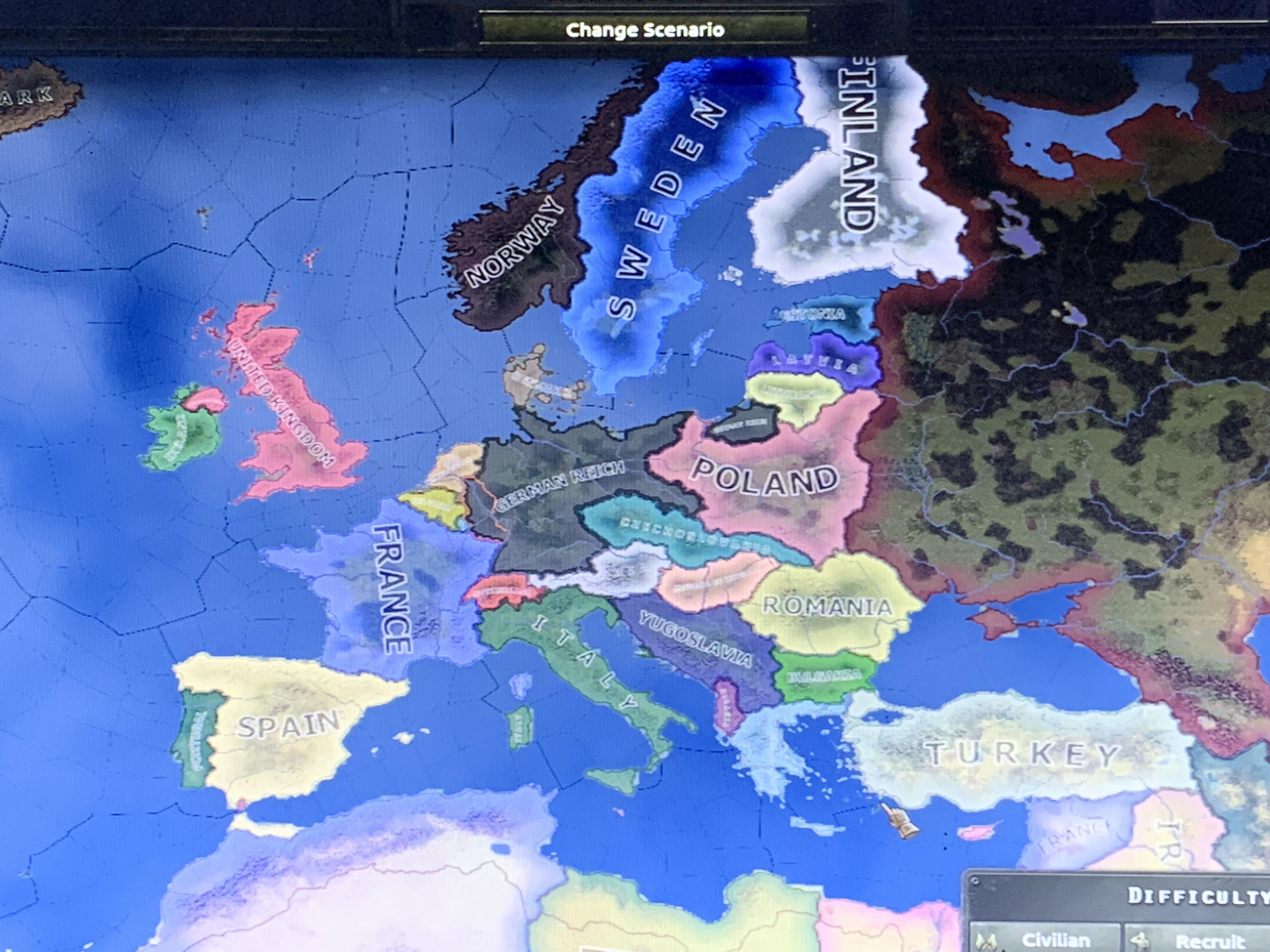
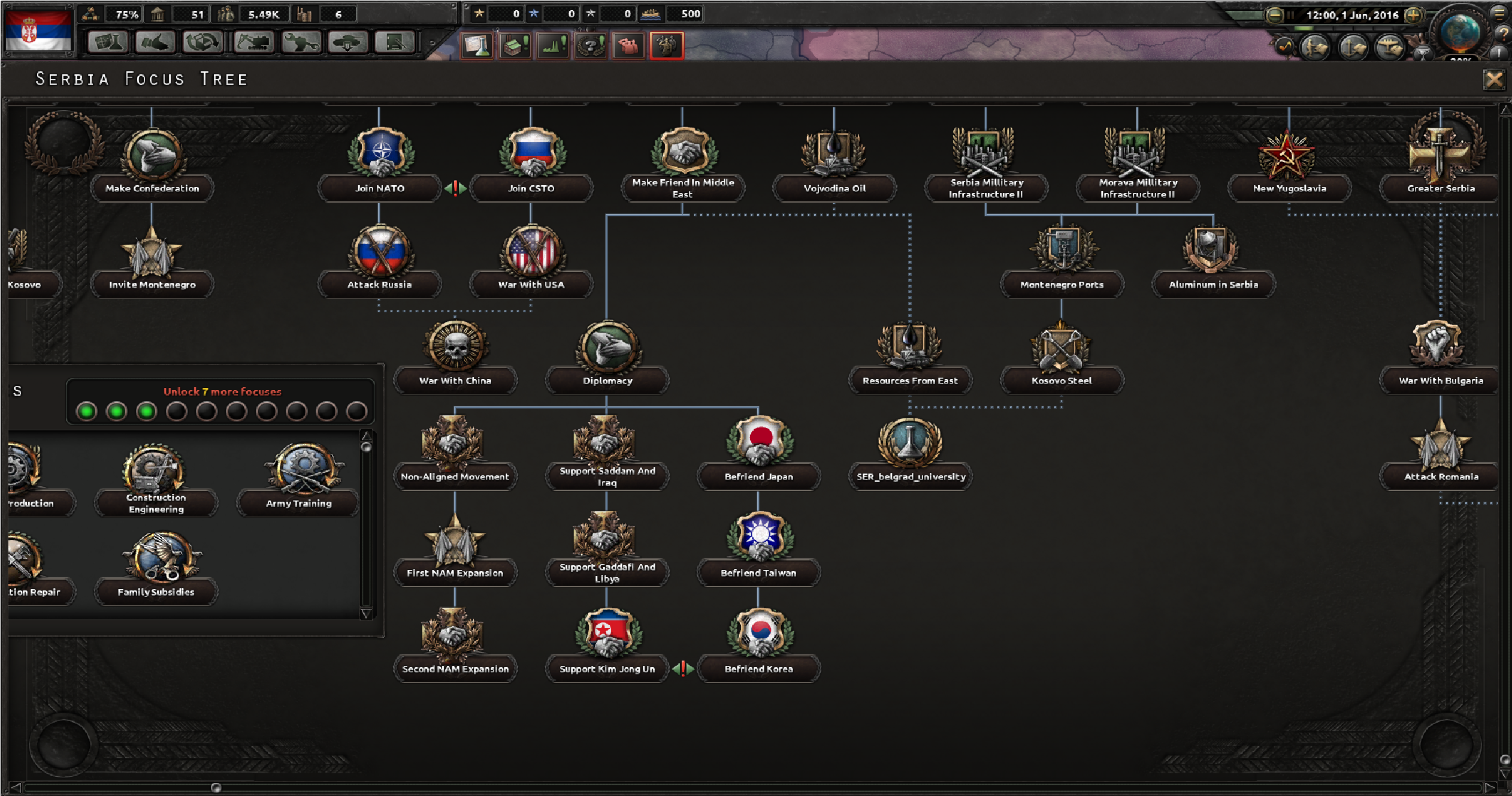
The Millennium Dawn mod for Hearts of Iron IV (HOI4) transforms the grand strategy experience into a modern-day simulation, requiring players to utilize the game’s console command interface to manage its complex economic, political, and geopolitical systems. By opening the command console with the tilde key, players can bypass rigid game mechanics, gain essential resources, and manipulate global political outcomes for testing or narrative purposes.
The Mechanics of the Console Interface in Millennium Dawn
Accessing cheats in the Millennium Dawn mod is functionally identical to the base game, but the implications of these commands are magnified by the mod’s intricate internal systems. To begin, ensure you are playing in "Single Player" mode. Multiplayer games disable the console by default to maintain competitive integrity. By pressing the tilde key (~), you open the command line interface, which serves as the bridge between the user and the Paradox engine.
In a standard HOI4 session, cheats might feel like simple shortcuts. In Millennium Dawn, however, because the mod introduces mechanics like modern debt, influence spheres, and nuanced technological trees, these commands function more like diagnostic tools. Whether you are attempting to test a specific balance scenario or simply exploring the consequences of a rapid technological jump, understanding the syntax of the console is essential.
Essential Economic and Political Commands
Millennium Dawn introduces a sophisticated economic model where debt-to-GDP ratios and interest rates govern a nation’s stability. Standard commands often need to be paired with specific IDs or variables to have an effect.
pp [amount]: This command provides the specified amount of Political Power. In Millennium Dawn, political power is critical for shifting influence, enacting internal laws, and managing the various government types present in the 21st century.ic(Instant Construction): While this works similarly to the base game, it is particularly vital in this mod to instantly complete massive infrastructure projects or modern military-industrial complexes that would otherwise take years to finish.st [amount]: This adjusts the stability of your nation. High stability is crucial in the mod’s modern political landscape, where civil unrest can rapidly escalate due to modern insurgencies or political polarization.cp [amount]: Adds Command Power. In a mod characterized by modern military doctrine and rapid response, having sufficient command power to activate traits or execute maneuvers is paramount.
Managing Military and Diplomatic Variables
The military side of Millennium Dawn features equipment types that do not exist in the vanilla game, such as modern fighter jets, cruise missiles, and satellite assets. Using basic resource cheats remains the most effective way to test these units.
add_latest_equipment [amount]: This is a powerful catch-all that provides the latest equipment for your current tech level. Given that the mod spans multiple decades of modern history, this command ensures your divisions are adequately supplied with 21st-century hardware.allowdiplomacy: Because Millennium Dawn is built around modern geopolitical realities—such as the European Union, NATO, and the United Nations—diplomacy is heavily restricted by treaties and factions. Enabling this command allows you to declare war on any nation, ignore faction restrictions, and force puppets, providing total control over the global map.whitepeace [Country Tag]: Used to immediately end a conflict. This is often necessary when the mod’s complex automated war goals lead to unintended border conflicts that the player wishes to resolve for the sake of the campaign.
Troubleshooting and Technical Limitations
While the console is a powerful tool, it is not without risks to your game state. Millennium Dawn is a total conversion mod, meaning its code is far denser than the base game. Over-using commands can lead to script conflicts.
One of the most common issues players encounter is the "Economic Crash" following the abuse of currency commands. Because the mod tracks money and debt, adding arbitrary amounts of cash can occasionally break the internal balancing scripts, leading to runaway inflation or logic errors in the budget screen. When using resource commands, it is generally safer to add what you need in smaller, iterative increments rather than using maximum values that might exceed integer limits in the engine.
Furthermore, if you find that a command is not triggering, it is likely due to the "Country Tag" mismatch. Unlike the base game, where major nations have predictable tags, the mod introduces hundreds of new states or custom tags. Always verify the tag of the country you are targeting by hovering over their territory or using the tdebug command to see ID labels.
Comparative Overview of Common Mod Commands
The following table highlights commands that are particularly useful when navigating the unique constraints of the Millennium Dawn environment.
| Command | Primary Use Case | Impact on Mod Systems |
|---|---|---|
pp |
Political maneuvering | Critical for policy changes and influence. |
ic |
Infrastructure scaling | Bypasses long wait times for modern facilities. |
st |
Societal stability | Prevents collapse during rapid political shifts. |
allowdiplomacy |
Geopolitical freedom | Overrides modern international treaties. |
add_latest_equipment |
Modern warfare readiness | Supplies modern tech-tree specific items. |
tdebug |
Developer analysis | Reveals internal Country Tags for targeting. |
Resolving Mod-Specific Conflicts
Players often report that after using "instant construction" or "instant research" commands, their AI counterparts start behaving erratically. This occurs because the AI in Millennium Dawn is programmed to react to the player's economic and military strength. When you artificially inflate your power, you may inadvertently trigger AI behaviors that prioritize containment or extreme build-ups, making your game world feel hostile or unresponsive.
To mitigate this, apply your cheats strategically. If you are testing a specific military composition, consider using debug_nocolors or ncp (No Cost Production) alongside your resource adds. This allows you to observe how specific units perform against the mod’s robust and diverse AI, rather than forcing the AI into a state of total, illogical breakdown. Always maintain a manual save file before mass-executing console commands, as the mod’s scripts are interconnected, and a single error can compromise a save file’s long-term viability.
Frequently Asked Questions
Why do some console commands fail to work in Millennium Dawn? Commands may fail if you have loaded a multiplayer lobby, even if you are the only player, as the host configuration overrides console access. Additionally, ensure you are using the correct Country Tag; many nations in this mod use custom, three-letter codes that differ from the base game.
Can I break the mod’s economy by using money cheats? Yes. Millennium Dawn uses a specialized debt and interest rate system. Adding massive amounts of liquidity can cause the internal arithmetic to overflow, potentially leading to permanent negative interest rates or logic failures in the AI’s budgetary planning. Use moderate amounts to avoid destabilizing the script.
How do I identify the correct tag for a country to use in commands?
Type tdebug into the console and hover your mouse cursor over the nation’s territory on the map. A tooltip will appear showing the specific tag required for commands like set_cosmetic_tag or annex.
Is there a way to research all modern technology at once?
Yes, the command research_on_icon_click is the most efficient way to instantly gain all technologies within the mod’s modern-day research tree. Note that this will bypass all historical requirements for developmental periods, which may result in a non-immersive experience.
Do these cheats work with sub-mods or historical scenarios? Generally, yes, but sub-mods that alter the map or the economic scripts may introduce new variables that the standard HOI4 command console cannot read. If a command fails in a specific scenario, the issue likely resides in the sub-mod's unique scripting files.
Next Steps for Players
If you are currently experiencing difficulty with a specific game state in Millennium Dawn, the most effective next step is to utilize the tdebug command to audit the state of your country. Identify which variables—be it debt, political influence, or equipment shortages—are stalling your progress. Once the bottleneck is identified, apply the specific cheat related to that variable in small increments. This surgical approach preserves the mod’s complexity while allowing you to overcome the specific hurdles presented by the modern-day simulation. If you continue to face crashes or unresponsive systems, verify the integrity of your game files through the Paradox Launcher to ensure no local scripts were corrupted during your testing.